US man does the ultimate Apple MacBook Air comparison by looking at M5 vs M4 vs M3 vs M2 vs M1

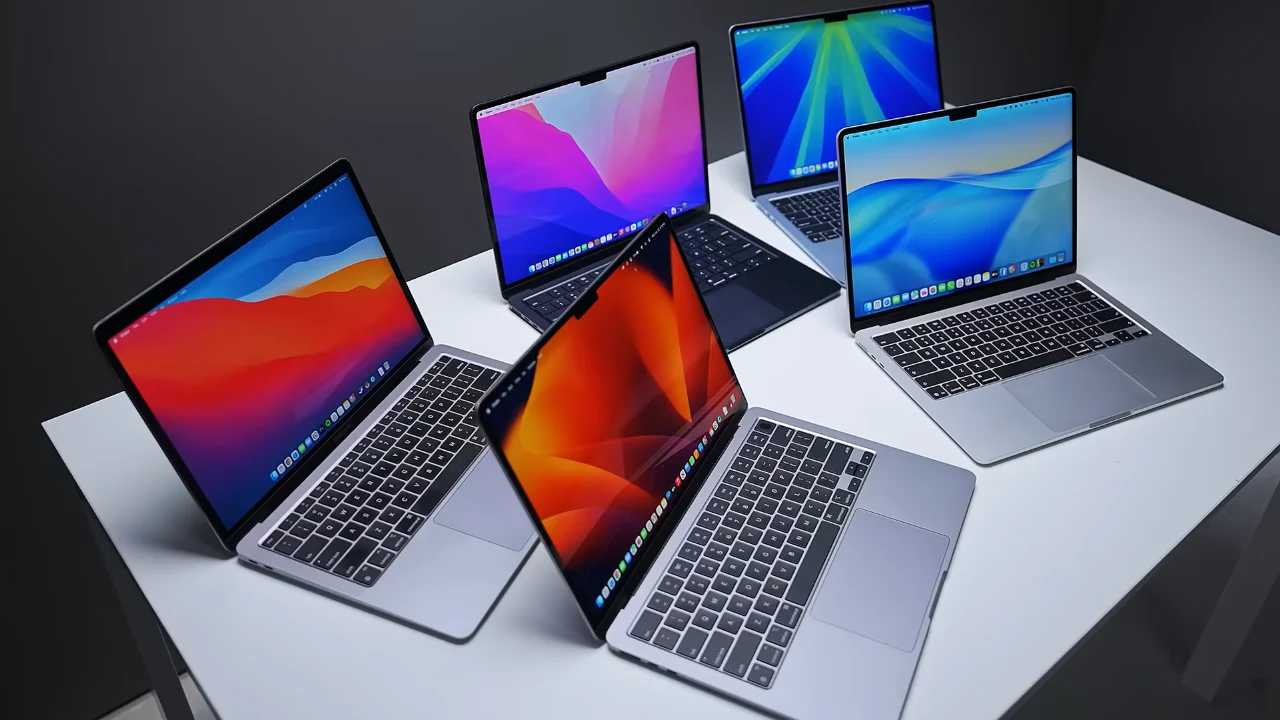

The Apple MacBook Air has gone through five generations of Apple Silicon, but just how much has really changed?
One US tech creator decided to find out by buying every single Apple Silicon MacBook Air, from the original M1 to the brand-new M5, and putting them through the ultimate comparison.
After testing everything from everyday web browsing to gaming, battery life and video editing, the results might surprise you.
The results showed where Apple has made genuine improvements, and where the differences are much smaller than you might expect.
He compared every generation of Apple MacBook Air from M1 to M5
Most people would be happy with one MacBook Air gadget, but YouTuber Created Tech bought all five Apple Silicon generations to see exactly how much progress Apple had made.
He compared the M1, M2, M3, M4, and M5 MacBook Air models side by side, looking at everything from physical changes to real-world performance.
The first thing he noticed was that Apple hasn’t really changed the design since the M2 Air arrived.
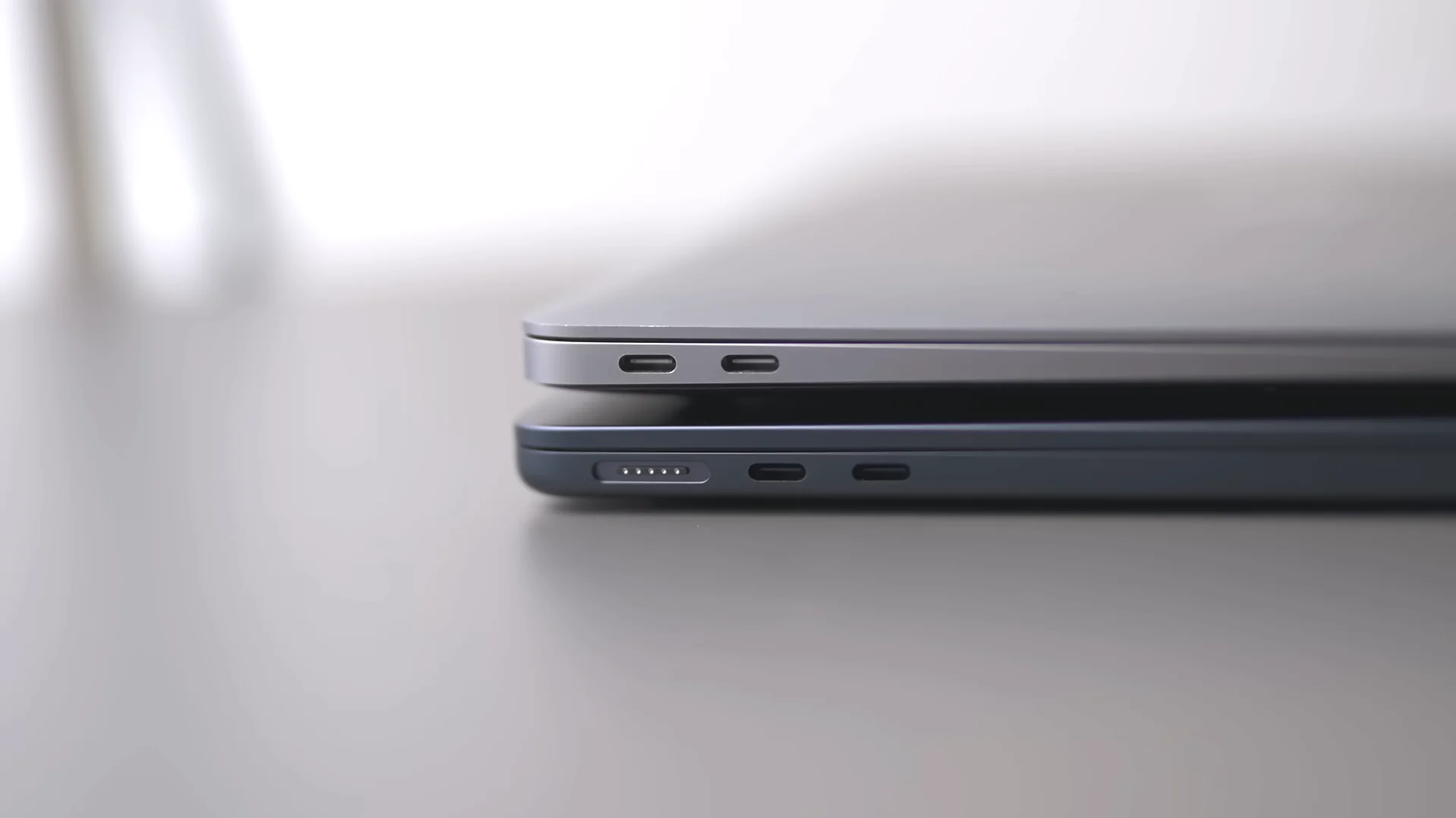
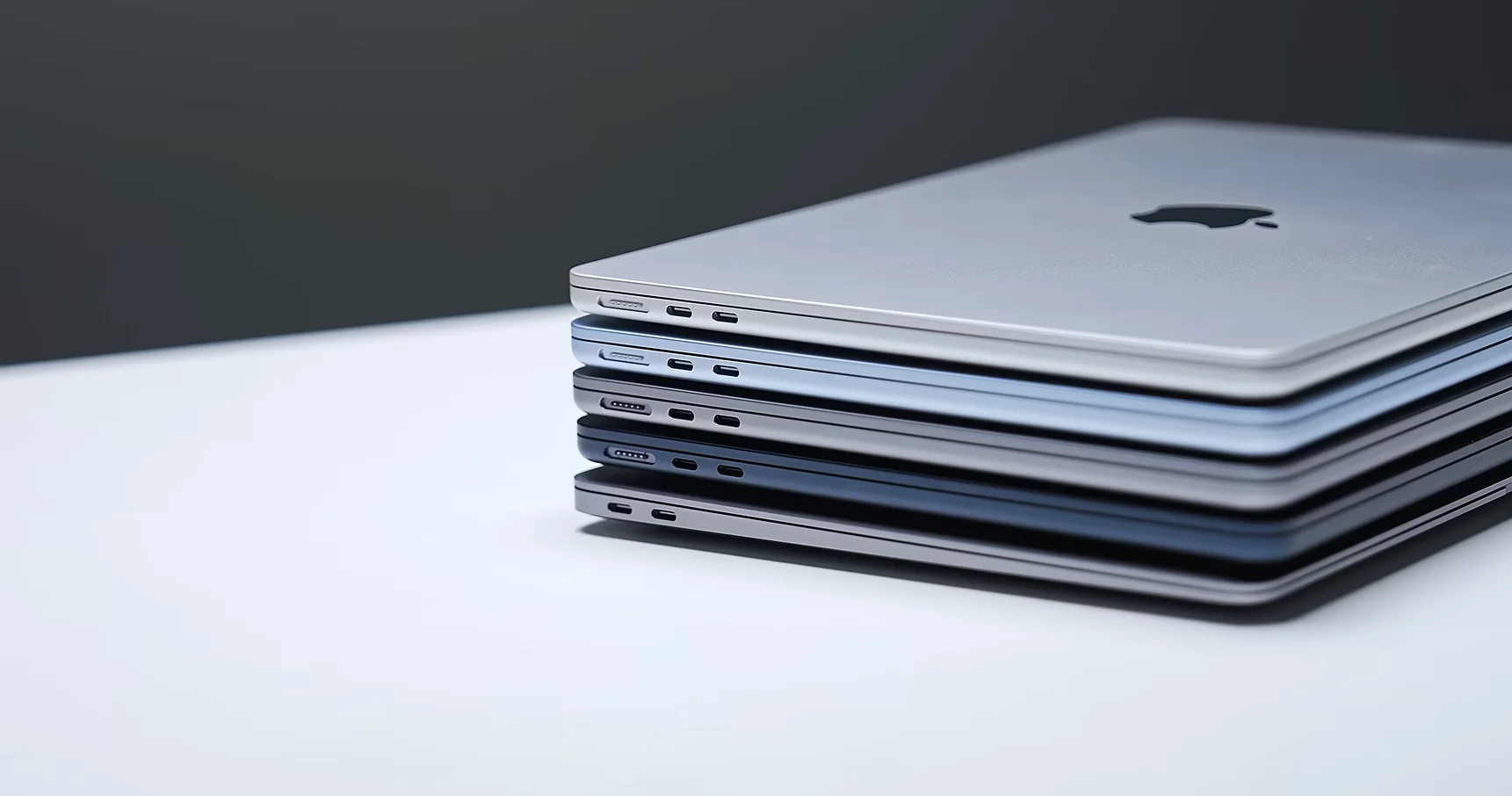
“The M2, M3, M4, and now obviously M5 Air are almost identical,” he explained.
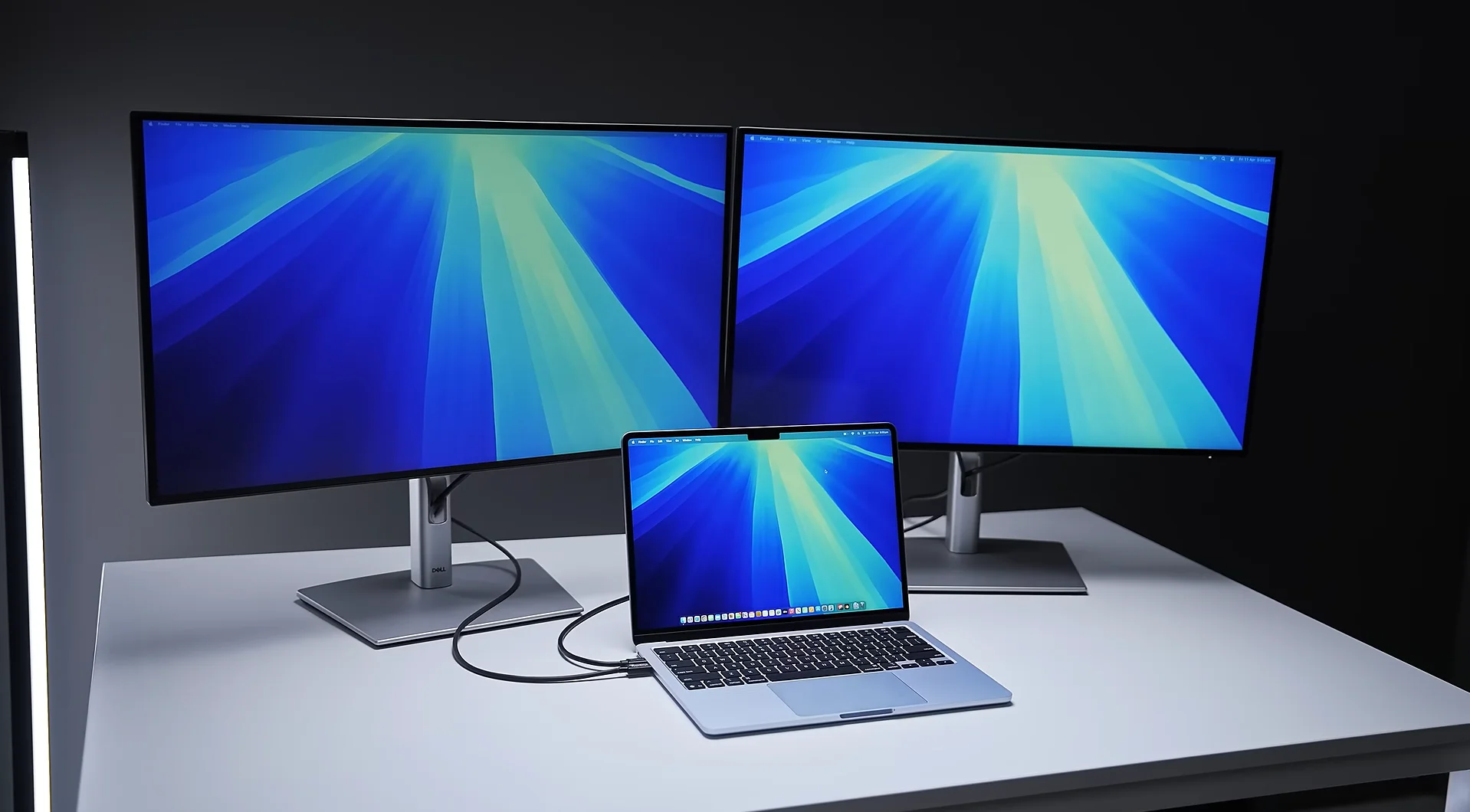
The biggest physical improvements come with the newer M4 and M5 models, which feature Thunderbolt 4 ports and can run two external displays while keeping the MacBook’s own screen active.
By comparison, earlier models had more restrictive monitor tech.
When it came to everyday use, though, the differences were surprisingly small.
Created Tech said all five laptops felt quick when handling emails, web browsing and basic multitasking.
Even placing the oldest M1 beside the newest M5 made it difficult to spot much difference in speed during normal use.

Where things started to separate was with heavier workloads.
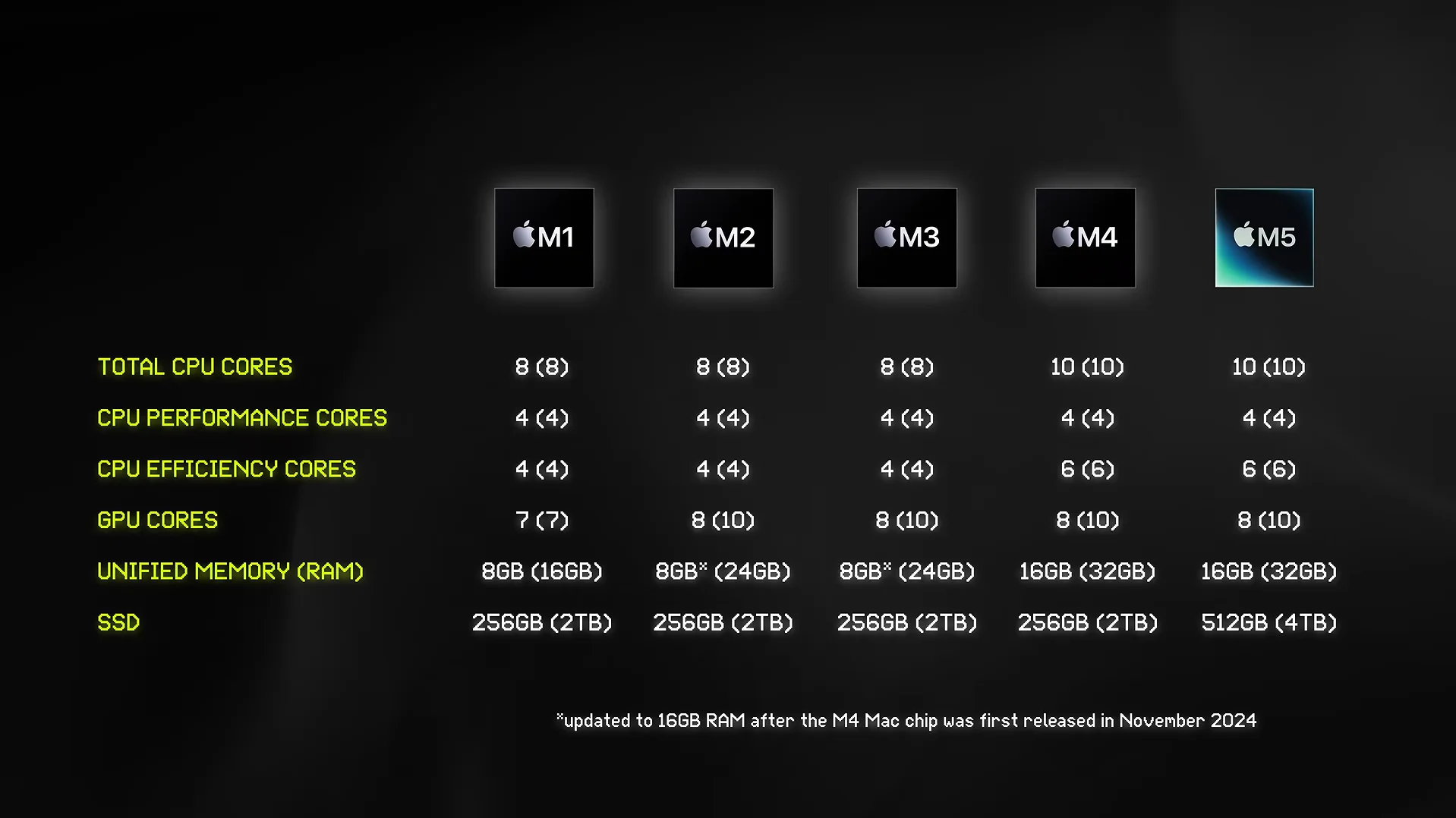
The newer machines with 16GB of RAM handled dozens of browser tabs and professional apps much more comfortably, while the M5’s faster SSD also helped when the system relied on swap memory.
The M5 wins, but not everyone needs to upgrade
The M5 consistently came out on top during more demanding tasks.
It offered stronger gaming performance, faster CPU speeds, improved graphics for 3D workloads thanks to hardware ray tracing, and noticeably better battery life.
In one of his battery tests, the M1 reached five percent charge while the M5 still had 27 percent remaining, equating to roughly another hour to hour-and-a-half of use.
Despite that, Created Tech didn’t think everyone should rush out and replace their laptop.
“If you already own a MacBook Air, I don’t really see much point in upgrading if it’s currently meeting your needs,” he said.
However, he believes owners of the original M1, particularly those with the base model’s 8GB of RAM and 256GB SSD, have the strongest case for making the jump.

For anyone buying new today, he recommended that if you can find an M4 at a significant discount, it would be a great buy, but otherwise the M5 is the one to get thanks to its standard 16GB of RAM, larger 512GB SSD, longer software support, and the best overall performance.
With Apple Silicon now five generations old, the comparison also highlights just how well the original M1 has aged.
Even after several years, it still keeps up surprisingly well with everyday tasks, showing just how successful Apple has been in making Macs built to last.