You can now add your passport to your Apple Wallet if you're in the US and this is how to do it



If you’re in the US, the airport panic when you realize you forgot your ID might be over, because you can now add your passport to your Apple Wallet.
This new feature turns your iPhone into a digital ID, letting you store key ID details securely on your device.
It’s part of Apple’s push into digital identification, making it easier to verify who you are without digging through your bag.
And while it’s not a full passport replacement just yet, it’s already changing how travel works in some situations.
How to add your passport to your Apple Wallet
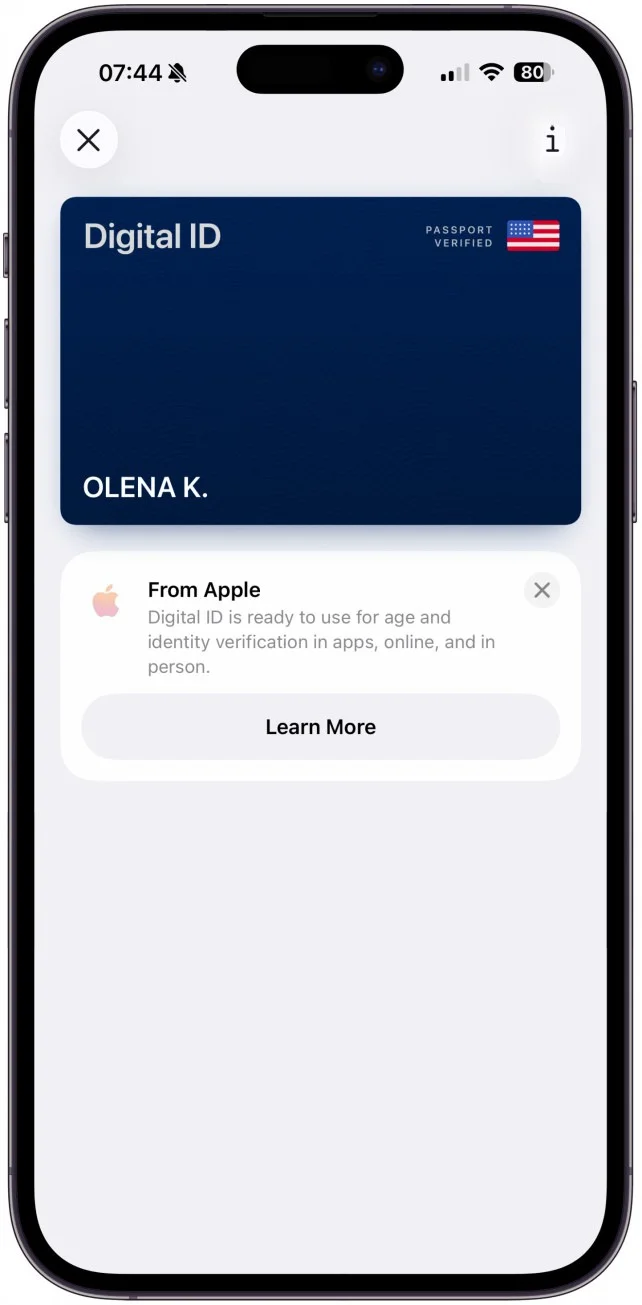
The new tech feature is called Digital ID, and it lets you create a secure version of your ID inside your phone.
To get started, you simply open the Wallet app, tap the ‘+’ icon, and choose the option for ID cards before selecting Digital ID.
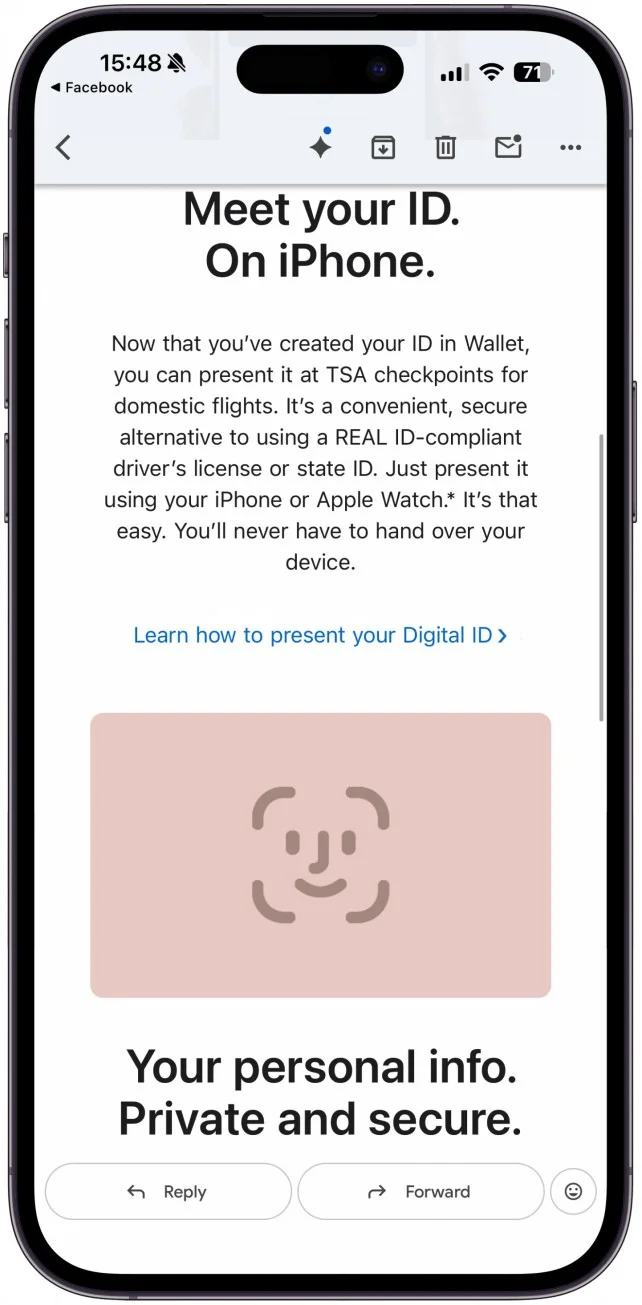
From there, the setup involves scanning your passport’s photo page using your iPhone camera, then placing your phone against the ID itself to read the embedded chip.
After that, Apple asks you to verify your identity with a selfie and a few head movements, similar to setting up Face ID.
Once approved, your digital passport lives in your Wallet, protected by Face ID or Touch ID, and ready to use when needed.
There are some limits
As cool as it sounds, there are a few catches.
Right now, this digital passport can only be used for identity checks at Transportation Security Administration airport security for domestic flights in the US.
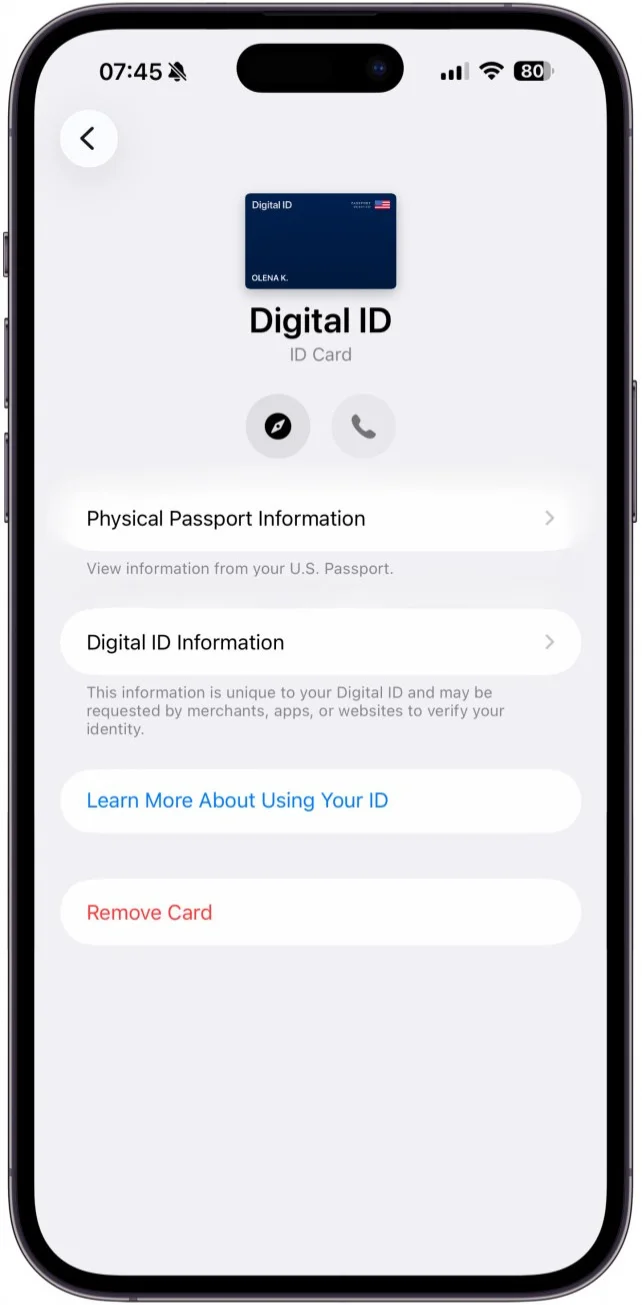
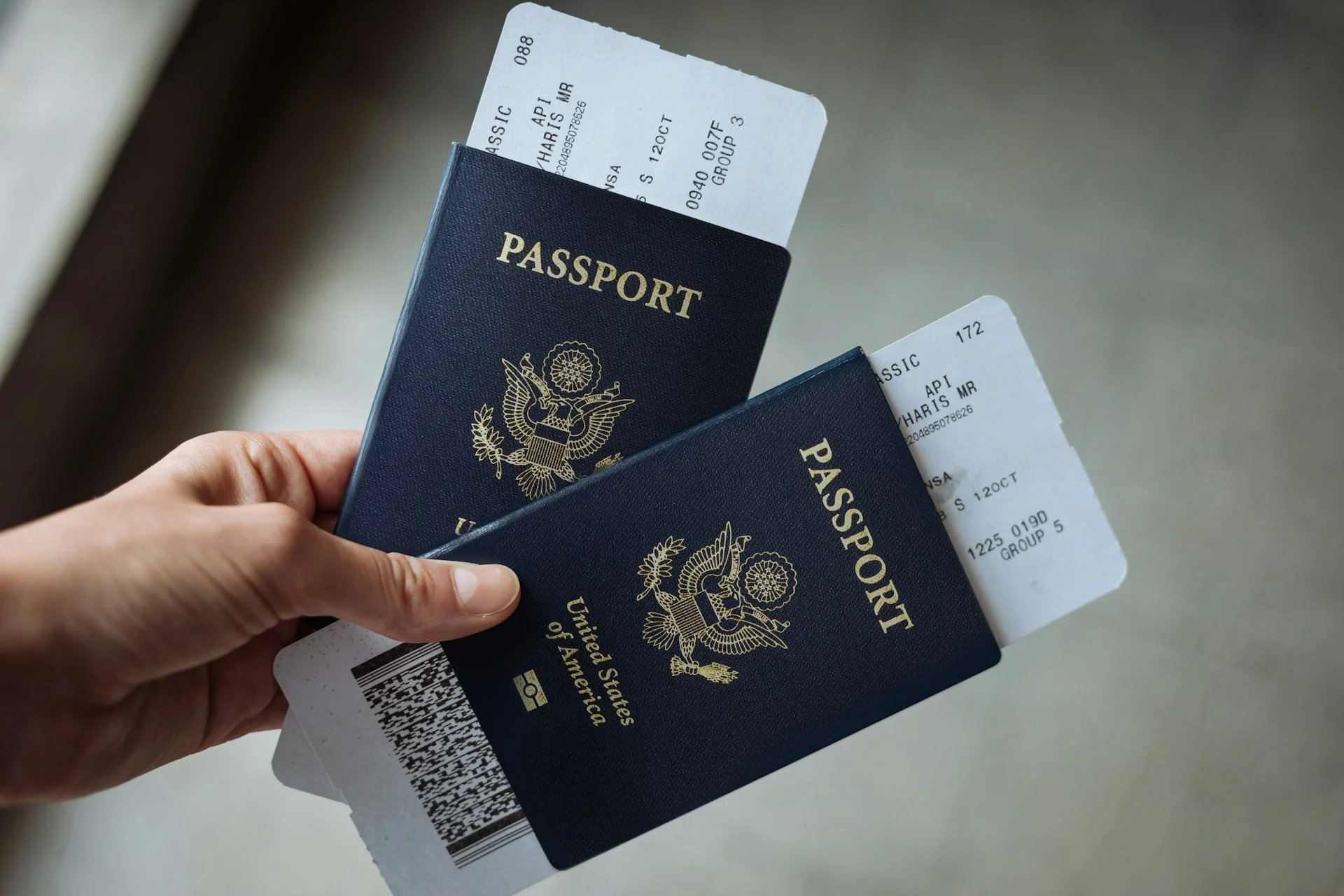
So no, you can’t ditch your physical passport when heading abroad just yet, as it doesn’t work for international travel or border crossings.
You’ll also need a valid US passport and a compatible iPhone running newer software to even set it up.
Regardless, it’s a pretty big step toward a future where your phone could replace your wallet entirely, at least when it comes to ID.