Apple Intelligence just unlocked a game changing photo editing tool for your iPhone

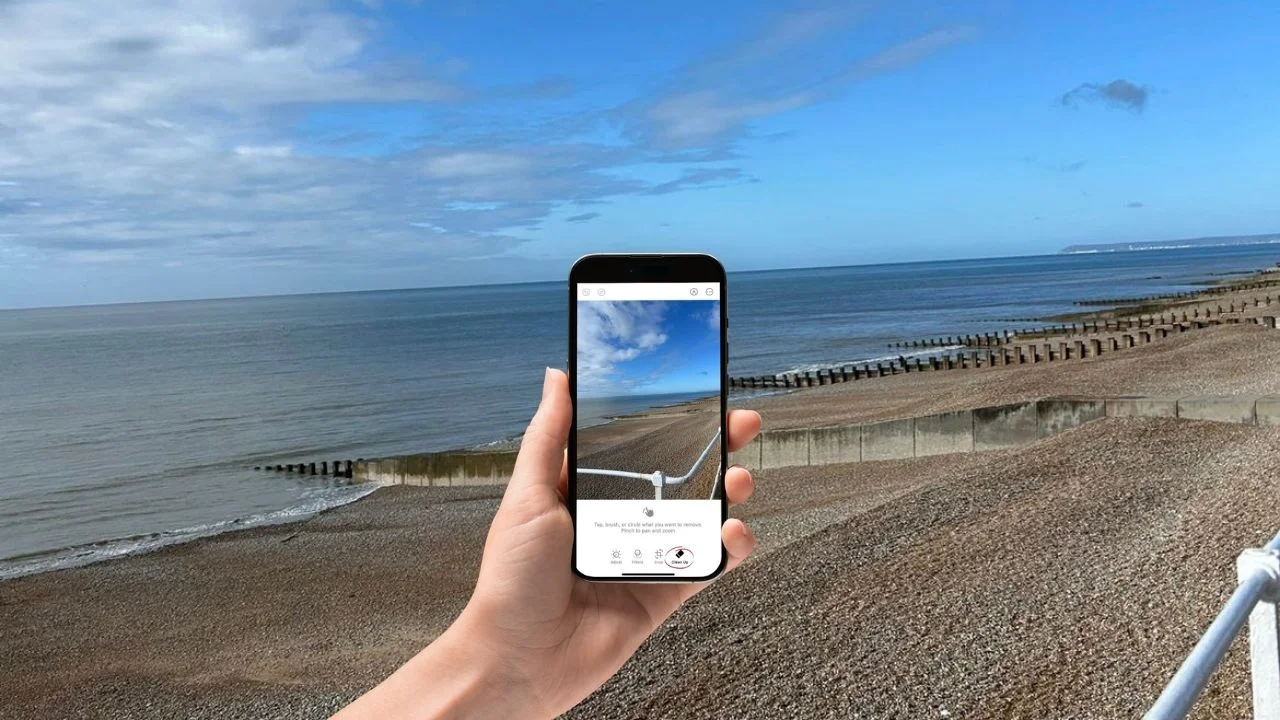

Apple Intelligence is going for gadgets like the Google Pixel with its new game-changing photo editing tool for your iPhone.
Hidden inside the Photos app, this new AI-powered ‘Clean Up’ tool lets you remove unwanted people and objects with just a tap.
It feels like something straight out of professional editing software, except it’s built directly into your phone.
And the best part is, it works in seconds without needing any third-party apps; long gone are the days of Facetune.
How the new Apple Intelligence photo editing tool works
The new Clean Up tool is part of Apple’s wider Apple Intelligence system on its most popular gadgets, and it’s designed to make editing photos effortless for everyday users.
Instead of fiddling with complicated tools, you simply open a photo, tap Edit, and select Clean Up (on iPhone 15 Pro models and later with at least iOS 18.1 installed).
From there, the AI gets to work; it automatically scans your image and can even highlight objects it thinks you might want to remove.
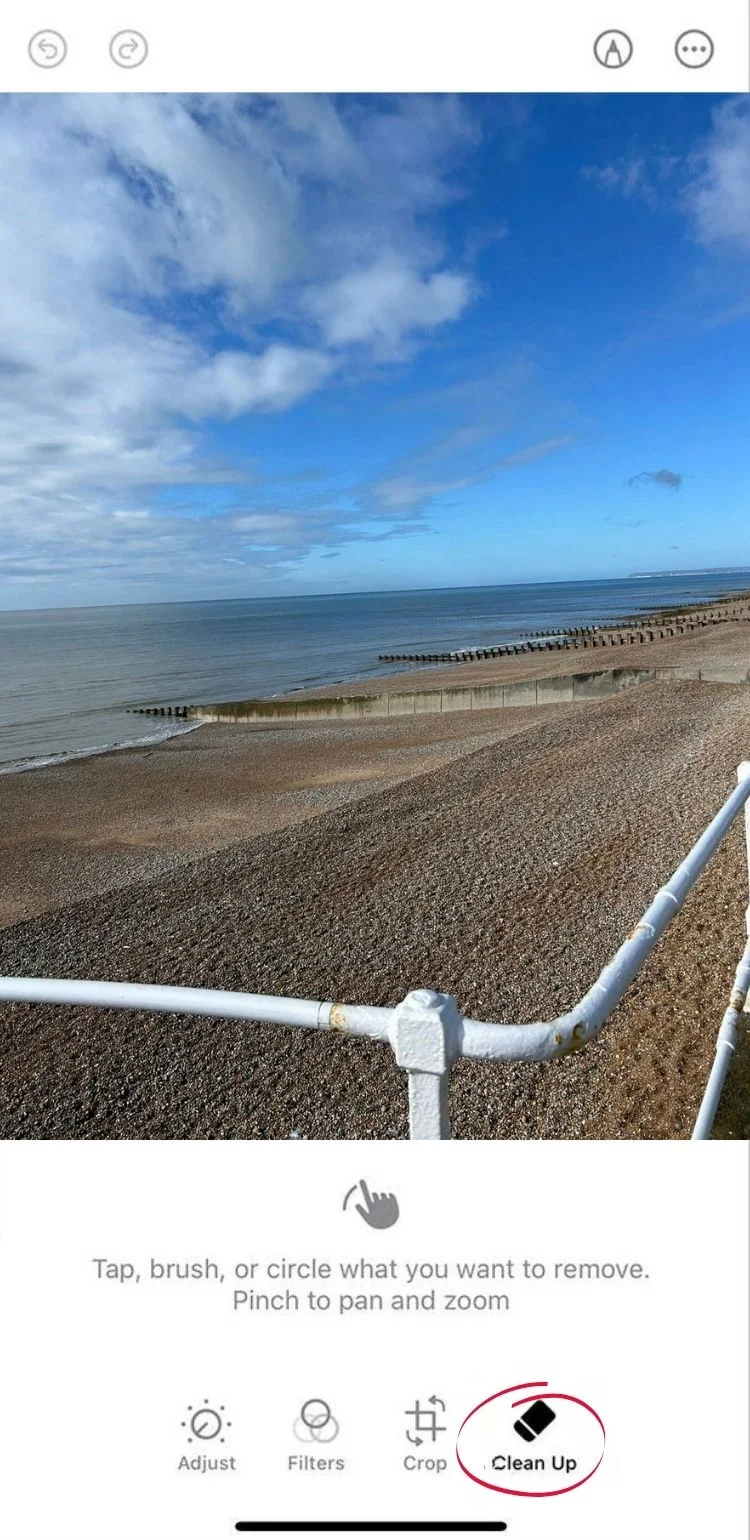
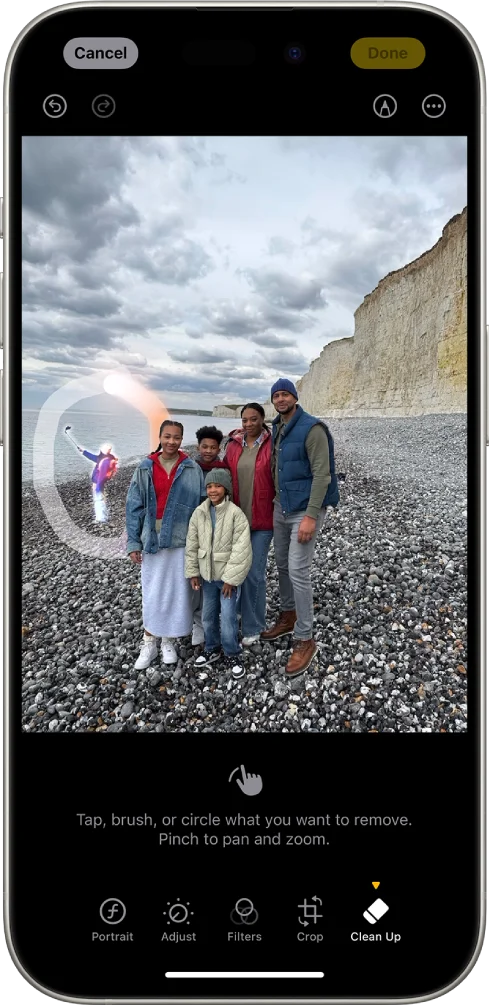
All you have to do is tap, brush, or circle the unwanted part of the image, and it disappears almost instantly.
What makes it feel so futuristic is how the space is filled in.
Rather than leaving a blank patch, Apple Intelligence generates new pixels that match the surrounding background, making it look like the object was never there in the first place.
That means photobombers, stray objects, or non-Instagram friendly backgrounds can be cleaned up in seconds, turning an average snap into something much more polished.


There are a few limitations
As impressive as the Clean Up tool is, it’s not quite magic, and it definitely works best when the object you’re removing is small or clearly separated from the background, like a person standing against the sky or a simple wall.
If the scene is more complex, like overlapping objects or detailed textures, the AI can sometimes struggle to perfectly recreate what should be behind it.
We gave it a try ourselves, and while the results were impressive overall, it struggled when asked to remove larger sections of an image, big patches can sometimes look a little off as the AI tries to rebuild what should be there.


As photographer Tristan Benhamou told us on the topic of this new feature: “It’s going to make it easier for consumers to use, but professionals will still use programs like Photoshop, for example, because professionals – myself included – have built working habits.
“The Apple Photos color grading is good, but it’s not meant for professionals; however, this will make it more accessible for consumers.”
Still, for most everyday photos, the results are impressive, and Apple has clearly focused on making the photo editing tool simple and fast rather than overly flashy, without making much fanfare about it as per usual.
And with Apple Intelligence features like this now built directly into our iPhones, it’s clear that our Instagram feeds are going to look fire.