Apple Watch's 20-minute calibration test will make sure it's giving the most accurate data possible with workouts

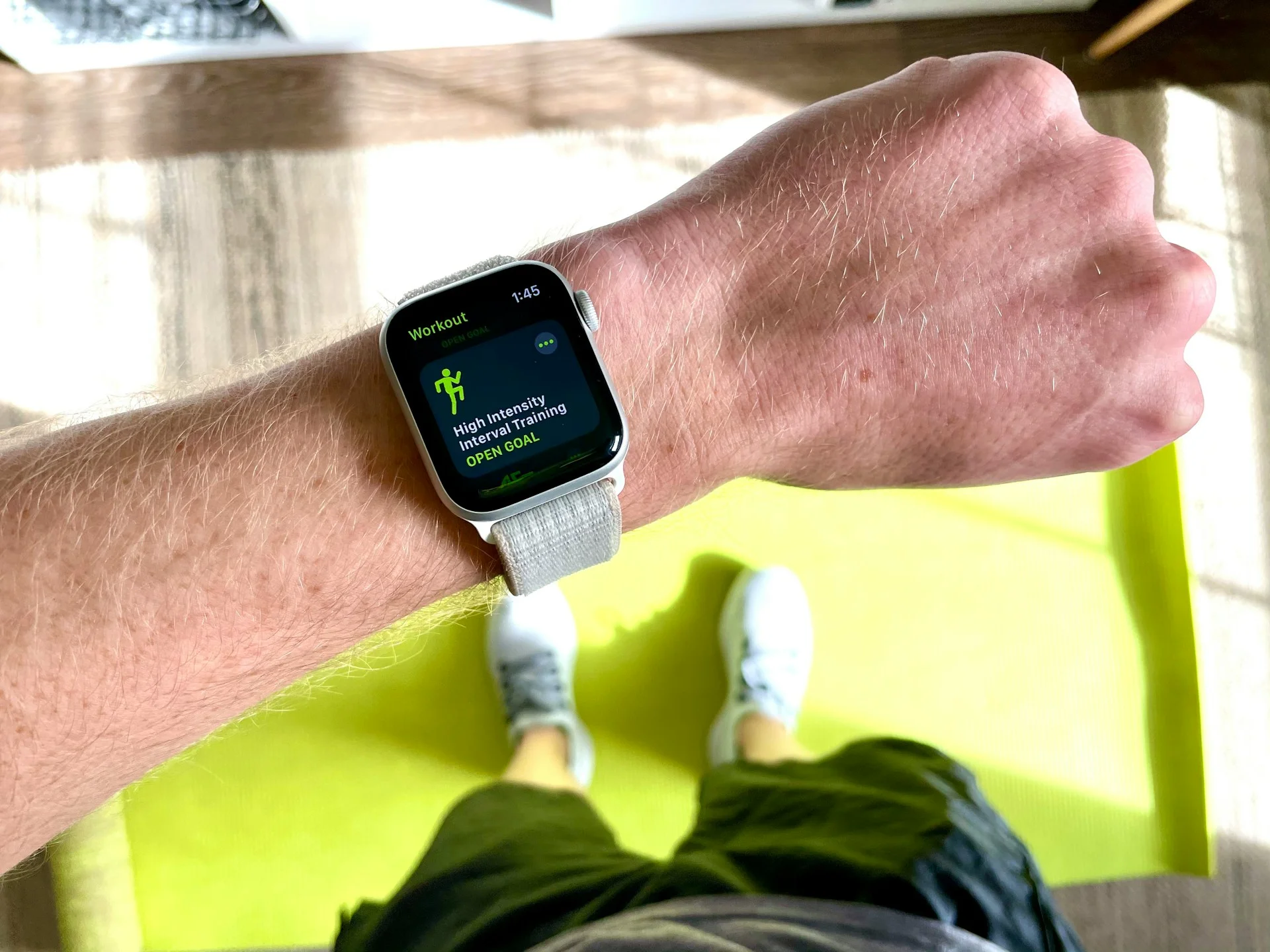

If your Apple Watch’s performance isn’t quite matching how hard you’re actually working out, there’s a super simple fix that could change everything.
Apple Watch’s 20-minute calibration test will make sure it’s giving the most accurate data possible with workouts, and it’s surprisingly easy to do.
This quick outdoor session helps your watch learn your stride, pace, and fitness level so it can track you properly.
And once you’ve done it, all your stats from calories to distance suddenly become a whole lot more reliable.
How Apple Watch’s calibration test improves workout accuracy
The gadget calibration process is basically a short outdoor walk or run with your Apple Watch, but it does a lot behind the scenes.
You just head somewhere flat with a good GPS signal, open the Workout app, and move at your normal pace for about 20 minutes.
During that time, your Apple Watch is learning how your body moves.
It measures your stride length at different speeds and builds a personalized model of your fitness, which helps it track distance, pace, and calories far more accurately.
What’s clever is that this doesn’t just apply to outdoor workouts, and once calibrated, your watch can estimate your performance even when GPS is limited, like on a treadmill or indoors.
And if you can’t do the full 20 minutes in one go, you can break it up into multiple sessions and still get the same result.
How to set up the Apple Watch calibration test
Before you head out, there are a couple of key things to check if you want the best results.
First, make sure Location Services and Motion Calibration are switched on, otherwise your watch won’t have the data it needs.
You’ll also want your personal health info up to date, like your height and weight, because that feeds directly into calorie and activity tracking.
And don’t treat calibration as a one-and-done forever fix, your Apple Watch keeps learning over time, especially if you regularly log outdoor walks or runs, gradually refining your accuracy even further.
It might sound like a small step, but this quick 20-minute test can completely change how useful your Apple Watch feels, turning it from a rough guide into something you can actually trust.
A short history of the Apple Watch
2014 – Apple officially unveils the Apple Watch, its first-ever wearable
2015 – The first Apple Watch launches, focused on fitness tracking and notifications
2016 – Series 2 adds built-in GPS and water resistance for swimmers
2017 – Series 3 introduces cellular connectivity, freeing it from the iPhone.
2018 – Series 4 gets a major redesign and adds ECG heart monitoring
2019 – Series 5 brings an always-on display for easier glance viewing
2020 – Series 6 adds blood oxygen tracking and faster performance
2021 – Series 7 increases screen size and improves durability
2022 – Apple Watch Ultra launches, built for extreme sports and adventurers
2023 – Series 9 debuts with the double-tap gesture and upgraded chip
2024 – 2025 – Newer models refine health tracking and efficiency with smarter features