Ethernet ports can do way more than you think and these are some things you can do with them that you'd never have expected
 Claire Reid
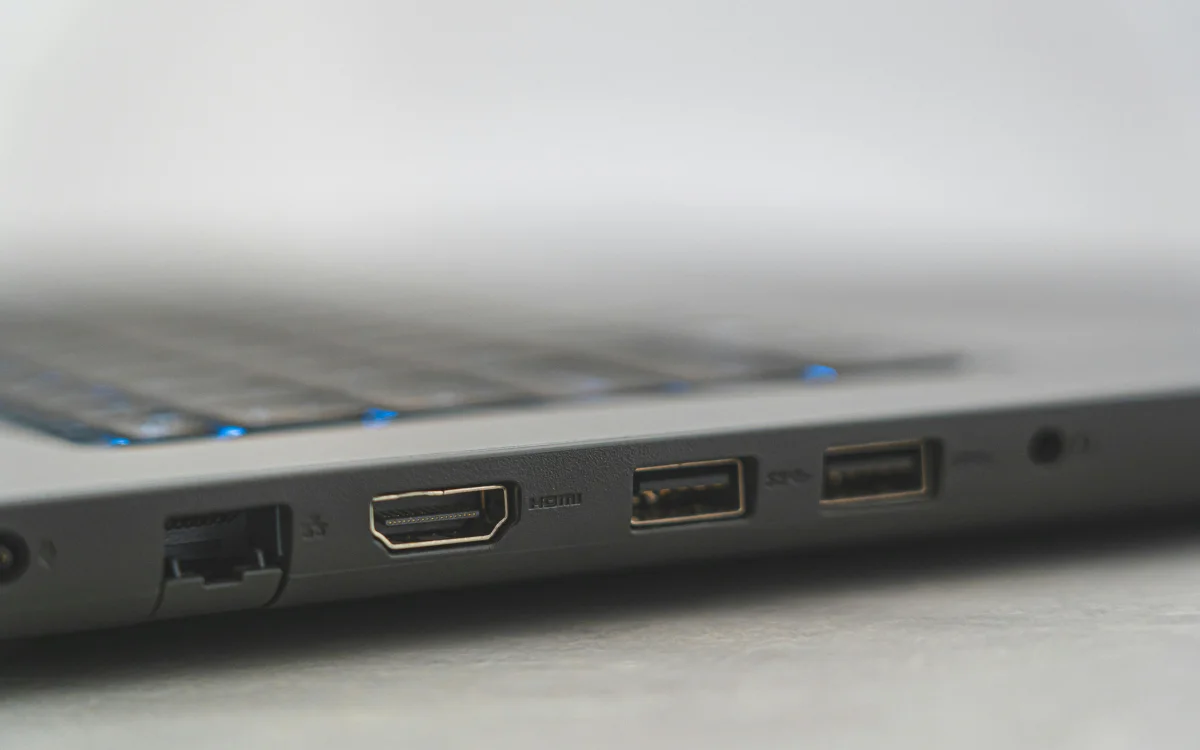

There’s a good chance you’ve given very little thought to Ethernet ports, but you could be missing a trick because they can do a lot more than you might think.
Ethernet ports are on the back of various devices, including laptops and TVs.
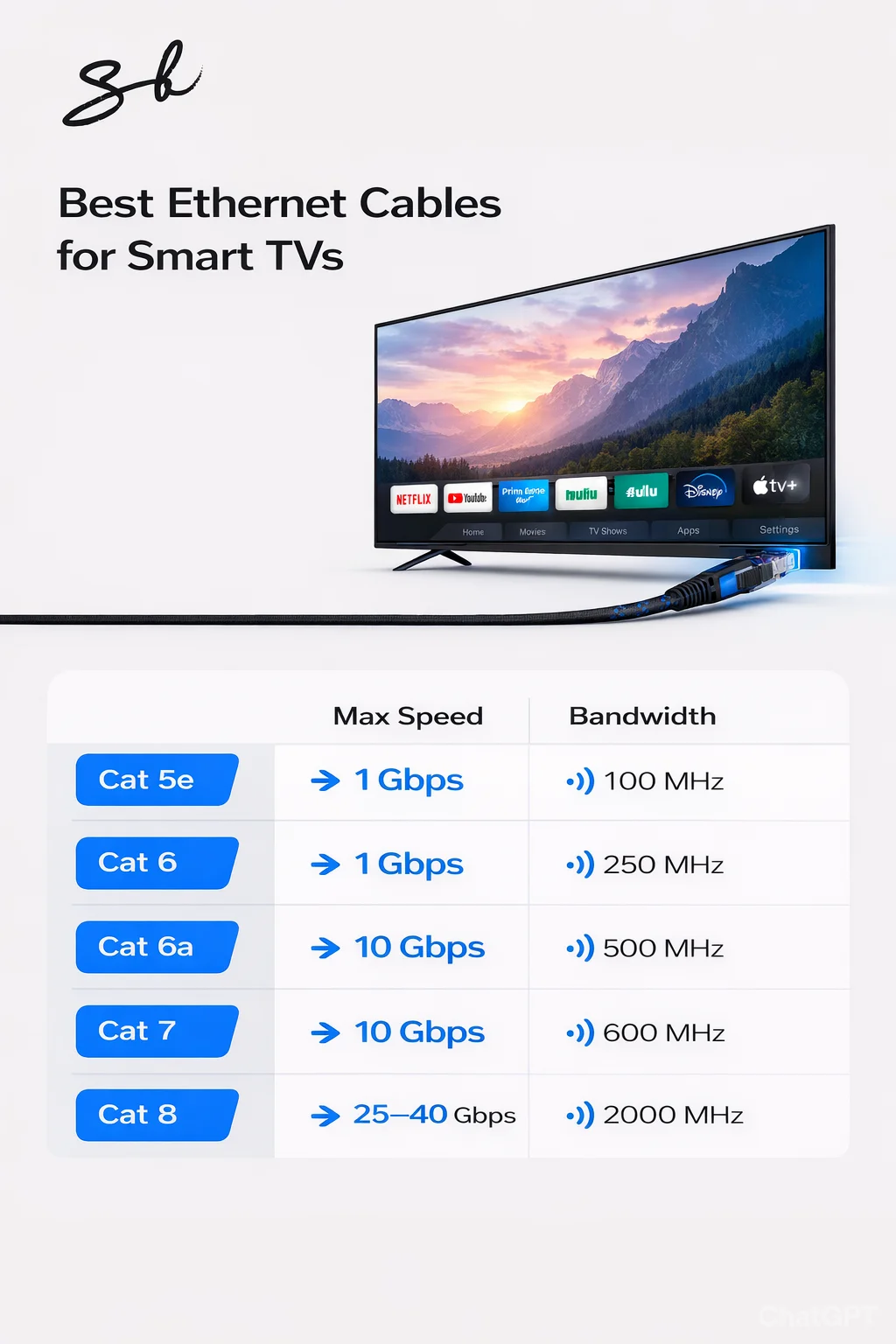
They can provide a more stable, high-speed connection, making them a great choice for your TV if you use streaming services.
However, that’s not the only thing you can do with your Ethernet port, as they’re actually more useful than you may have realized.
Your Ethernet port has got more to it than you might think
OK, so we know Ethernet ports can be used to provide a stronger internet connection, which means you can enjoy lag-free gaming on your PC and impressive download and upload speeds.
But the port itself can be used for other purposes, making your devices work harder for you.
Turn your laptop into a router
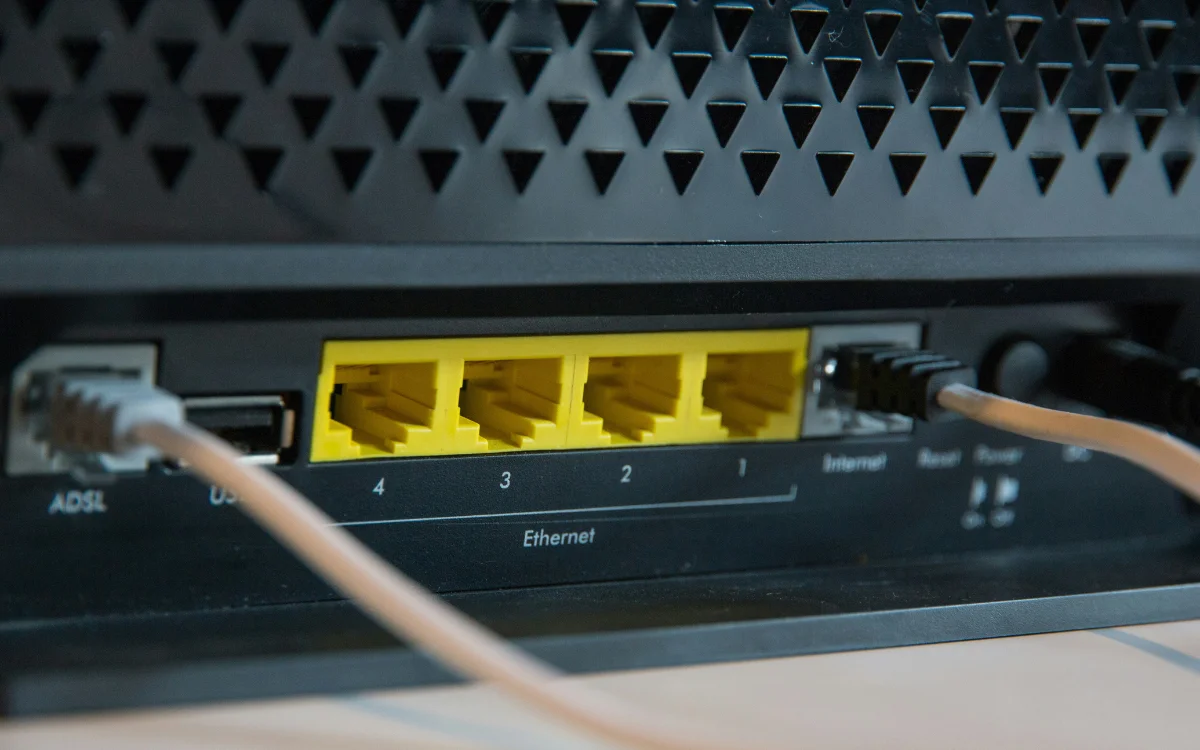
If you use an Ethernet cable with your laptop, you can turn it into a handy portable router and share that connection with other devices.
You can actually share the connection in two ways, BGR reports, either via another Ethernet connection or over WiFi.
But before you give it a go, you’ll need to go into the settings on your laptop and make sure you share your connection with other devices.
On a Windows computer, you’ll need to go to Network Connections and right-click on your internet source, before selecting Properties and then enabling Internet Sharing.
On a Mac, you can find the Ethernet option under Share your Connection From.
Use it to remotely wake up other devices as if by magic
As well as connecting to the internet, your Ethernet port can be used to wake up a device that’s in standby.
Wake-on-LAN, or WoL, lets you remotely wake up devices that are on the same network, meaning you don’t need to manually turn them on.
To use it, you’ll need to set up a network via Ethernet connection, and you’ll also need a network card driver that supports WoL and to enable the feature on all the devices in that network.
Then, when the time comes to use it, WoL will send something called a ‘magic packet’ to the other device remotely, and it’ll switch on as if by… well, magic.
Make virtual network with your Ethernet connection
The Ethernet port can be used to create a Virtual Local Area Network, or VLAN, which splits a single physical network into several separate ones.
This means you can have a bunch of different devices connected to one router, and the VLAN will allow each of these to work as if they’re on their own network, or you can group a number of them together.
For example, you might want to make sure that all your personal devices, like your iPhone and personal laptop, are on one VLAN, and then make another for shared devices, like your TV or the home computer.
This can make your connection faster and provide an extra layer of security.
DISCOVER SBX CARS: The global premium car auction platform powered by Supercar Blondie
Follow topics and authors from this story to see more like this in your personalised homepage feed and to receive email updates.