iOS 26.4 added new feature where drivers can speak to ChatGPT using Apple CarPlay and this is how to turn it on

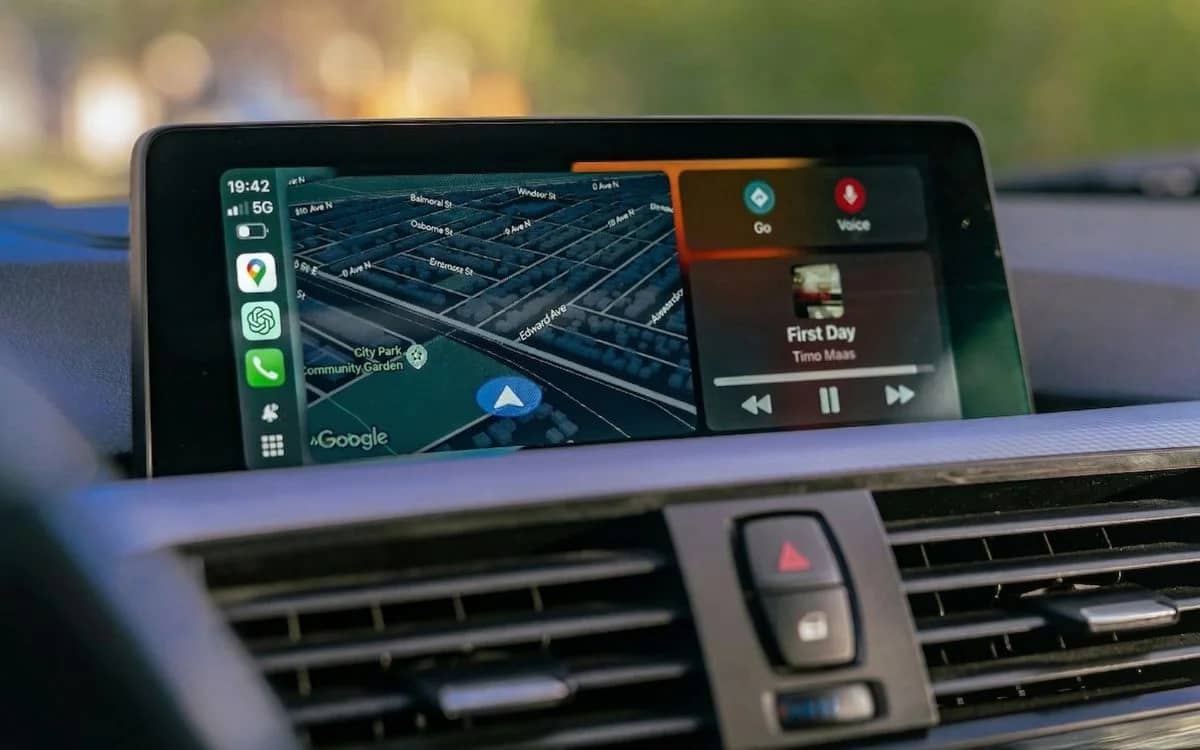
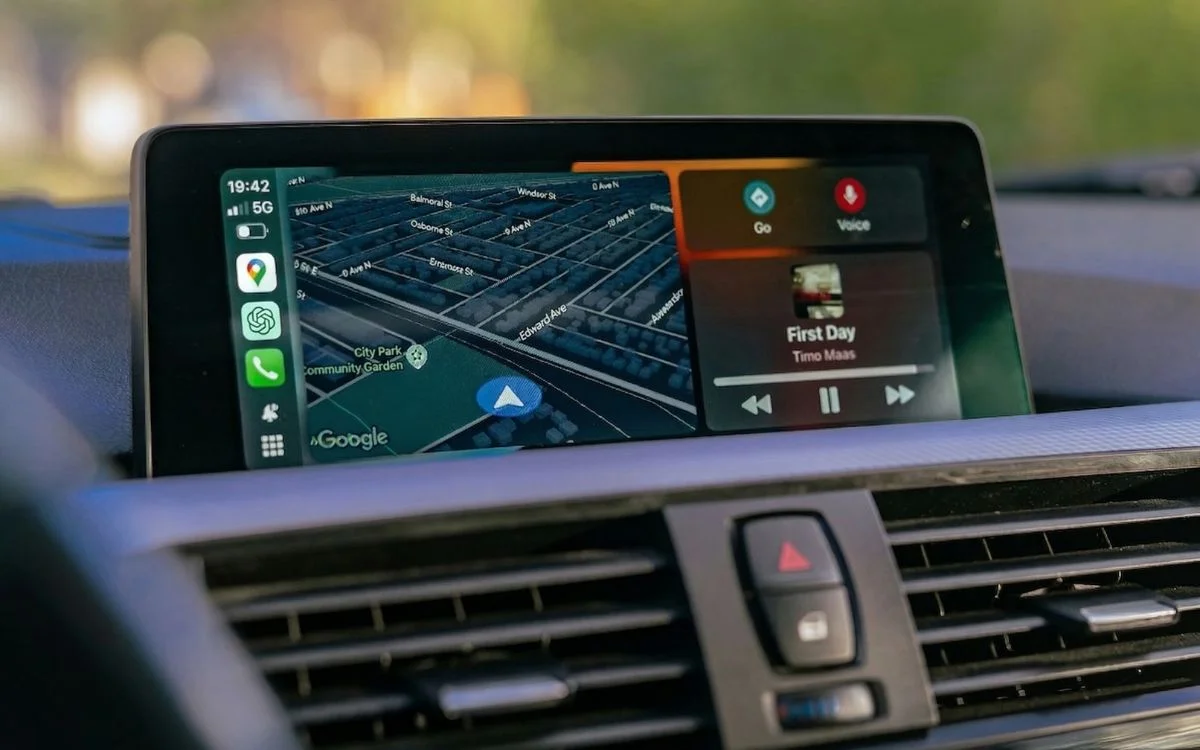

Have you ever wanted to have full conversations with ChatGPT through Apple CarPlay while you’re driving, but you haven’t updated to iOS 26.4 yet?
Well, Apple quietly enabled third-party voice apps on CarPlay earlier this year, and OpenAI wasted no time jumping in.
The feature is designed to keep things hands-free where possible, but it still needs a bit of setup before you can start chatting.
Once it is running, though, it feels like a glimpse into the future of in-car assistants.
How to turn on ChatGPT in Apple CarPlay after iOS 26.4 added it
To get started on your fresh tech journey, you will need an iPhone updated to iOS 26.4 and the latest version of the ChatGPT app installed.
From there, head into your CarPlay settings and check if ChatGPT appears under your available apps.
If it’s not already included, you can manually add it from the ‘More apps’ section with a quick tap.
Once connected to your car, launch ChatGPT from the infotainment screen and tap ‘New voice chat’ to begin.
You can also ask Siri to open the app to save a step, but you still cannot jump straight into a voice chat without touching the screen.
That means it is not quite as seamless as Apple’s own voice assistant just yet.
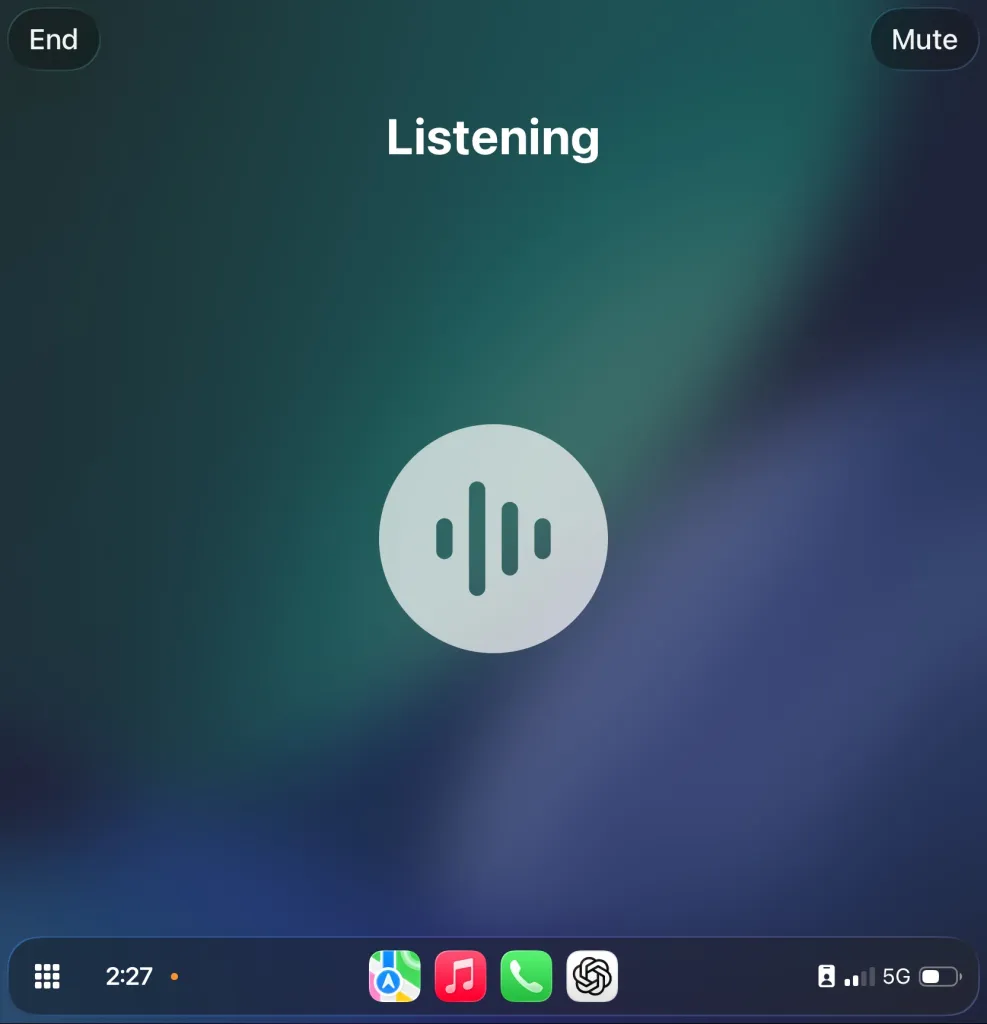
It’s not fully hands-free just yet…
After you’re in, the experience is fully voice-based, with the system showing when it’s listening and when it’s speaking.
When the chat ends, a transcript is automatically saved so you can revisit what was said later.
It’s a simple but clever way to keep track of conversations without distracting drivers mid-journey.
There are some clear restrictions, though, and they are all about safety.
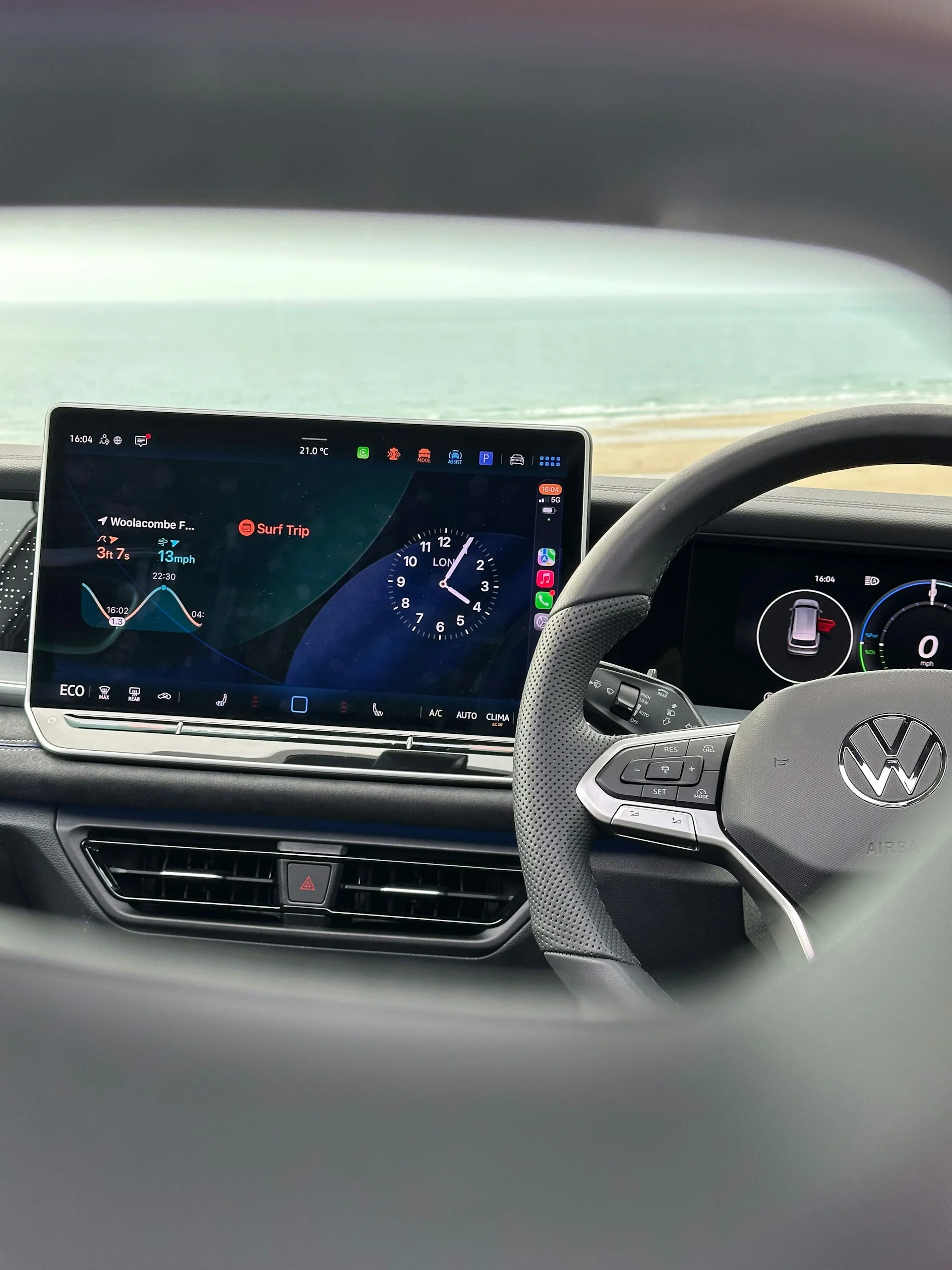
ChatGPT cannot display written responses or images on the car screen, meaning everything stays audio-only.
You also cannot rely on Siri to fully control it yet, which adds a few extra taps compared to a true hands-free system.
Even so, this update is a big step forward, and it hints at a future where multiple AI assistants could live inside your car, all ready to help with whatever you need on the road.
DISCOVER SBX CARS: The global premium car auction platform powered by Supercar Blondie