This two-second fix will make browsing the internet on an iPhone so much easier as it solves common annoyance


A really common iPhone frustration has finally been solved with a two-second fix.
Apple buried the feature deep inside Safari settings, meaning loads of iPhone owners probably have no idea it even exists.
But once it’s turned on, it can completely change the way you browse online, especially if you’re constantly opening multiple tabs while reading articles or shopping online.
And the best part is that enabling it only takes a couple of seconds.
This hidden iPhone internet setting fixes something very annoying
Lots of Apple gadget users find that one of the biggest annoyances when browsing the internet on Safari on an iPhone is accidentally tapping a link and immediately getting pulled away from the page you were reading.
It leads to endless back-and-forth tapping, losing your place, and accidentally forgetting what you were even looking at in the first place.
But apparently, Apple already has a built-in solution for this problem hidden inside Safari settings.
Users simply need to head to Settings, tap Safari, then Tabs, and change the ‘Open Links’ option from ‘In New Tab’ to ‘In Background’.
Once switched on, links will quietly open in the background instead of hijacking the page you’re currently reading.
That means you can carry on reading uninterrupted and check all the extra tabs later when you’re ready.


There’s a shortcut to make life even easier
The hidden setting becomes even more useful thanks to a feature many iPhone users don’t know exists.
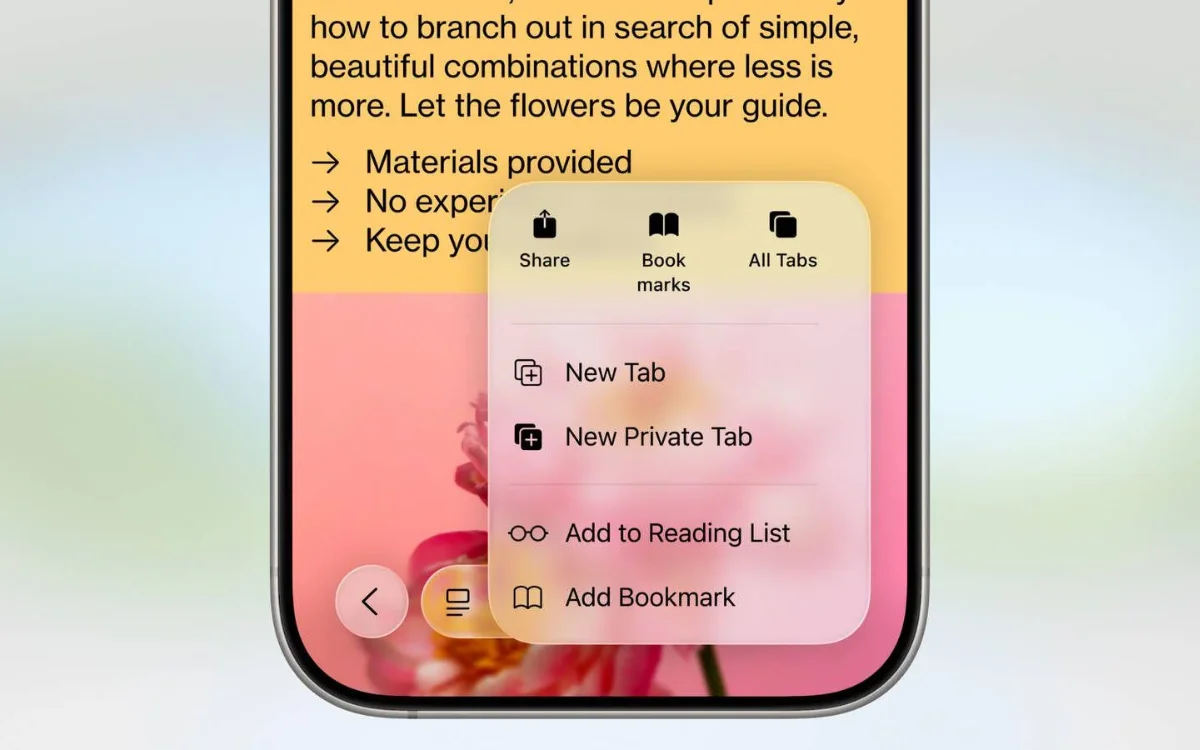
Instead of long-pressing a link and selecting ‘Open in Background’, users can apparently double tap a link using two fingers to instantly send it to a background tab.
It’s one of those tiny iPhone tricks that sounds simple but suddenly becomes incredibly useful once you start using it every day.

The feature is especially handy for people comparing products, reading long articles with lots of references, or researching multiple things at once.
And considering how many iPhone features Apple tends to hide deep in menus, this probably won’t be the last genuinely useful setting most users accidentally discover years later.