Everything you need to know about the massive new Apple update and its hidden AI features

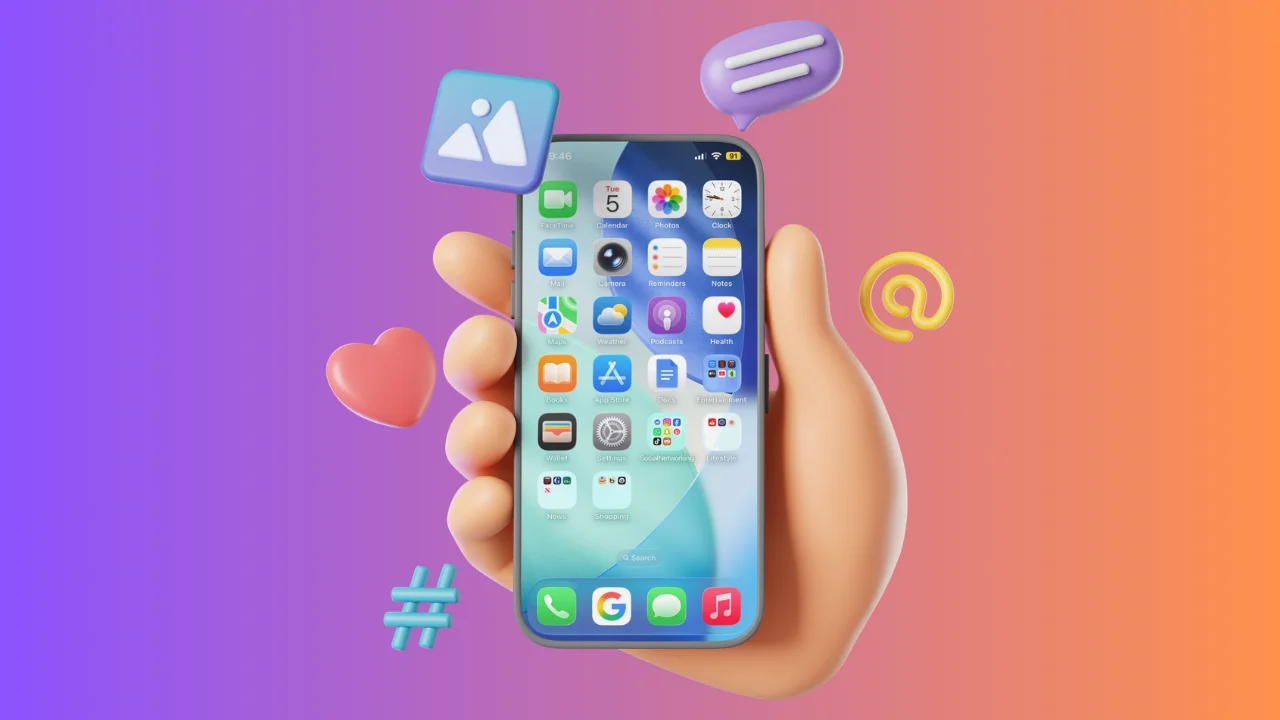

Apple has rolled out its latest software update for the iPhone, and it has a bunch of hidden AI features.
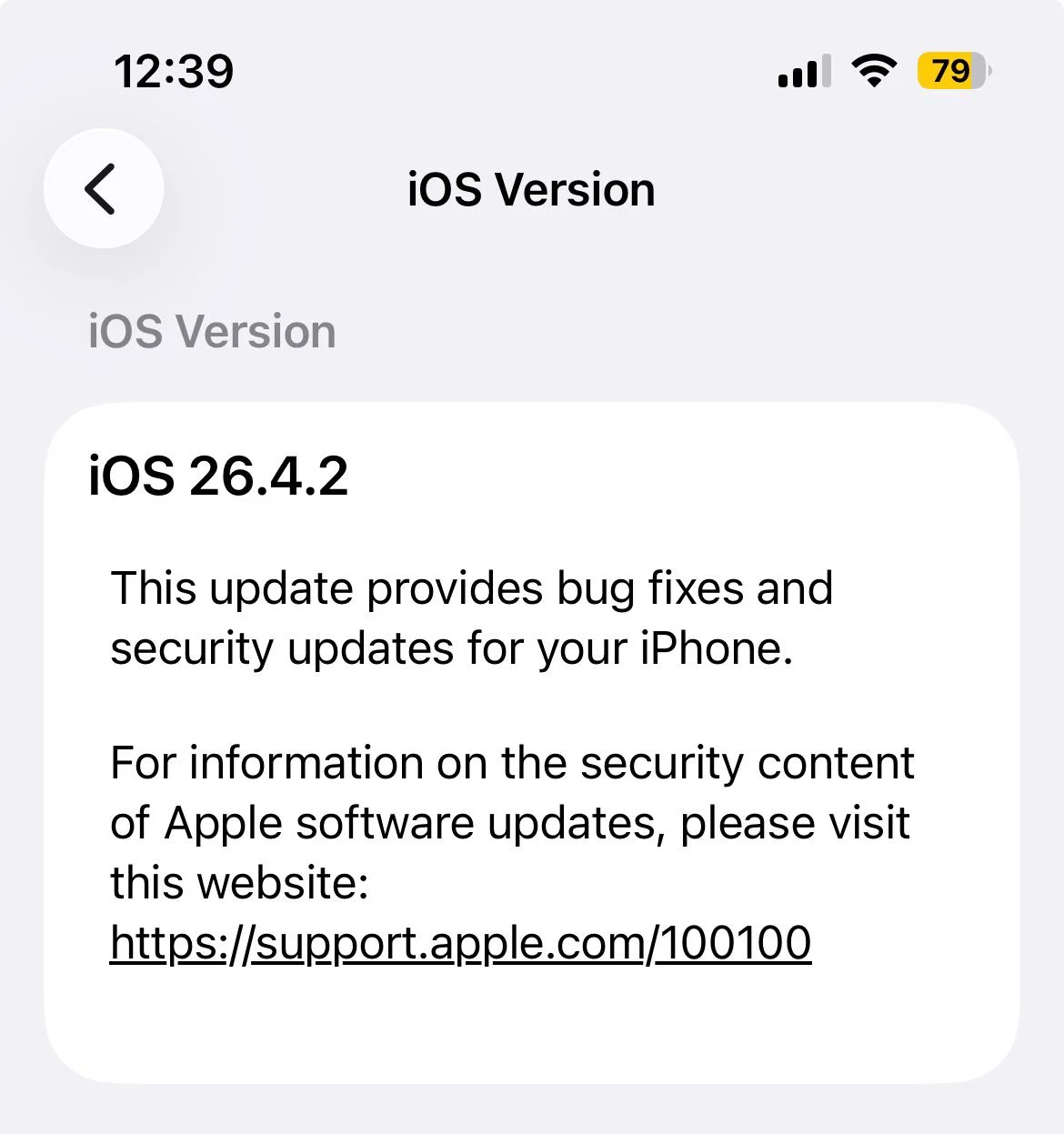
The new iOS 26.4 software brings a mix of practical upgrades and under-the-radar improvements.
While it may not look like a dramatic overhaul on the surface, there’s a lot packed in under the surface.
And some of the most interesting additions are powered by AI, especially in Apple Music and Settings.
What you’ll find in the new Apple update
One of the standout additions in Apple’s iOS 26.4 is support for video inside the Podcasts app.
The Apple update means you can now watch podcast episodes directly in the app, rather than just listening, bringing it more in line with how Spotify has been doing its podcasts for a while.
It’s a simple change, but one that reflects how podcasts are evolving into full visual experiences, and it means that podcast creators who take advantage of video capabilities inside software like Riverside.fm get eyes on their video content in more places.

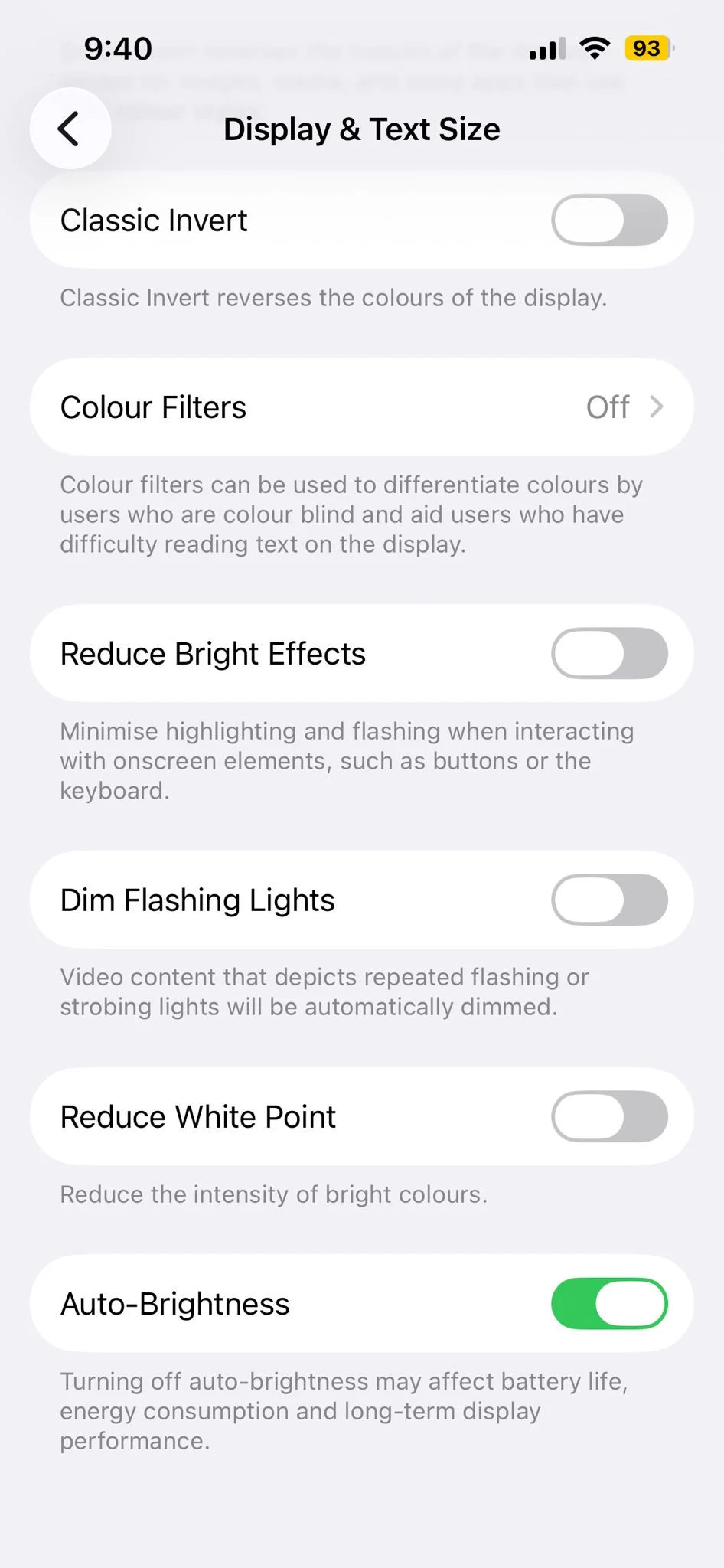
Apple has also introduced a handy new control that lets users turn off the polarizing Liquid Glass features more easily through the ‘Reduce Bright Effects’ settings in your control center.
This gives people more flexibility, especially if they don’t want those spatial or immersive elements active all the time.
Alongside that, there are a number of smaller but useful improvements across the system which include refinements to performance, smoother navigation, and tweaks that make everyday tasks easier.
The hidden AI features in iOS 26.4
While the headline features are easy to spot because they’re more surface-level in the Apple update, AI continues to play a more behind-the-scenes role across iOS 26.4.
Apple is still incorporating its Apple Intelligence features into the background, helping create better organization and more personalized experiences without making a big deal out of it.
For instance, the system can now better understand context in things like messages, notes, and general usage patterns.
That means it can bring you more relevant Apple Intelligence suggestions without you actively asking for them, like predicting what you might want to do next, even suggesting you might want to use a certain app at a specific time or location.
Another subtle one is improved keyboard autocorrect when you’re typing; it adapts to your writing style over time, offering more accurate predictions and phrasing that feels more like how you actually speak rather than just autocorrecting ‘ill’ to ‘I’ll’ one billion times.
These behind-the-scenes improvements help apps feel more responsive to how you actually use them in real life.
At the same time, Apple is giving users more control, like the ability to dial back certain advanced AI features such as Apple Glass, which a lot of people claimed was thrust upon them, showing it’s not forcing new tech on everyone.
iOS 26.4 might not shout about its AI features as Apple does with a lot of useful updates, but it’s clear Apple is continuing to build it into the iPhone experience in a way that feels natural, useful, and easy to ignore if you prefer that.