Tech expert reveals simple fixes for the most annoying iPhone issues millions of people never knew were solvable

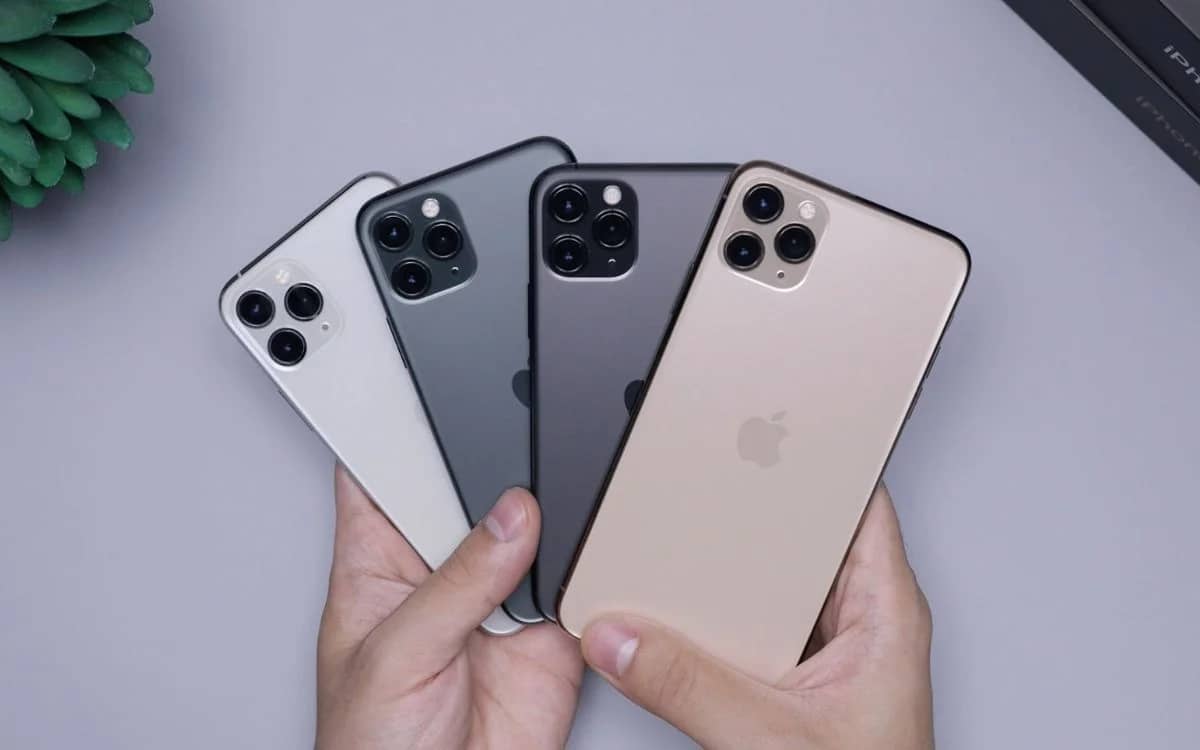

Most people have a love/hate relationship with their iPhones, but luckily for us, this tech expert revealed the simple fixes for the most irritating issues people have declared unsolvable.
For all the talk of the iPhone being sleek and intuitive, plenty of users still deal with the same small frustrations every single day.
The good news is that a lot of these annoying problems do actually have easy fixes, from random volume blasts to app folders that seem determined to dodge your finger.
After a tech expert broke down 13 surprisingly simple solutions, it is safe to say loads of iPhone owners will be looking at their devices very differently.
EXPLORE SBX CARS – Supercar auctions starting soon powered by Supercar Blondie
Tech expert reveals simple fixes for the most annoying iPhone issues
Some of the handiest fixes for Apple’s most notorious gadget are tucked away where most people would never find them on their own.
One of the biggest ones tackles those sudden volume jumps that can make music, videos, or social media clips feel way louder than expected.
According to Proper Honest Tech on YouTube, you can fix the sound issues by heading into Sounds & Haptics, users can cap the maximum volume and also switch on a setting that reduces loud sounds, which helps smooth out those nasty audio spikes.
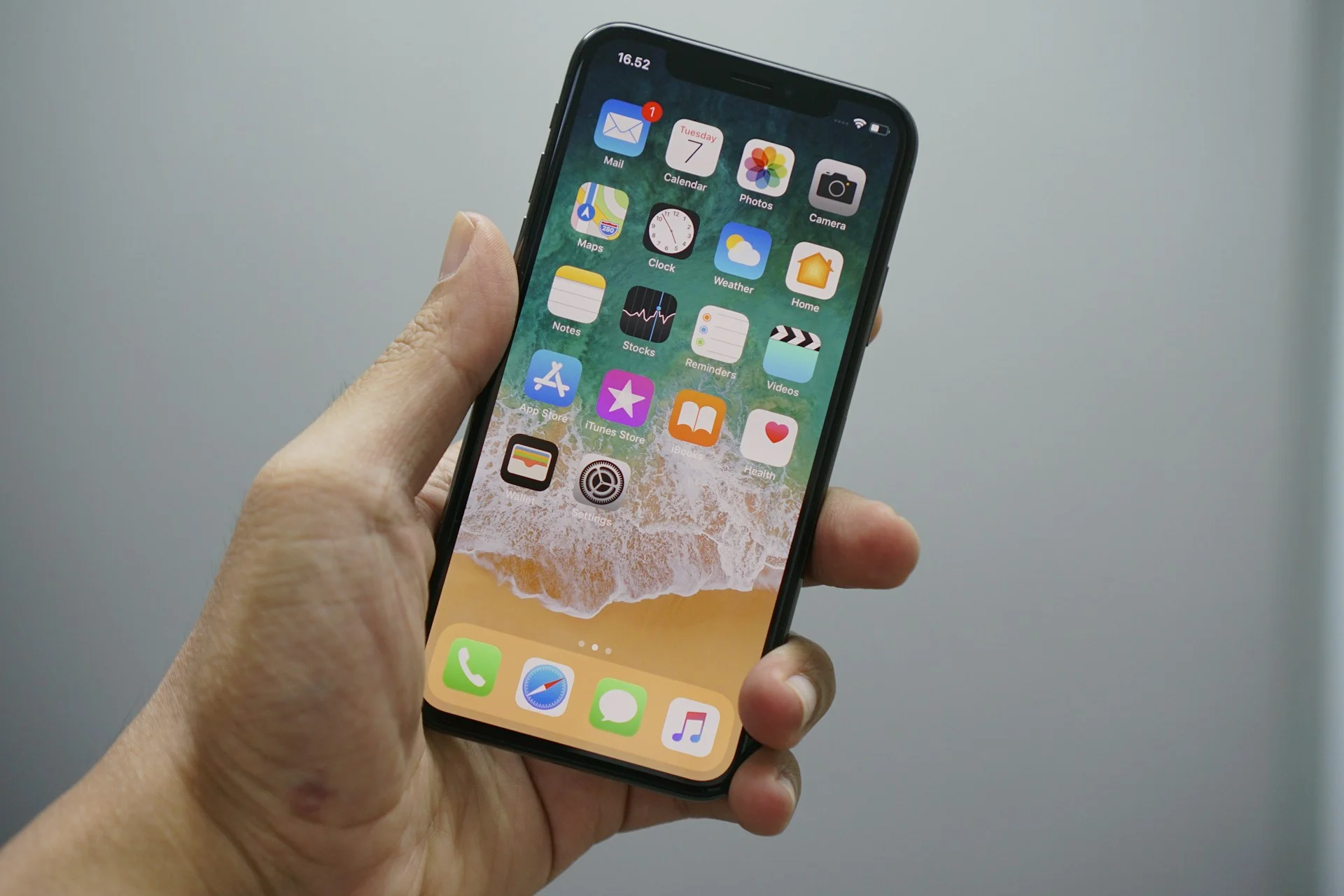
There is also a fix for brightness constantly doing its own thing.
Even though most people would expect Auto Brightness to be in the main display menu, it is actually hidden in Accessibility under Display & Text Size, where you can switch it off and take full control yourself.
A few more everyday annoyances can be sorted just as quickly.
You can turn off link previews in Mail if you want cleaner-looking emails, stop app review pop-ups from nagging you, and remove Siri sharing suggestions if your share sheet feels cluttered and chaotic.
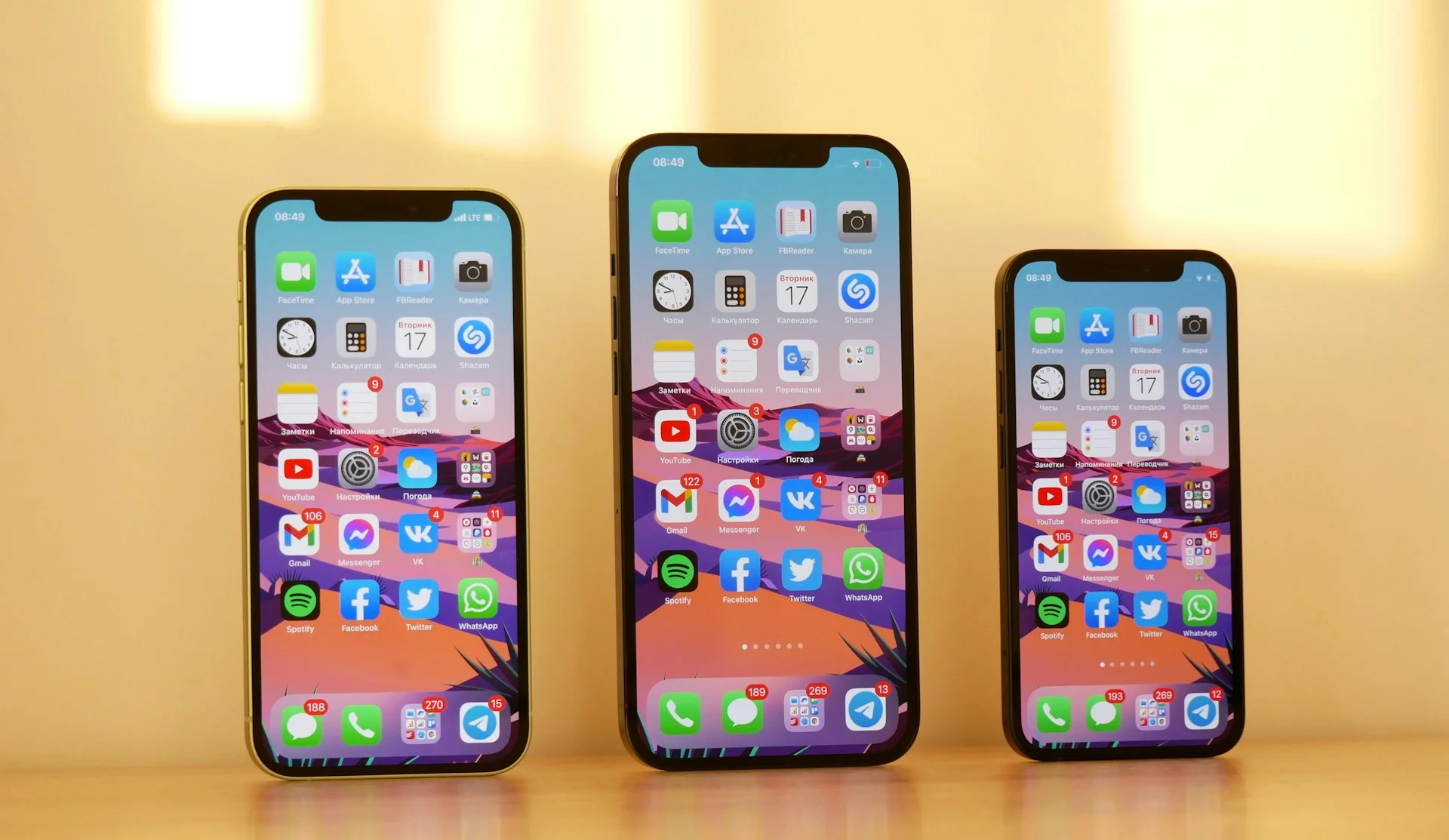
Too light, too bright, too loud
Some of the smartest tricks are not really about settings at all, but about knowing the shortcuts Apple never properly shouts about.
If moving apps around your Home Screen feels like a tiny nightmare, there is a much easier way to do it.
You can drag one app, tap others to create a stack, then move them all together at once, which is way faster than doing them one by one.
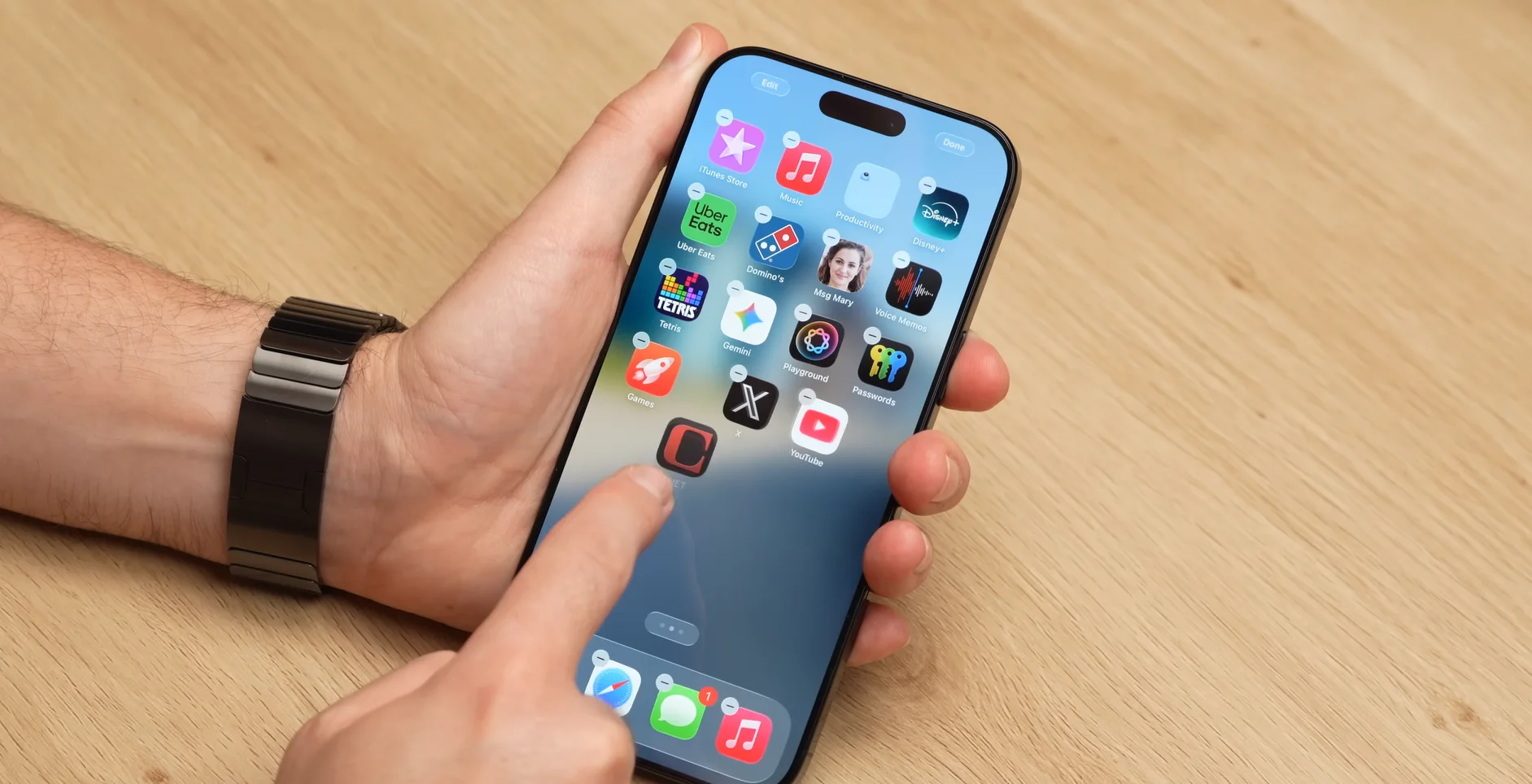
The expert also highlighted smaller fixes that feel weirdly satisfying once you know them.

You can select just part of a text message instead of copying the whole thing, bring back the volume slider on the lock screen music player, use the calculator backspace and history features, and even close up to three apps at once with three fingers.
Add in tricks like switching Back Tap from double tap to triple tap so it stops going off by accident, and suddenly the iPhone starts feeling a lot less annoying and a lot more clever.
DISCOVER SBX CARS: The global premium car auction platform powered by Supercar Blondie