People are sharing their little-known iPhone tips and tricks they can't live without and some are golden


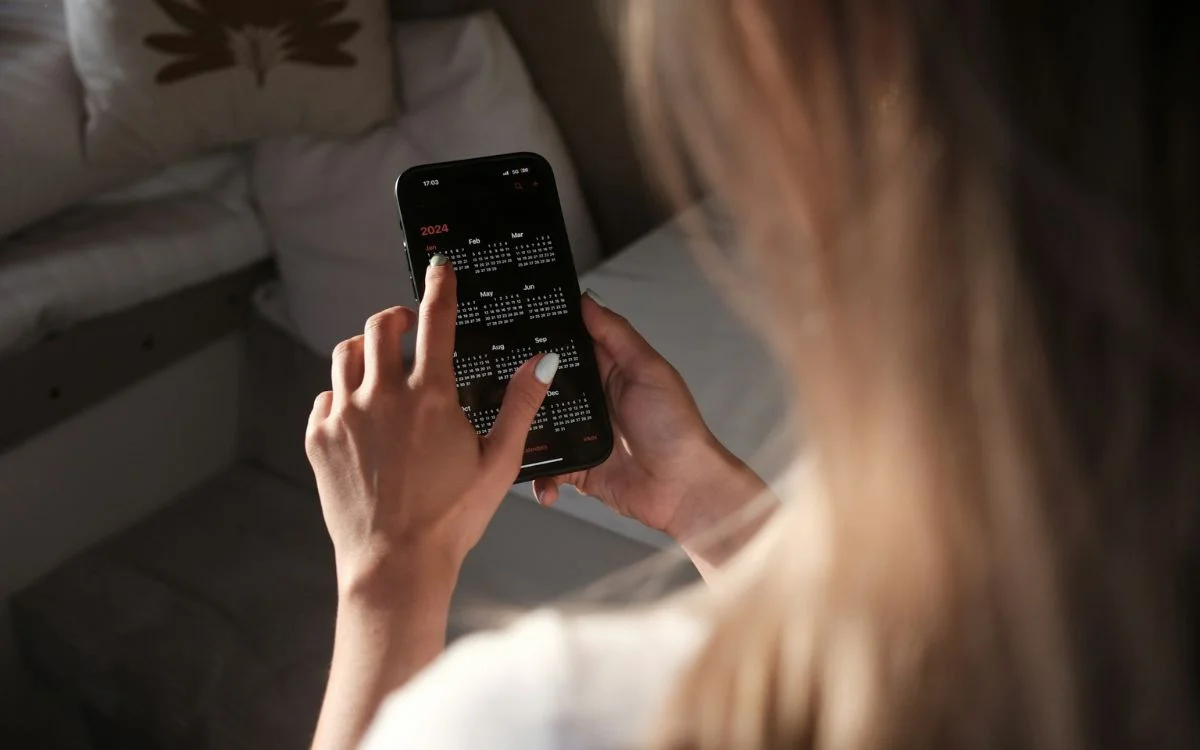

Everyday Apple users have been spreading the love and sharing their little-known iPhone tech tips and tricks they can’t live without, and some of these make you wonder how you ever missed them.
A Reddit thread asking users for the most useful hidden iPhone tricks quickly filled up with clever shortcuts, sneaky gestures, and time-saving hacks that people now swear by.
Some are perfect for making everyday tasks quicker, while others fix annoyances that have bugged iPhone owners for years.
And the best part is that a lot of them are already built in, just waiting to be discovered.
Here are the people’s little-known iPhone tips and tricks
Thanks to the Reddit thread, we can all start using these fabulous little tricks:
- Long-press the back button
If you are deep in Settings or another app menu, you can long-press the back button to jump straight to earlier pages instead of tapping back again and again. - Hold the space bar to move the cursor
This one got a huge reaction. Holding the space bar turns the keyboard into a trackpad, making it much easier to place the cursor exactly where you want it. - Use three fingers in a text field
A three-finger tap can bring up options like undo, cut, copy, paste, and redo, which is a lifesaver if you delete something by accident. - Tap the top of the screen to jump back up
Many users said this is one of their most used tricks, especially when they have been scrolling for ages. - Swipe along the bottom bar to switch apps
Instead of opening the full app switcher, you can quickly flick between recently used apps with a simple swipe.

It makes your gadget feel smarter
- Set a timer to stop audio or video playback
You can use the Clock app to stop podcasts, videos, or music automatically when the timer ends, making it perfect for falling asleep. - Move multiple apps at once
When your apps are wiggling, hold one, tap others to stack them together, then move them all in one go. - Use two fingers to select multiple items
In apps like Notes and Mail, a two-finger swipe can select several items at once without even hitting the select button first. - Add music recognition to Control Center
Users loved this one because it lets you identify songs quickly without awkwardly asking Siri out loud. - Try Back Tap shortcuts
You can assign actions like screenshots, Control Center, or screen rotation to double or triple taps on the back of your phone, although some users admitted it can be a bit hit and miss.
It turns out the iPhone is packed with little shortcuts that most people only discover by accident, and once you start using a few of these tips, they quickly go from nice extras to things you genuinely cannot imagine living without.
DISCOVER SBX CARS: The global premium car auction platform powered by Supercar Blondie