The hidden tricks you can use with your iPhone's power button proves there's more than meets the eye with it

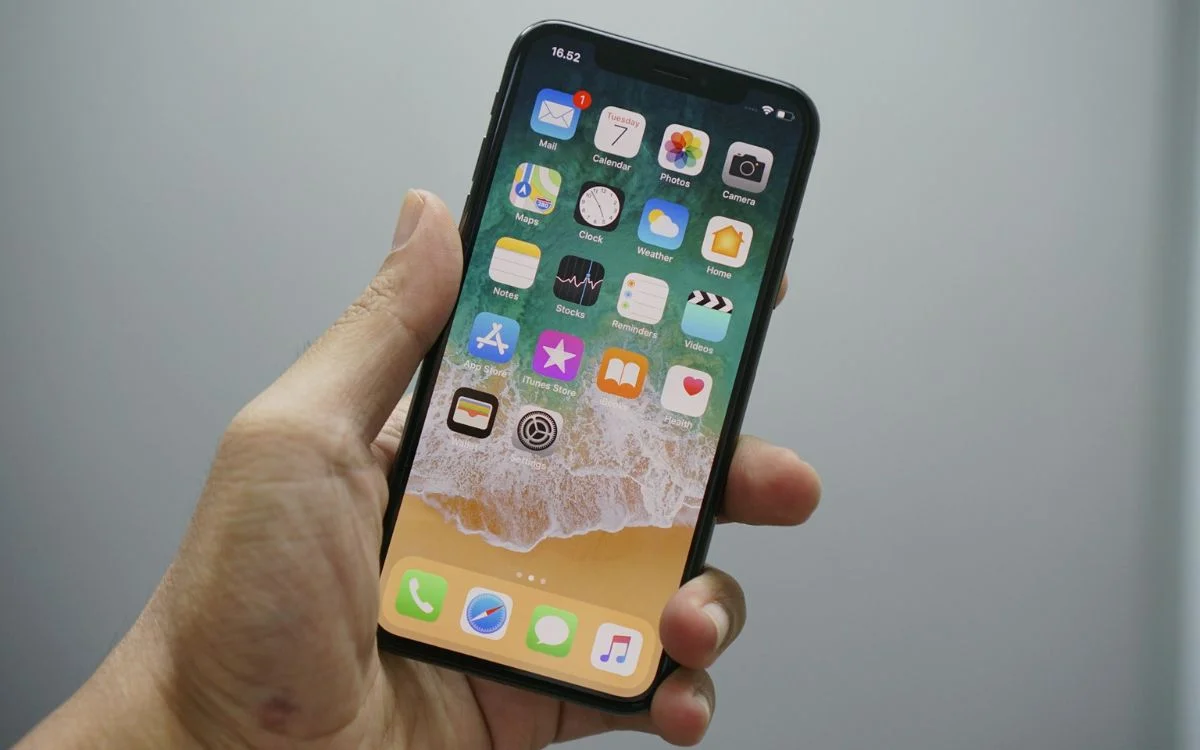

Your iPhone’s power button is more than just an on and off switch, because it has more hidden tricks than most people realize, proving there’s definitely more than meets the eye with it.
Most of us treat it like a simple lock button, using it to wake the screen, turn the phone off, or shove it back into our pockets.
But hidden behind a few presses and holds are some surprisingly useful shortcuts that can make day-to-day iPhone use much smoother.
Once you know what it can actually do, that little side button starts looking a lot more important.
The hidden tricks you can find through your iPhone’s power button
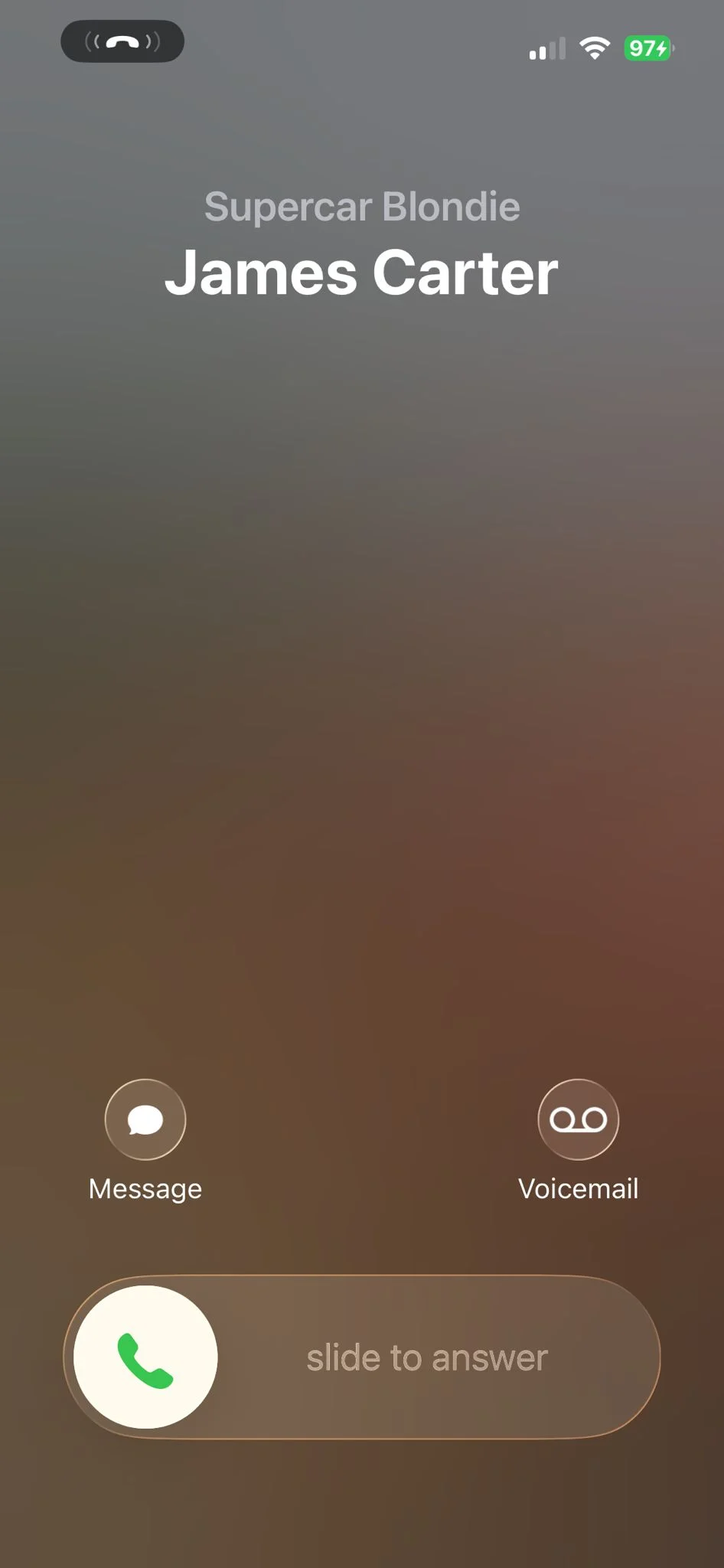
One of the handiest uses is dealing with incoming calls on your gadgets without awkwardly fumbling around on-screen.
A single press can silence a ringing call, while two quick presses on the button can decline it altogether, which is perfect when a spam number strikes at the worst possible moment.
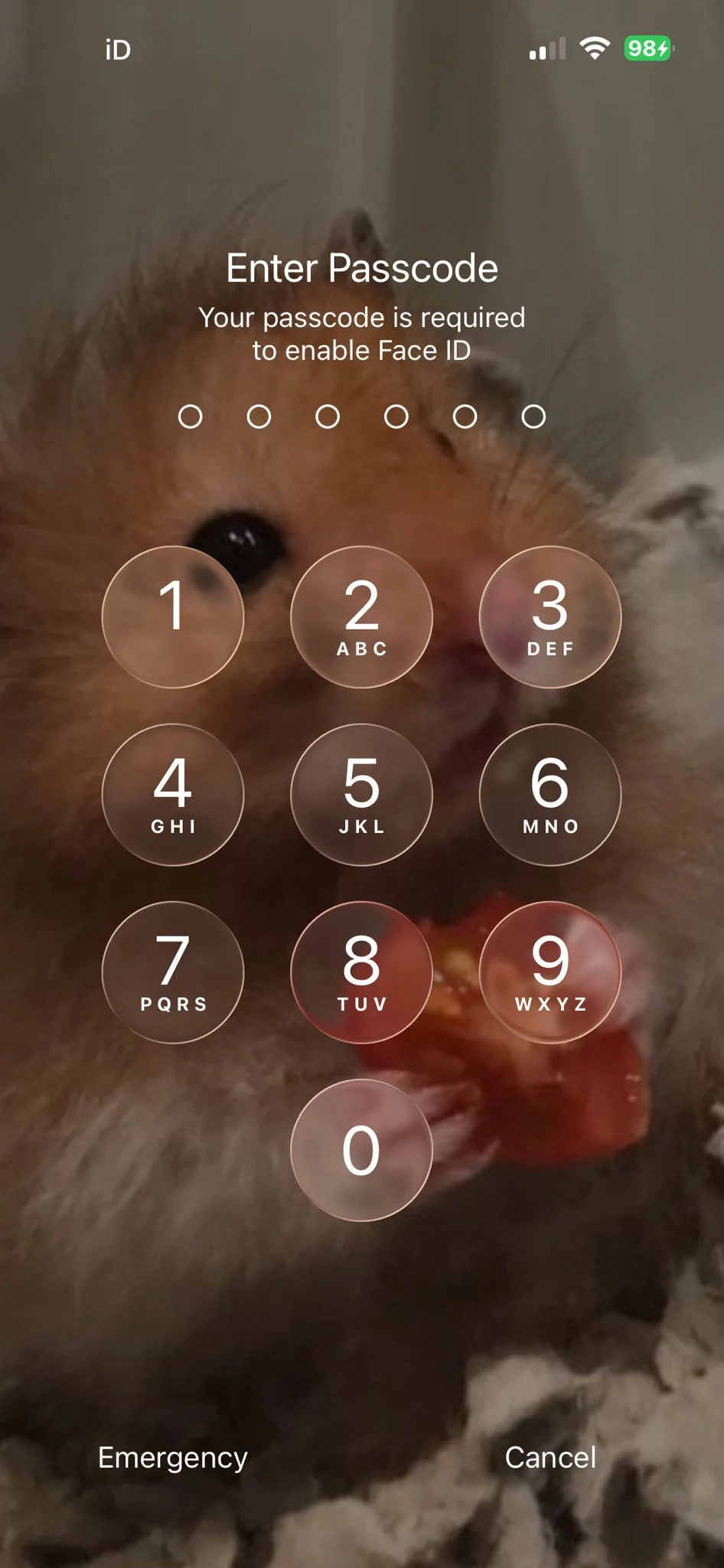
It can also temporarily disable Face ID.
If you hold the side button with either volume button until the power-off screen appears, then release, your iPhone will require a passcode the next time it unlocks.
It’s a neat little privacy move that many people probably never knew was sitting there.
It does way more than meets the eye
The button can even help with focus and accessibility tools, too.
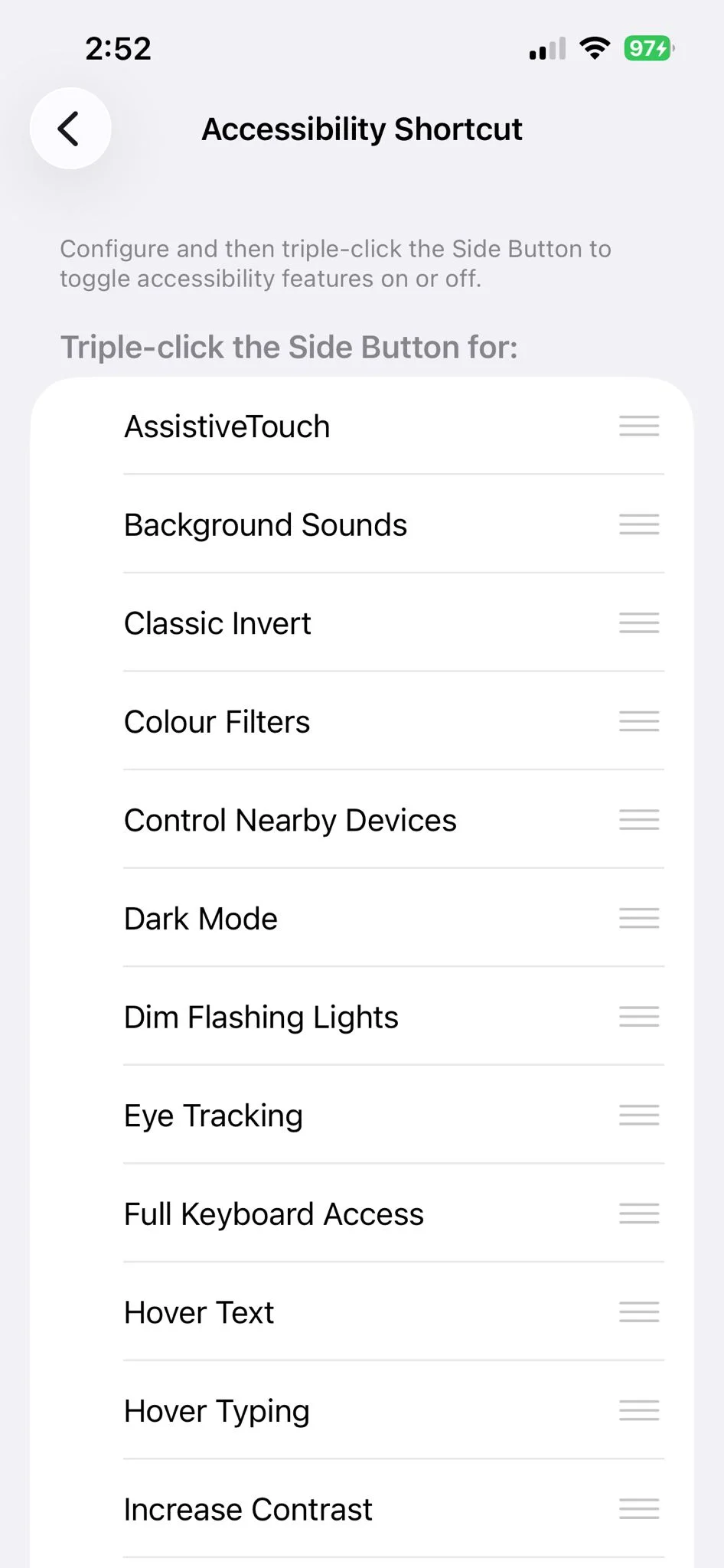
With the right Accessibility Shortcut settings turned on, a triple press can start Background Sounds like rain or ocean noise, which is ideal for work, studying, or just tuning out the world for a bit.
That same triple-press shortcut can also launch Live Speech, a feature that turns typed words into spoken audio.
It was designed as an accessibility tool, but it is also one of those features that shows how much Apple has tucked away behind the scenes.
Another clever option is Guided Access, which can lock your phone into a single app.
That means if you are trying to focus, handing your phone to a child, or showing someone something without risking them wandering into your camera roll, the power button can help with that, too.
So yes, your iPhone’s power button still handles the basics, but it is also hiding a bunch of smart little tools in plain sight, and for a button most people barely think about, it turns out that it can do a lot of heavy lifting.