Changing just one setting on your Android phone can free up as much as 2GB of RAM

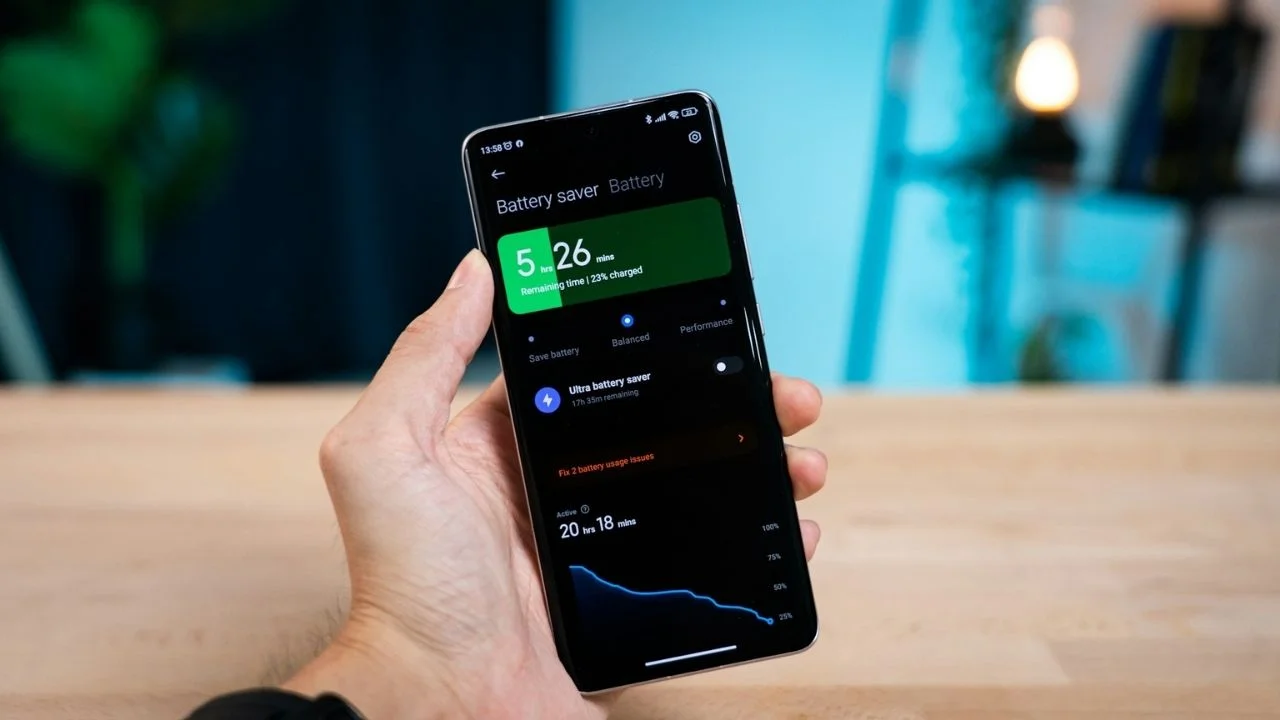

If your Android phone has been feeling a little sluggish and your battery has been draining fast, there could be a surprisingly simple fix hidden away in the settings menu that can free up RAM.
One Android user claimed he managed to free up as much as 2GB of RAM with a single tweak, and the difference was immediately noticeable.
The change reportedly made their Google Pixel feel much faster when switching between apps and carrying out everyday tasks.
Best of all, it only takes a few seconds to check whether your phone has the same setting enabled.
This could make your Android phone faster
Modern Android gadgets often include a feature called RAM expansion, Plus, Boost, or virtual RAM, depending on the manufacturer.
The feature works by borrowing a portion of your phone’s internal storage and using it as extra memory when needed.
In theory, this allows more apps to stay open in the background and can help devices with limited physical RAM handle heavier workloads, but it can drain your phone’s battery.
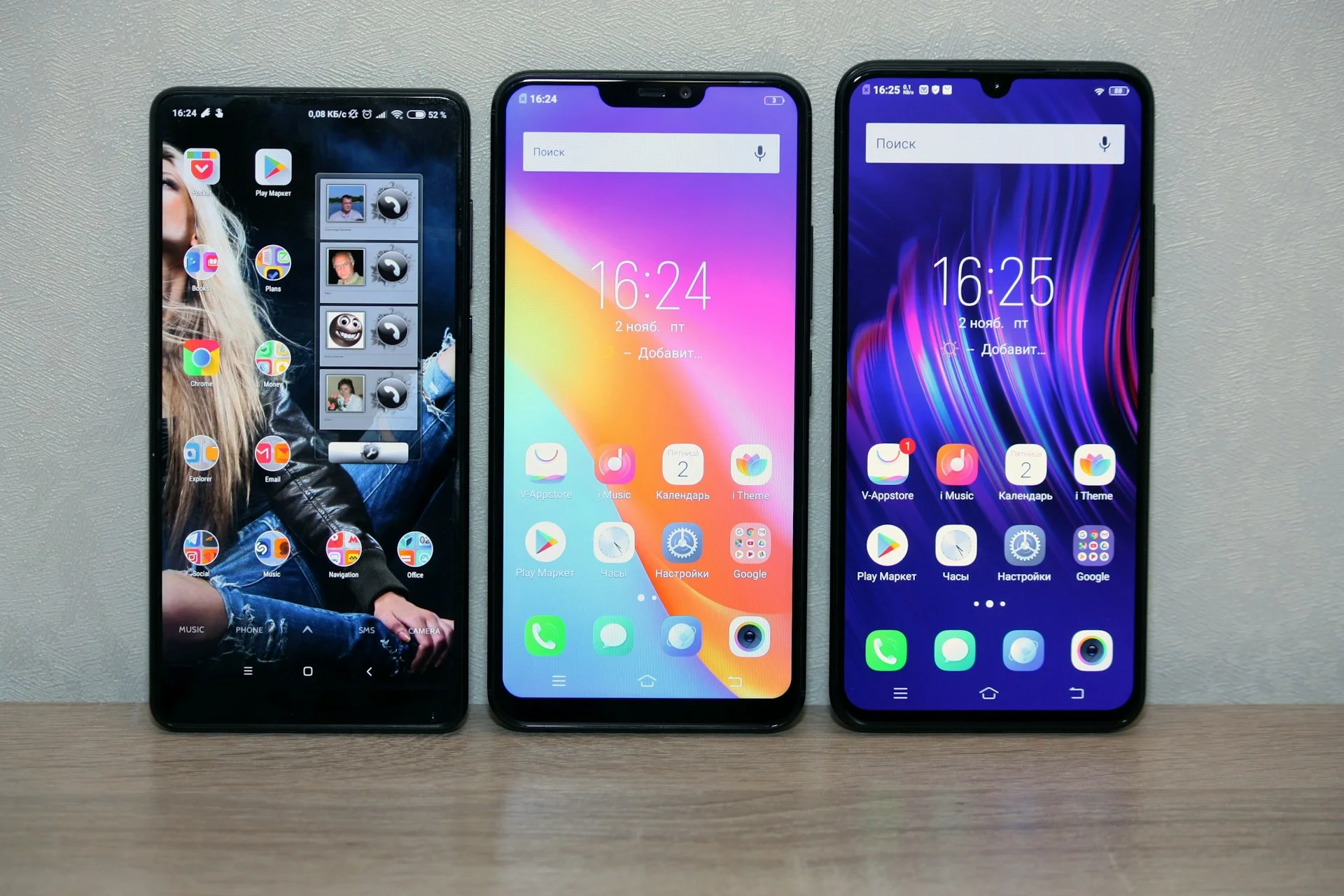
However, internal storage is significantly slower than actual RAM.
The Android user behind the experiment, writer Jon Gilbert from Android Police, discovered that his Pixel had 2GB of virtual RAM enabled by default.
After disabling it, he found that app launches felt snappier and the device generally felt more responsive, and his battery was lasting far longer.
It seems that phones with plenty of physical memory often gain little benefit from the extra virtual storage, and in some cases, performance can actually suffer because the system relies on slower storage instead of faster memory.
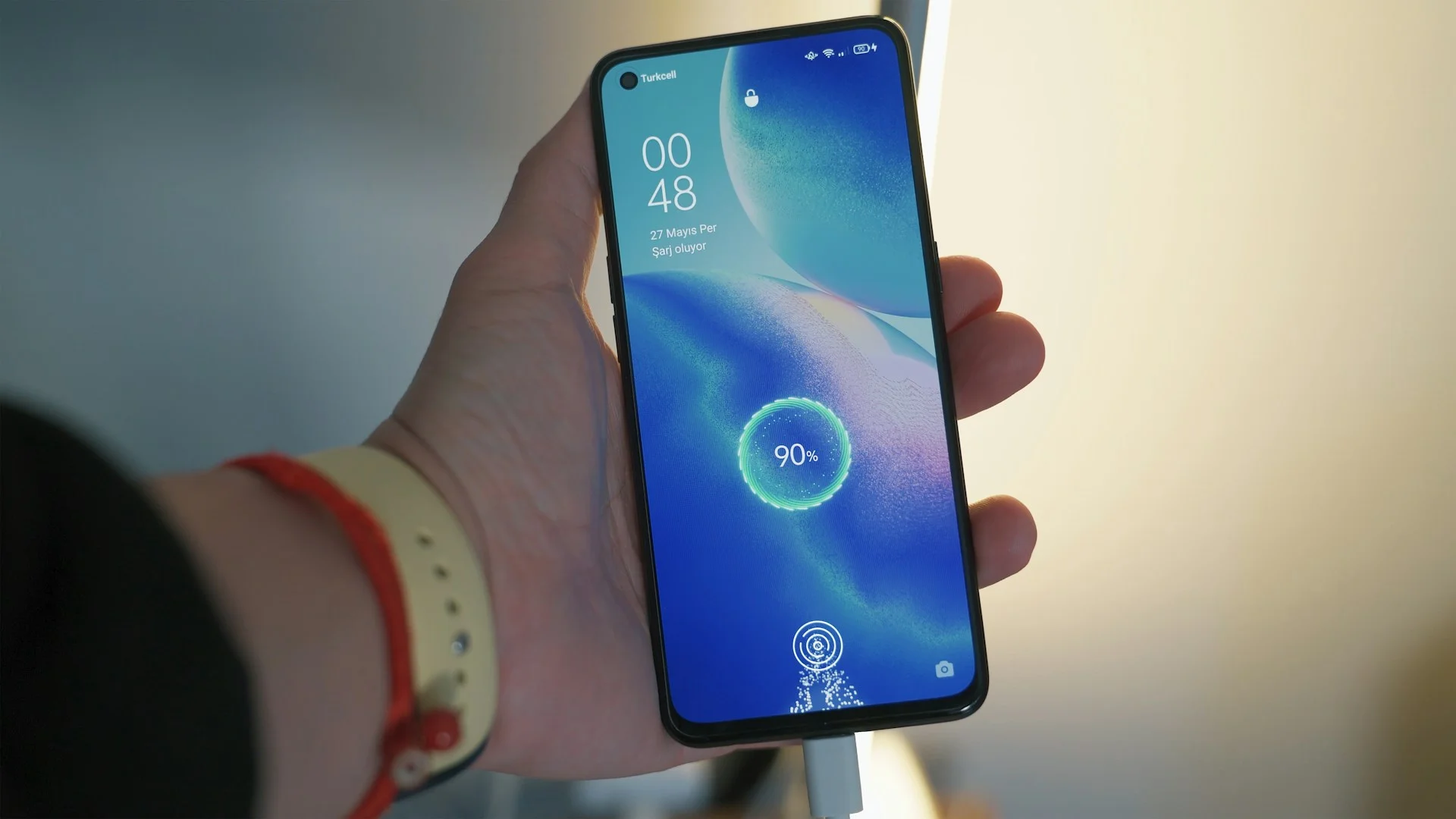
How to check whether your phone has the setting enabled
The exact location varies between manufacturers, but most Android devices include a search function within the Settings app.
Simply search for terms such as ‘Plus’, ‘RAM Boost’, ‘Memory Extension’, or ‘Virtual RAM’.
On many devices you’ll be able to disable the feature entirely or reduce the amount of storage allocated to it.
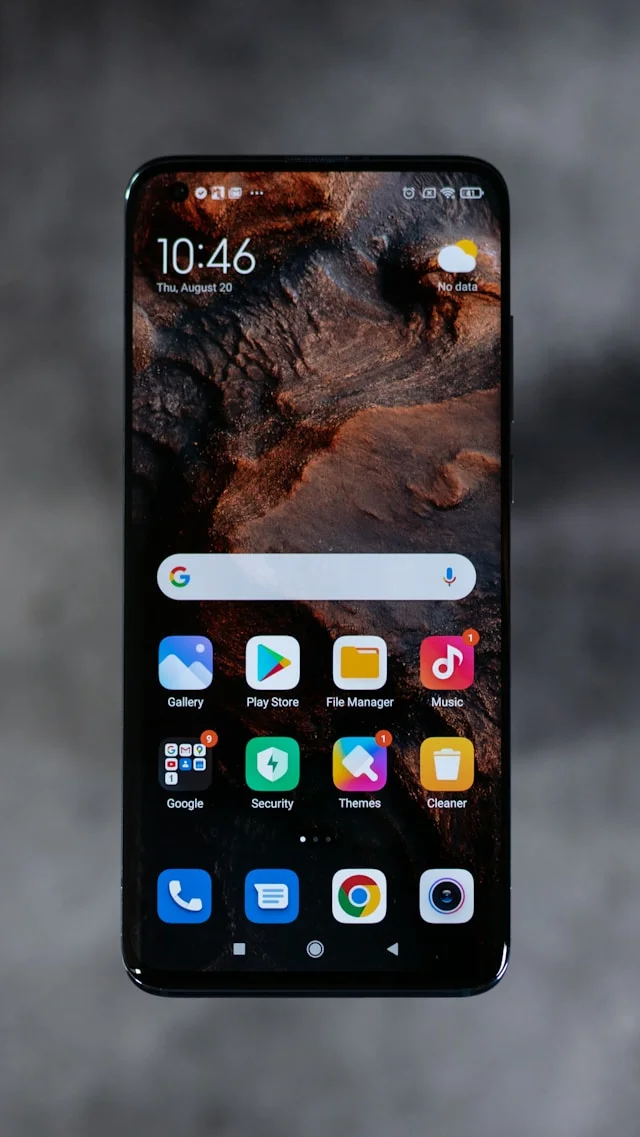
Some Android enthusiasts have reported noticeable improvements after turning the feature off or lowering the amount assigned to it, particularly on devices that already have 8GB of the extra storage or more.
That said, results can vary depending on the phone and how it’s used, like for users who regularly keep dozens of apps open at once, virtual extra storage may still offer some benefits.
Still, if your Android phone feels slower than it should, checking this one setting could be one of the easiest solutions to a tech problem.