Your iPhone can extract text from photos, schedule meetings and discreetly dodge calls but almost nobody knows
 Claire Reid

Your Apple iPhone has some neat little features that you might never have heard of, like a simple way to discreetly dodge calls you’d rather not take, or how to undo something with a flick of the wrist.
Even if you’re a long-time iPhone user, there’s a good chance there’s still lots of things you don’t know about your device.
Like, did you know that you can tap the top of the screen to jump back, or that there’s a secret button hiding behind the logo?
Basically, when it comes to our smartphones there’s always something to learn, but here’s a handy round up of some useful little known features.
Your iPhone is probably even smarter than you think
Since it was introduced back in 2007, Apple has been steadily upgrading and updating the iPhone every single year.
So, as you can imagine, now that the tech giant has released its 17th iteration of the device, there’s plenty going on inside.
Check your privacy
Newer iPhones come with a smart feature, that can help to keep you more secure.

When using your iPhone, you might spot a green or orange dot in the corner, and these are here to let you know that the camera or mic has been accessed.
If the green dot appears this means your iPhones camera is in use, and if you see the orange one, the microphone is being used.
This is fine if you’re using apps that require either of them, but can also let you know if there’s an unexpected app recording you.
Extract text from photos on your iPhone
The Live Text feature lets you take text directly from photos or videos that are paused and can save you a lot of time.
It can be a great way to quickly grab addresses, important information, or allow you to copy text that you’d like to translate.
Undo a mistake
If you’ve made a mistake on your iPhone there’s an easy way to undo it: simply give your phone a shake.
Shaking your device will undo the last thing you did, whether that was deleting something you didn’t want to, misspelling a word, or moving an email.
Avoid a call, discreetly
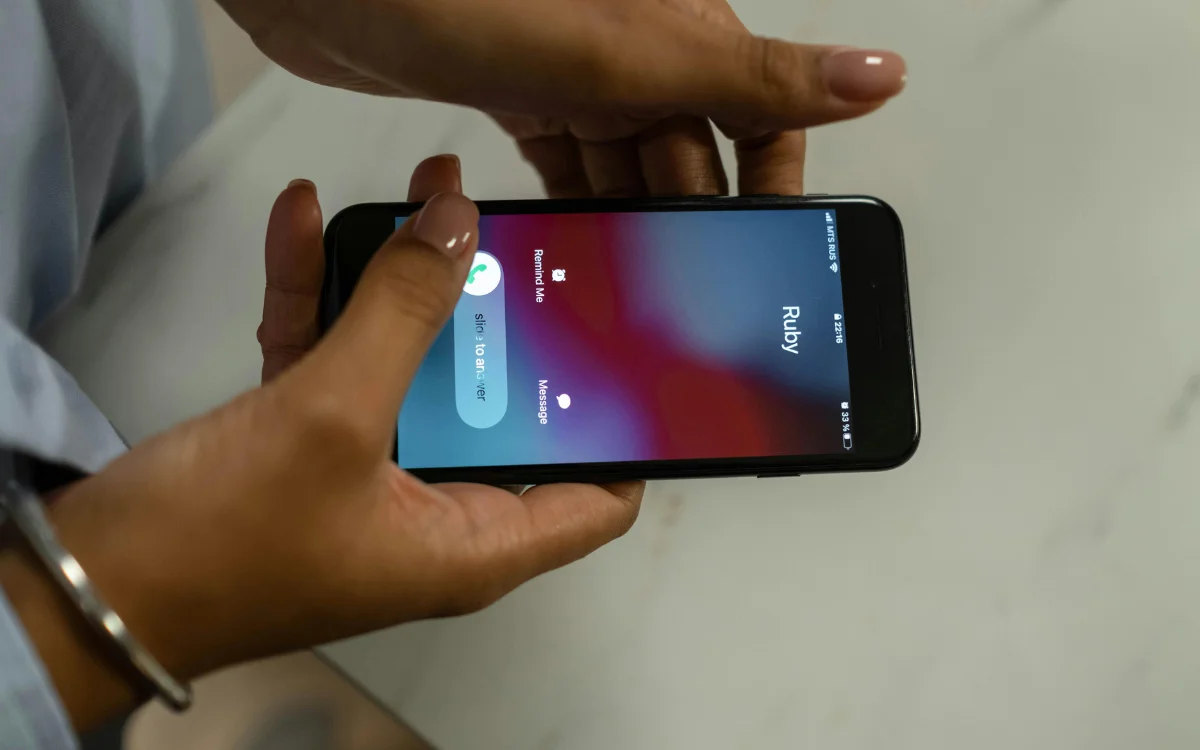
This one isn’t really a feature, but it is a sneaky way to discreetly avoid a call you’d rather not answer.
While the phone is ringing, switch your iPhone to Airplane Mode and the other person will be told the call has failed rather than declined.
Which could keep you out of trouble…
Allow audio playback while recording on your iPhone
If you’re listening to music but want to record a video, your iPhone typically turns the music off.
However, the Allow Audio Playback will let you film without interrupting what you’re listening to.
The video will still record with audio, but the sound will be in mono.
Schedule faster with Spotlight
Rather than opening up the Calendar app when you want to add something to your schedule, you can actually use Spotlight Search instead.
Just type in a phrase, like ‘haircut tomorrow at 2 pm’ into Spotlight, and it’ll let you create an event without opening Calendar.
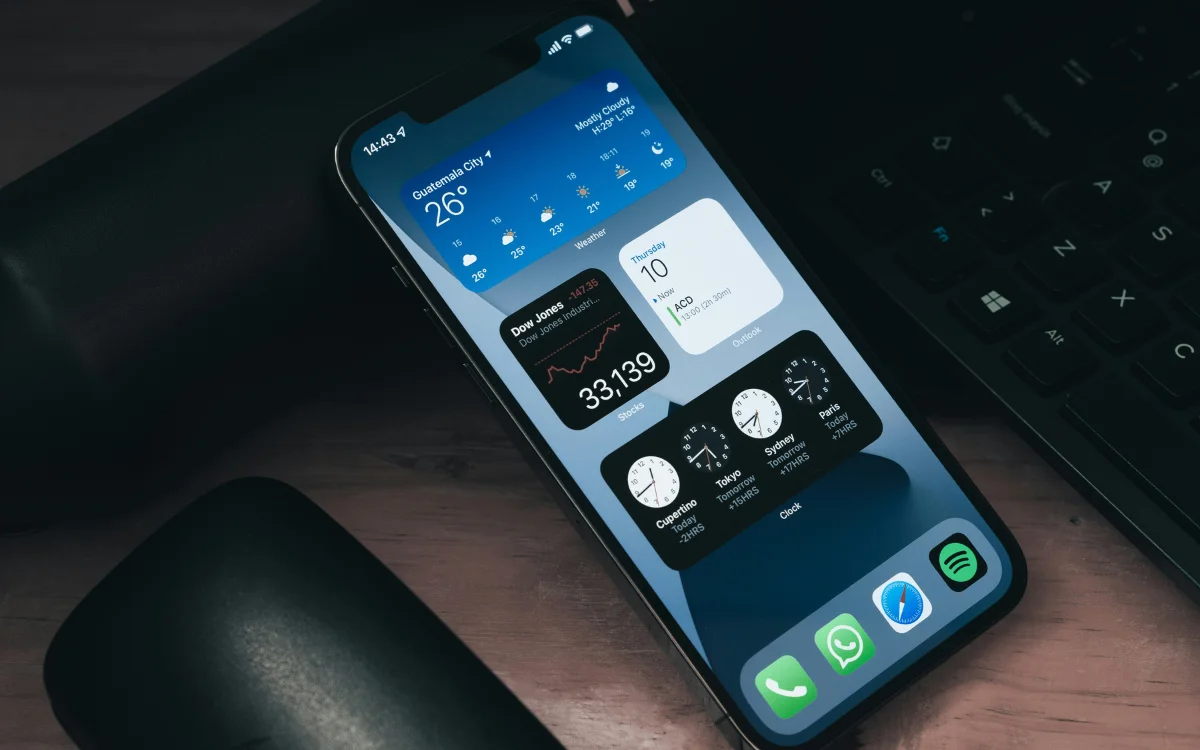
Making it easier than ever to get organized.
Screenshot a full webpage
When using Safari, you’re shown a portion of the webpage, so if you want to screenshot the whole page, you’ll need to take several shots.
But, after taking the screenshot, you can select the Full Page option, and it’ll save the whole thing as a PDF.
An easy way to remove apps
To delete apps, you can scroll through and manually hold down the icon before tapping ‘delete’, but there’s an easier way.
Head into the Apple App Store, and you’ll find a list of everything you’ve downloaded.
Here you can scroll down to any app, swipe left, hit ‘delete’, and move on to the next.
DISCOVER SBX CARS: The global premium car auction platform powered by Supercar Blondie
Follow topics and authors from this story to see more like this in your personalised homepage feed and to receive email updates.