Man shares Apple Watch features that most owners have no idea exist


It turns out that most Apple Watch owners are often only scratching the surface of what the smartwatch features can actually do.
While most people use it for checking the time, tracking workouts, and reading notifications, there are plenty of hidden features tucked away inside the device.
One tech creator, Proper Honest Tech, rounded up 12 functions he believed most users had no idea existed.
These were some of the most useful Apple Watch tricks worth trying.
12 Apple Watch features that most owners have never discovered
1. Create custom Smart Replies
Instead of relying on Apple’s suggested responses, users can create their own quick replies in the Watch app to make responding to messages much faster, all from the gadget on their wrist.
2. Record video remotely
The Camera Remote app doesn’t just take photos.
If you hold down the shutter button, it starts recording video on your connected iPhone.
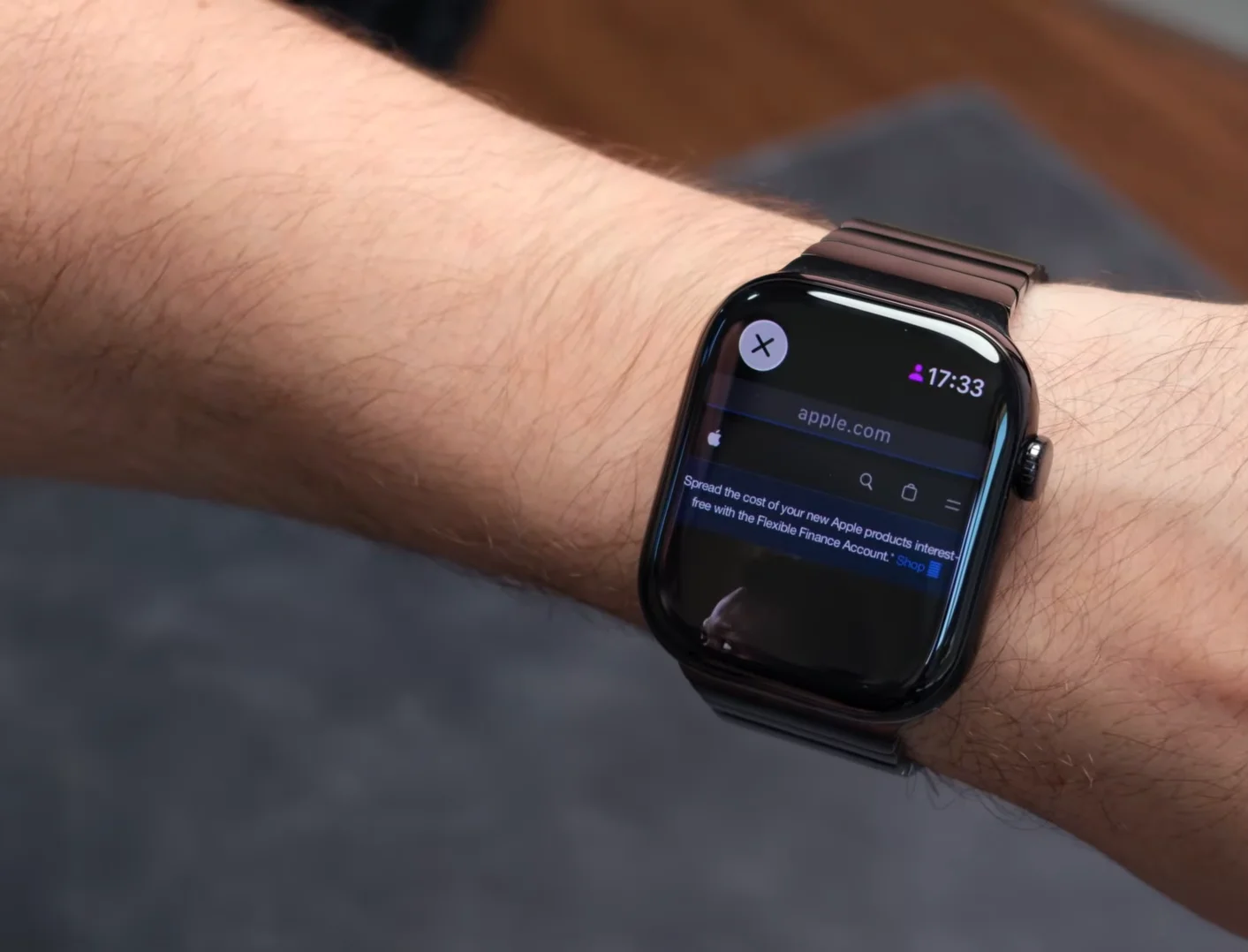
3. Browse the web from your wrist
There’s no Safari app on Apple Watch, but you can ask Siri to open a website, which then launches a hidden browser for quick searches, a snazzy Apple Watch hack.
4. Log medications
The Medications app syncs with the Health app on iPhone, allowing users to record doses directly from their watch.
5. Save your location
Apple Maps lets users mark their current location so it’s easy to navigate back to later.
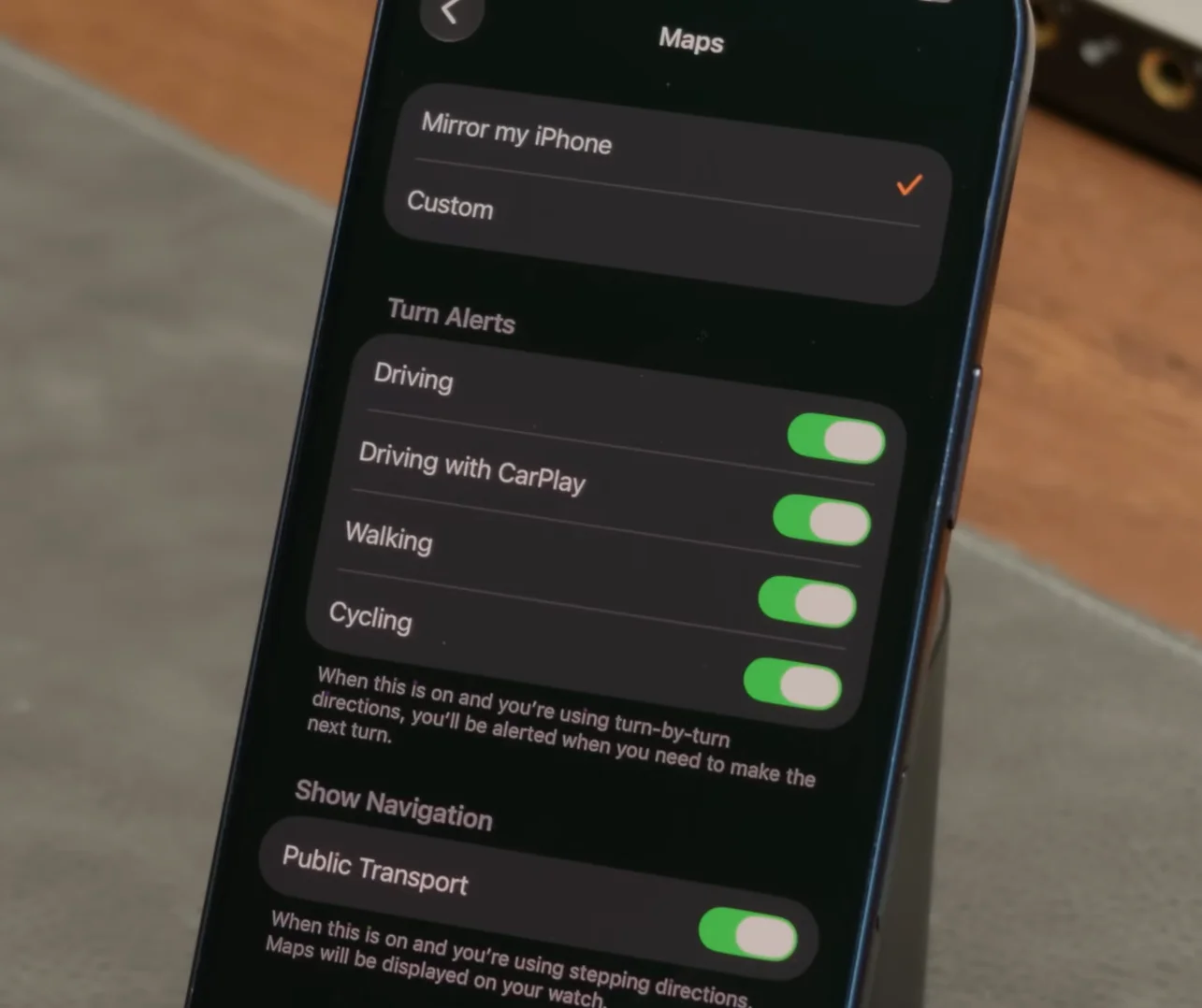
6. Get haptic turn alerts
When using Apple Maps with CarPlay, the Apple Watch can signal upcoming turns, with different vibrations for left and right turns.
More hidden tricks worth using
7. Adjust Noise alerts
If the watch constantly warns about loud environments, users can change the decibel threshold or switch noise alert notifications off completely.
8. Stop apps from closing so quickly
The Return to Clock setting lets users decide how long apps stay open before returning to the watch face.
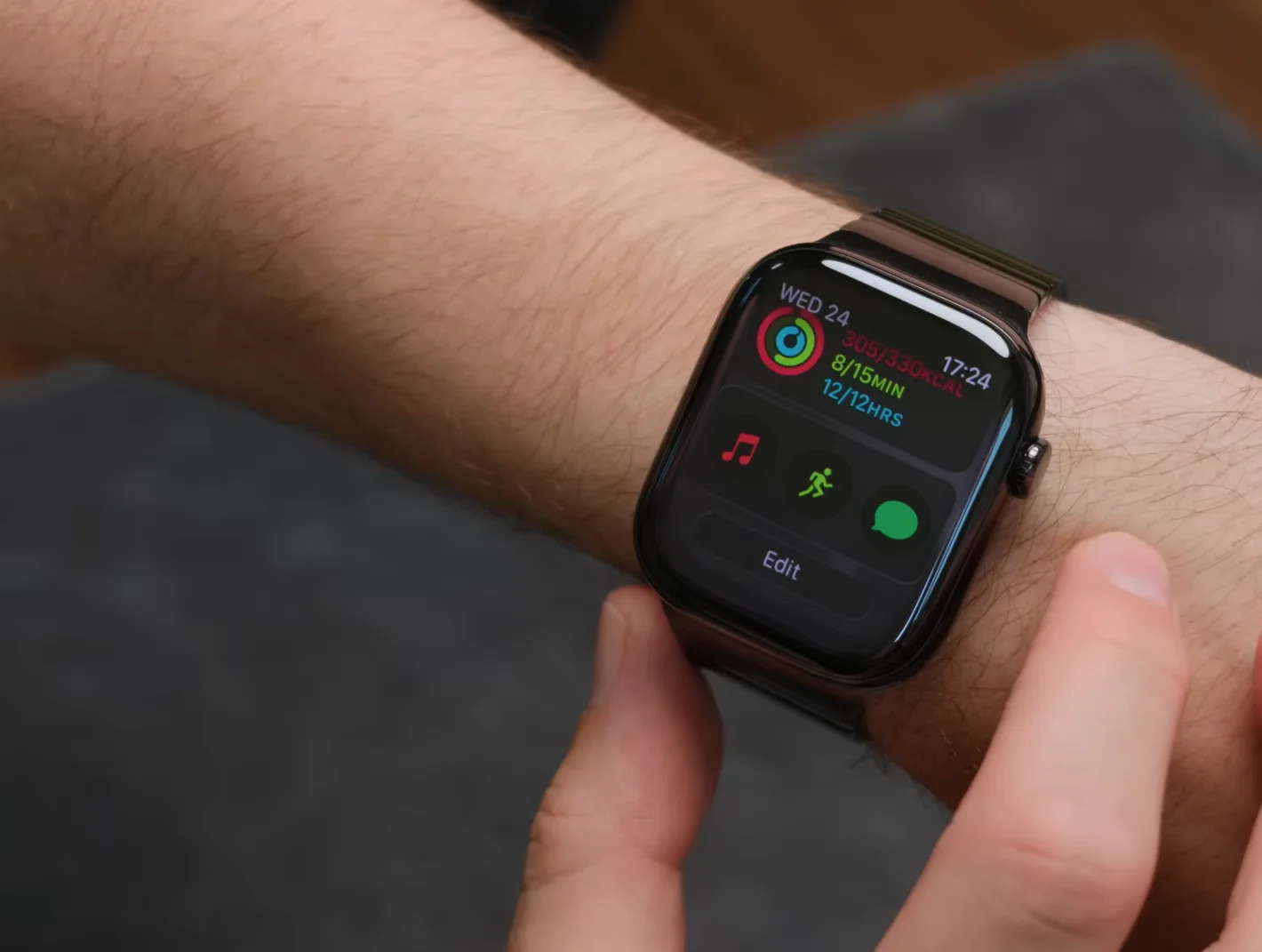
9. Customize the Smart Stack
Widgets can be pinned and rearranged so your most-used information is always easy to access.
10. Take notes on your watch
The Notes app allows users to dictate or type quick notes that instantly sync with their iPhone.
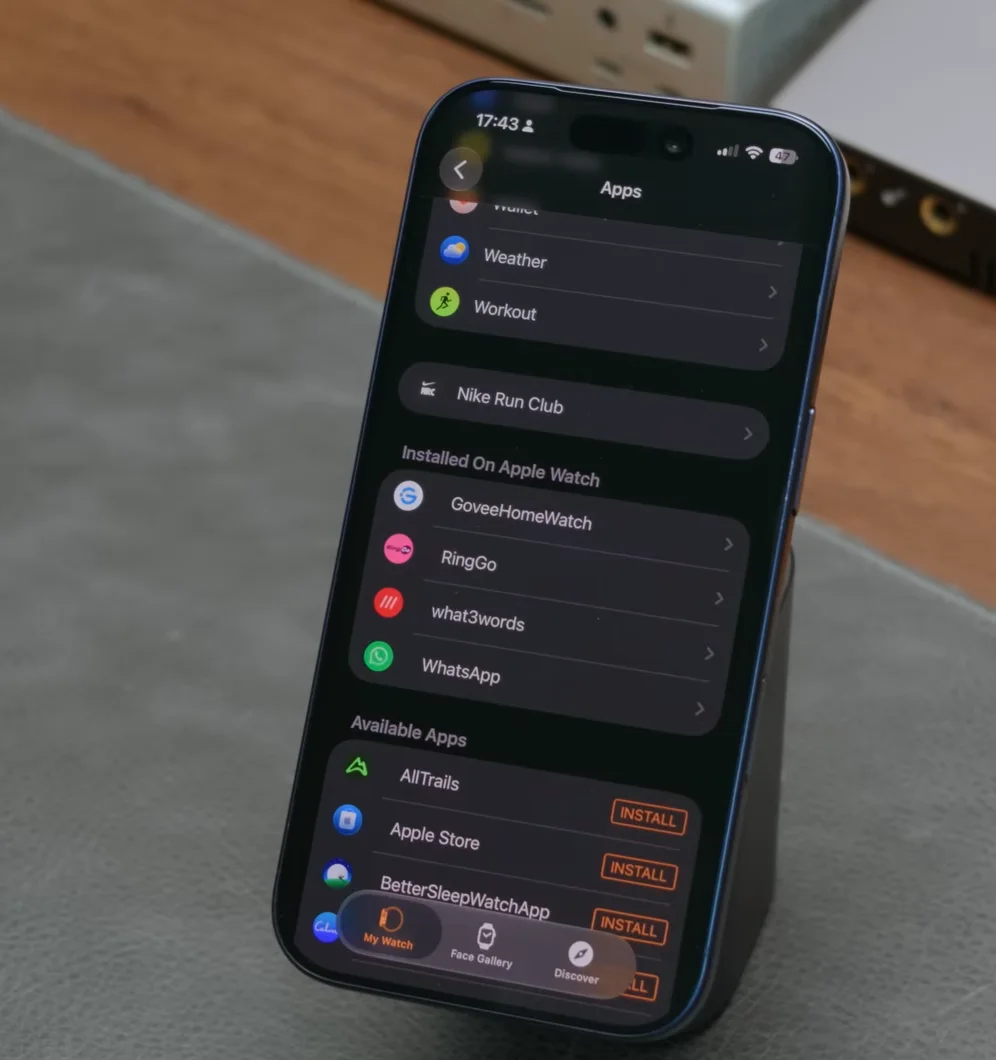
11. Remove unwanted apps
Apps installed automatically from an iPhone can be hidden from the Apple Watch to reduce clutter.
12. Download Offline Maps and enable Charging Reminders
Offline Maps can sync from an iPhone for navigation without a signal, while Charging Reminders help ensure the watch has enough battery for overnight sleep tracking.

While none of these features are brand new, the list shows just how many useful tools are hidden in the Apple Watch that many wearers may have never known about.