Using these tips and tricks will help you get the most out of your Apple Watch

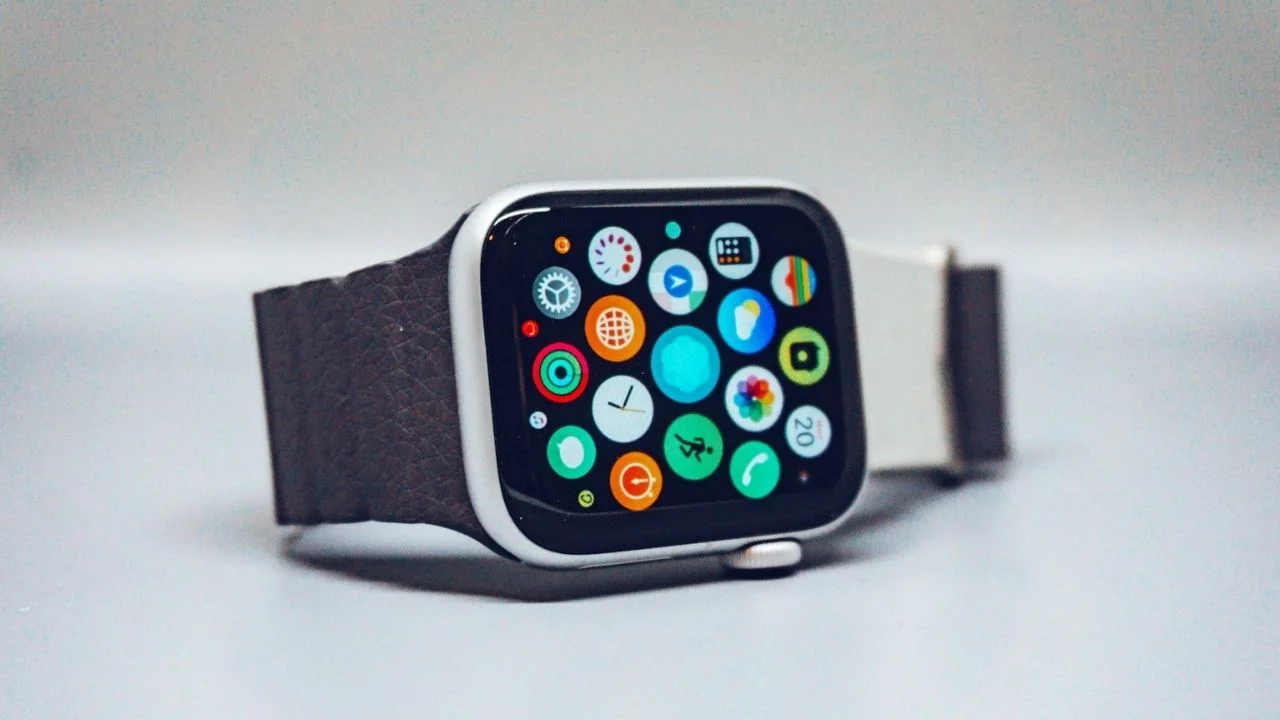

The Apple Watch has been around for more than a decade now, but loads of people still only use it for checking notifications and counting steps – here are some tips that will help you get the most out of it.
While plenty of users rely on it for tracking workouts, there are loads of hidden shortcuts and clever settings that can make the smartwatch far more useful.
Here are some Apple Watch tips that you might have completely missed, despite using the device every single day.
And some of them could seriously change the way you use your watch.
Your Apple Watch is meant to make life easier, let it do just that
One of the most useful tricks associated with this handy little gadget is being able to locate your missing iPhone straight from your wrist.
Using the Control Center on the Apple Watch, users can tap the ping button to make their iPhone play a sound.
But there’s an extra hidden feature too, if you press and hold the same button, the iPhone’s flashlight will also start flashing, making it much easier to find if it’s slipped under furniture or vanished in the dark.
Another handy shortcut lets users skip the annoying three-second workout countdown.
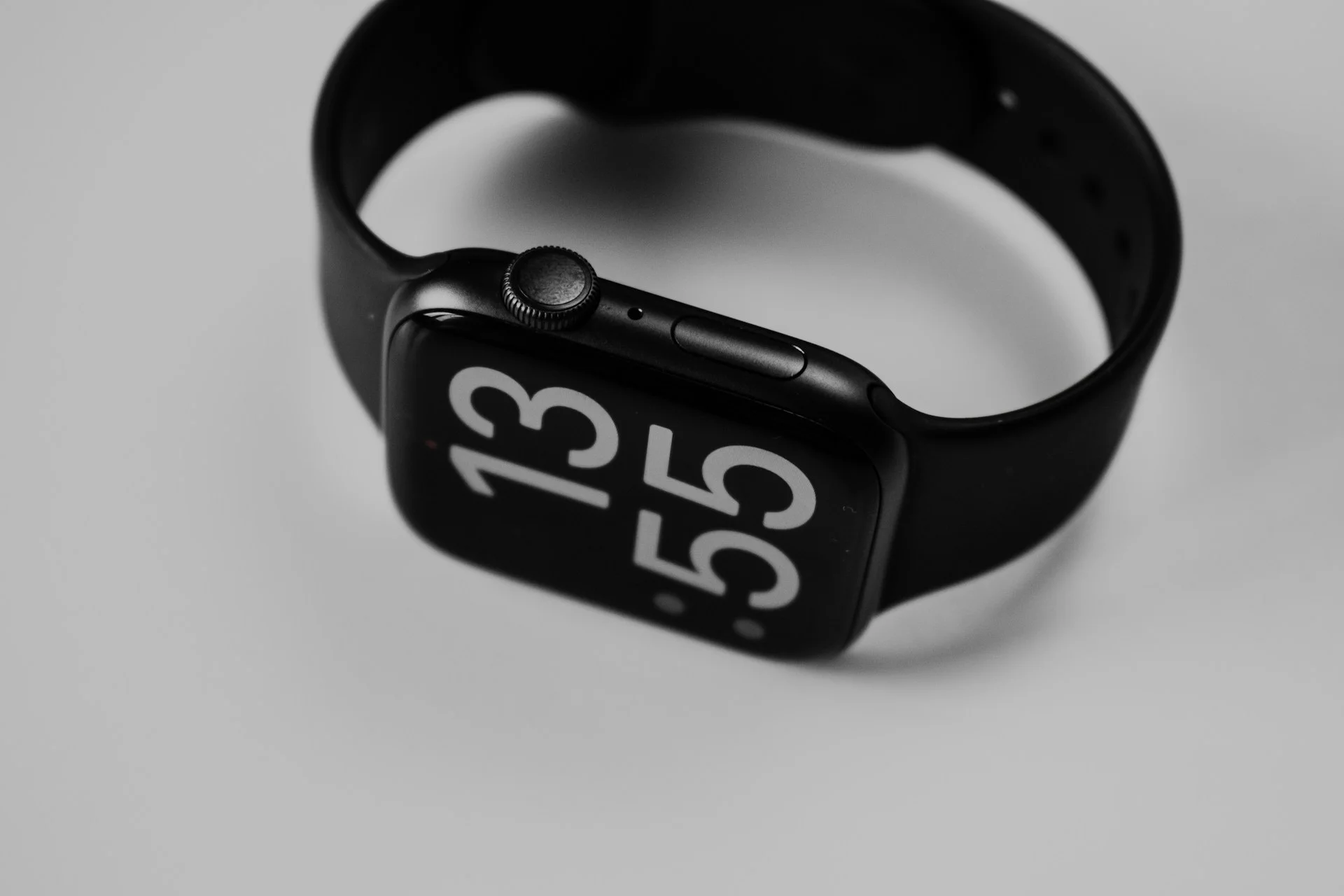
Instead of waiting before every run or gym session, you can simply tap the display during the countdown to begin instantly.
You can also change haptic alerts from ‘Default’ to ‘Prominent’, which means the watch adds an extra vibration tap to make important notifications harder to miss.
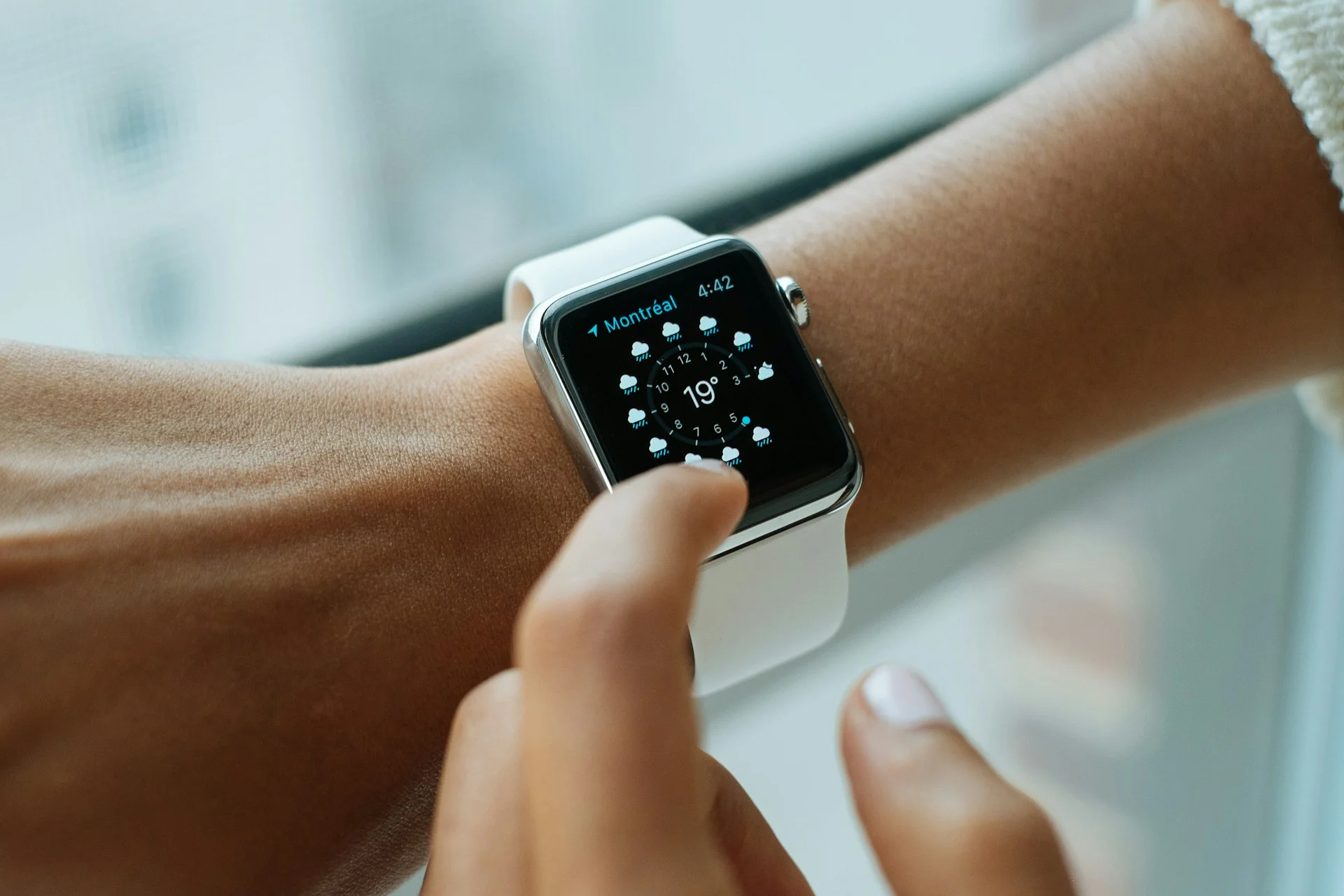
And if you’ve ever spent ages scrolling through apps or menus, there’s a hidden shortcut for that too.
Tapping the clock at the top of the screen instantly jumps back to the top of most apps.
It’s one of those tiny features that becomes surprisingly useful once you know it exists.
Longtime users often don’t realize that these tricks exist
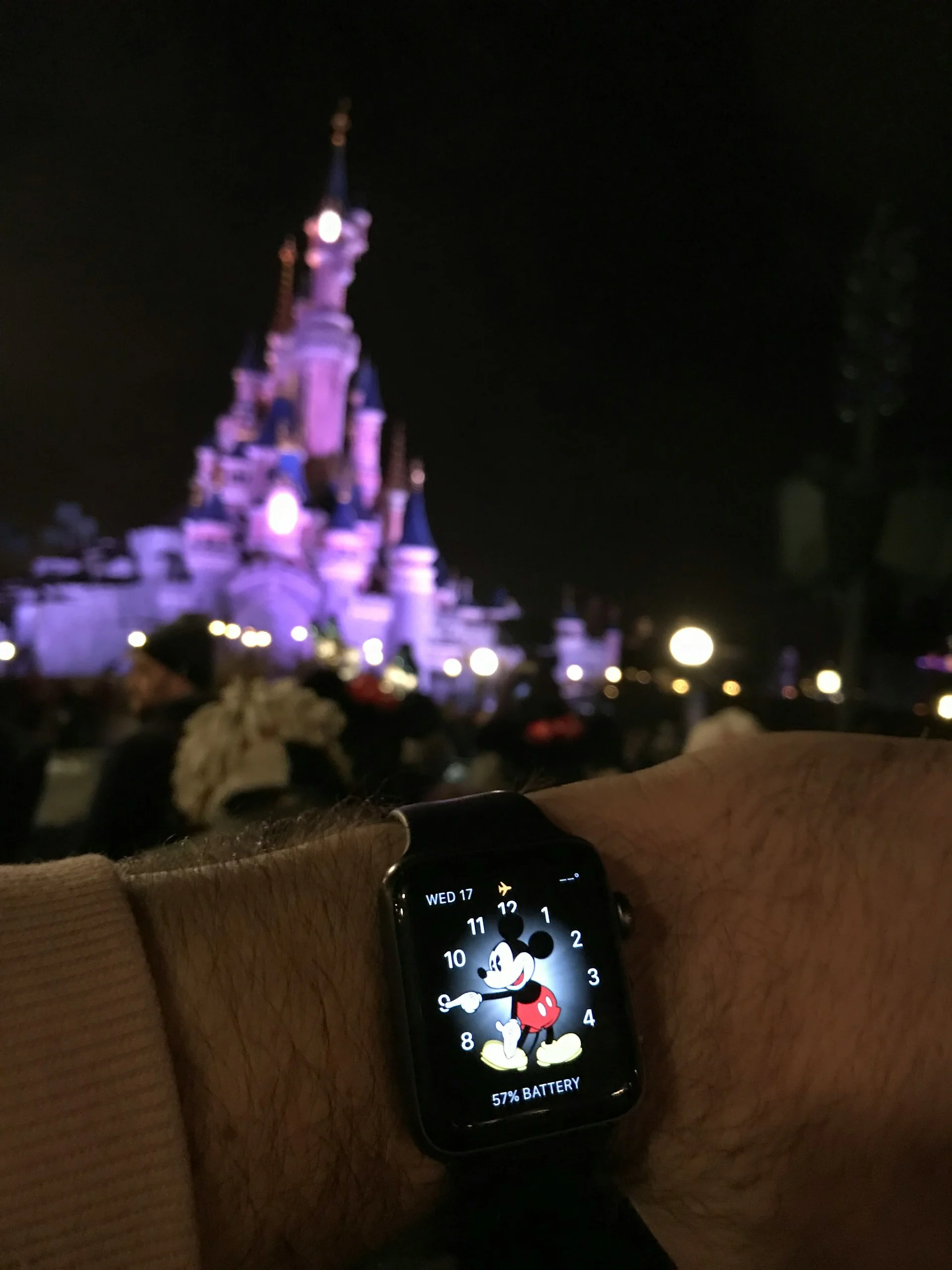
One of the more playful features involves the Mickey Mouse and Minnie Mouse watch faces; when you tap the character on the screen, they’ll actually tell you the time out loud.
Users can also get Siri to announce the time on other watch faces by placing two fingers on the display.
Meanwhile, fitness fans will probably appreciate the ability to pause Activity Rings without losing their streaks.
That means users who are sick, injured, or simply taking a rest day no longer need to worry about ruining months of progress.
The Apple Watch can also create notes directly from your wrist using voice dictation, making it easy to quickly save reminders while you’re on the move.
Another newer feature allows users to dismiss notifications, mute incoming calls, or silence timers using simple wrist flick gestures.
How many of these hidden features have gone unnoticed for years because Apple hides its best features?