These Apple Shortcuts are absolutely essential to know if you use an iPhone


The Apple Shortcuts app is one of the most underrated features hidden inside the iPhone.
While most people use their phones the same way every day, Shortcuts can automate loads of tasks and make your device feel way smarter with barely any effort.
From creating custom buttons to setting up automatic routines when you wake up, there are loads of surprisingly useful tricks built directly into iOS.
And once you start using them properly, it’s easy to see why so many iPhone users swear by them.
These Apple Shortcuts will change your life
One of the most useful gadget tricks you can use involves the Action Button available on newer iPhones.
Instead of just muting the phone or turning on the flashlight, users can assign custom shortcuts to it that perform multiple actions instantly.
That means one press could launch a favorite app, start a playlist, open a menu of controls, or even trigger an entire sequence of automations.
Shazam & Save
Another handy feature is a shortcut called ‘Shazam & Save’.
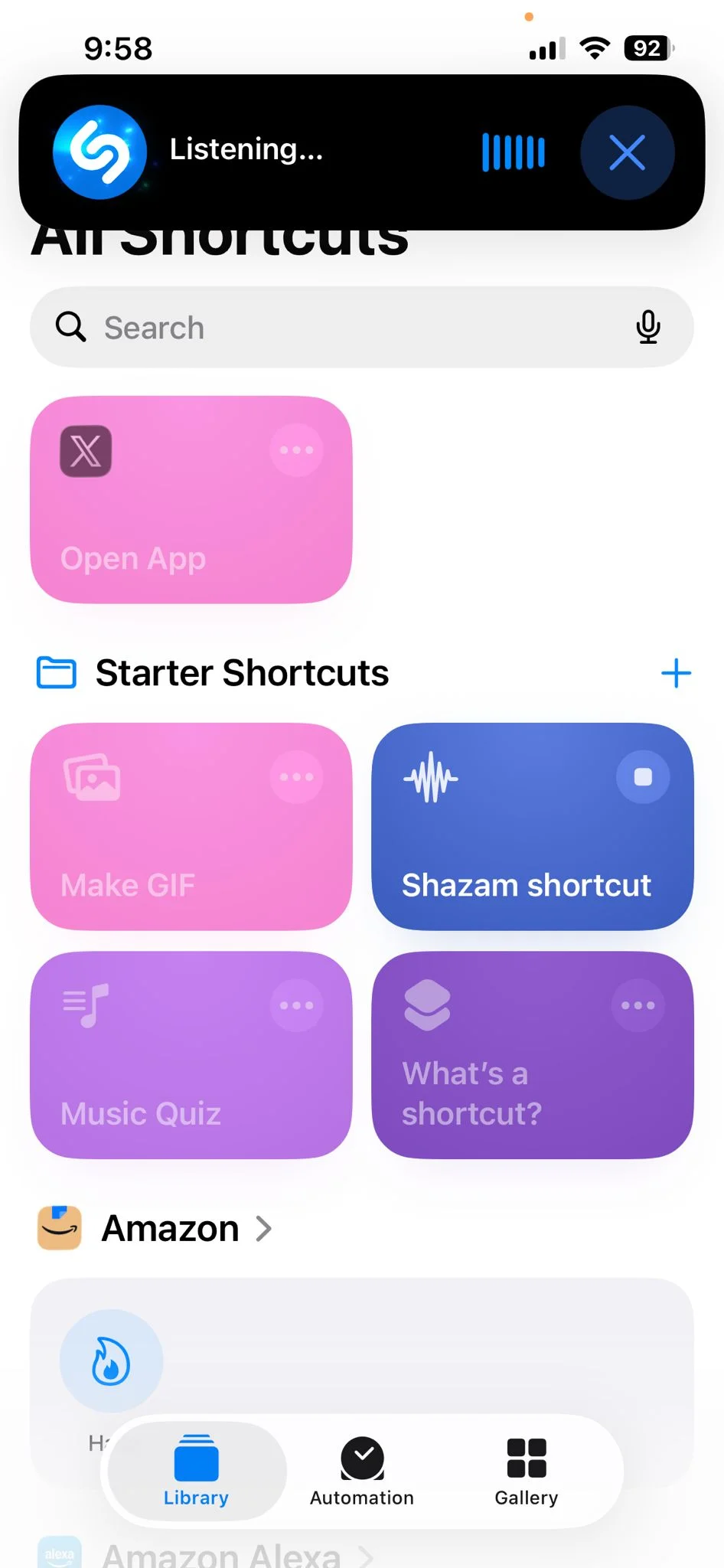
This automatically identifies a song playing around you and saves it directly to your Apple Music library.
It’s perfect for those moments where you hear a song you love in public but know you’ll forget it later.
Alarms
Users can also create morning automations linked to alarms.
Once an alarm is dismissed, the iPhone can automatically display the weather, launch maps, show commute times, or start playing music.
It essentially turns the phone into a mini assistant before you’ve even left bed.
There are even battery-related automations that can warn users when their battery level drops below a certain percentage before leaving home.
Back Tap
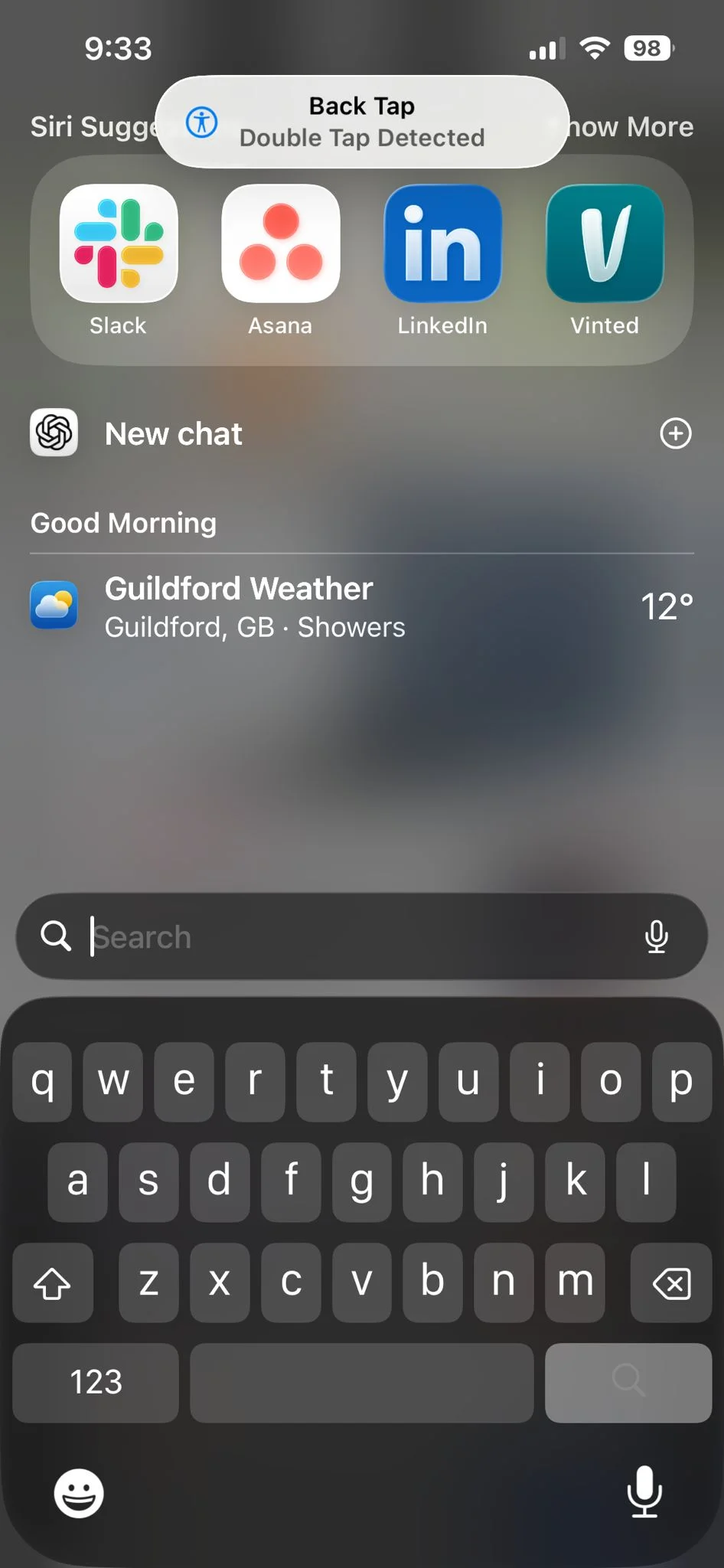
One feature many iPhone users still don’t know about is Back Tap.
This allows people to double or triple tap the back of their iPhone to trigger shortcuts instantly.
That means users can activate the flashlight, open the camera, or run a custom automation without even navigating through menus.
Some of the hidden iPhone automation tricks are surprisingly clever
Another useful shortcut setup allows apps to trigger certain settings automatically.
For example, users can have rotation lock disabled whenever YouTube opens before automatically switching it back on once the app closes.
Shortcuts can also automate focus modes, WiFi settings, Bluetooth connections, and smart home devices depending on location or time of day.
Despite how powerful the feature is, plenty of iPhone users still overlook the Apple Shortcuts app entirely.
But once people start experimenting with it, it quickly becomes one of the most useful tools available on iPhone.