Your iPhone is ruining the audio of any video you record with it and this is how you fix it

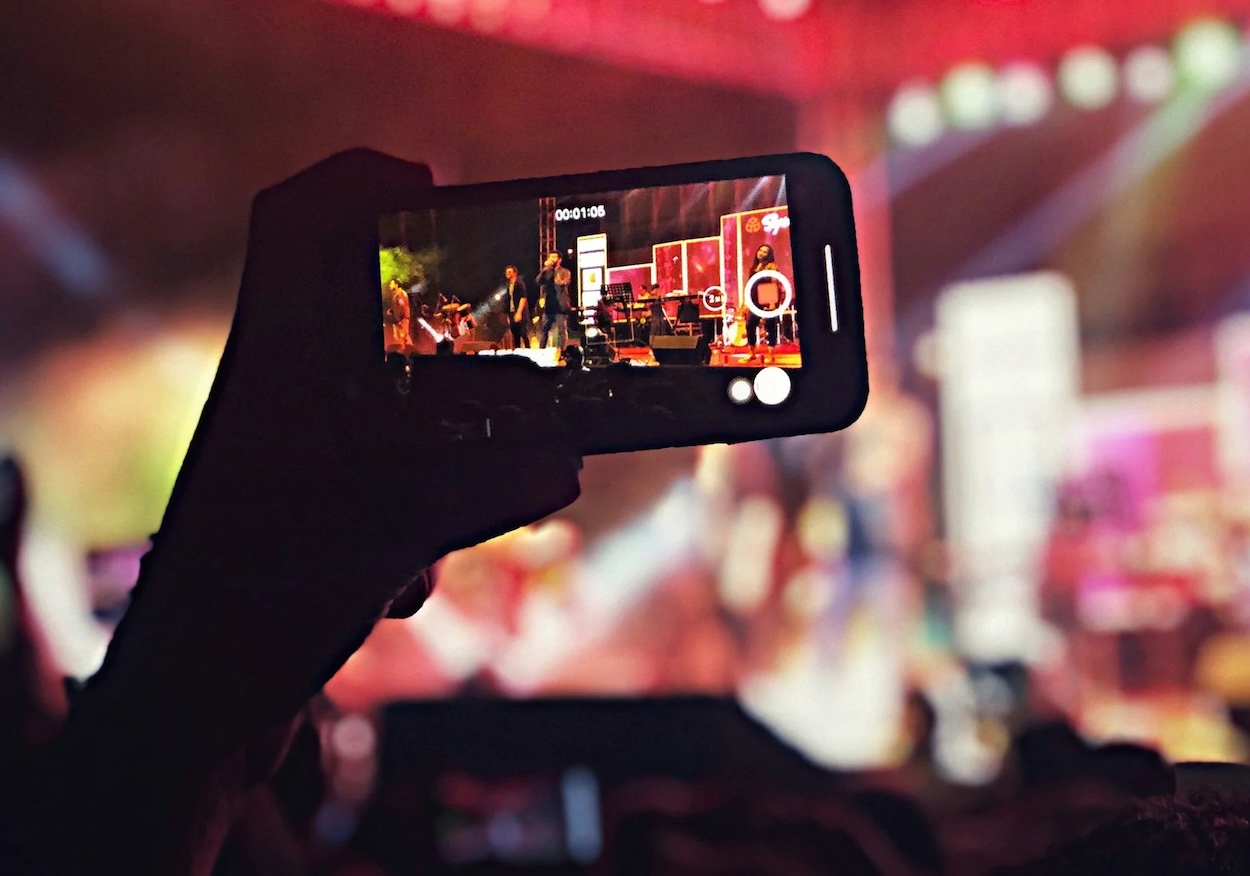

A hidden iPhone feature automatically changes the way sound is captured whenever you zoom in while filming, and it can make recordings sound flat and lifeless – but luckily there’s a way to fix it.
The setting is designed to focus on a subject’s voice by reducing background noise, but that can completely strip away the atmosphere from concerts, sporting events, and busy city scenes.
Thankfully, Apple finally introduced a way to turn the feature off.
And once you know where the setting is buried, it only takes a few seconds to fix.
Why your iPhone is ruining the audio of any video you record with it
Most iPhone users probably have no idea Audio Zoom even exists on their gadgets.
The feature quietly activates when you zoom while recording video, with the phone automatically trying to isolate the sound coming from whatever you’re filming.
That might sound useful in theory, especially if you’re filming someone speaking in a noisy place, but it can seriously damage the feel of certain recordings.
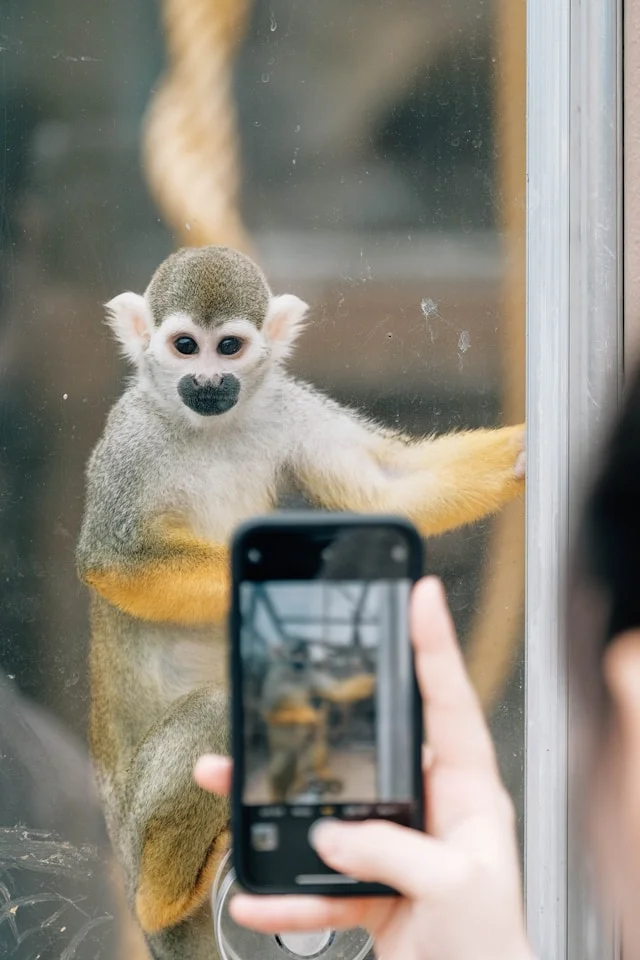
People have noticed that concert videos, for example, suddenly sound strangely empty once played back, with crowd noise and venue acoustics heavily reduced.
Instead of sounding immersive, the clips can end up feeling overly processed and unnatural.
Apple added a dedicated toggle for the feature in iOS 26.4, finally giving users control over whether Audio Zoom stays active.
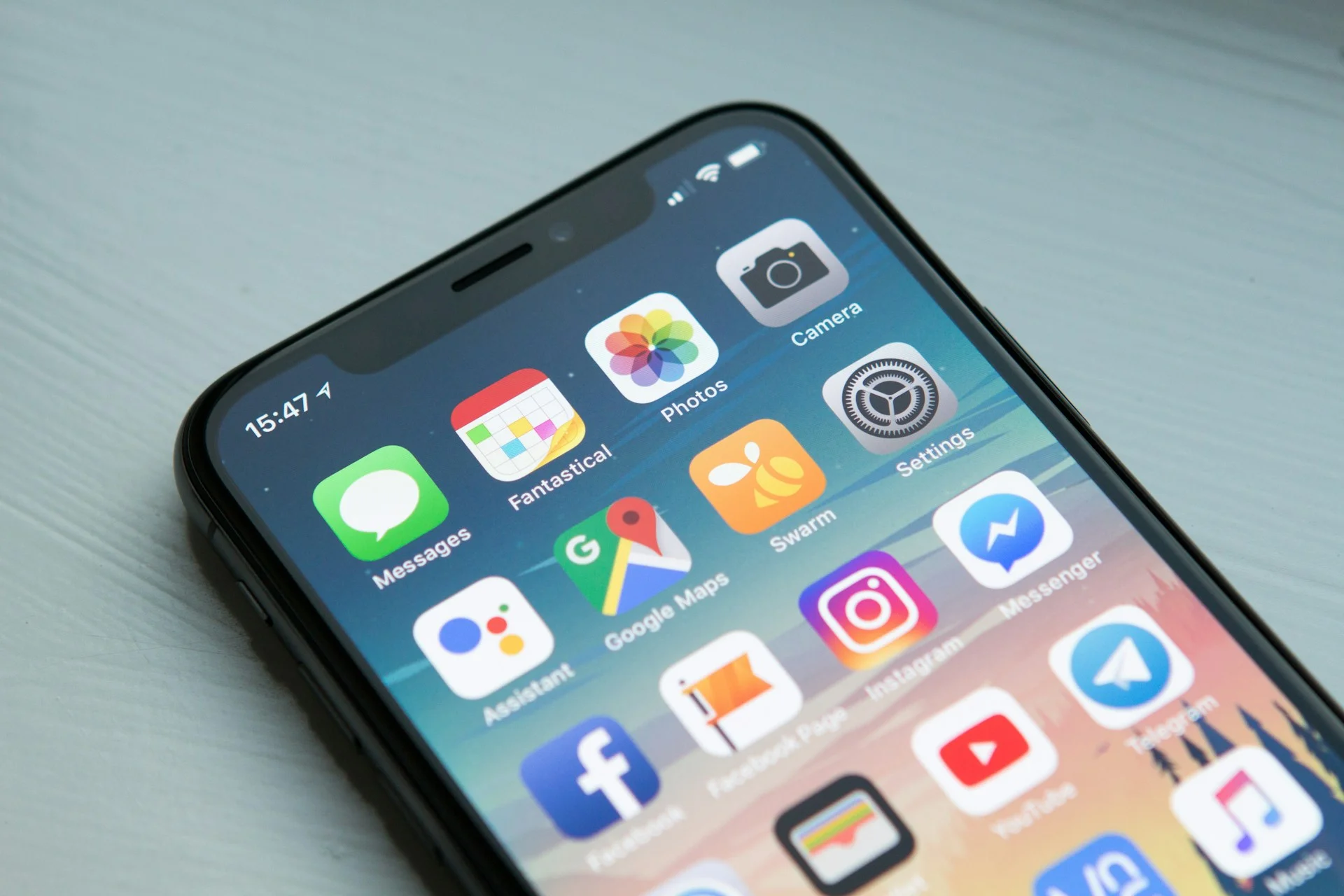
How do you turn off Audio Zoom?
To switch it off, open Settings, scroll down to Camera, tap Record Sound, and disable Audio Zoom.
If the option doesn’t appear, your iPhone may need updating first.
Disabling the feature means your iPhone will capture more of the surrounding environment while recording, even if you zoom in.
Audio Zoom still has its uses, though.
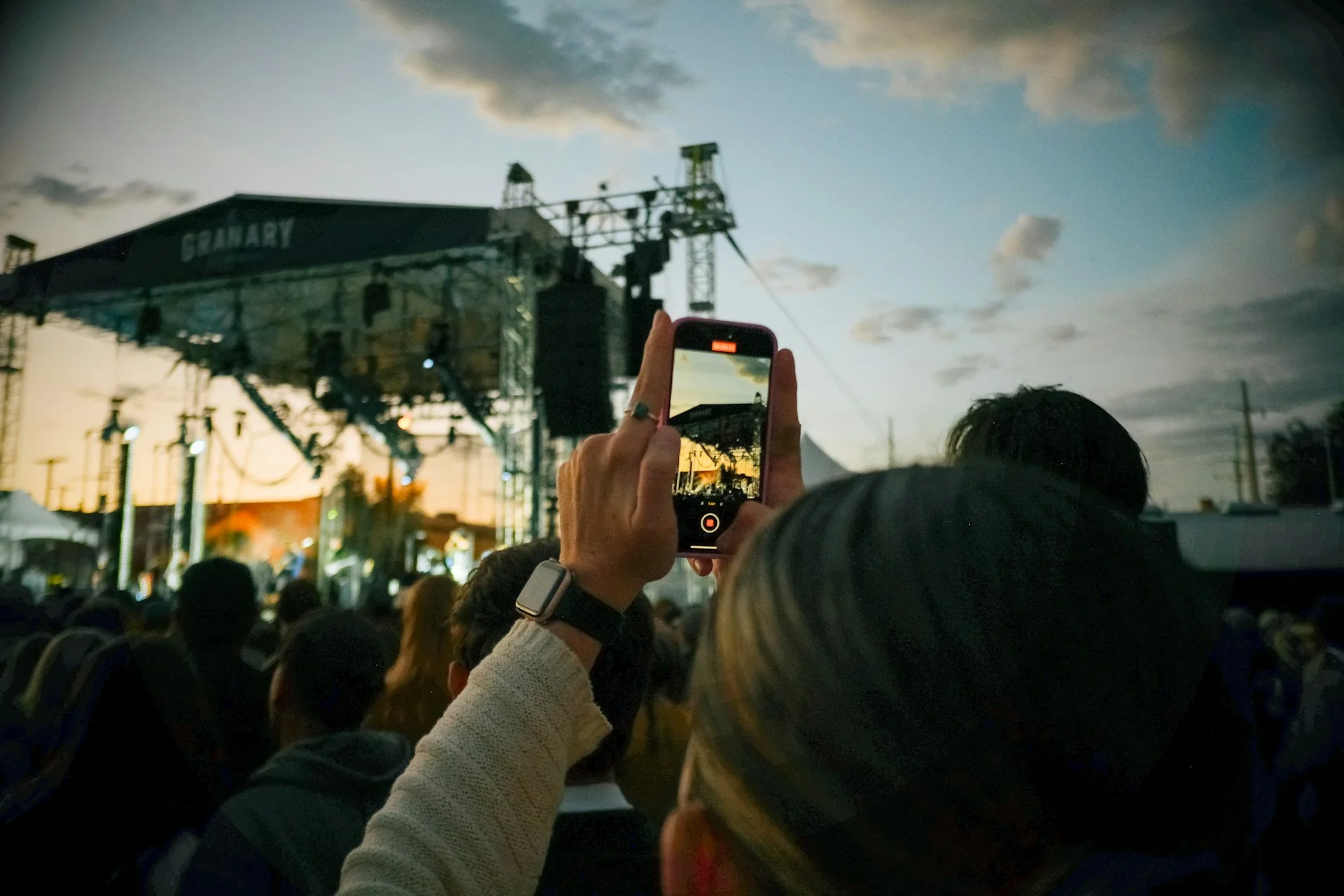
If you’re filming an interview, recording a video call, or trying to focus on a single person speaking in a loud crowd, Audio Zoom can help isolate voices and reduce distractions.
But for anyone who wants videos to sound more natural and realistic, turning it off could instantly improve recordings.
It is one of those hidden iPhone settings most people probably didn’t even know about.