There's a hidden settings menu in your iPhone that can help solve issues that have been affecting your device for ages

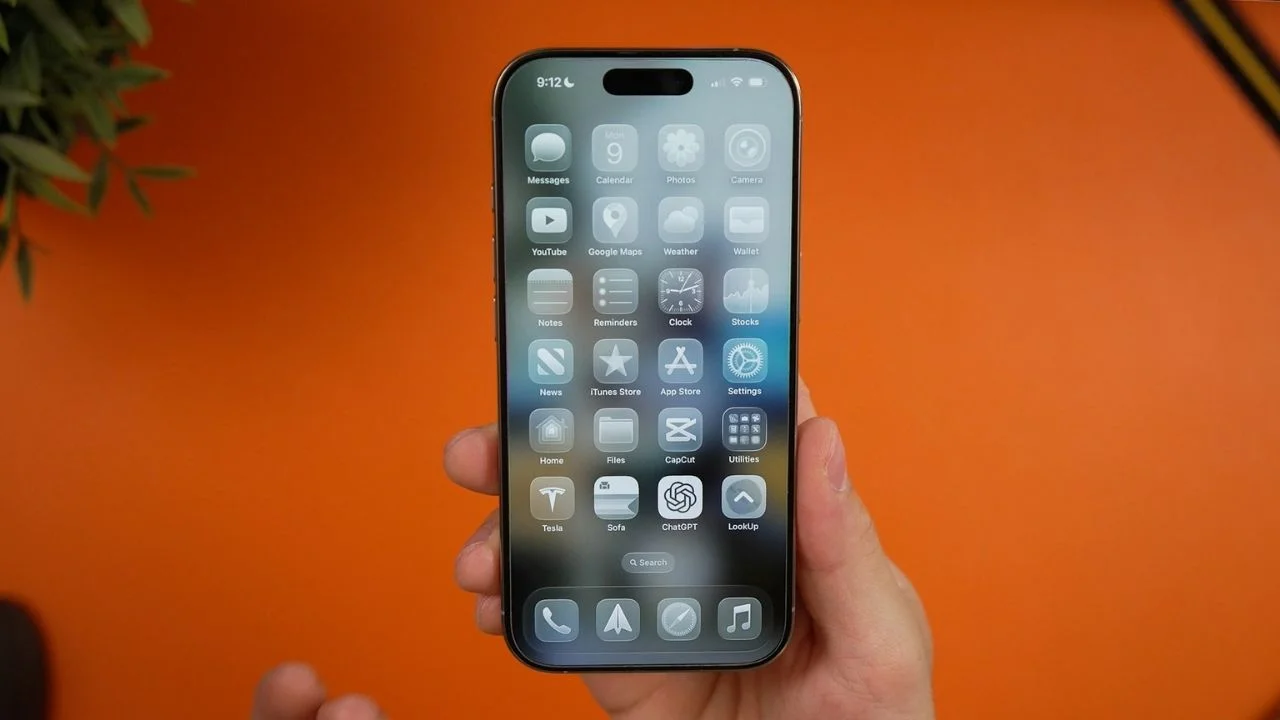

If your iPhone has been acting weird lately, there’s a hidden settings menu tucked away inside the device that could finally explain what’s going on.
Most people have no idea it exists, but Apple actually built a diagnostics mode into the iPhone that can test hardware issues in minutes.
It sounds like something reserved for Apple engineers, but everyday regular users can access it too.
And if your battery has been draining, your speakers sound strange, or Face ID keeps misbehaving, this hidden menu could be exactly what you need.
How to activate iPhone’s hidden settings menu
The little-known gadget feature is called Diagnostics Mode, and it lets users run tests on different parts of their iPhone to check whether anything is malfunctioning.
It can inspect things like the display, speakers, cameras, Face ID, touchscreen responsiveness, and even performance with the cell itself, like calling people.
To activate it, you first need to completely power off your iPhone and then, from there, press and hold both the volume up and volume down buttons while plugging the phone into a charger or computer.
Once the Apple logo appears, release the buttons and the diagnostics screen should appear.
Apple says the feature was originally designed to help with repairs and troubleshooting, but it has since become a useful tool for everyday users trying to figure out why their device suddenly feels off.
Some iPhone owners have even used it to identify issues after accidentally dropping their phone and it might be what they use at some repair shops.
Related

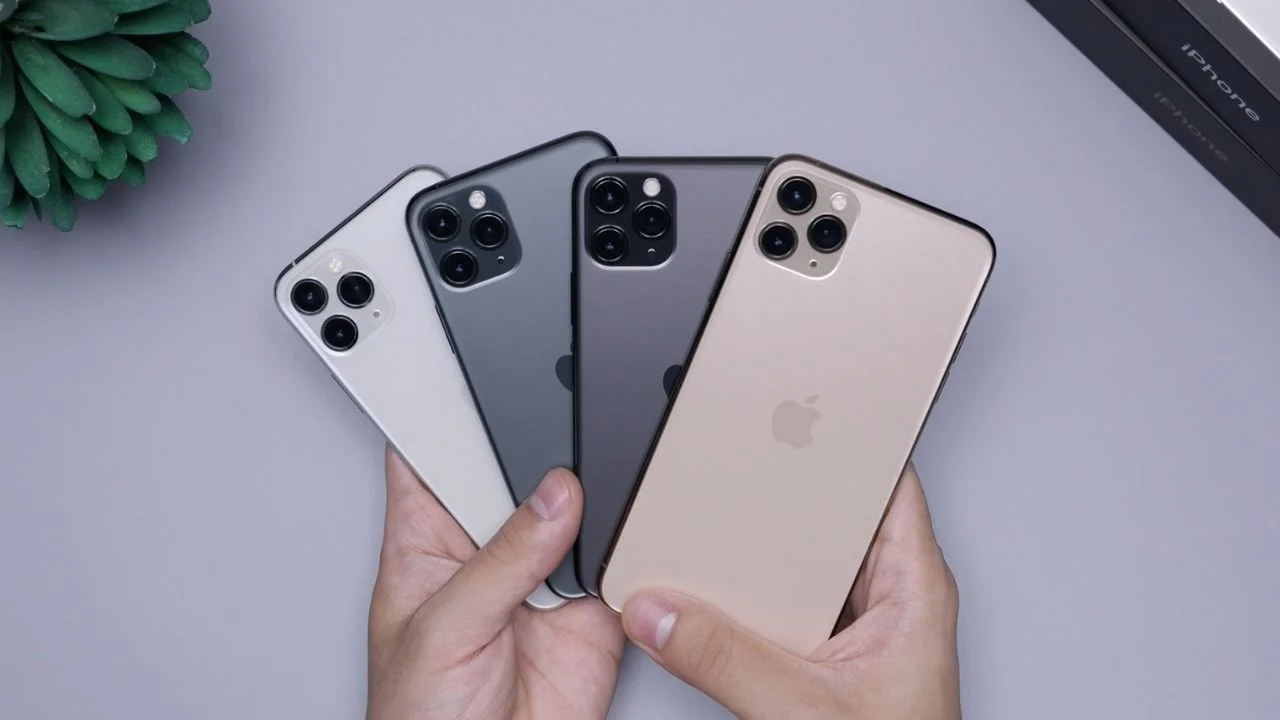
It could save you a trip to the Apple store
One of the best things about the diagnostics feature is that it can spot issues before they become serious.
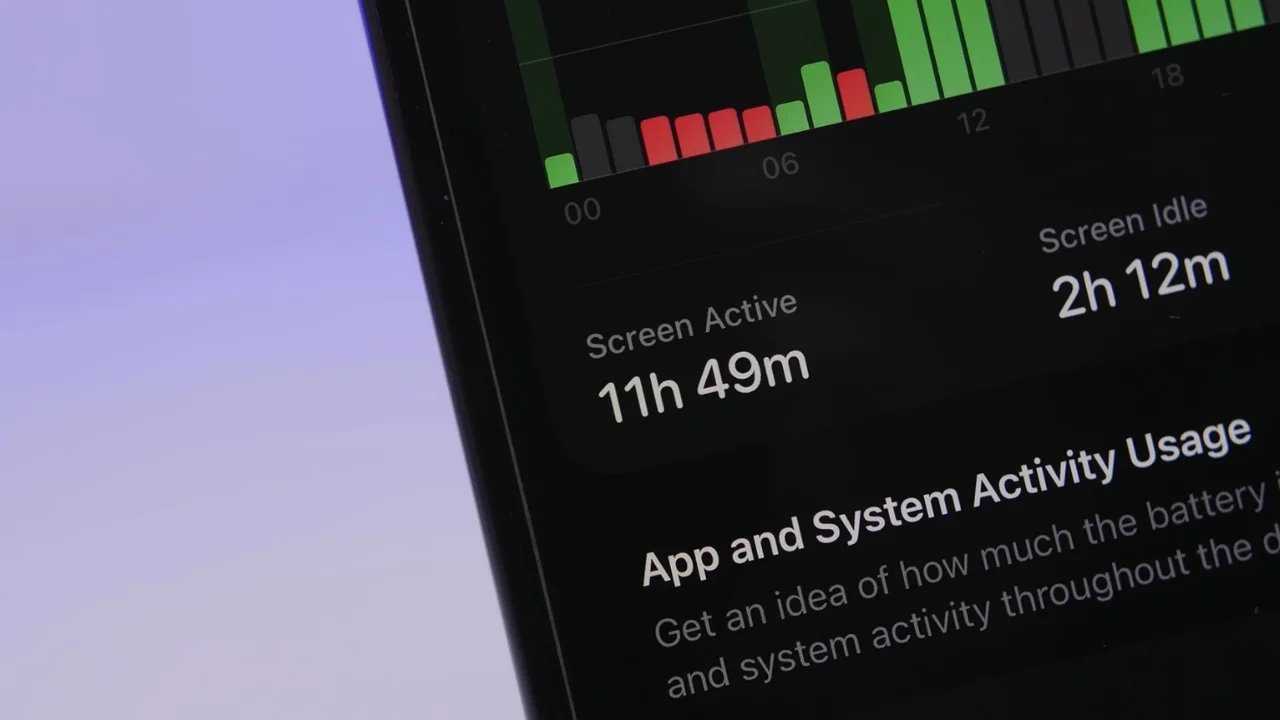
Instead of endlessly restarting your phone or panicking because your battery suddenly drops from 30 percent to one percent, the tests can point toward the actual problem.
There’s also another hidden feature called Field Test Mode, which shows you information about your cellular signal strength.
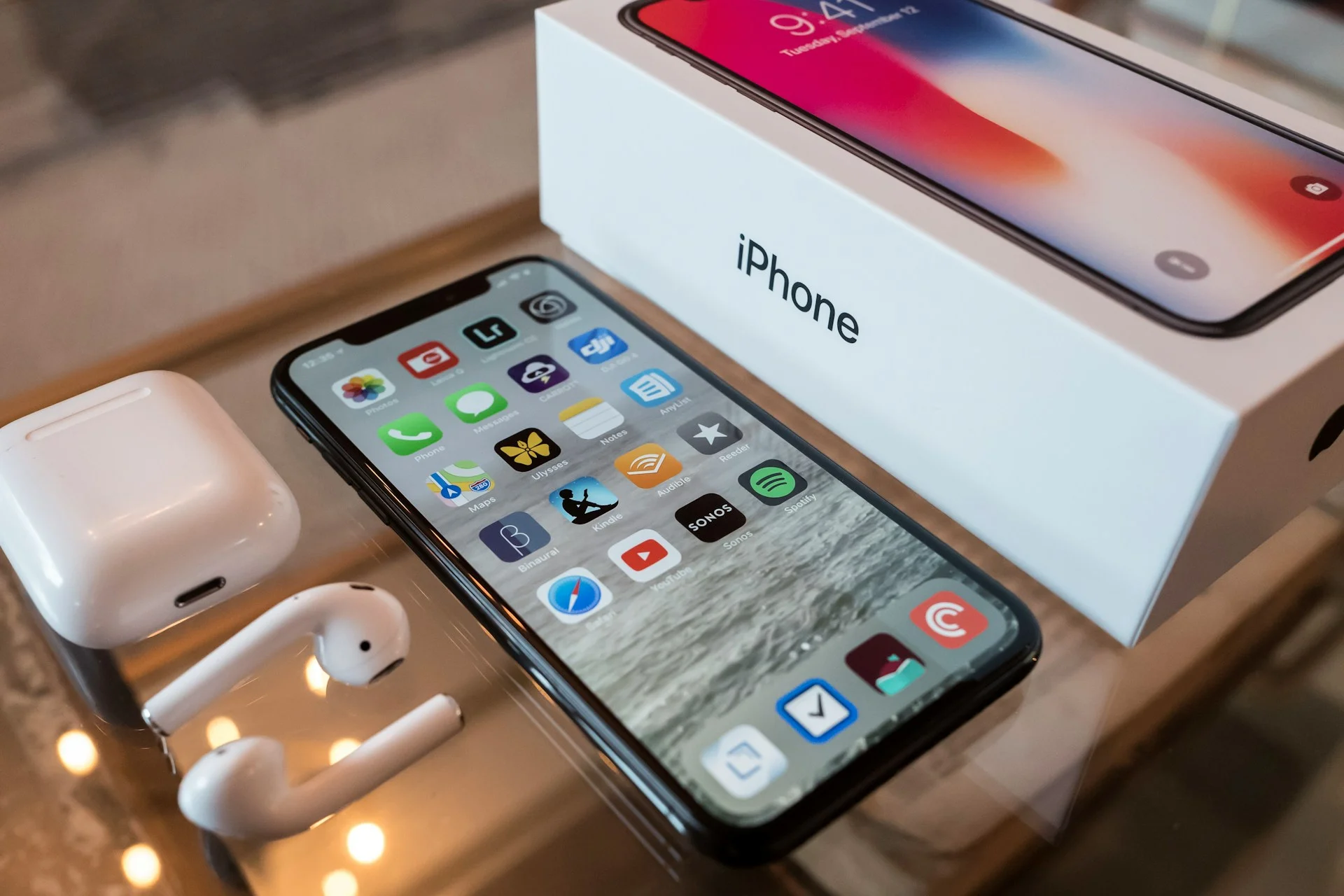
That means users can see the real quality of their connection instead of relying on the tiny signal bars in the corner of the screen.
It’s especially useful if your calls keep dropping or your internet feels painfully slow for no obvious reason.
While Apple doesn’t exactly advertise these tools, they’ve been sitting inside the iPhone for years waiting to be discovered.
And for anyone whose device has been mysteriously glitching lately, finally finding that hidden settings menu could feel pretty good.