This moment of clumsiness with an iPhone triggered a little-known Apple feature meant for serious safety

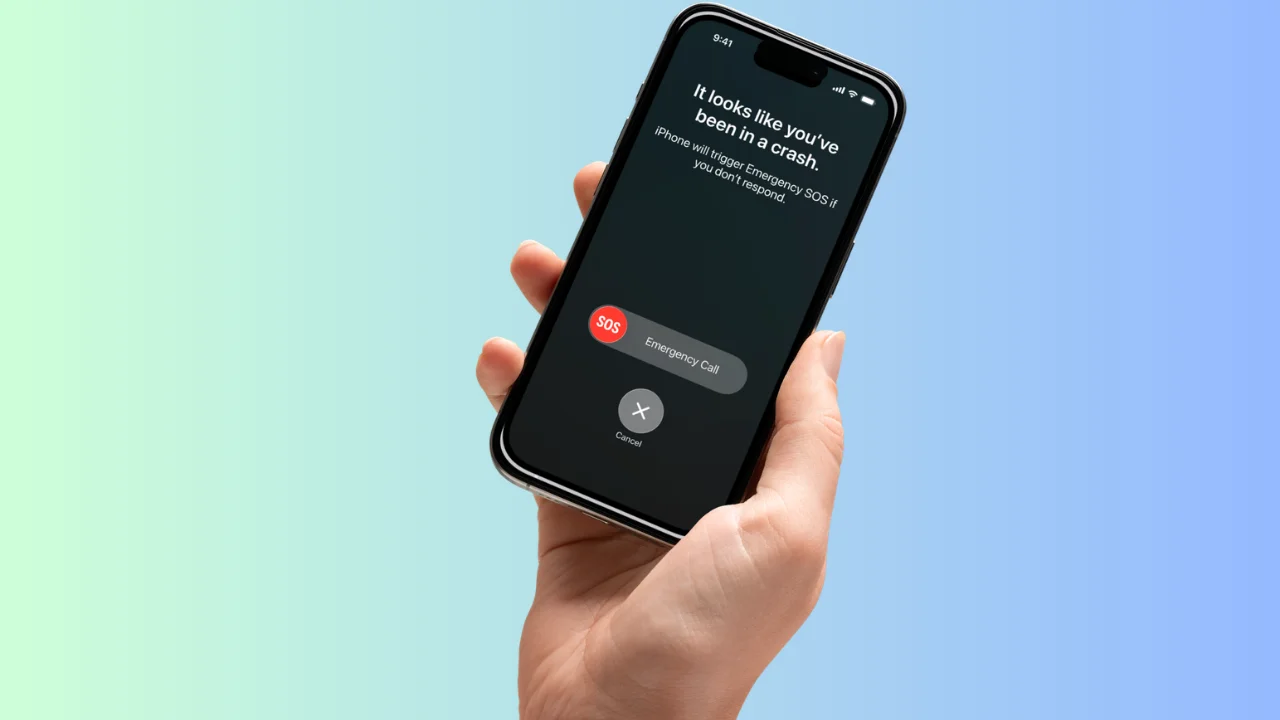

We’ve all been there, but when my iPhone became the victim of a moment of clumsiness, it embarrassingly triggered a little-known Apple safety feature.
It sounds dramatic, but it genuinely started with something as simple as dropping an iPhone down the stairs.
One second it was in hand, the next it was skittering down the wooden steps onto a tile floor, which clearly seemed way more dramatic to the iPhone than it did to me.
And somehow, that tiny moment was enough to convince my phone that it needed to take action.
The little-known Apple safety feature
All gadget owners feel that sense of dread when we feel our iPhones slip from our hands, and when mine fell and hit every wooden stair on the way down, I knew there would be serious consequences.
I assumed it would be breakage, but the reality was actually far more embarrassing.
The bangs echoed, the screen flashed, and before I could even get to the bottom of the stairs and pick it up, an alert filled the display asking if I’d been in a severe crash.
Turns out the force of our phone clattering down the stairs had triggered Apple’s crash detection, another feature that Apple has hidden away.
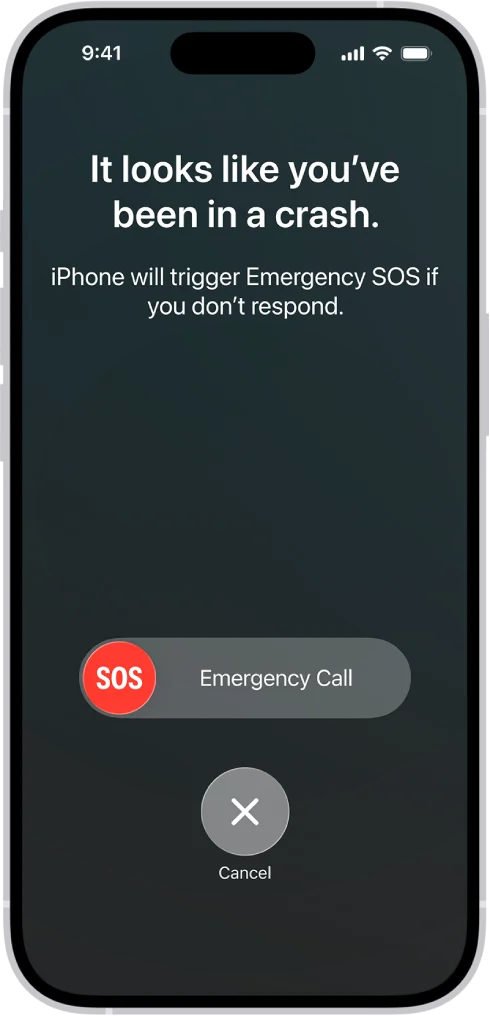
Turns out, the combination of sudden acceleration, impact, and noise from the phone absolutely launching itself down the stairs was enough to trick the system and it genuinely thought something serious had happened.
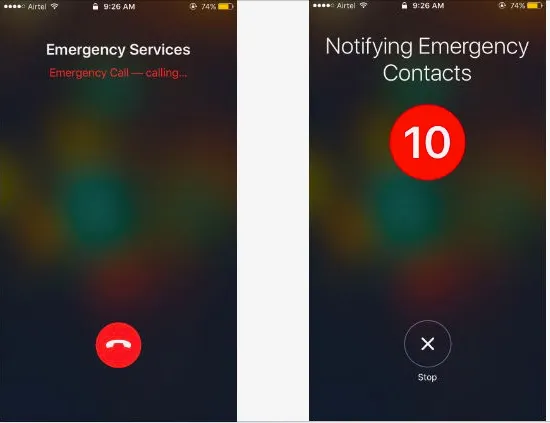
It threatened to phone the emergency services and sent my location to all my emergency contacts in the middle of the night.
How to turn it off if it gets too sensitive
Crash Detection is built for worst-case scenarios, which is why it reacts so quickly, if you don’t respond, it can automatically contact emergency services and share your location.
In this case, I managed to cancel it just before it phoned emergency services, but it alerted my parents, sibling and partner that I was in distress.
According to Apple, you can turn it off by heading into Settings, tapping Emergency SOS, and toggling off ‘Call After Severe Crash’, it’s a simple fix if you find it triggering a little too enthusiastically.
If you have an Apple Watch, it has the same response if it registers that you’ve had a fall.
Still, as slightly embarrassing as it was, it’s hard to complain too much.
The same feature that overreacted to my clumsiness is designed to step in when it really matters, and that’s probably a trade-off most people are happy to live with.
The big win was that the only thing that suffered any injuries was my ego when a little-known Apple feature told all my loved ones that I was being dangerous around stairs at midnight.