Expert shares how you can fix some of the most annoying issues on your iPhone that you weren't aware could be solved

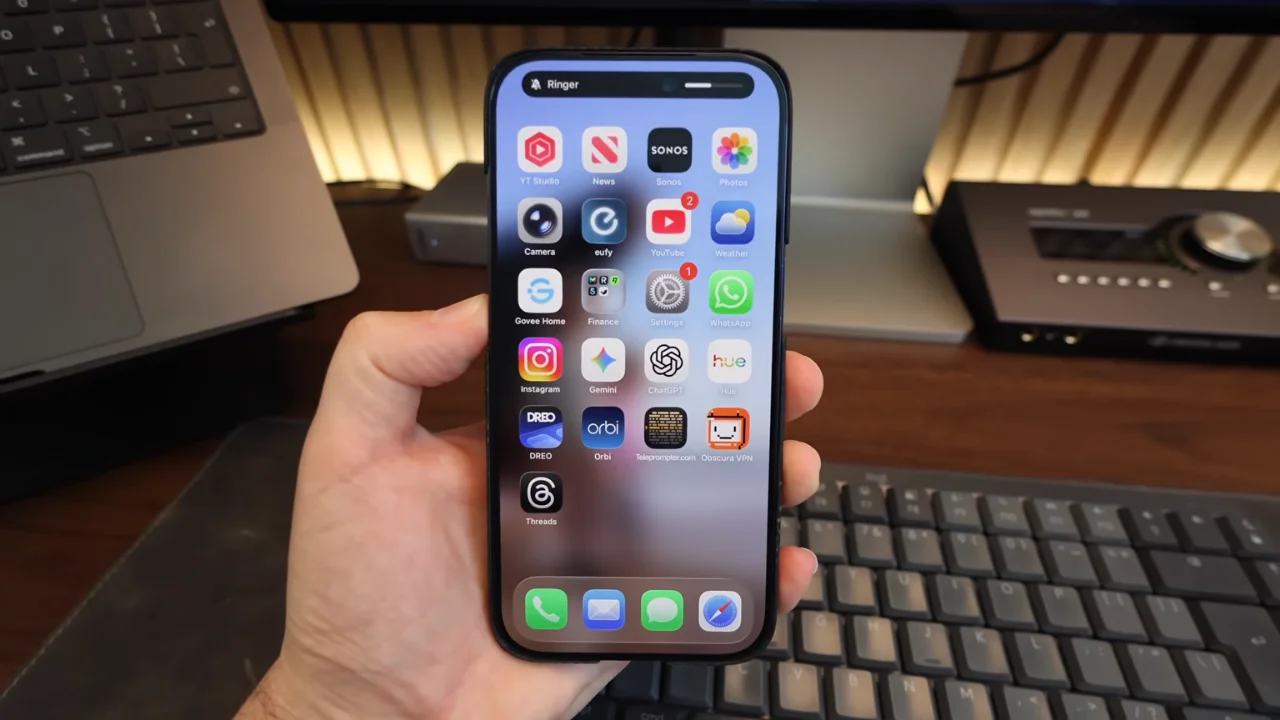

Want to know a secret? The solutions to the most annoying issues on your iPhone are hiding in plain sight, and this tech expert has shared how you can fix them once and for all.
From frustrating brightness changes to accidental camera launches, it turns out your phone isn’t as stubborn as it seems.
A lot of these everyday annoyances come down to settings you’ve probably never touched.
And once you know where to look, your iPhone experience suddenly becomes a whole lot smoother.
Fix the most annoying issues on your iPhone very simply
Some of the biggest culprits when it comes to annoying gadget quirks on your iPhone are actually very easy to fix, such as email link previews, which turn simple URLs into bulky cards that get in the way of your messages.
Proper Honest Tech has a quick fix that helps to convert them back to plain links, or disable previews entirely in your Mail settings so they never appear again.
Another common frustration is your volume buttons behaving unpredictably, a problem you’d be very familiar with if you’ve ever tried to lower a video’s sound only to blast your ringtone instead.
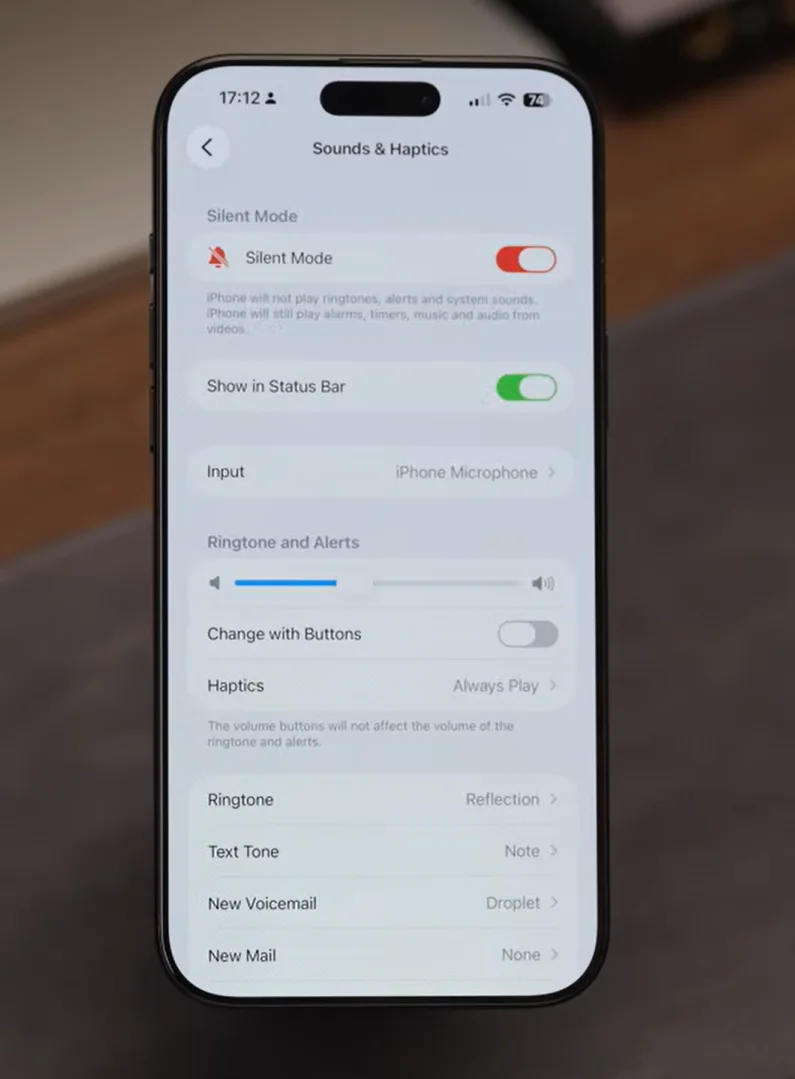
There’s a simple toggle to stop that by turning off “Change with Buttons” in Sounds and Haptics.
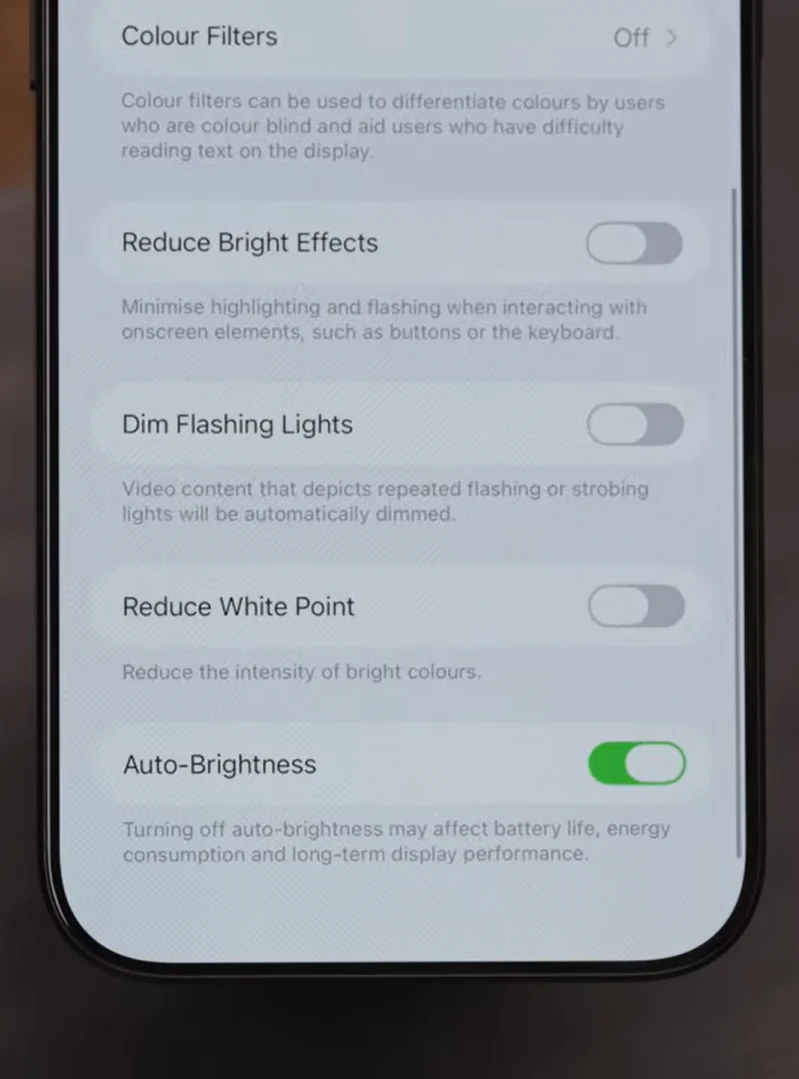
Then there’s screen brightness seemingly having a mind of its own because, even after you adjust it, your iPhone might keep changing it in the background.
That’s because Auto-Brightness is tucked away in Accessibility settings, and switching it off gives you full control again.
Even your torch can be customized more than most people realize because, instead of just tapping it on or off, you can long-press to fine-tune the brightness, meaning no more being blinded in the middle of the night.

They can totally change daily use
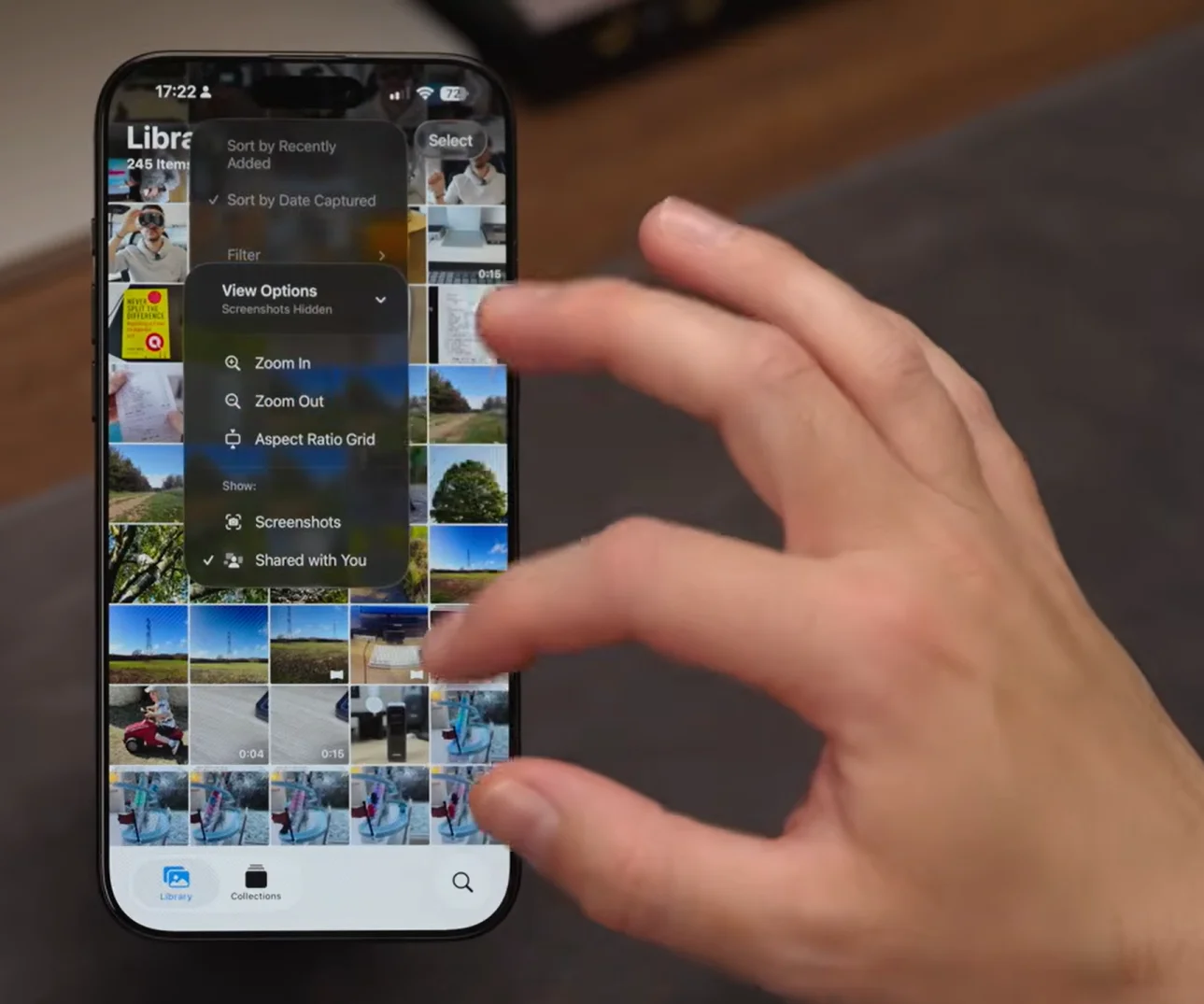
If your Photos app feels full of random screenshots, there’s a newer feature that lets you hide them from your main feed without deleting them, instantly making your gallery feel cleaner.
For those with newer models, the Camera Control button can be a real nuisance when it opens accidentally.
Switching it to require a double click and ensuring the screen is on first can prevent those unwanted interruptions.
Another long-standing irritation is Live Photos turning itself back on, but the trick is not just switching it off in the Camera app, but enabling ‘Preserve Settings’ so your preference actually sticks.
And finally, spam calls don’t have to ruin your day.
By silencing unknown callers or screening them before they reach you, your phone becomes far less disruptive.

Put all of these issues together, and it’s clear that a few small tweaks can make a surprisingly big difference to how your iPhone feels to use every single day.