Barely anyone knows about this very helpful iPhone keyboard feature that Apple quietly added years ago

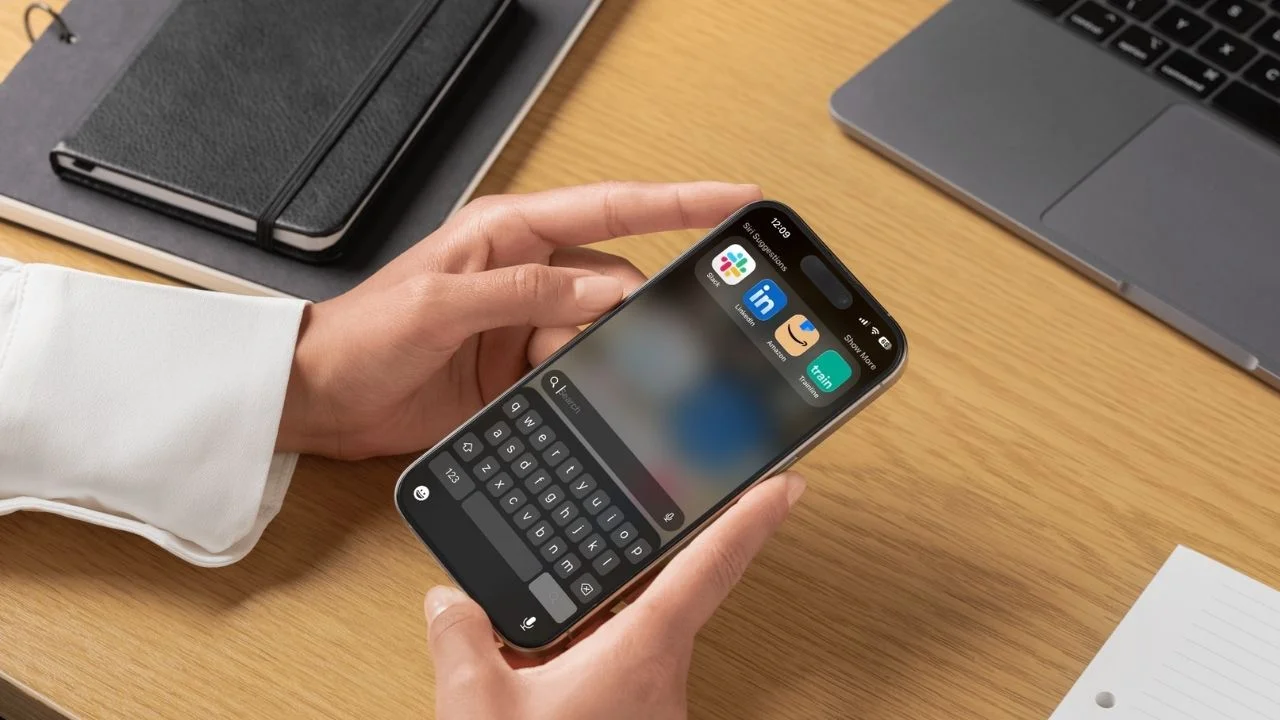

Apple users are constantly discovering hidden iPhone keyboard tricks years after they were first introduced, and this one might be among the most useful yet.
Most people use their iPhone keyboard every single day without realizing it can secretly double as another tool.
The feature arrived with iOS 18, but plenty of users still have no idea it exists because Apple never made a huge fuss about it.
And once you start using it, you’ll probably wonder why you ever bothered opening another popular app.
Apple secretly turned the iPhone keyboard into another tool
The hidden gadget feature works directly inside the regular iPhone keyboard while you’re typing in apps like Messages, Notes, or Mail.
All you need to do is type a calculation followed by an equals sign, for example, typing ’45 + 27 =’ instantly brings up the answer as a keyboard suggestion.
Tap the suggestion or hit the space bar and the result gets inserted straight into your message.
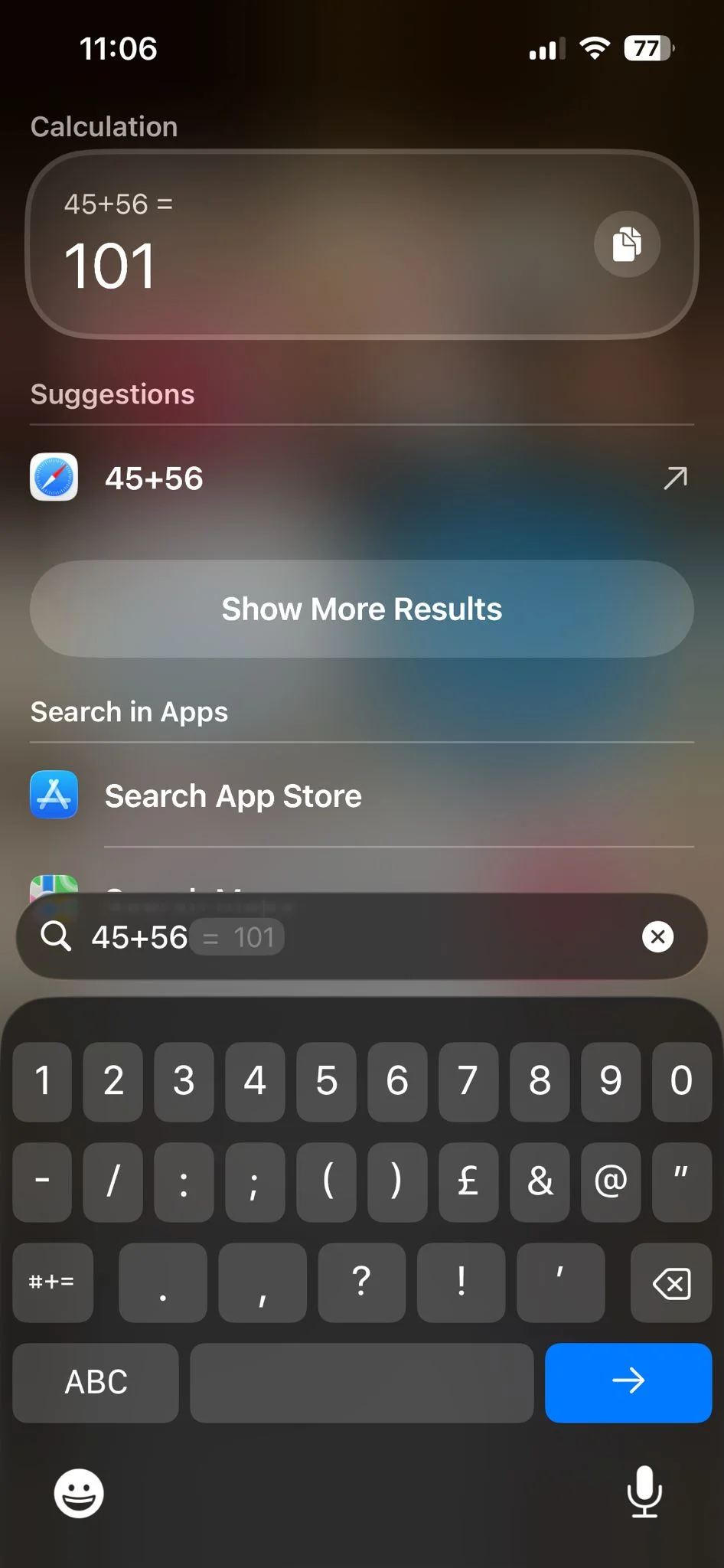
It also works with percentages, square roots, and more complicated calculations, making it surprisingly powerful for something tucked away inside the stock keyboard.
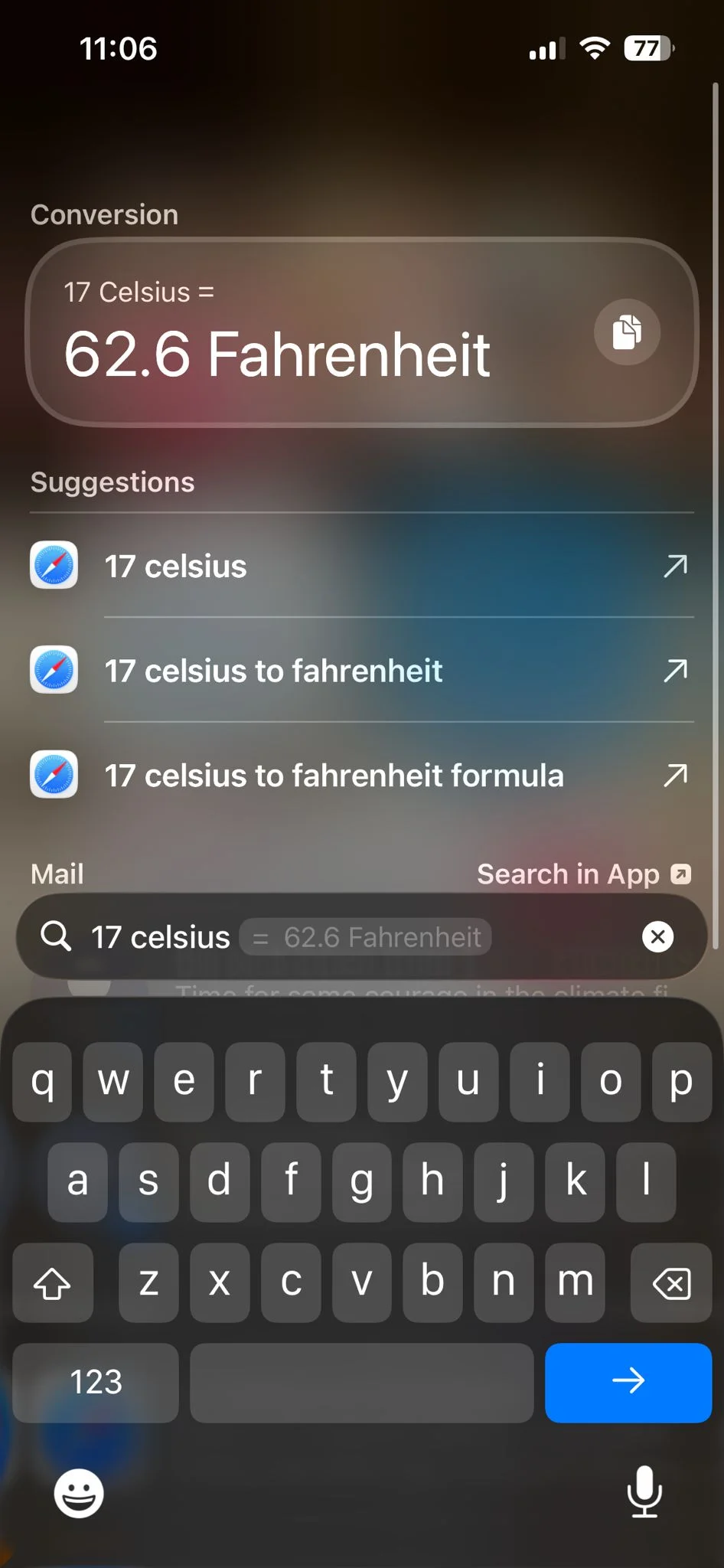
Apple even added quick conversions, meaning you can type things like ’16 Celsius =’ or ‘2m in inches =’ and the keyboard will automatically convert the values for you.
It’s essentially like having a mini smart calculator built into every text field on your iPhone.
You’ve got to make sure the settings are correct on your phone
If the trick isn’t working on your device, there’s a good chance the feature has been disabled in settings.
Users need both ‘Predictive Text’ and ‘Show Math Results’ enabled for the calculations to appear.
You can find them by heading to: Settings > General > Keyboard
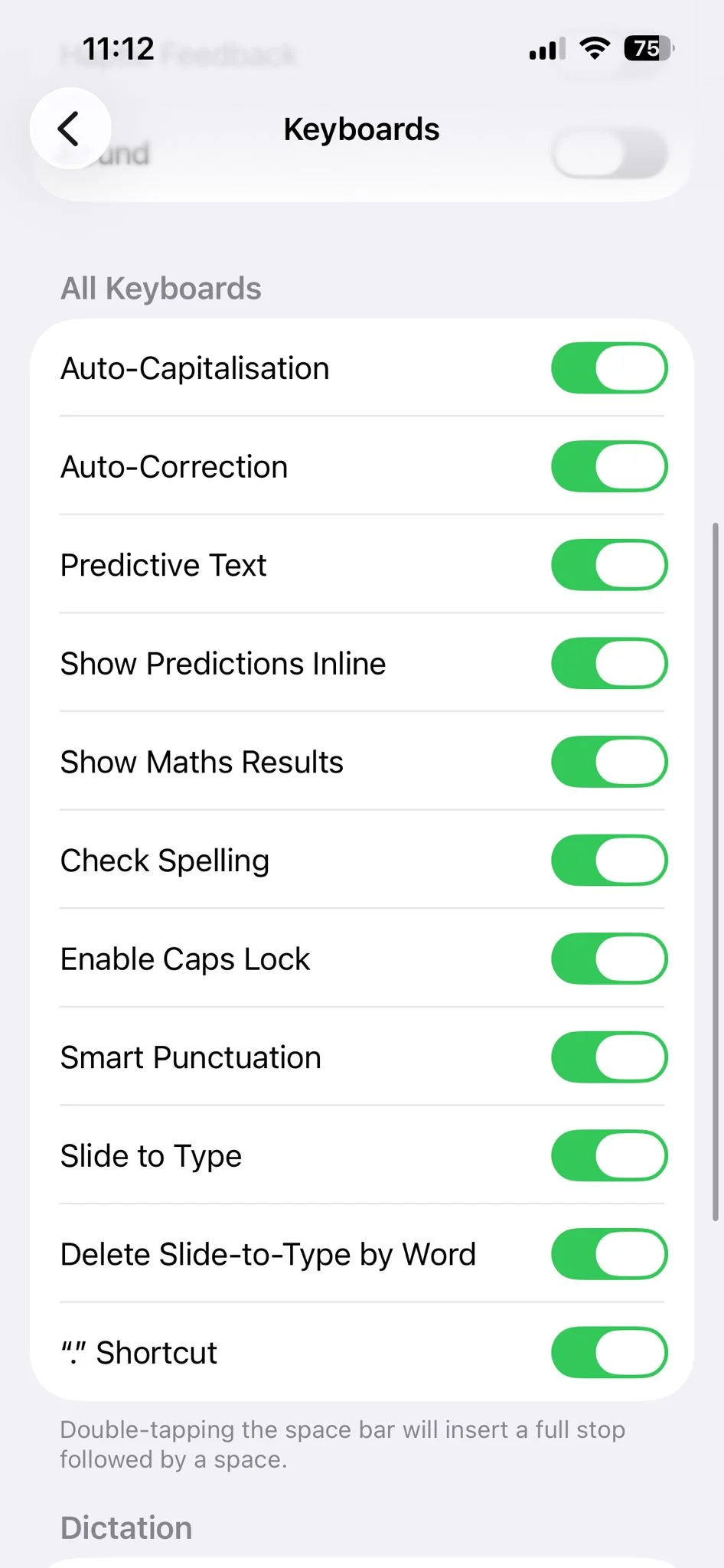
From there, make sure both toggles are switched on, but the feature also requires iOS 18 or newer, so older iPhones running outdated software won’t support it.
The discovery has sparked plenty of reactions online, with some users calling it genius while others joked that Apple somehow added a keyboard calculator before giving iPhone users a proper number row.