These tips and tricks will transform how you use your iPhone's Messages app


If you only use your iPhone’s Messages app for sending texts, you’re missing out on some seriously useful features.
Apple’s messaging platform has quietly evolved into a productivity tool packed with clever shortcuts, privacy settings, and time-saving tricks.
Many of its best features are tucked away in menus that most users never think to explore.
Here are 10 message hacks that can completely change the way you use your iPhone.
iPhone’s Messages app tips and tricks
Stop spam messages from cluttering your inbox
Spam texts on any gadget have become a daily annoyance, but your iPhone can do a lot of the work for you.
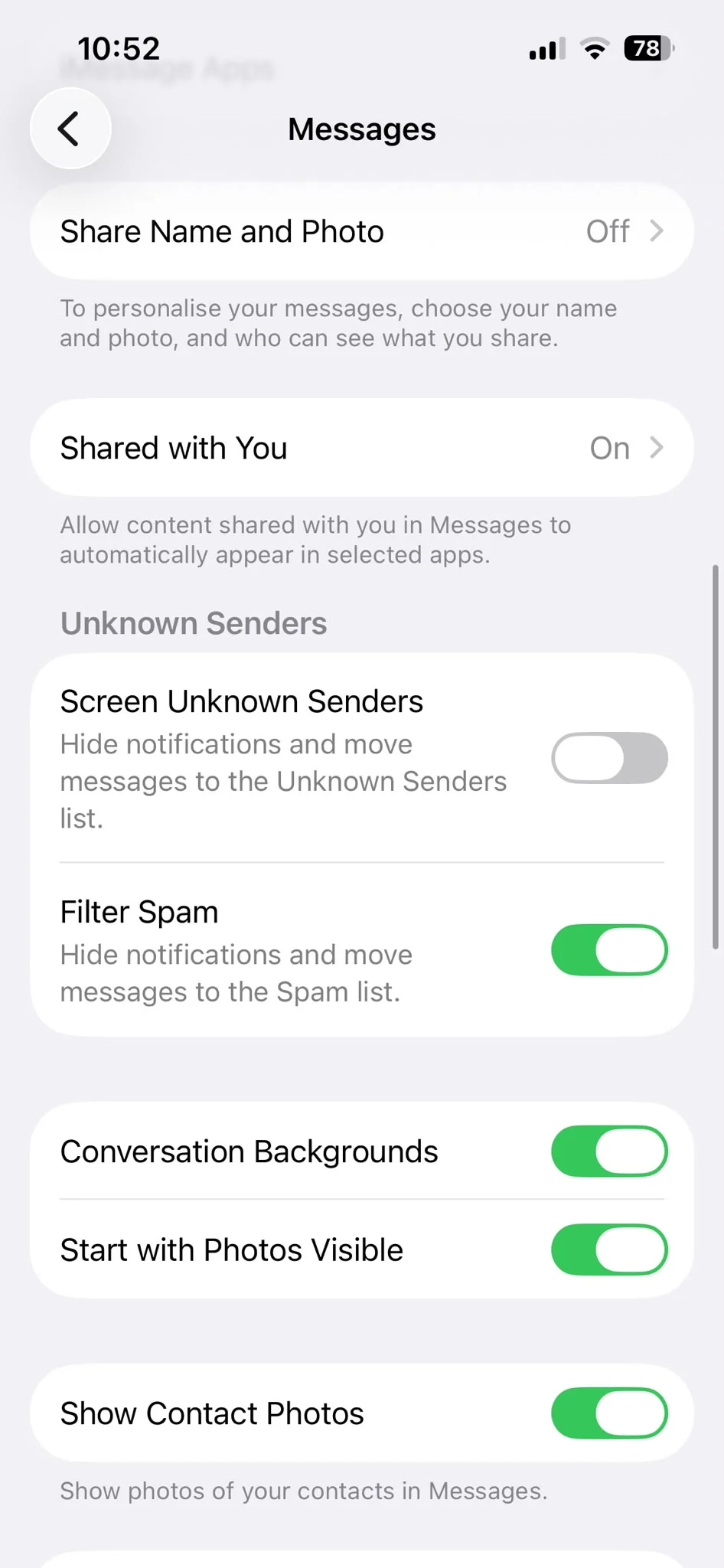
Head to Settings > Apps > Messages and enable Screen Unknown Senders and Filter Spam.
This separates messages from people you don’t know and helps move suspected junk texts into their own section, making your main inbox much easier to manage.
Edit embarrassing typos after you’ve sent a message
We’ve all spotted a typo the second we’ve hit send.
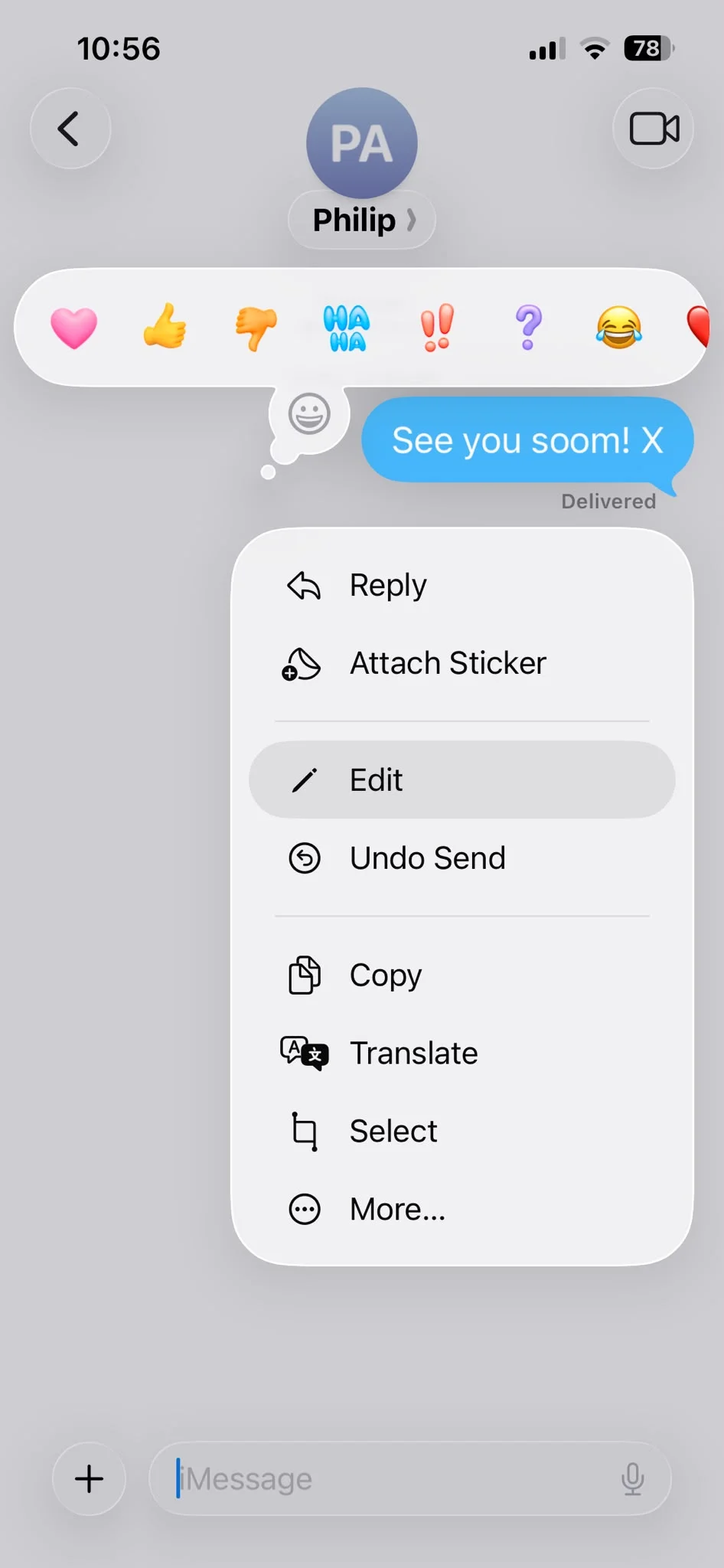
Luckily, iMessage lets you edit a message after it’s been delivered.
Simply press and hold the message, tap Edit, make your changes, and resend it.
The recipient will see that the message was edited, but it’s far better than living with an awkward mistake.
Undo messages you didn’t mean to send
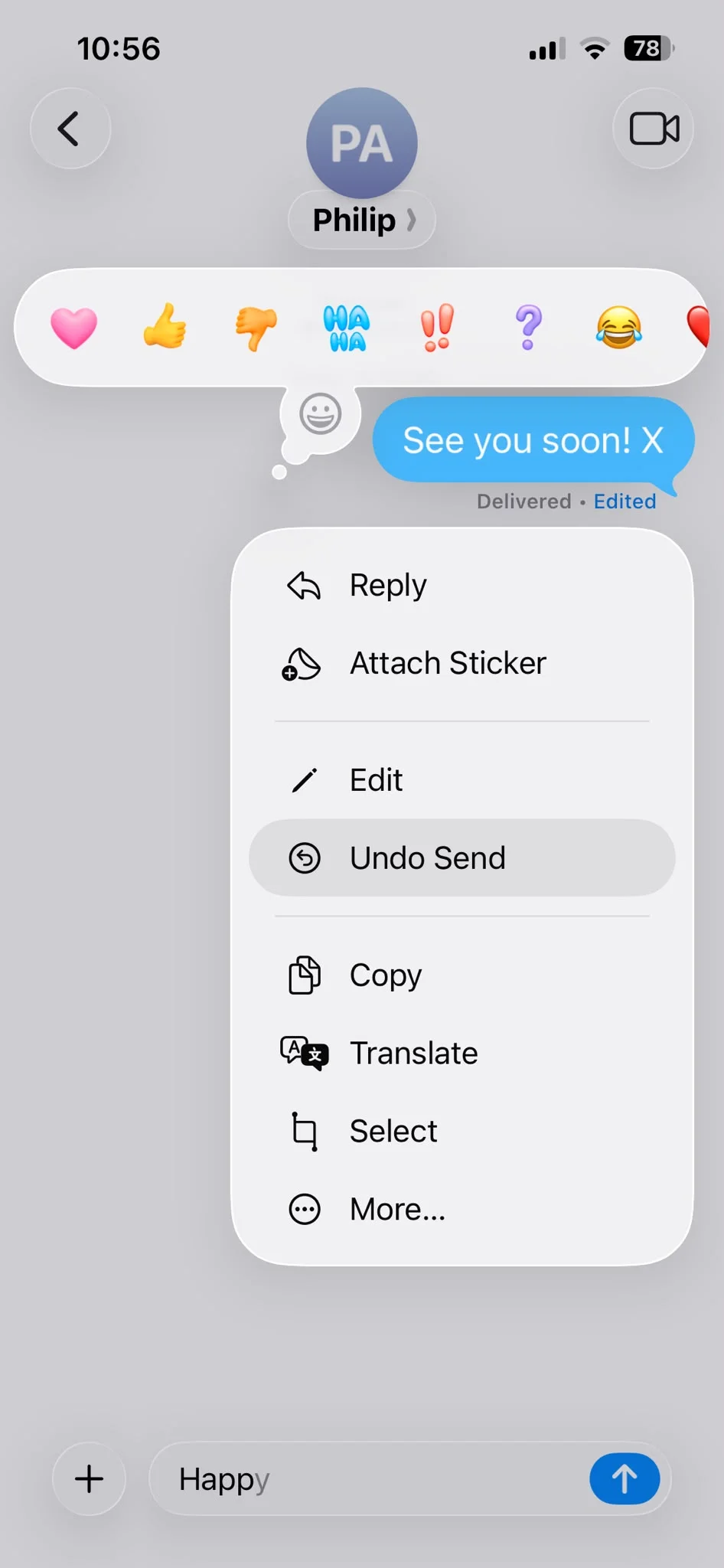
If you’ve sent something to the wrong person or changed your mind immediately afterwards, you can also unsend messages.
Press and hold the message, choose Undo Send, and it’ll disappear from the conversation, provided both devices support the feature.
Reply directly to a specific message
Busy group chats can quickly become confusing.
Rather than sending a reply that leaves everyone guessing, press and hold the message you want to reply to, then tap Reply.
Your response stays attached to the original message, making conversations much easier to follow.
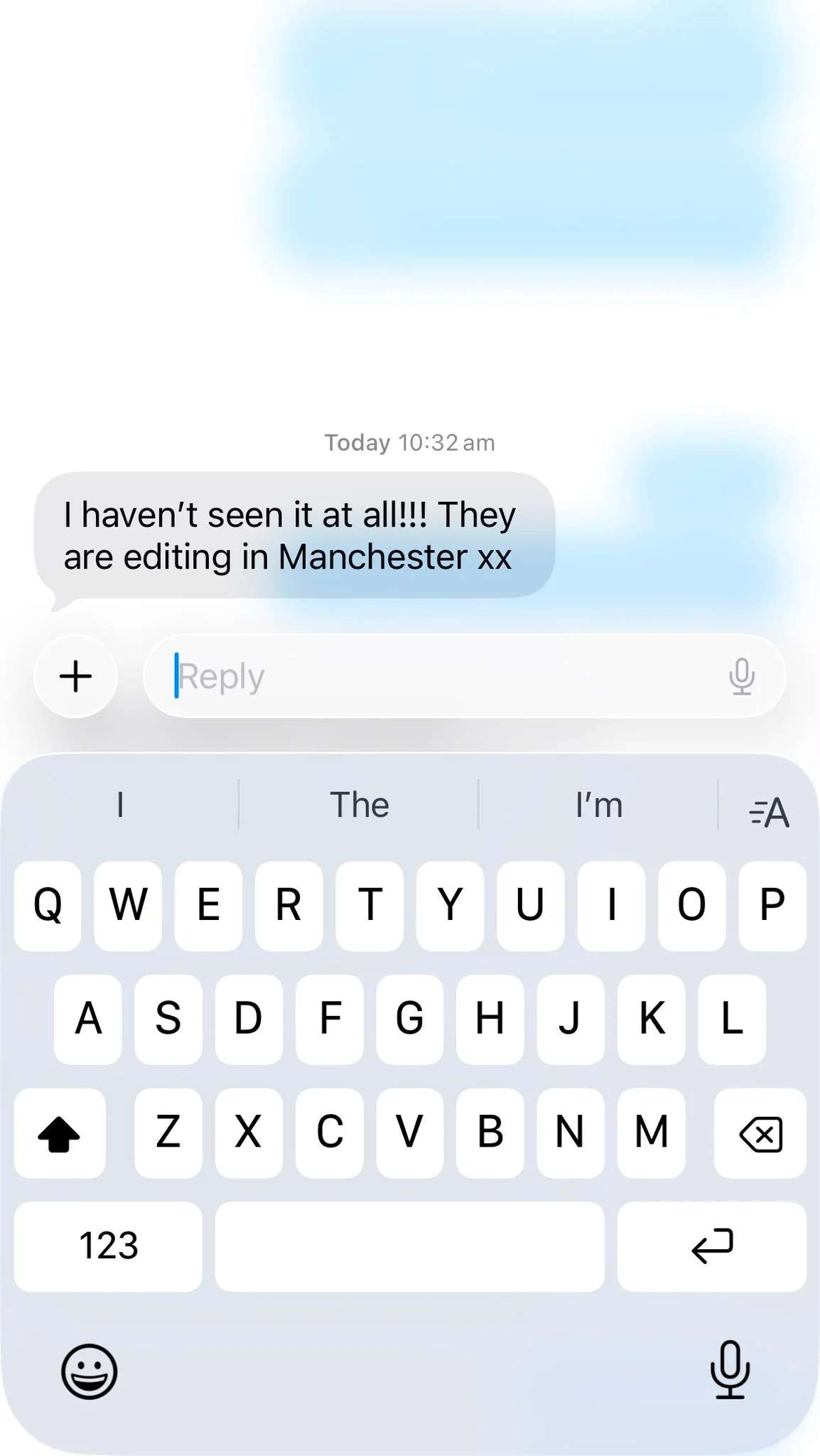
Schedule texts to send later
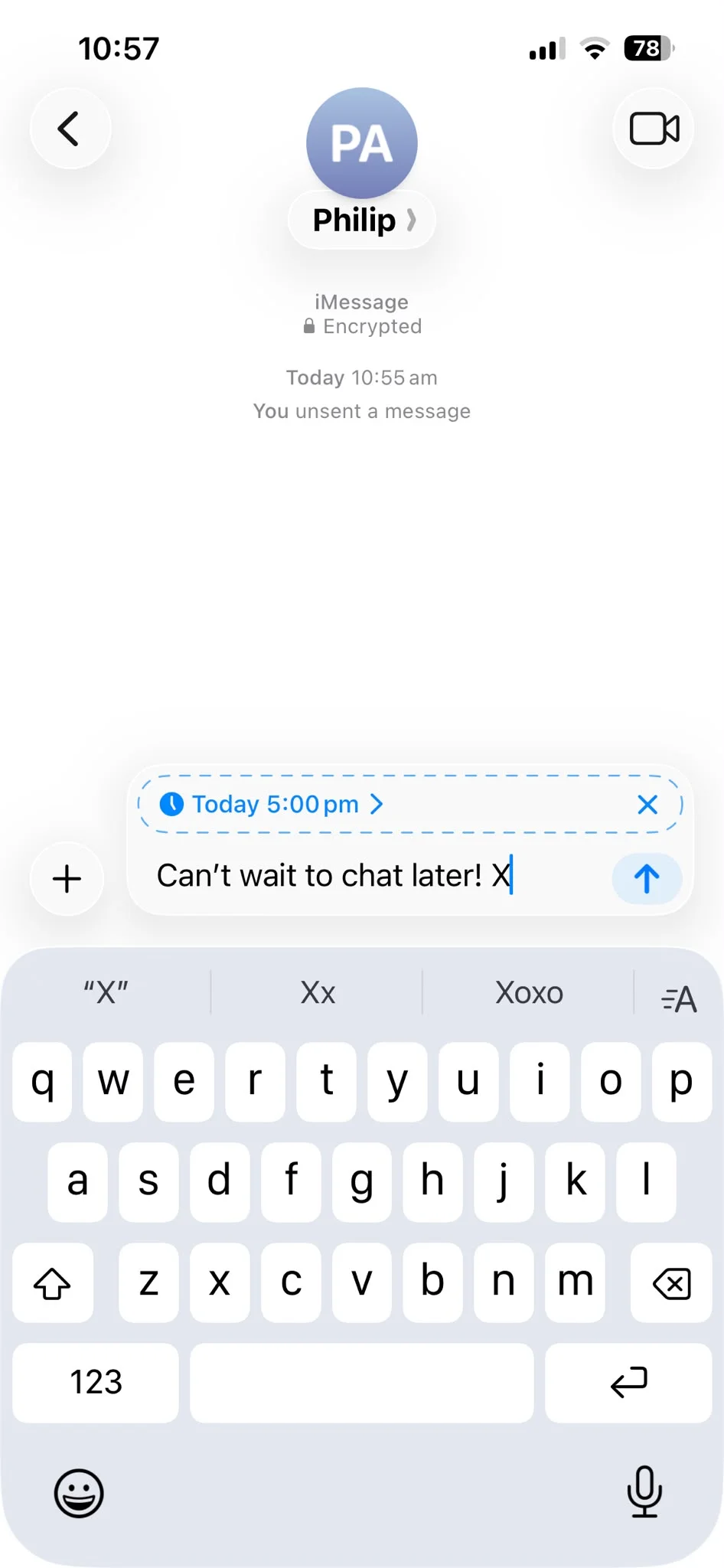
Need to remember to wish someone happy birthday or send a work message at a more appropriate time?
Newer versions of iOS let you schedule messages in advance, so they’ll send automatically when you choose instead of relying on your memory.
Pin your most important conversations
If you’re constantly scrolling to find chats with family or close friends, pin them to the top of Messages.
Just swipe right on a conversation or press and hold it and choose Pin.
Your favorite chats will always stay within easy reach.
Search your iPhone’s conversations like a pro
Messages has a surprisingly powerful search tool.
You can search for words, photos, links, locations, or even a specific person’s name to quickly find something from years ago without endlessly scrolling through old conversations.
Send messages with fun effects
Want your messages to stand out?
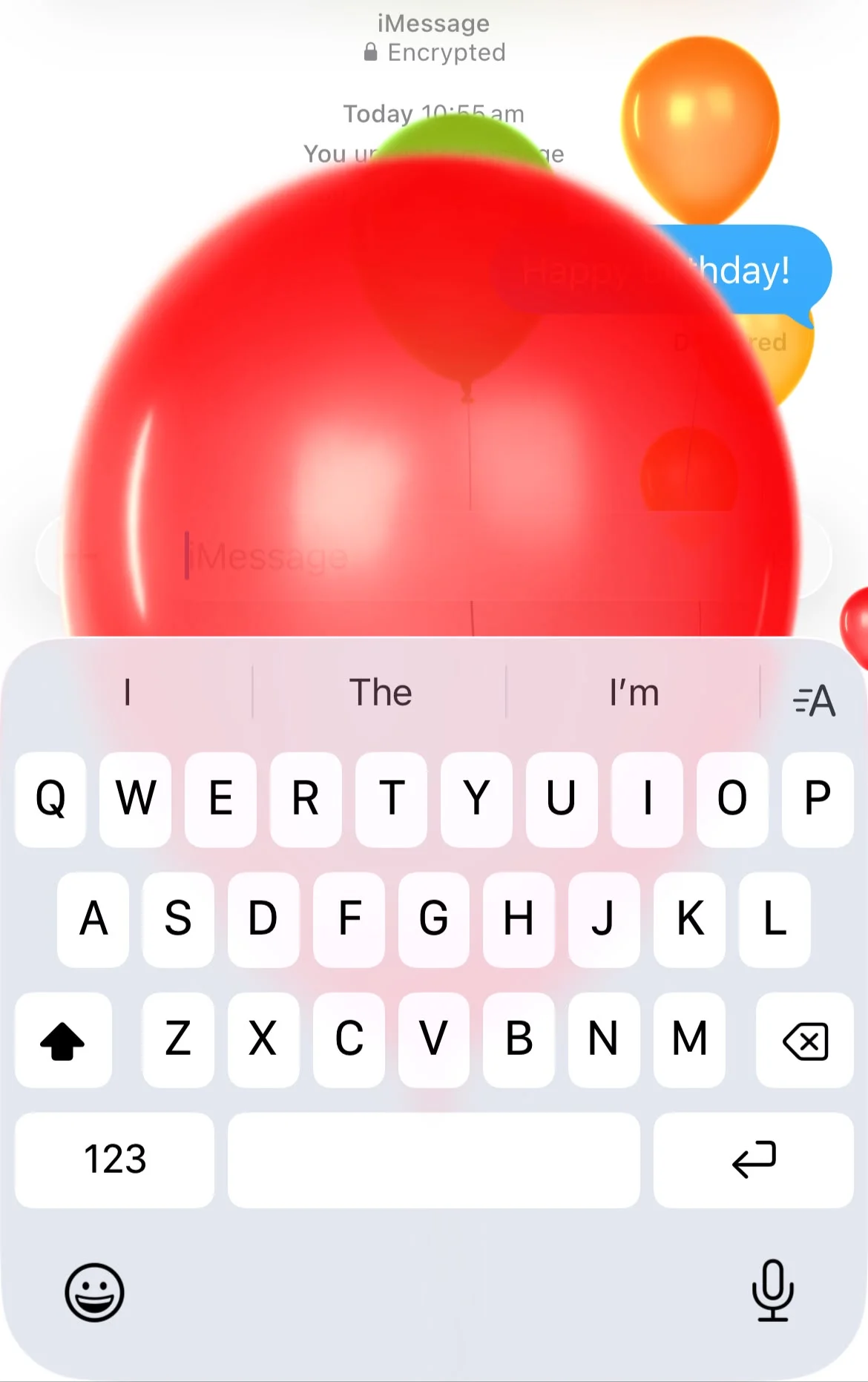
Press and hold the send button instead of tapping it to access bubble effects and full-screen animations.
Whether it’s balloons for a celebration or invisible ink for a surprise, these effects add a little extra personality to your conversations.
Share your iPhone’s location without leaving the chat
Instead of opening Maps, you can send your current location directly from a conversation.
It’s a quick way to help someone find you when you’re meeting up, and you can even choose to share your live location for a set amount of time.
Use Check In for extra peace of mind
One of the newest safety-focused features in Messages is Check In.
It lets someone know you’ve arrived safely at your destination, and if you don’t arrive when expected, your iPhone can automatically share useful information like your location and battery level with your chosen contact.
It’s designed to give friends and family extra reassurance when you’re traveling alone.
Make your iPhone’s Messages app work for you
So there you have it!
If you’re still sending boring old text messages, you can use these tips to jazz them up!