I asked ChatGPT what its most underrated features are and this is what it said

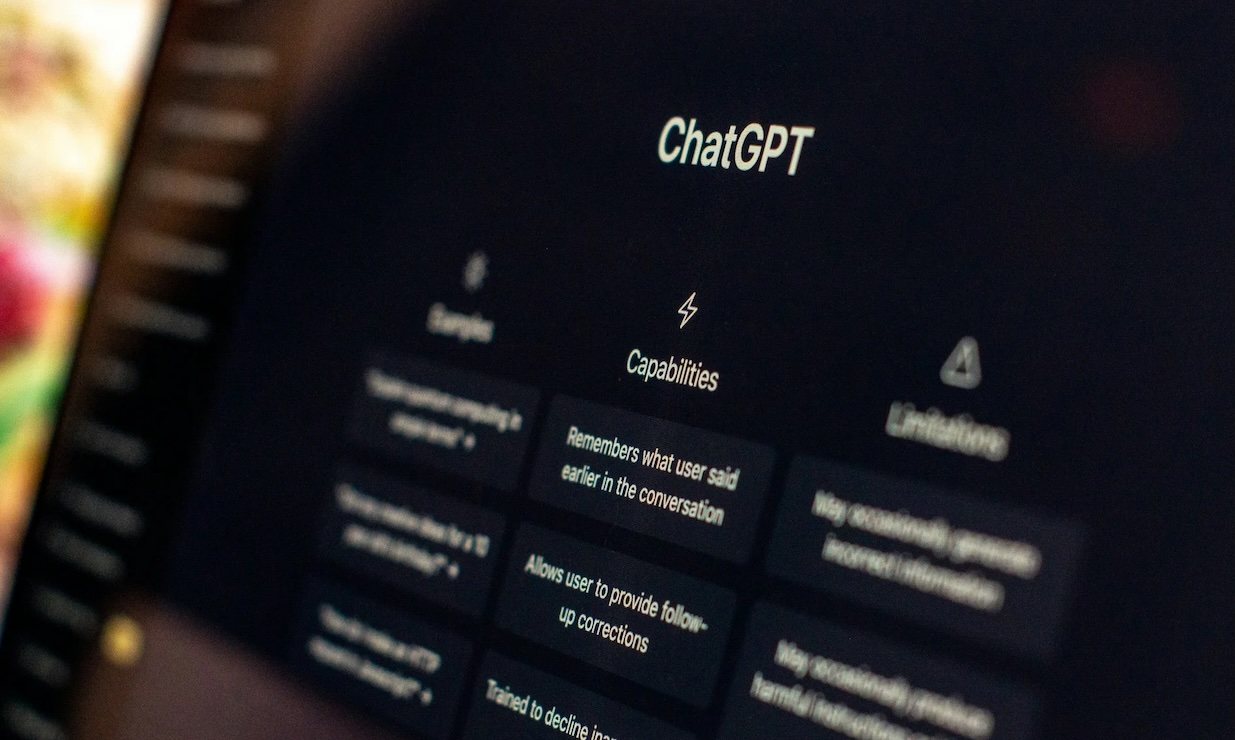

Most people use ChatGPT to answer questions, write things or settle arguments, but according to the chatbot itself, has a lot more features than that.
Some of its most useful features are also surprisingly easy to overlook.
So I asked ChatGPT which features it thinks people don’t use enough.
Here are the ones it picked.
You can give it a job, not just a question
ChatGPT is meant to be like a futuristic robot butler, but instead of asking, “How do I plan a holiday?”, you can give ChatGPT the whole task and make the whole process a lot easier for everyone involved.
Try: “Plan this vacation, compare the options, keep it under $1,500, and give me a final itinerary.”
It can then work through the different parts instead of simply answering one question at a time.
You can tell it what NOT to do
This is one of the simplest ways to get better answers.
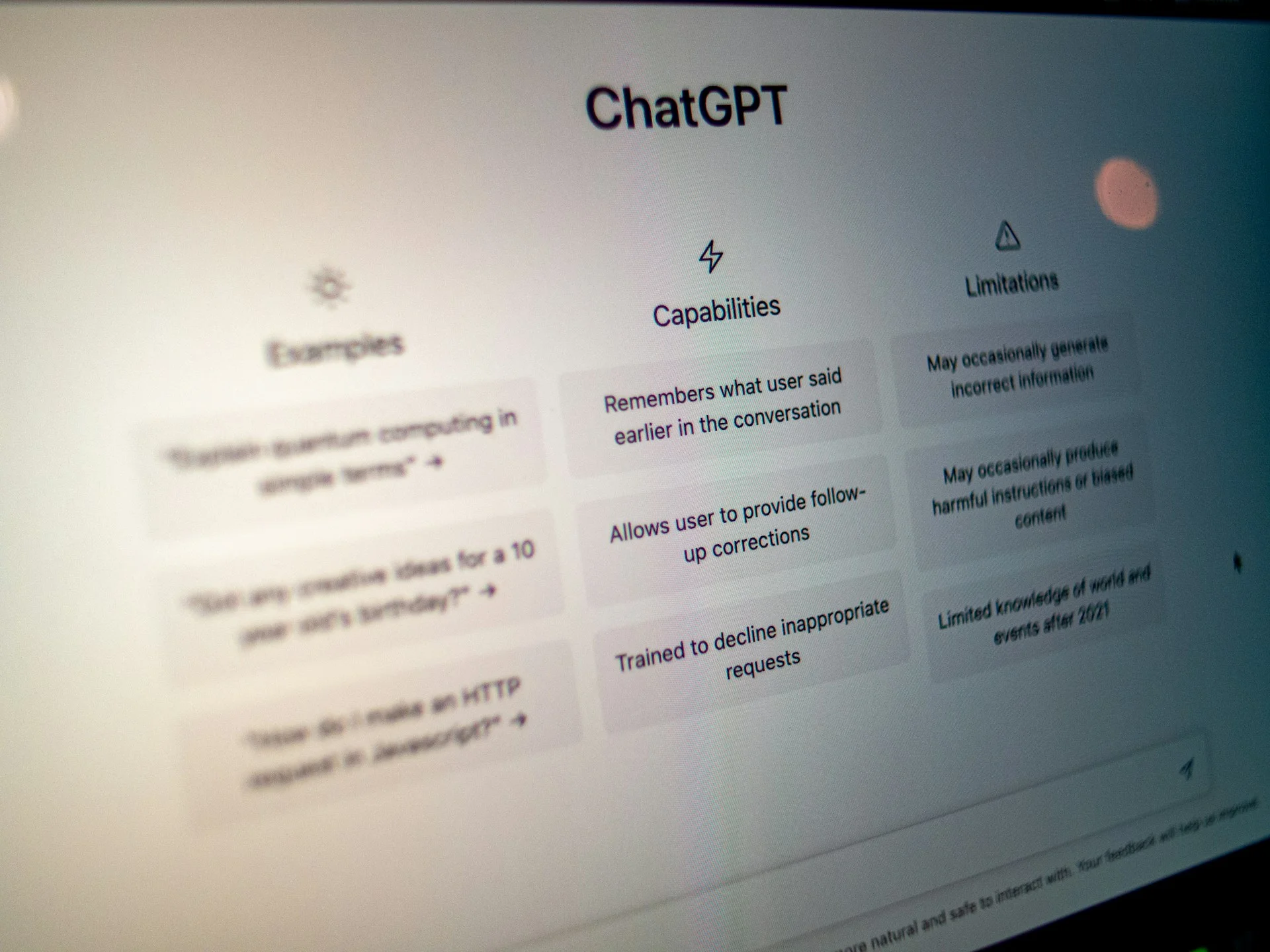
Tell ChatGPT things like “Don’t use jargon,” “Don’t make it corporate,” or “Don’t give me loads of background.”
Giving it restrictions can be just as useful as telling it what you want.
You can ask it to criticize you
ChatGPT doesn’t always have to be your cheerleader.
Instead of asking “Is this good?” try “Tell me what’s wrong with this” or “What would an editor cut?”
You’ll usually get a much more useful answer.
It can turn messy information into something useful
You don’t need perfectly organized notes before giving them to ChatGPT.
Throw in a load of messy information and ask it to turn it into an article, email, presentation, social post, script, table or checklist.
The same information can become something completely different depending on what you need.
You can make it search for current information
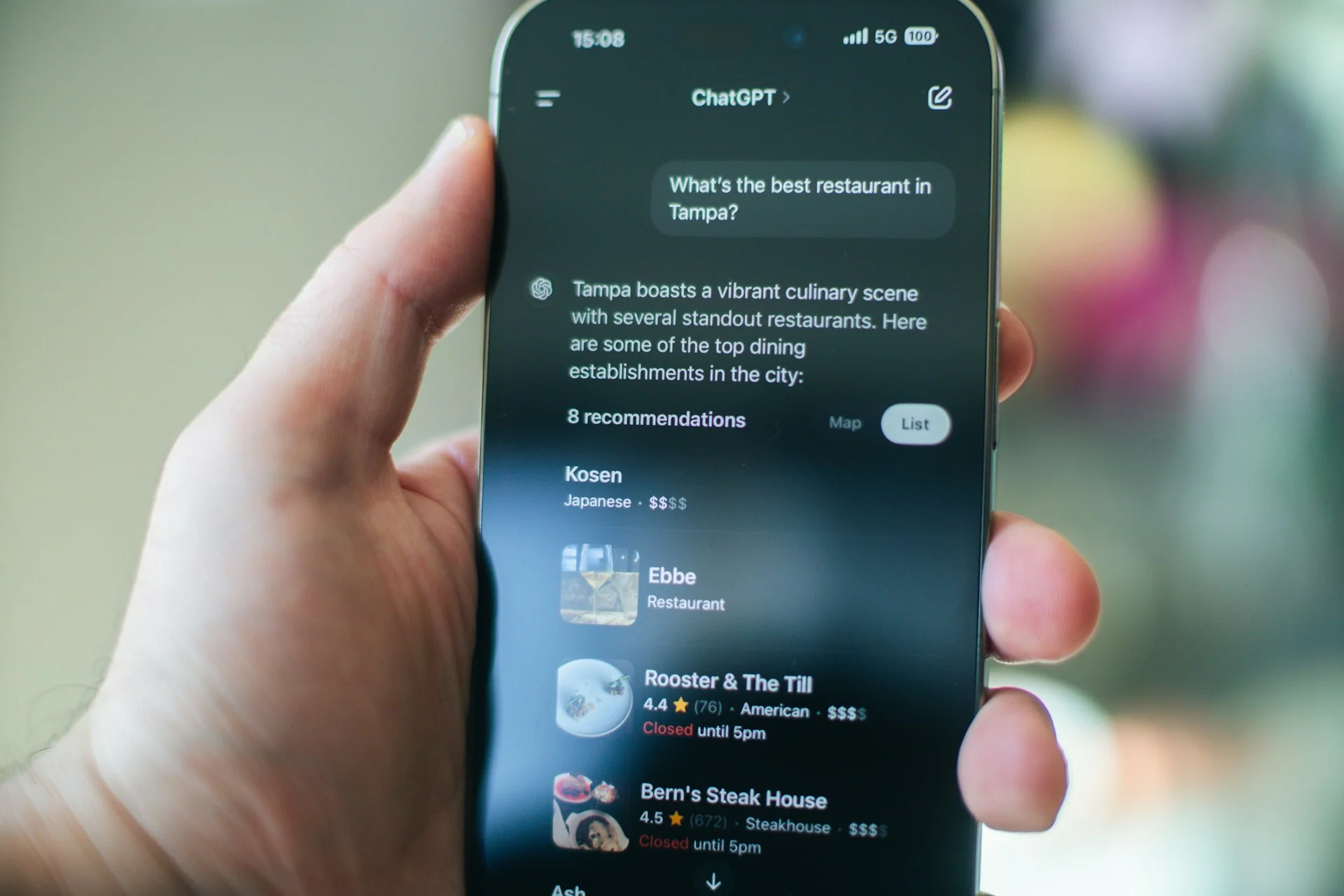
When web access is available, ChatGPT can look up things that change over time.
That includes current prices, product specifications, company announcements, travel information, restaurants and recent news.
You can also ask it to check whether something you’ve been told is actually true.
You can make it do a second pass
One of ChatGPT’s simplest tricks is also one of its most useful.
After it gives you an answer, say: “Now look at your answer critically and improve anything that isn’t quite right.”
That can help catch mistakes, awkward wording or things that could have been explained better.
You don’t need a perfect prompt
You can start with an unfinished thought and figure things out together.
Something like, “I need to write something about this but I’m not sure what the angle is…” followed by your notes is completely fine.
ChatGPT can help work out what you’re actually trying to achieve.

You can make it adapt to you
You can tell ChatGPT whether you’re a beginner or already know the basics.
And if you regularly use it for the same kind of work, it can remember useful preferences and how you like things done.
That means you don’t necessarily have to explain the same formatting, tone or workflow every time.
It can generate images
ChatGPT isn’t limited to text.
You can ask it to create diagrams, illustrations, realistic scenes, concepts, infographics and even memes.
So you can go from an idea in your head to something visual without opening design software.
Its most underrated features might be how you talk to it
According to ChatGPT, the biggest mistake is worrying too much about writing the ‘perfect’ prompt.
Sometimes, “This is boring. Make me actually want to read it,” is a better instruction than “Please improve this writing.”
You can treat it less like a search box and more like a colleague who understands what you’re trying to do.