Expert shares iPhone features that immediately improve it as soon as you start using them



Most iPhone owners use the same handful of apps every day without realizing how many useful features are hiding in plain sight.
A tech YouTuber known as Proper Honest Tech has rounded up a collection of little-known iPhone tricks that can make Apple’s smartphone easier to use almost immediately.
The tips range from turning websites into easy peasy shortcuts to creating reminders that are nearly impossible to ignore.
Best of all, they’re already built into iOS and only take a few seconds to set up.
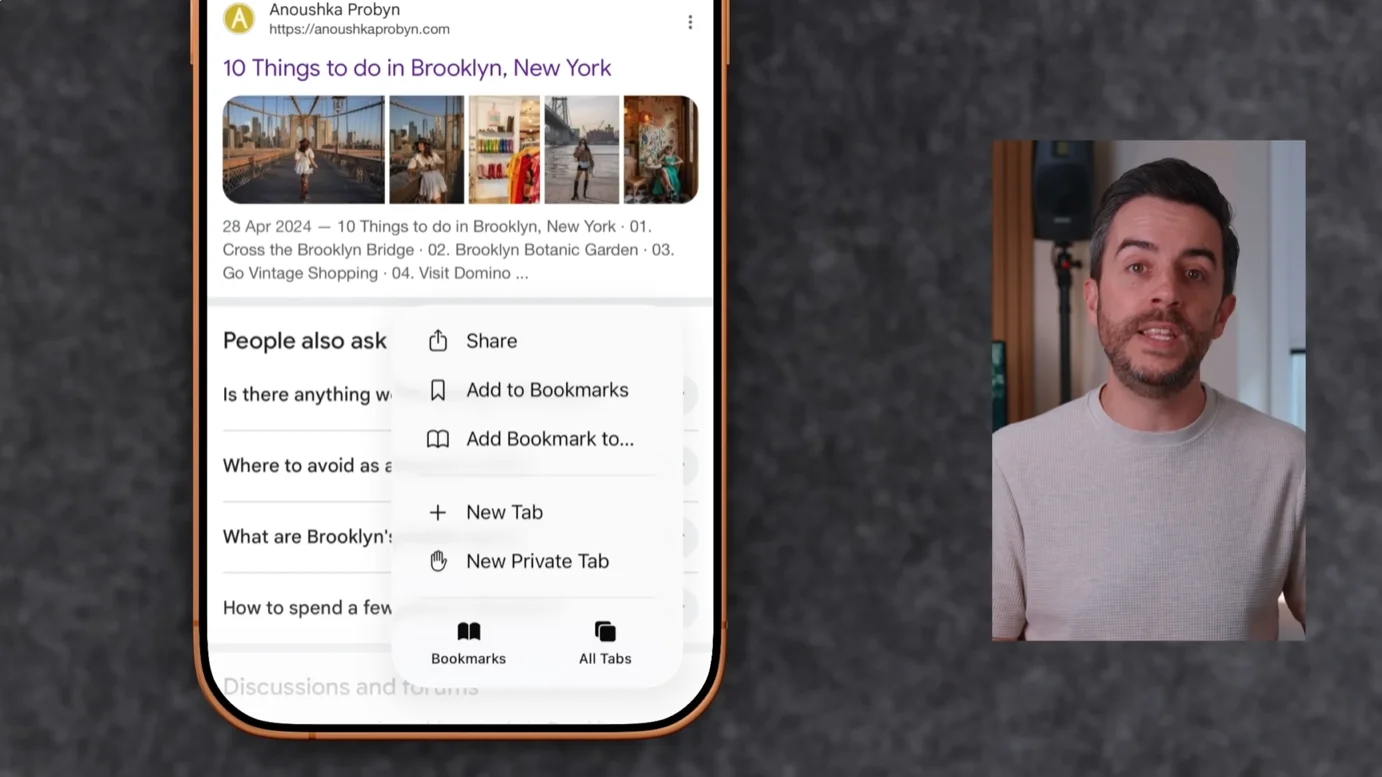
Shared Tab Groups
One standout feature is Safari’s Shared Tab Groups, which allow multiple people to collaborate on web research in real time.
Instead of constantly sending links through messages, users can create a shared collection of tabs that everyone can add to and edit.
Apple Passwords
The YouTuber also highlighted a useful trick inside Apple’s Passwords app.
Users can sort passwords by ‘Date Edited’ or ‘Date Created’, making it much easier to find credentials that were recently changed.
Urgent reminders
For important tasks, he recommends creating urgent reminders.
Unlike standard reminders, these trigger a full alarm at the selected time, making them much harder to miss.
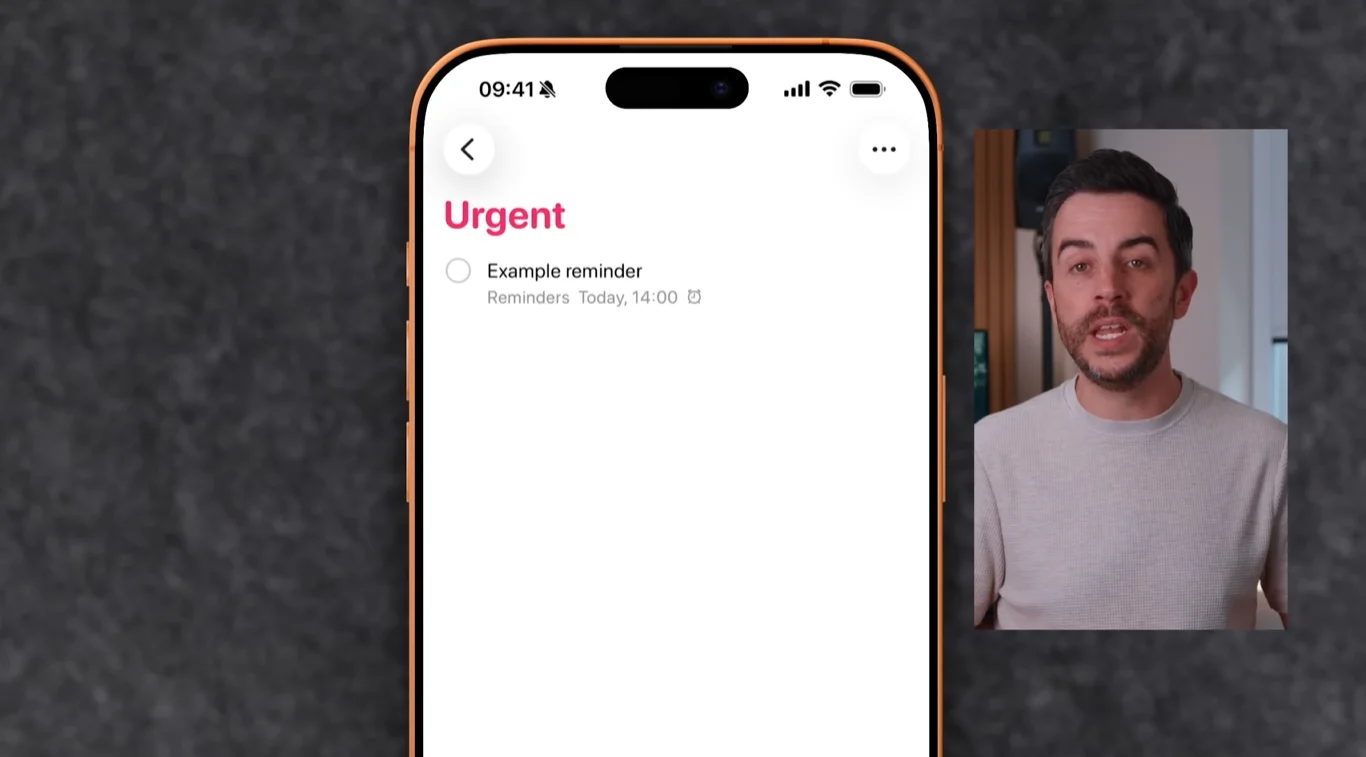
Photo tips
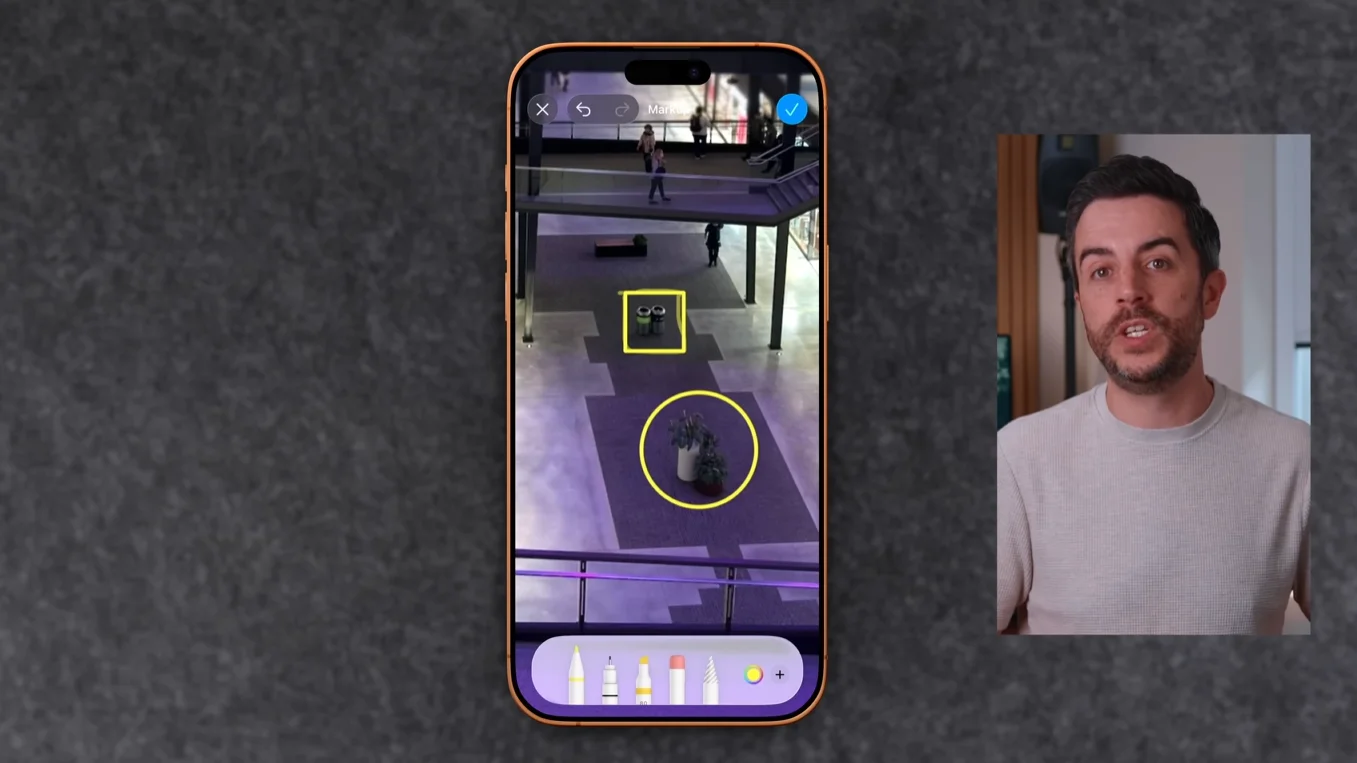
In the Photos app, users can draw rough shapes in Markup and hold their finger on the screen to have the iPhone automatically perfect them.
A built-in magnifier tool can also be used to highlight details within images.
Less known features
Proper Honest Tech also pointed to several lesser-known features throughout iOS.
Another handy tip involves Control Center, where users can expand icons into larger buttons with text labels, making shortcuts easier to identify.
Owners of newer iPhones can get more from the Action Button by assigning it to launch tools such as voice memos, Focus Modes, calculators, flashlights, or even ChatGPT.
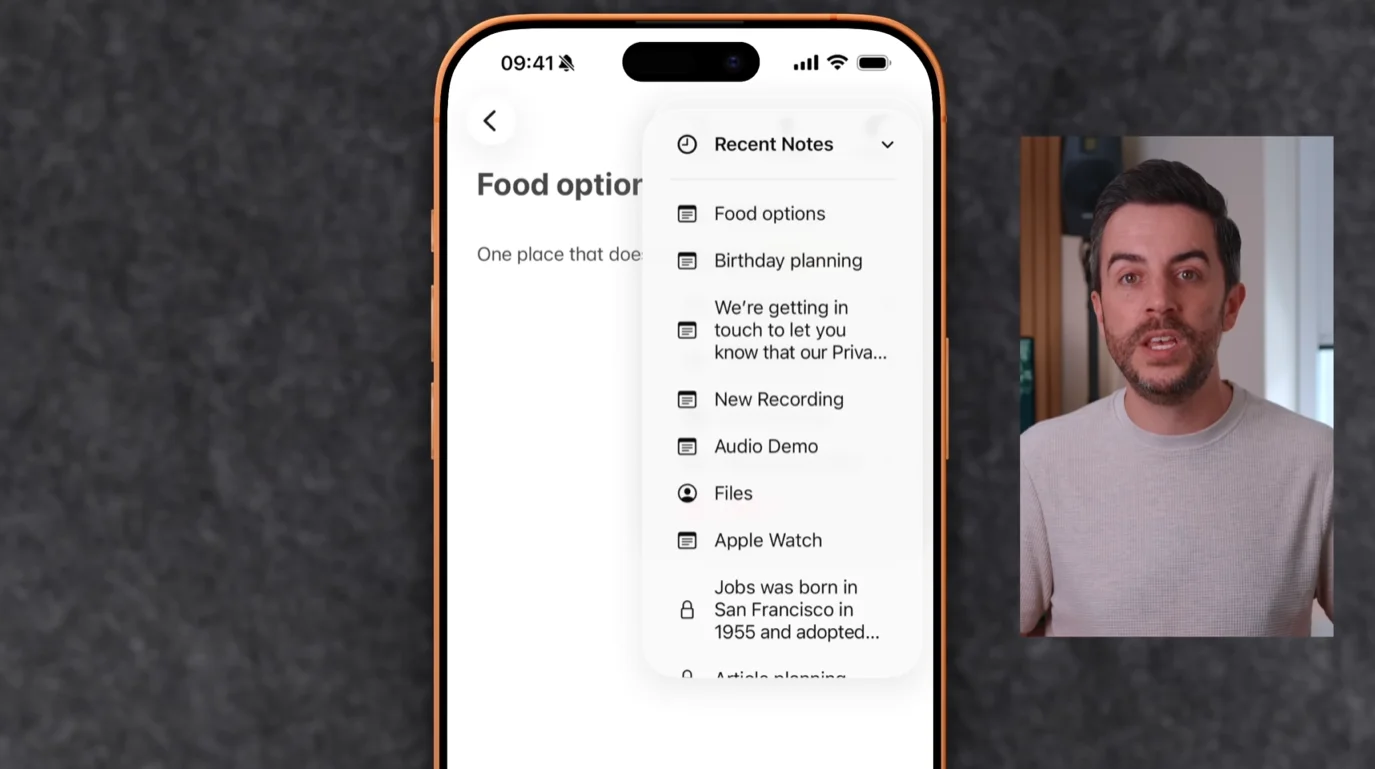
The Notes app includes a ‘Recent Notes’ menu that makes it easy to jump between recently opened notes, while the Photos app can be reorganized so favorite albums and collections are always easy to reach.
Finally, users can add their favorite websites directly to the Home Screen as web apps, providing one-tap access without opening Safari.

None of these features require extra downloads or a new device, but they can make an iPhone feel far more useful from the moment you start using them.