Expert shares the common habits you need to immediately stop doing with your iPhone


An expert has shared the common habits you need to immediately stop doing with your iPhone.
While there’s no single right way to use Apple’s smartphone, some everyday behaviors could be making your experience less convenient than it needs to be.
From accidentally sharing sensitive information to wasting time on tasks that have much easier solutions, many users are missing out on features built right into iOS.
Now, one iPhone specialist has revealed 10 things owners should stop doing and the simple tricks that can make a huge difference.
Expert says these iPhone habits are making life harder
The tips come from the creator behind Proper Honest Tech, a YouTube channel that regularly shares iPhone tutorials, hidden gadget features, and practical advice for Apple users.
In a recent video, the tech expert highlighted 10 common habits that iPhone owners should stop doing, explaining how a few simple changes can make devices easier to use, more organized, and more secure.
Subscription management
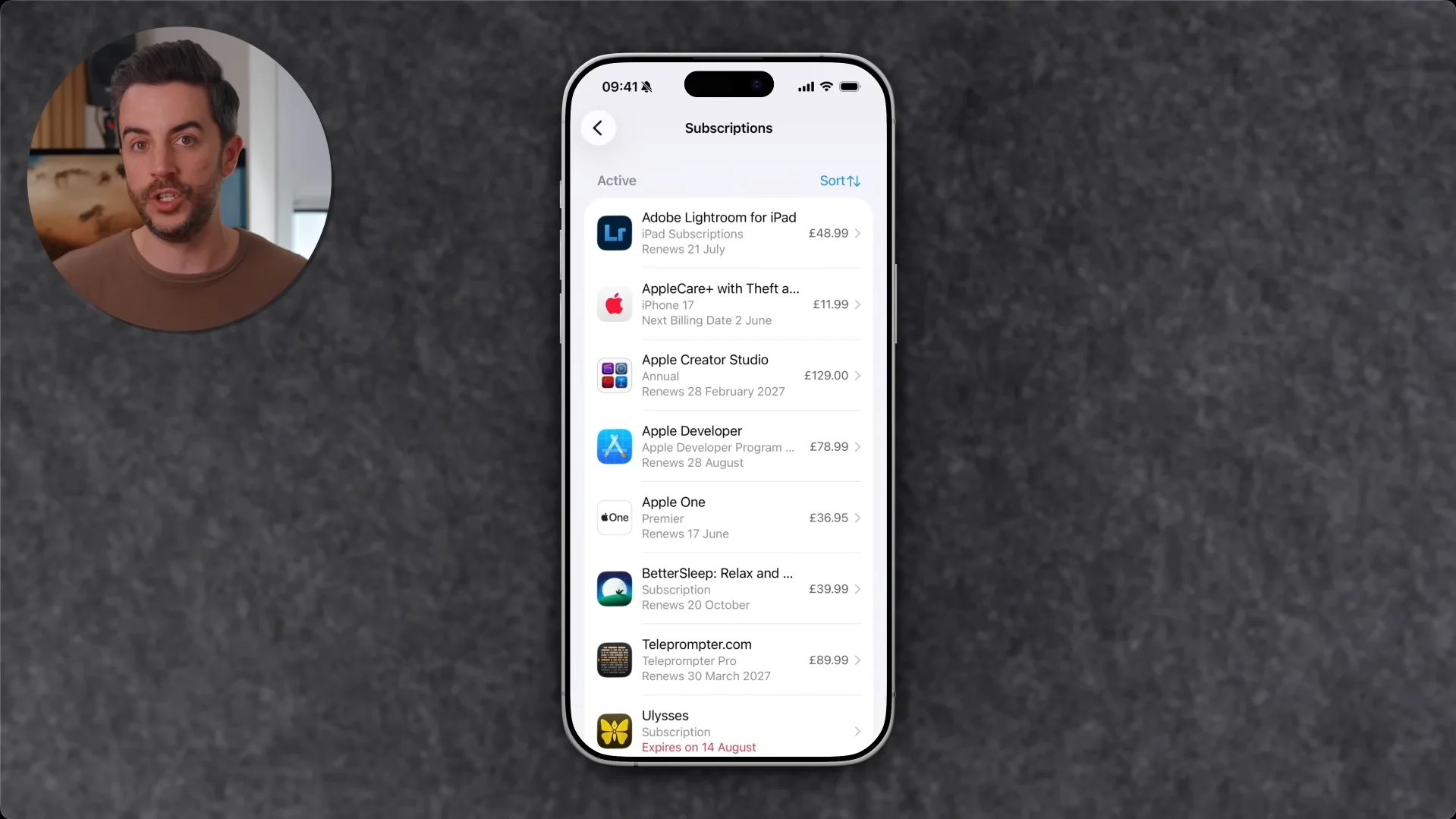
One of the biggest mistakes highlighted in the video was ignoring subscription management.
Many people sign up for app subscriptions and forget about them until an unexpected payment appears on their bank statement months later.
Fortunately, checking active subscriptions is easy through the Apple account section in Settings, where users can see which services are set to renew automatically and cancel any they no longer need.
Notification settings
He also pointed out that users don’t need to dive into Settings every time they want to adjust notifications from a specific app.
Instead, notification controls can be accessed directly from Notification Center, allowing alerts to be muted, modified, or switched off in just a few taps.
Forwarding emails
Another common habit involves forwarding or replying to entire email chains when only a small section of the message is actually relevant.
The YouTuber said that iPhone users can select a specific passage of text before replying or forwarding, making emails much shorter and easier for recipients to understand.
Reader Mode
Another habit he encouraged users to stop is manually turning on Reader Mode in Safari.
Reader Mode strips away ads, pop-ups, and other distractions from online articles, but many users don’t realize they can configure certain websites to open in Reader Mode automatically.
Safari layout options
He also noted that users who dislike Safari’s current layout don’t have to put up with it.
Apple’s browser includes multiple tab bar options, allowing users to switch between the compact design and more traditional layouts depending on their preference.
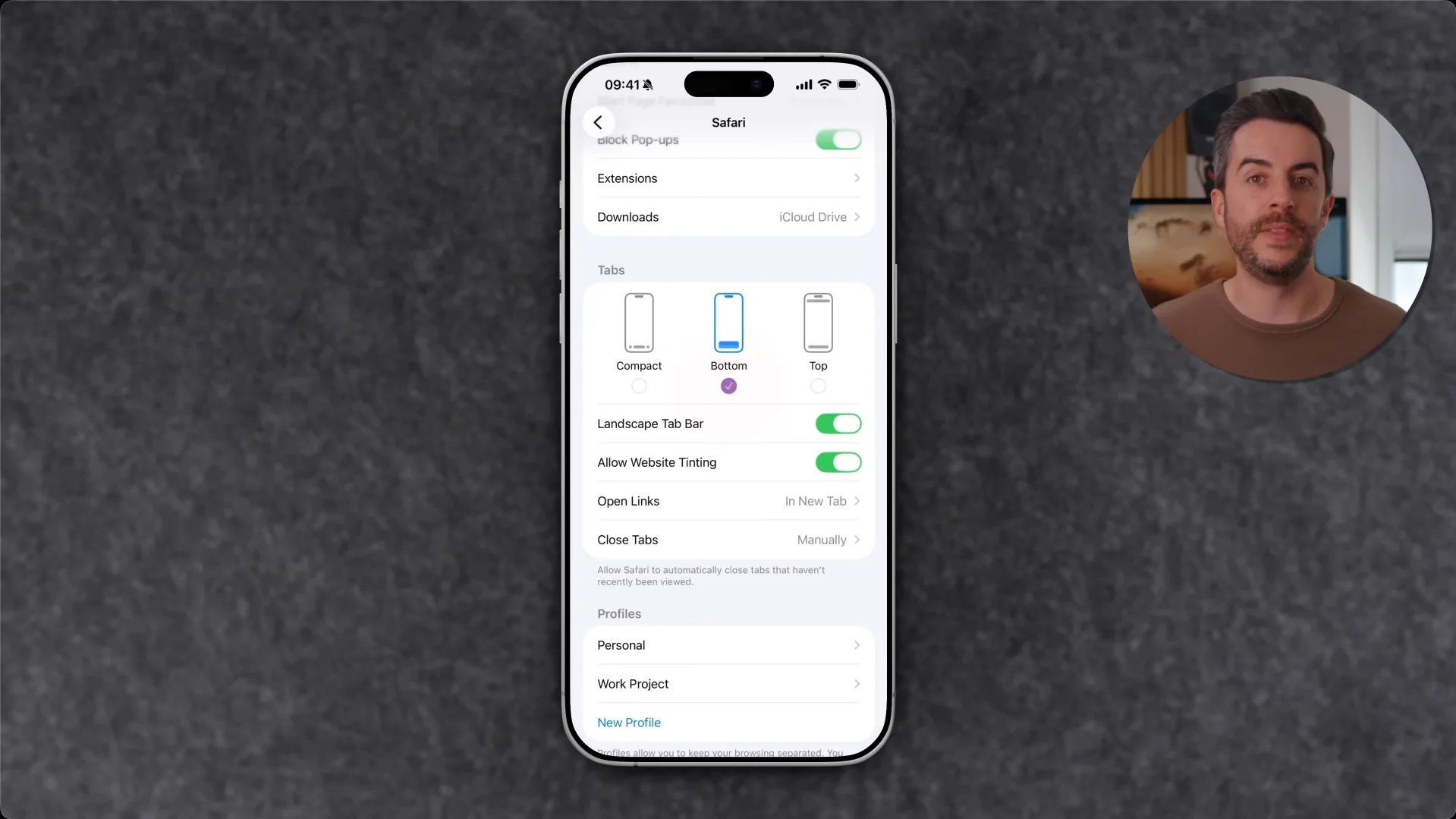
Photo sharing
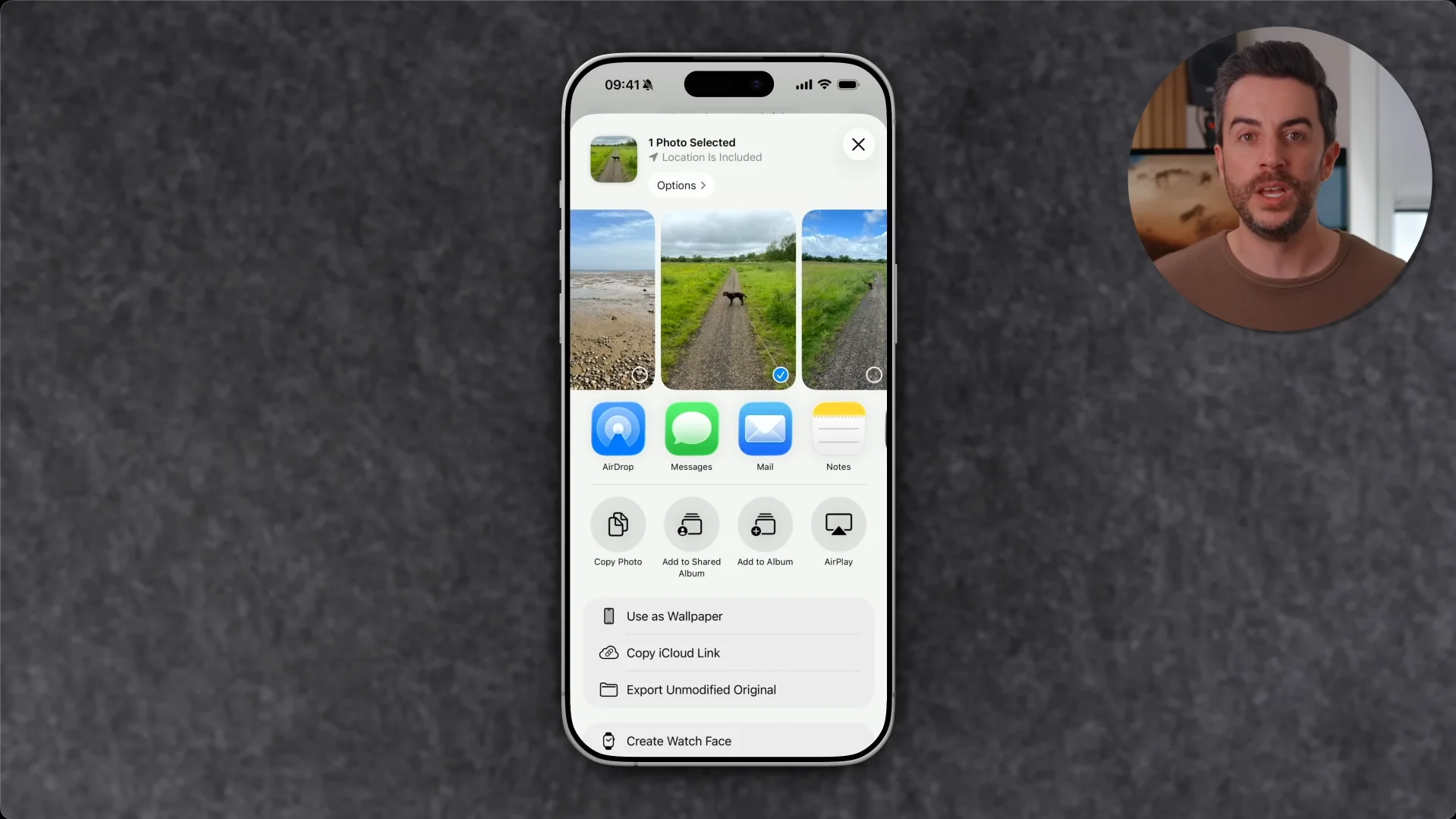
The expert also urged users to rethink how they share photos.
By default, photos sent from an iPhone can include location metadata, potentially revealing exactly where an image was taken.
A quick tap on the sharing options menu allows users to remove location information before sending a photo.
Message searching
The video also highlighted several lesser-known features that can make everyday tasks much easier.
For example, instead of scrolling endlessly through Messages searching for a photo or link, users can open a conversation and view dedicated sections containing all shared media, documents, and links from that contact.
Photo libraries
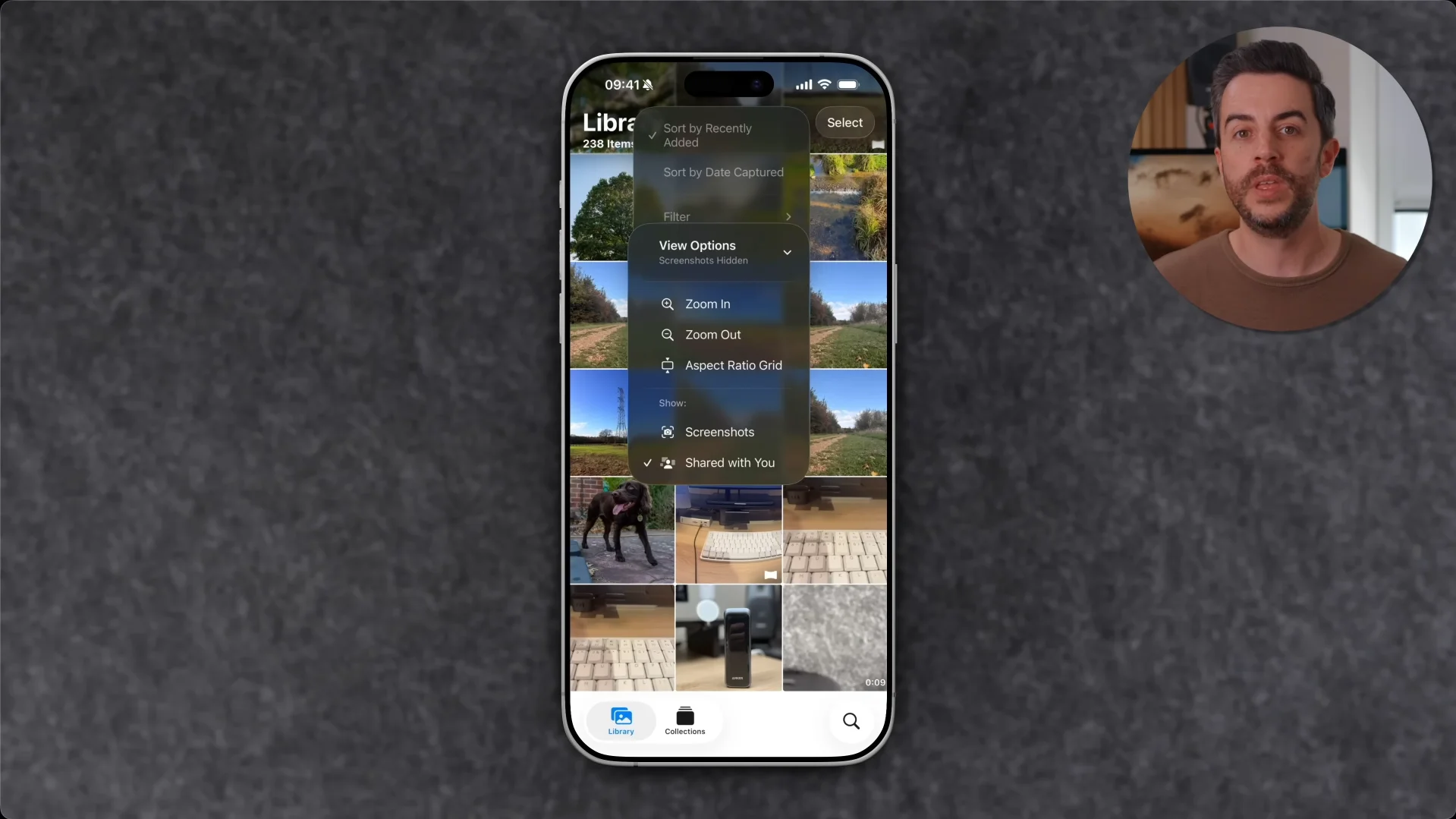
He also pointed out that many people clutter their photo libraries with screenshots.
Rather than deleting them, users can simply hide screenshots from the main library view while still keeping them accessible in a separate section of the Photos app.
Audio messages
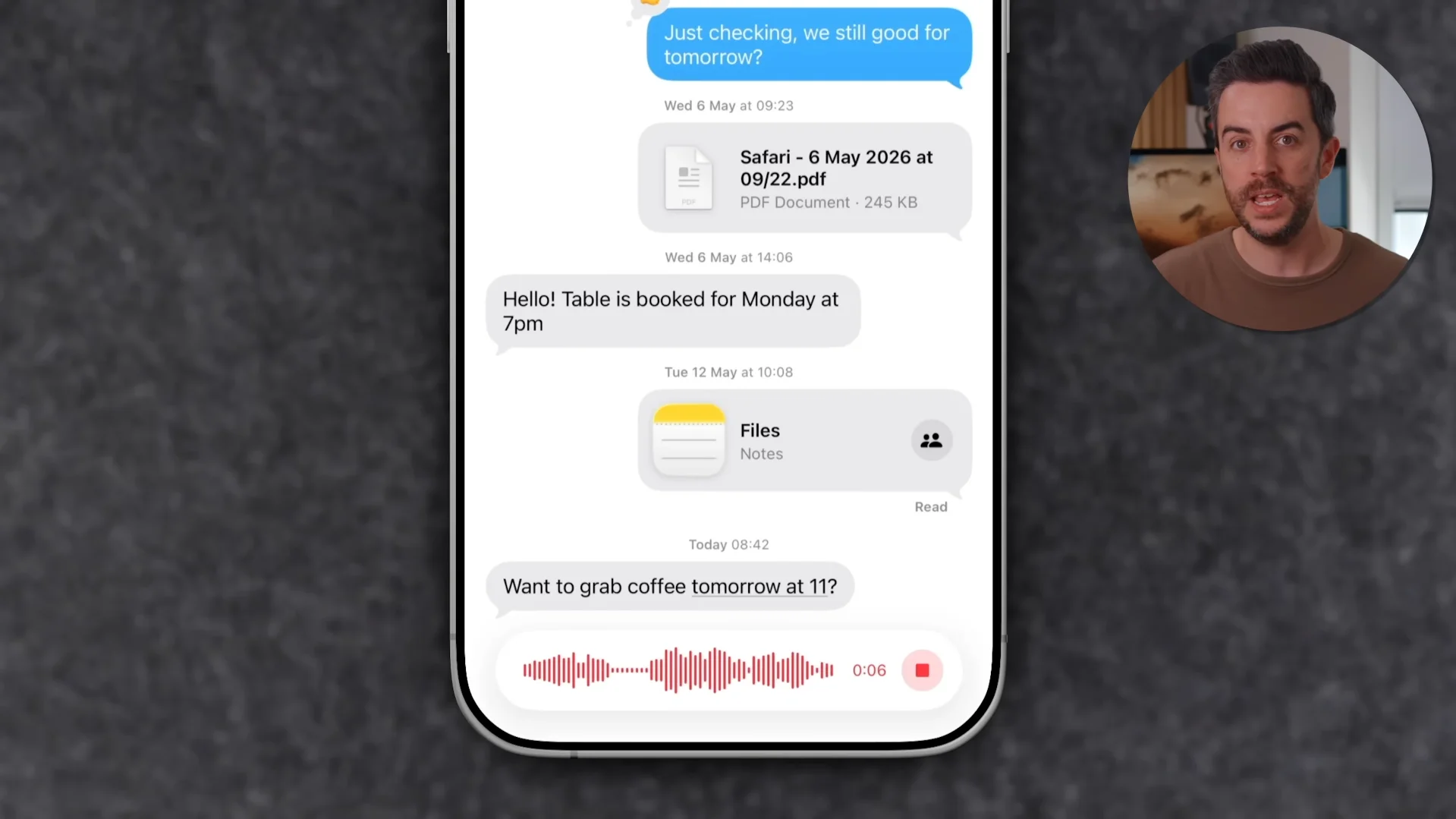
Another useful tip involves audio messages.
Many users delete and restart voice recordings if they need a moment to think while speaking, but the Messages app actually allows recordings to be paused and resumed multiple times.
Apple Passwords
The expert also recommends avoiding the practice of storing important recovery keys in Notes apps or email inboxes.
Instead, these sensitive codes can be stored securely within Apple’s Passwords app, reducing the risk of them being exposed.

His overall message was simple: most iPhone owners already have powerful tools at their fingertips, but many never discover them.
By changing a few common habits, users can improve privacy, stay organized, and make their devices much more enjoyable to use.