If you see someone using the Calculator app on an iPhone, it might not be quite what it seems

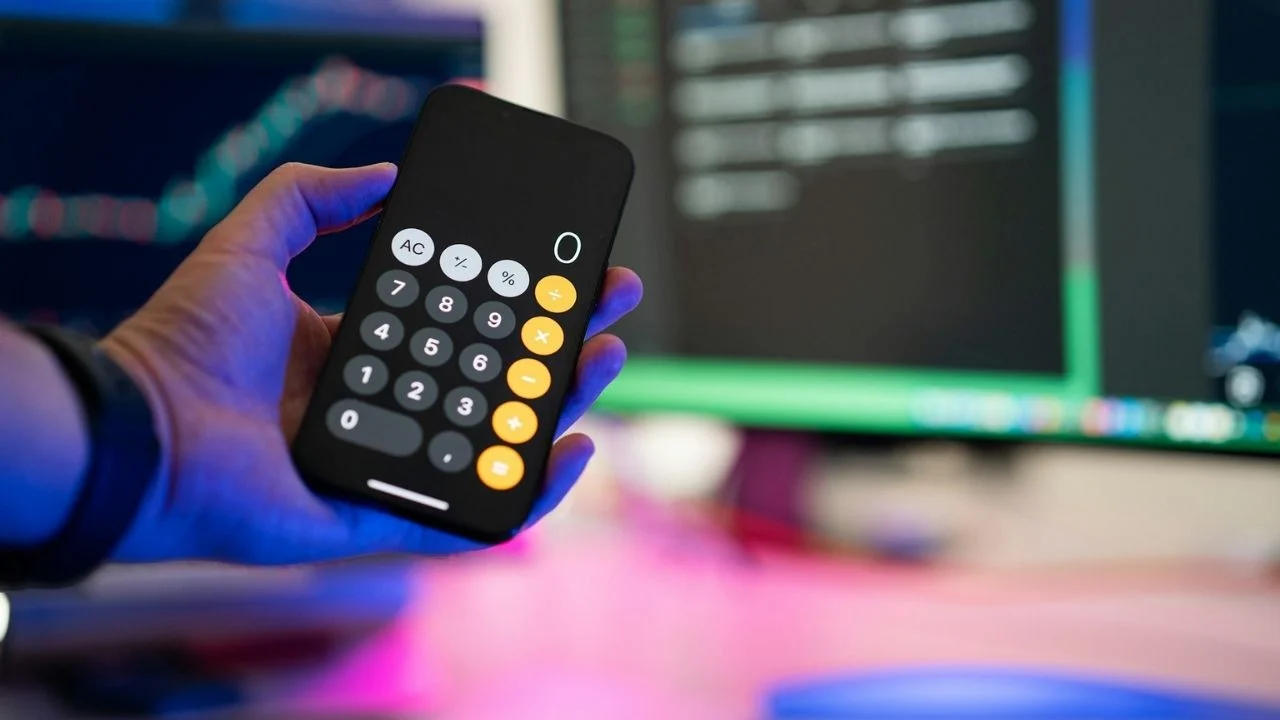

If you see somebody spending an unusual amount of time inside the Calculator app on their iPhone, there’s a chance they’re doing something other than working out percentages.
While most people use Apple’s built-in calculator exactly as intended, often too embarrassed to admit that they can’t add 2+2 without it, others use it for other potentially nefarious purposes.
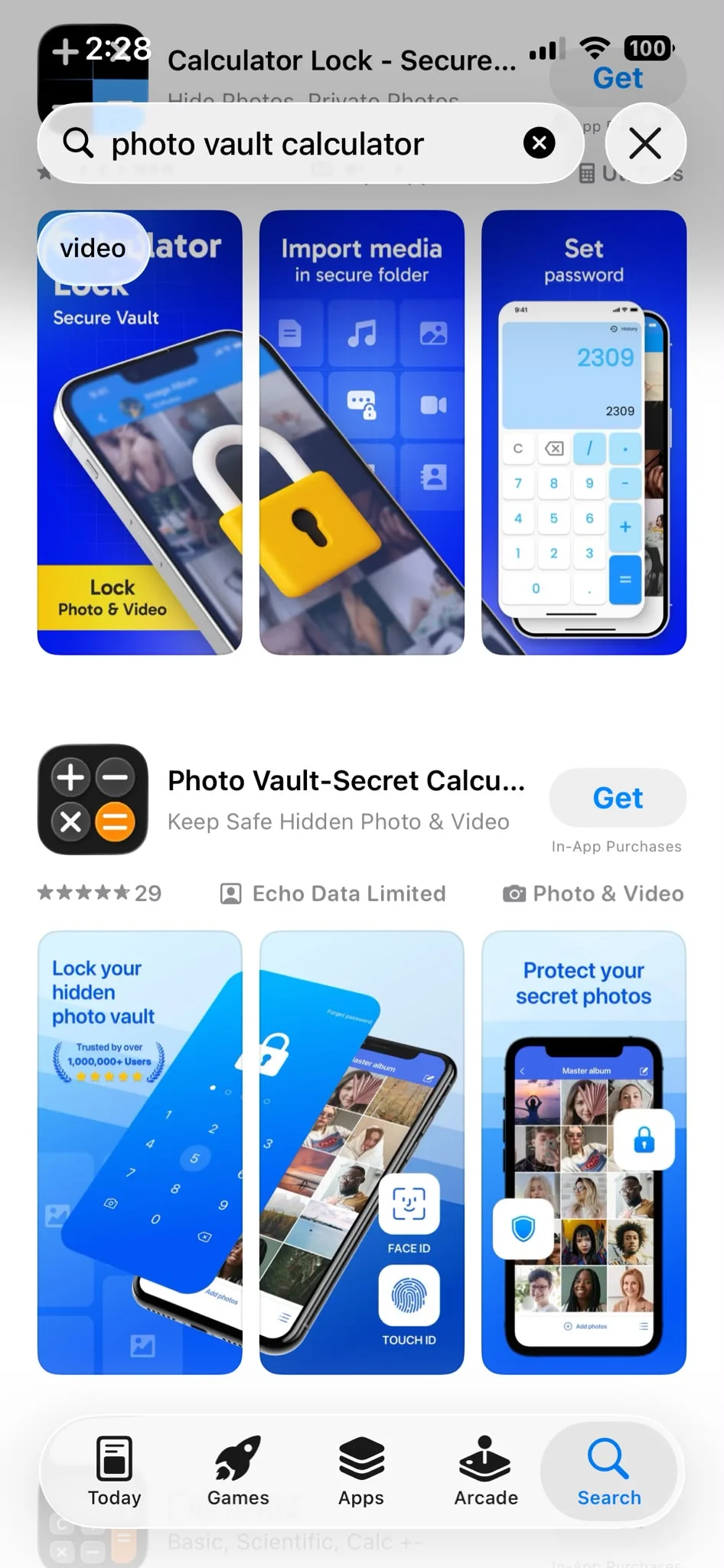
They’re available through app stores, appear completely harmless, and often blend in among dozens of other everyday apps on a phone’s home screen.
But behind the familiar icon, some are hiding a very different purpose.
These innocent-looking iPhone apps can conceal far more than numbers
iPhones are gadgets that have become a central part of everyday life, and with that has come an increasing demand for privacy tools.
Many apps now allow users to lock away personal content, keeping it separate from the rest of their device.
Some offer password protection for photos, videos, messages, contacts, and all the shopping lists on your notes apps, while others go even further with advanced security features.
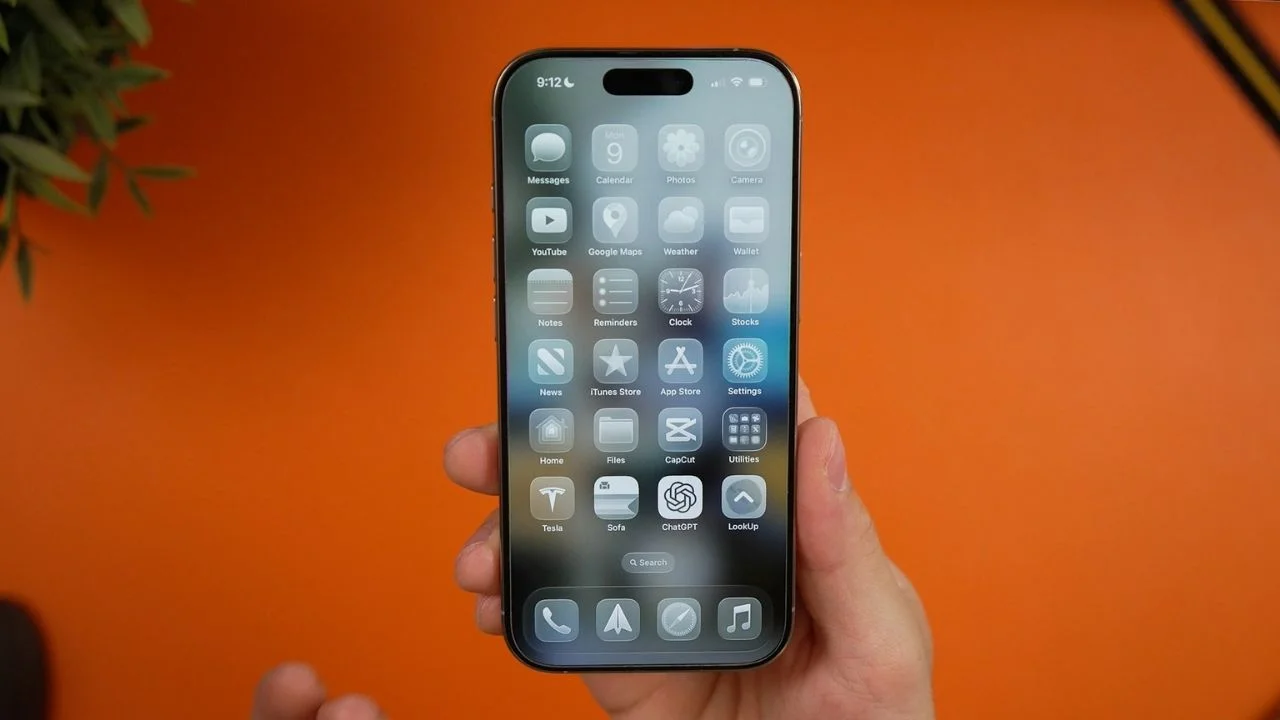
Certain apps are specifically designed to hide in plain sight by disguising themselves as something completely ordinary.
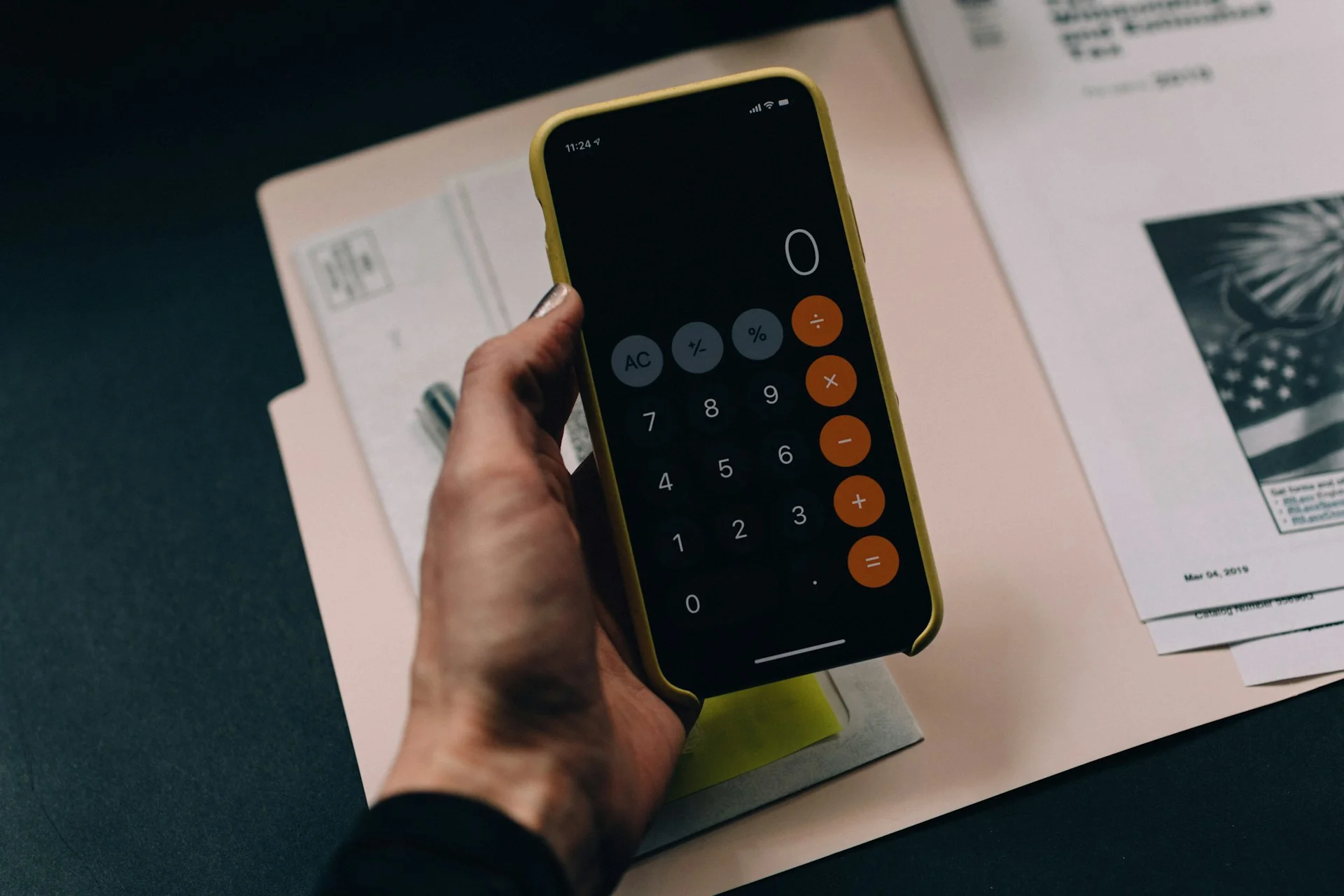
That’s where the calculator comes in.
Rather than advertising themselves as secure vaults, these apps present themselves as simple utility tools that nobody would think twice about.
Only after a specific passcode is entered, like you’re about to do some adding up, does their true purpose become clear.
Related
The fake Calculator app even includes spy movie-style features
Once unlocked, the hidden vault can store photos, videos, messages, contacts, and private notes away from prying eyes.
Some apps even ask whether users want to delete the original files from their gallery and cloud storage after moving them into the vault.
And the features don’t stop there.
Some apps support multiple passcodes, allowing users to create a decoy vault containing harmless content while keeping another hidden section completely concealed.
Others can secretly take a selfie whenever somebody enters the wrong password.
Some even include a panic mode that instantly closes the vault when the phone is turned face down, making it appear as though the user was simply listening to music or using a standard utility app all along.
While the privacy technology is clever and futuristic, experts suggest that parents who discover one of these apps shouldn’t immediately delete it.
Instead, the more important question may be why someone feels the need to hide content there in the first place.
After all, understanding the reason behind the secret calculator app may be more valuable than uncovering all of someone’s secrets.