How you can modify Do Not Disturb on iPhone to perfectly tailor how you use your phone on a daily basis

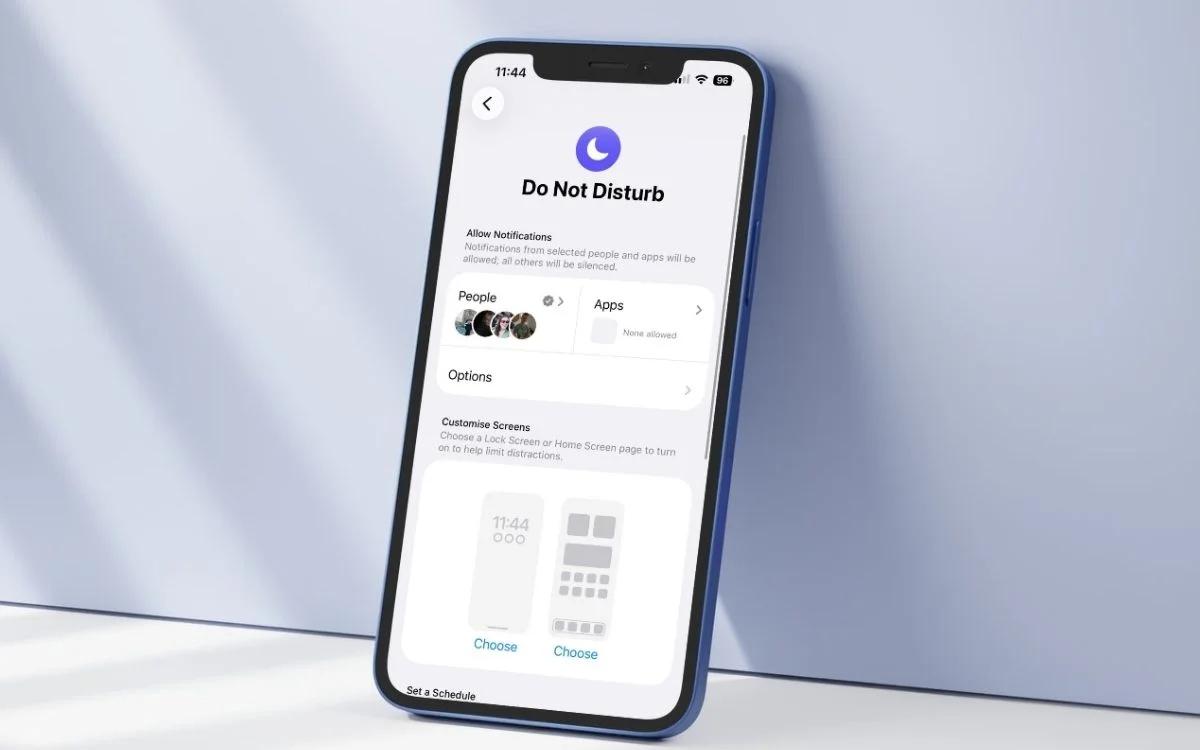

If your iPhone has Do Not Disturb settings that feel a bit one-size-fits-all, that’s because most people don’t realize how much you can tweak them so they are perfectly tailored to you and your life.
The simple silence button is a daily custom tool that can be shaped around your work hours, your favorite people, your bedtime routine, and even the apps that matter most.
Instead of muting everything and hoping for the best, you can set it up so your phone behaves differently depending on the time of day or what you are doing.
Once you get into it, Do Not Disturb on iPhone starts feeling like it’s working with you rather than against you when it accidentally silences that very important work call you had scheduled.
How Do Not Disturb on iPhone can be scheduled around your actual life
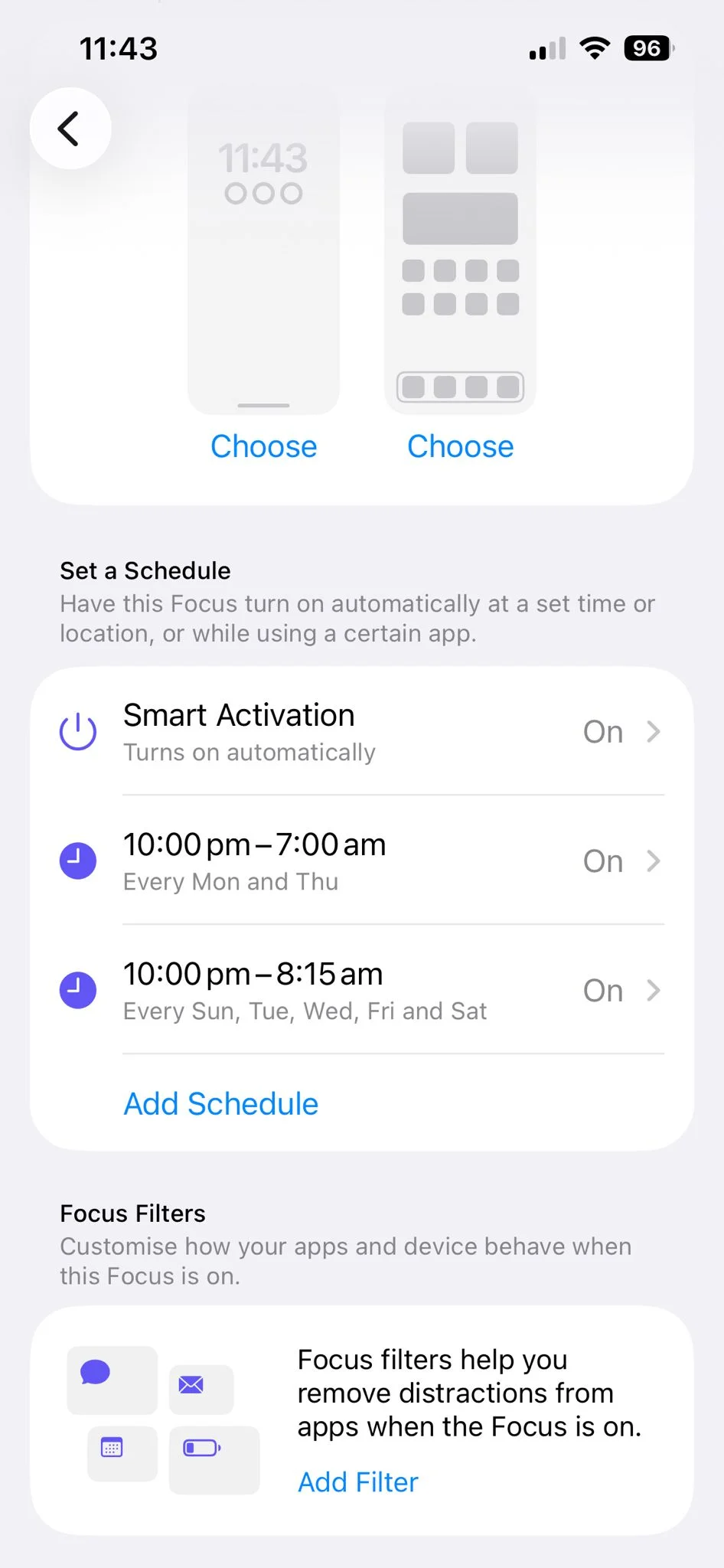
The biggest gadget game-changer is being able to set specific times for Do Not Disturb to switch on and off automatically on your iPhone.
This means you can have it kick in during meetings, while you are commuting, or every evening when you are trying to stop doomscrolling.
Apple also lets you tie a Focus to a location or even a specific app, so your phone can respond differently when you get to the office or open something work-related like the Slack app.
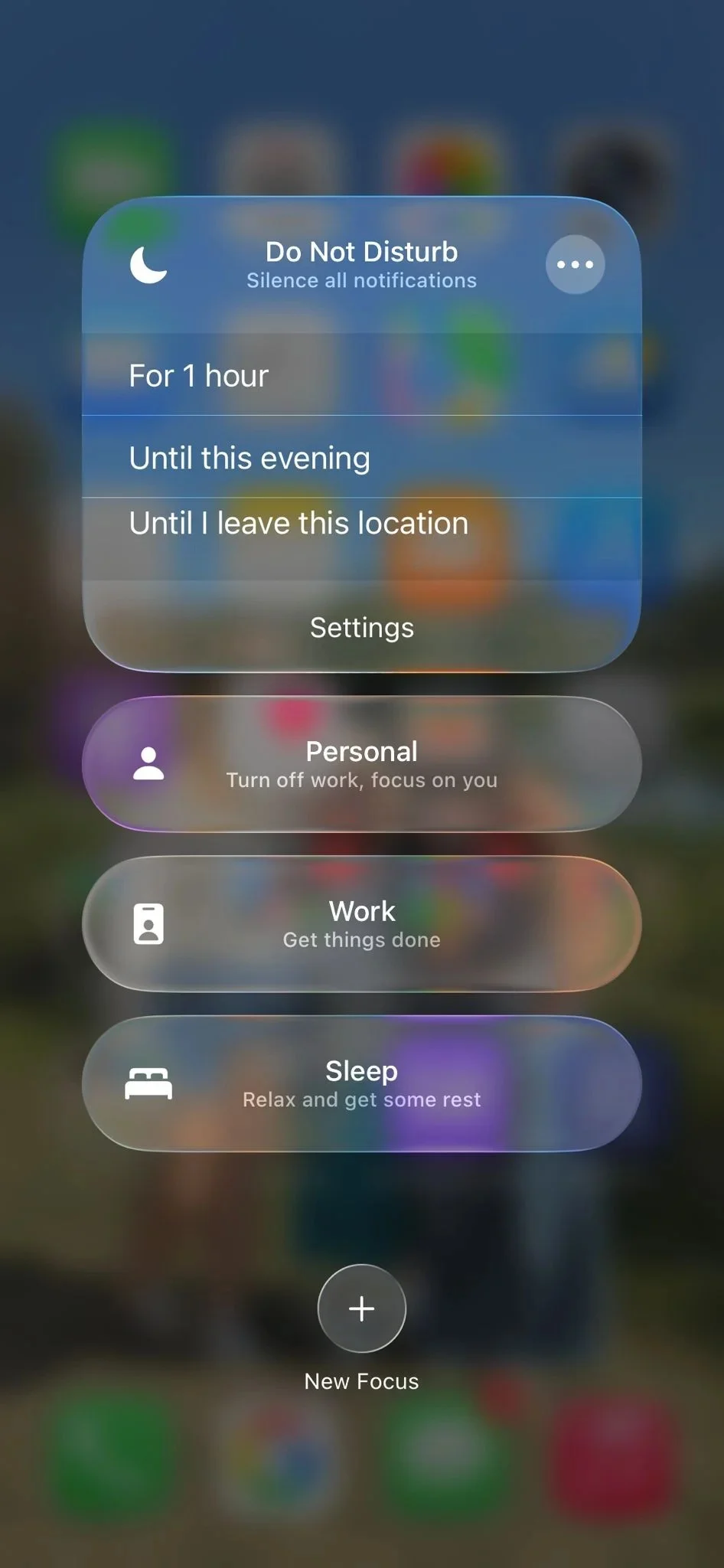
It means you can be truly present in meetings knowing that your phone has got your back.
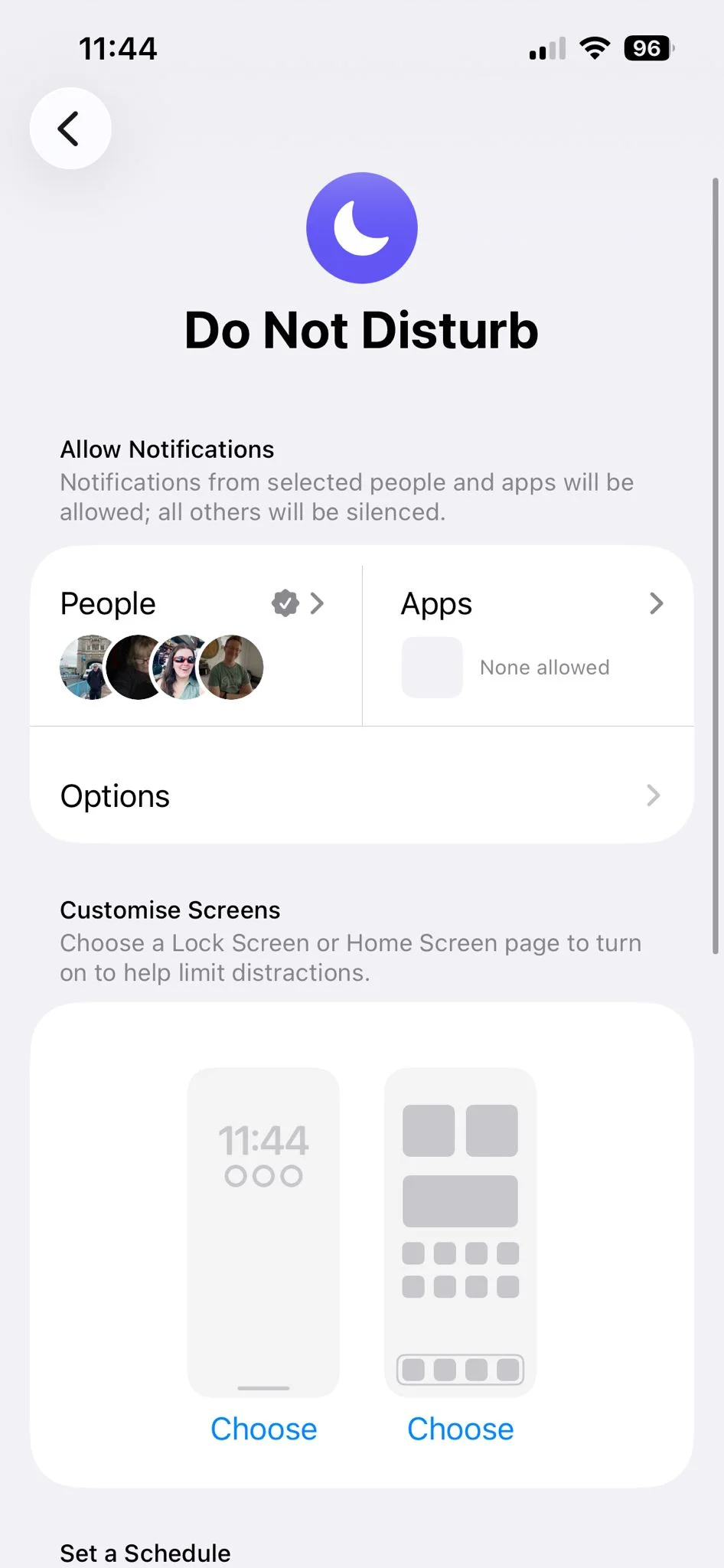
You can even customize which notifications still get through, so it is possible to stay reachable without letting every random ping destroy your concentration.
Or you can set Do Not Disturb to turn on and off on specific days of the week so it syncs with your hybrid working routine.
Related

It works with specific people, Sleep, and Focus
If you’re worried about missing emergency messages, you can choose specific people who are allowed to break through the silence, which is ideal for family, friends, or your physician if you’re waiting for test results.
On top of that, iPhone’s wider Focus system includes presets like Work, Personal, and Sleep, so you can build different rules for different versions of your day instead of using the same setup 24/7.
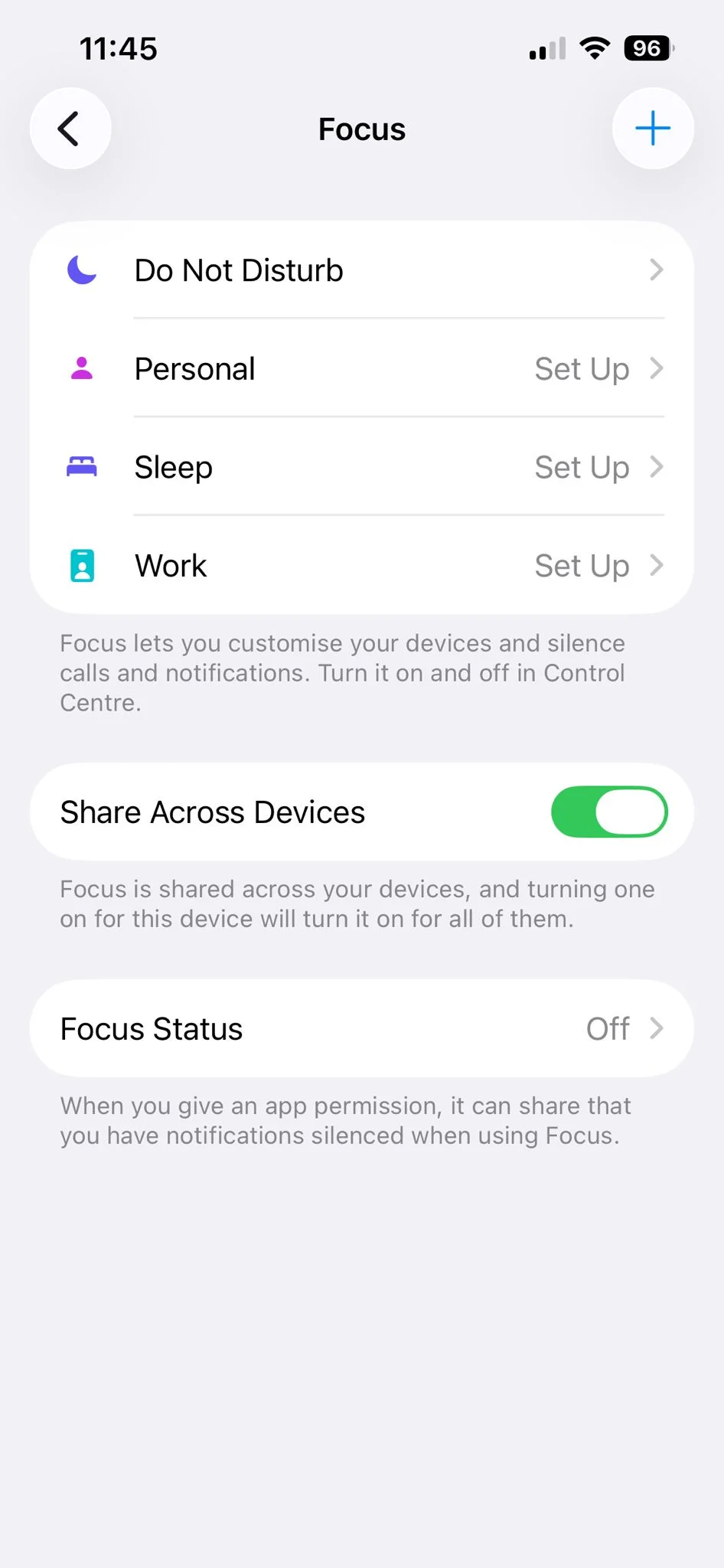
Sleep Focus is especially handy because it is designed to reduce distractions before and during bedtime, helping filter calls and notifications while signaling that you are unavailable.
In other words, your iPhone can be strict when you need peace, flexible when you need access, and far more tailored to your real routine than most people realize, so there’s no excuse for doom scrolling, really.