You can use your AirPods to take a picture with your iPhone really easily and this is how you do it

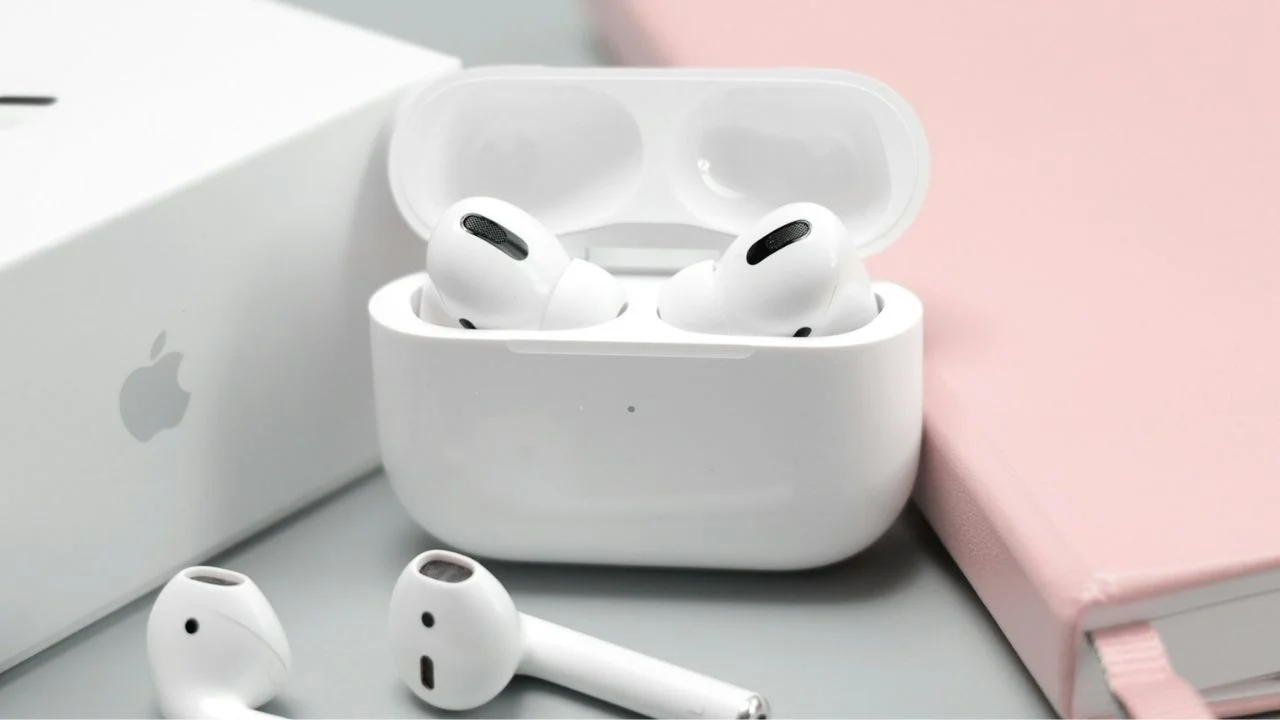

Loads of Apple users are only just finding out the feature even exists, but did you know that you can use your AirPods to take a picture with your iPhone?
Apple sneakily introduced the hidden trick as part of its latest iPhone software updates, turning compatible Apple earbuds into a remote camera button.
That means no more awkwardly sprinting into frame before a timer runs out or trying to balance your phone while taking group selfies.
And the best part is that setting it up only takes a few taps inside your iPhone settings.
AirPods can secretly control your iPhone camera
The hidden tech feature is called Camera Remote, and it basically lets your Apple earbuds act like a wireless shutter button for your iPhone.
Once your AirPods are connected, all you need to do is head into Settings on your iPhone and tap your AirPods menu near the top of the screen.
From there, users can scroll down until they see Camera Remote and choose what gesture they want to use.

You can set the feature so either a single press or a press-and-hold on the AirPods stem triggers the camera.
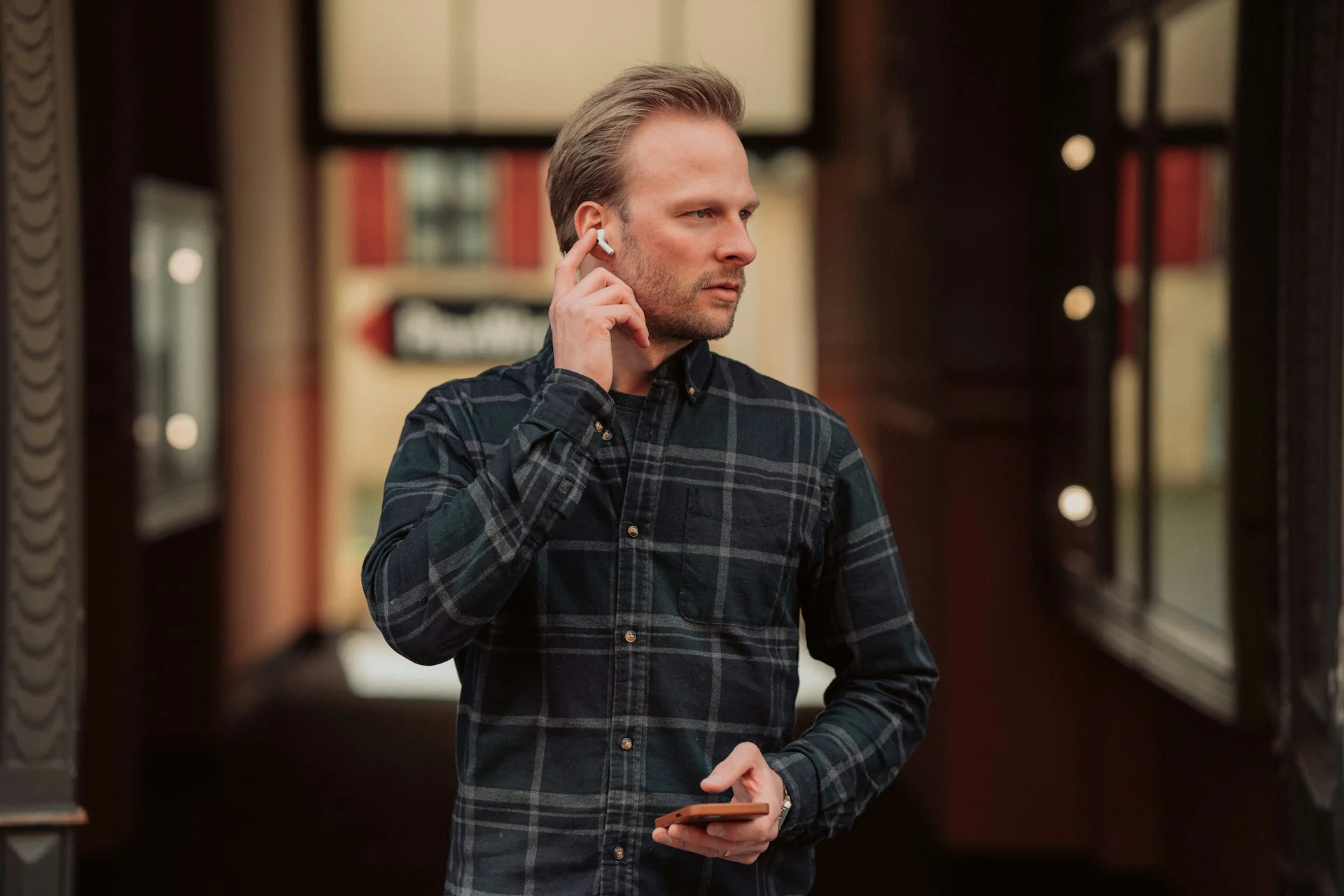
After that, simply open the Camera app, get into position, and press the stem on your Apple headphones.
Your iPhone then starts a three-second countdown before snapping the photo automatically.
It even works for video recording too, meaning aspiring content creators can start and stop filming without needing to touch their phone at all.
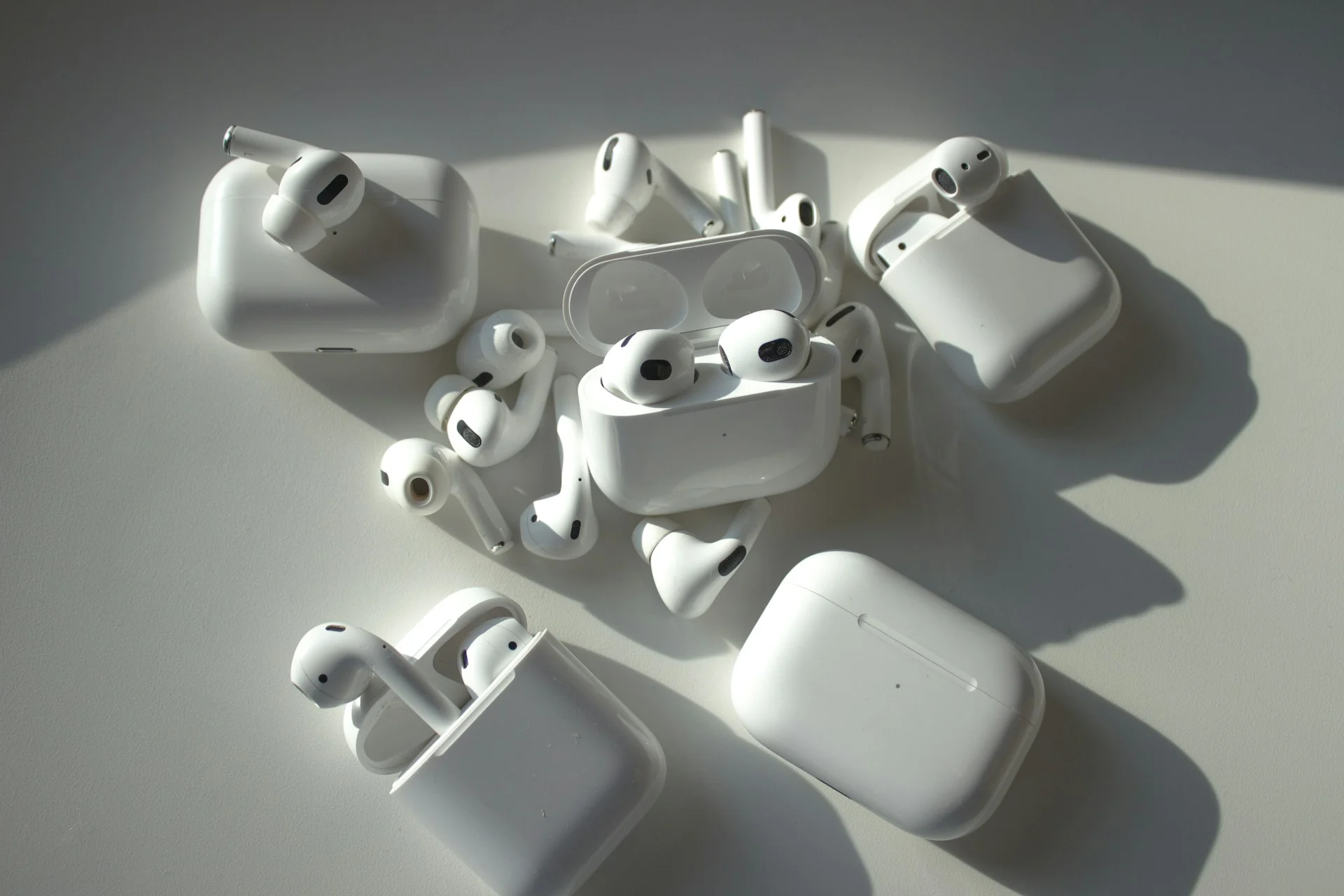
The feature is available on newer AirPods models including Pro 2 and 4 running the latest software updates.


Who knew that this trick even existed?
People online are already calling the feature one of Apple’s most useful hidden tricks because it solves a surprisingly annoying problem.
Anyone who’s ever tried taking a group photo knows the struggle of setting a timer and then running back into frame before the shot is taken.
Now, users can simply stand where they want naturally and trigger the photo remotely using their AirPods.
The feature also works across multiple camera modes including Portrait, Panorama, Time-Lapse, and regular photos.
For anyone who films TikToks, travel videos, workout clips, or tripod selfies, it basically removes the need to constantly run back and forth to the phone.
It’s yet another example of Apple hiding all it’s best features.