Changing these settings on your Apple Watch will help make your sleep score work better

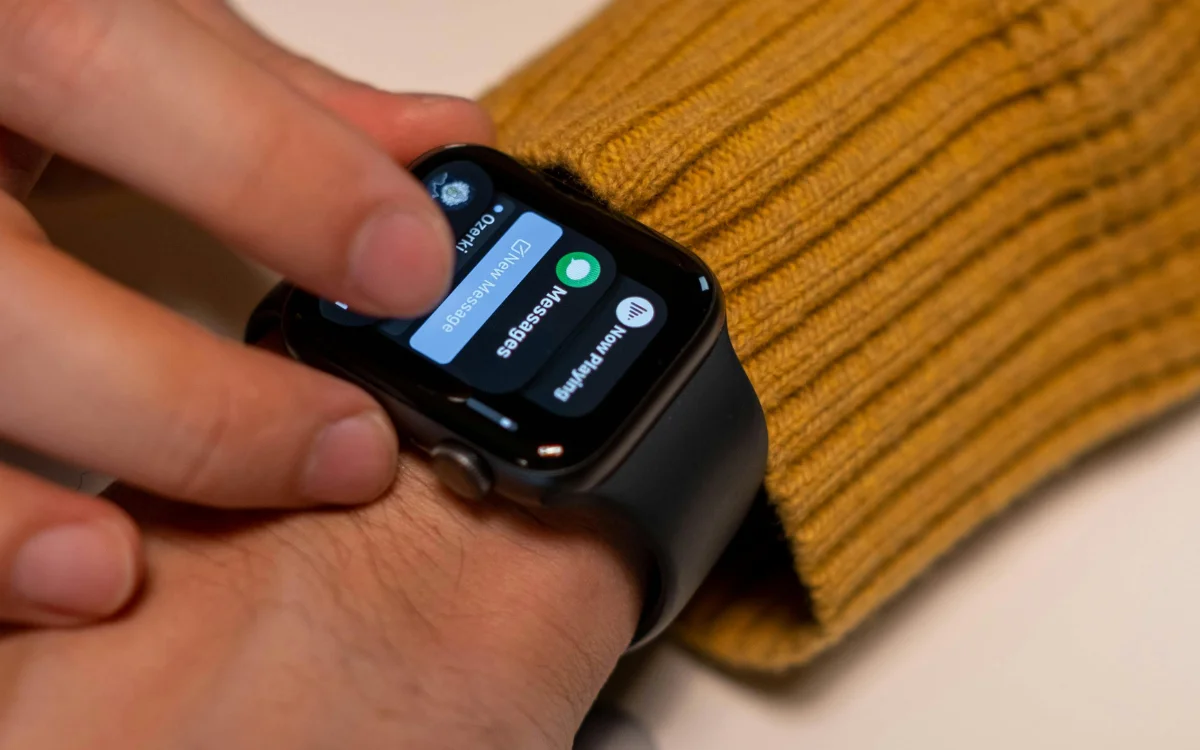

Changing these settings on your Apple Watch will help make your sleep score work better if you’re tired of waking up to notifications that don’t actually help.
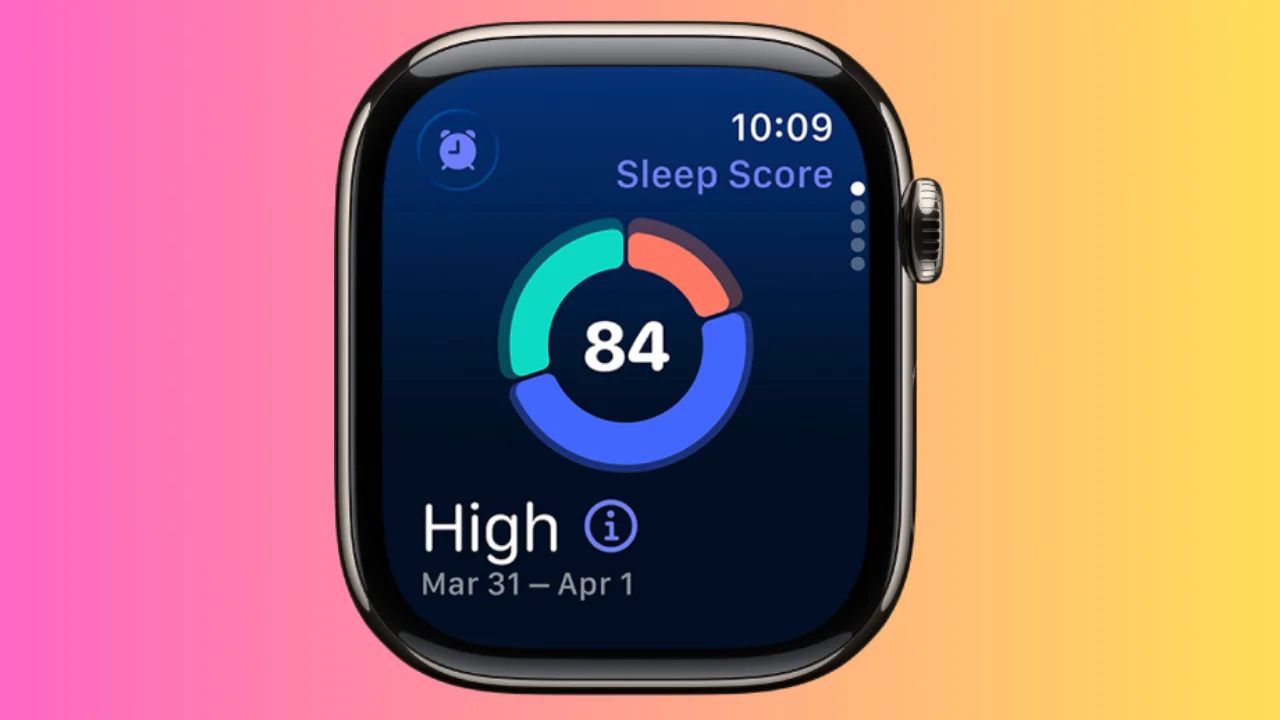
Apple’s Sleep Score feature has become one of the biggest additions to watchOS 26, giving users a simple way to track how well they slept each night.
But one small tweak can make the feature feel a lot more useful.
Instead of stressing over every night’s results, you can customize exactly when your Apple Watch alerts you.
Small changes on your Apple Watch can make a big difference
Apple introduced Sleep Score with watchOS 26, giving users with the gadget a rating based on three factors: sleep duration, bedtime consistency, and interruptions during the night.
Rather than just showing the data inside the Sleep app, Apple Watch can also send a notification every morning with your latest score.
But sometimes those daily alerts aren’t always helpful.
Sometimes, being constantly reminded of less-than-perfect sleep actually increases your anxiety, even when you are already following healthy habits.
The solution turns out to be surprisingly simple.
Apple lets users choose exactly which Sleep Score ranges trigger notifications, meaning you don’t have to receive an alert every single morning.
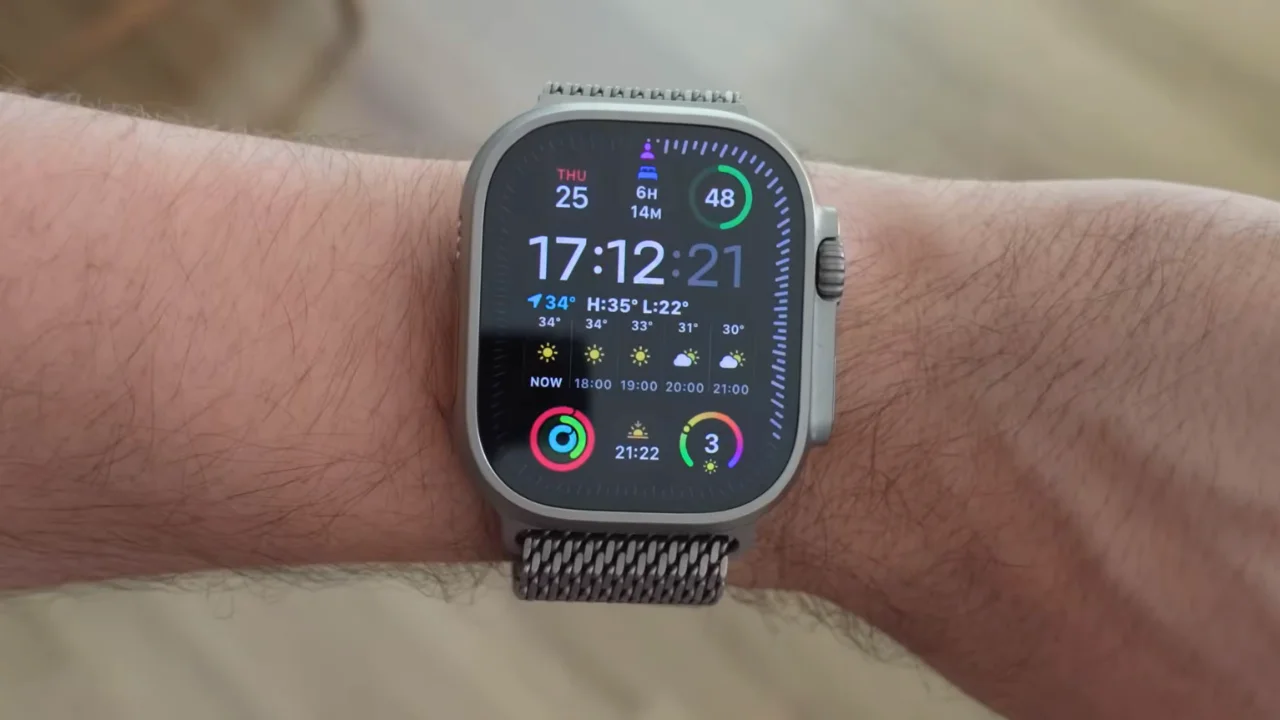
To change the settings on your iPhone, open the Watch app, scroll to the Sleep section, then tap Sleep Score Notifications.
You can also do the same thing directly on your Apple Watch by opening Settings, selecting Sleep, then Sleep Score Notifications.
Your sleep score should work for you, not against you
Instead of disabling Sleep Score completely, you can switch off notifications for lower scores while keeping alerts for higher ones.
That way, the feature still celebrates great nights of sleep without constantly highlighting the bad ones.
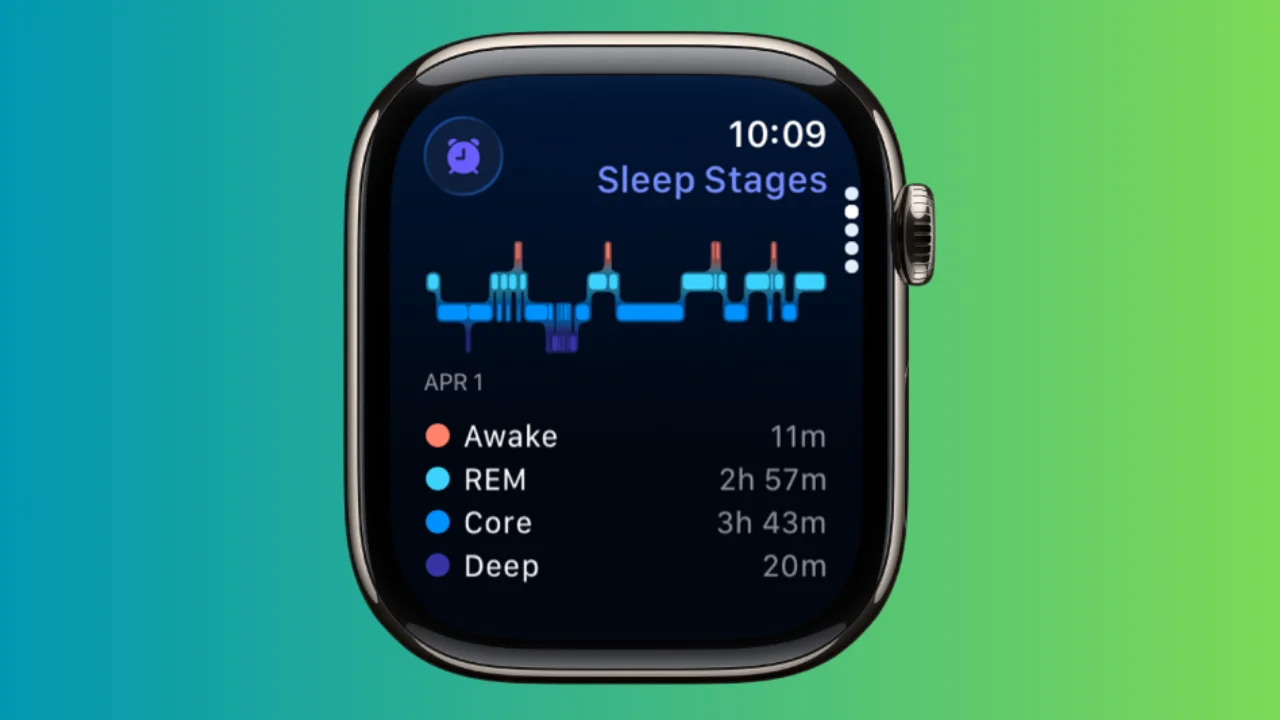
Apple calculates Sleep Score using the amount of time you actually sleep, how consistent your bedtime is, and how often your sleep is interrupted throughout the night.
Scores range from Very Low to Very High, making it easy to spot patterns over time.
The idea isn’t to obsess over a single night’s result, but to build healthier habits over weeks and months.
If the daily notifications are making you feel worse rather than helping, adjusting the alert settings could make Sleep Score feel more like a useful wellness tool instead of another source of stress if you don’t get the golden eight hours.
Sometimes the smallest setting changes end up making the biggest difference.