People are losing their minds over these hidden iPhone features that they had no idea existed

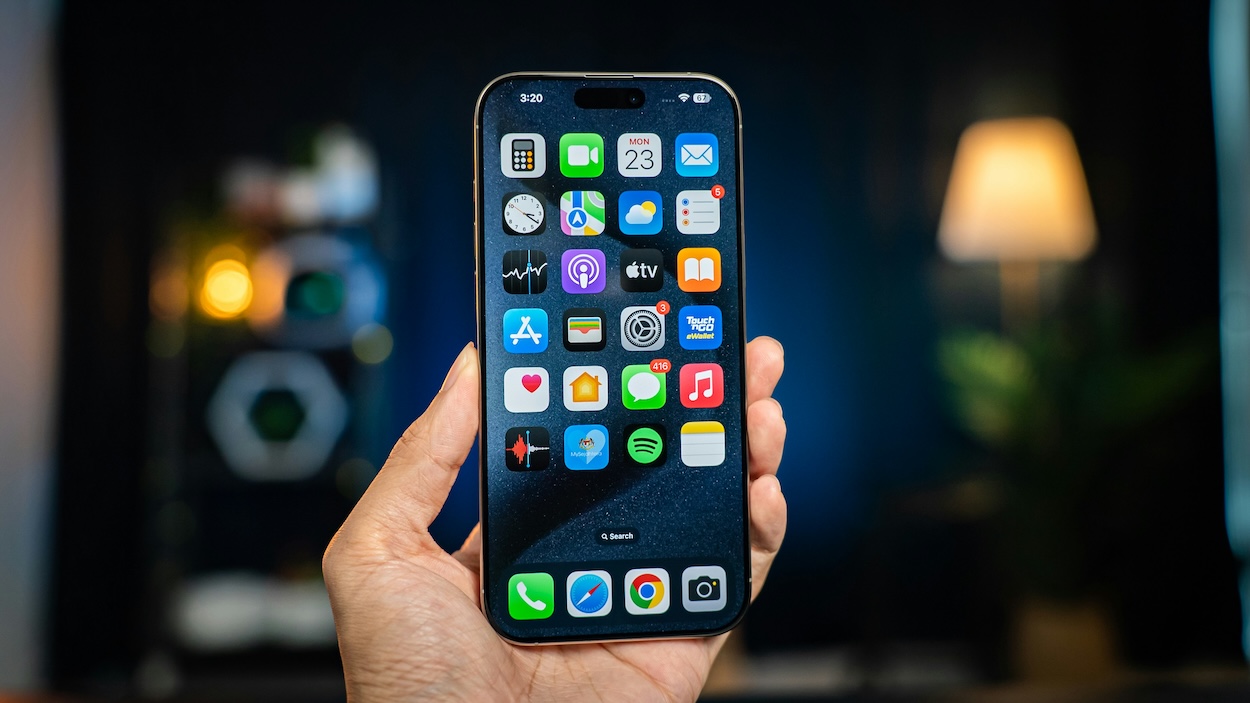

Millions of people use an iPhone every day, but it turns out most owners are only scratching the surface of what Apple’s smartphones can actually do.
A collection of hidden iPhone features shared online has left users stunned after revealing tools and shortcuts that many had never heard of before.
From turning your phone into a white noise machine to making the screen even darker than its lowest brightness setting, some of the tricks are surprisingly useful.
And once people discovered them, they couldn’t believe they’d been carrying these features around in their pockets the whole time.
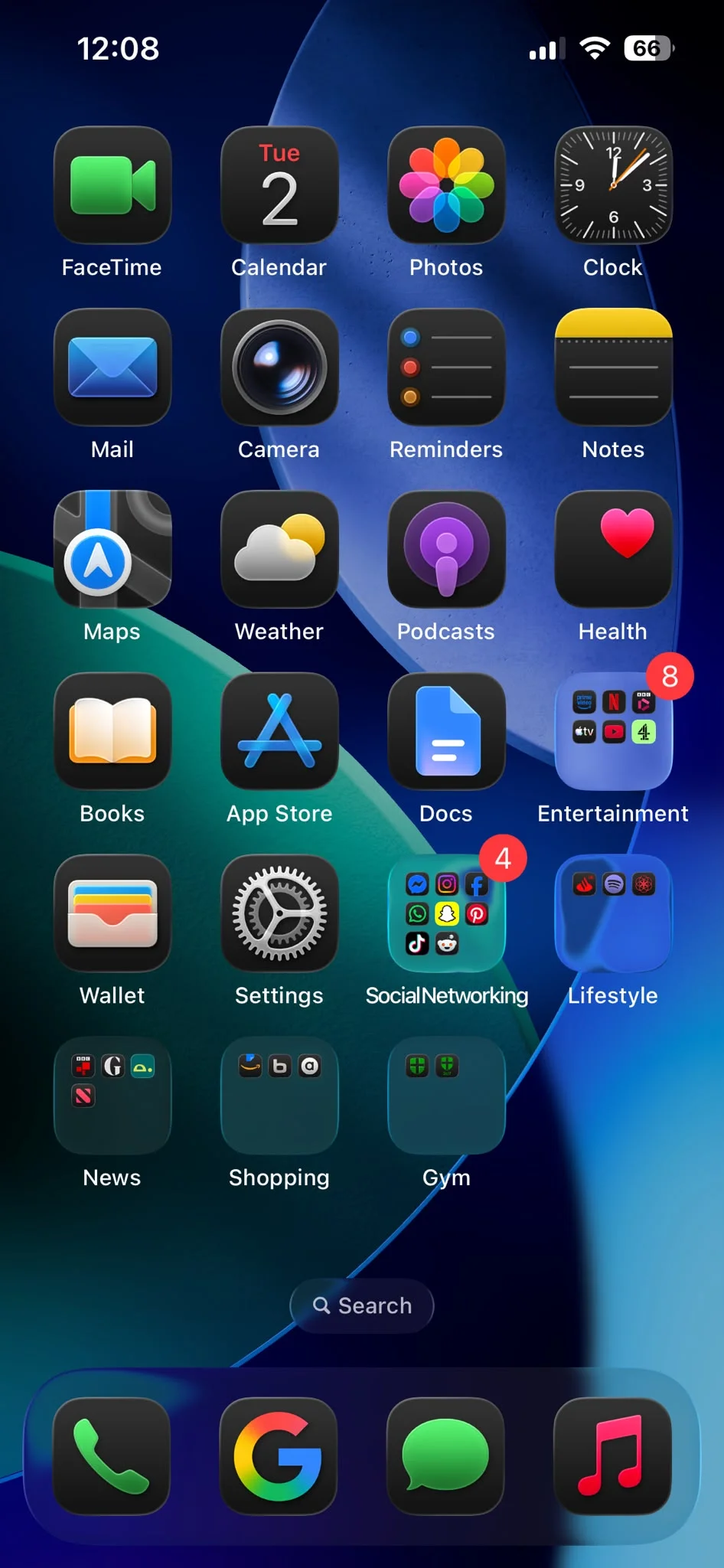
Ultra dark mode
One of the most popular discoveries on people’s favorite Apple gadget was what users have dubbed an ‘ultra dark mode’.
The setting uses Apple’s Reduce White Point accessibility feature to make the display dramatically dimmer than the standard minimum brightness level, making it ideal for late-night scrolling without lighting up an entire room.
Several iPhone users said they use the feature every night after learning it existed; it’s a combination of setting your phone to dark mode, and turning all your apps to dark setting too.
White noise
Another hidden gem is the built-in white noise generator tucked away in the Accessibility menu.
Users can choose from sounds including rain, ocean waves, streams, and different varieties of white noise without downloading a separate app.
Some people use it to help them focus while working, while others rely on it to block out background noise when trying to sleep.
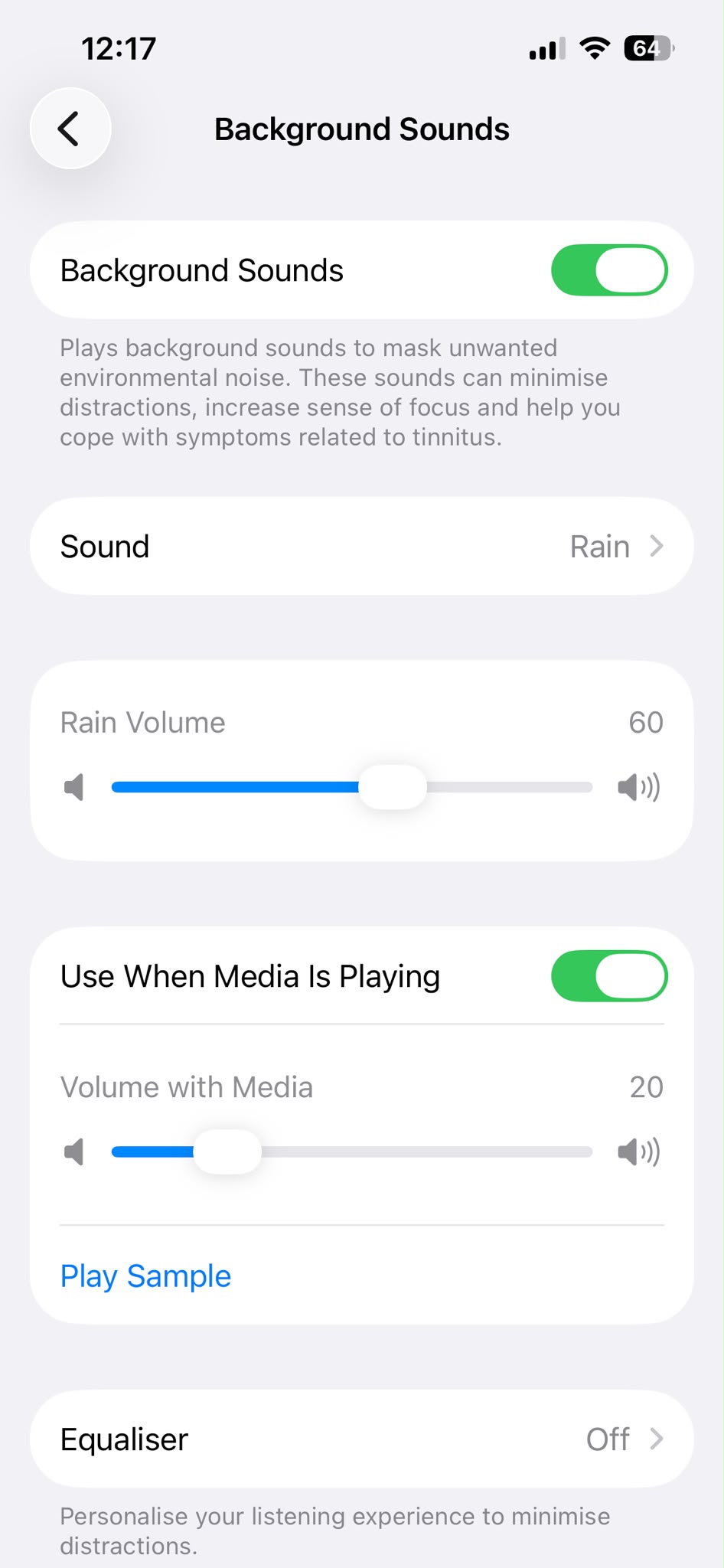
Photo search features
There are also clever productivity tricks hidden throughout iOS.
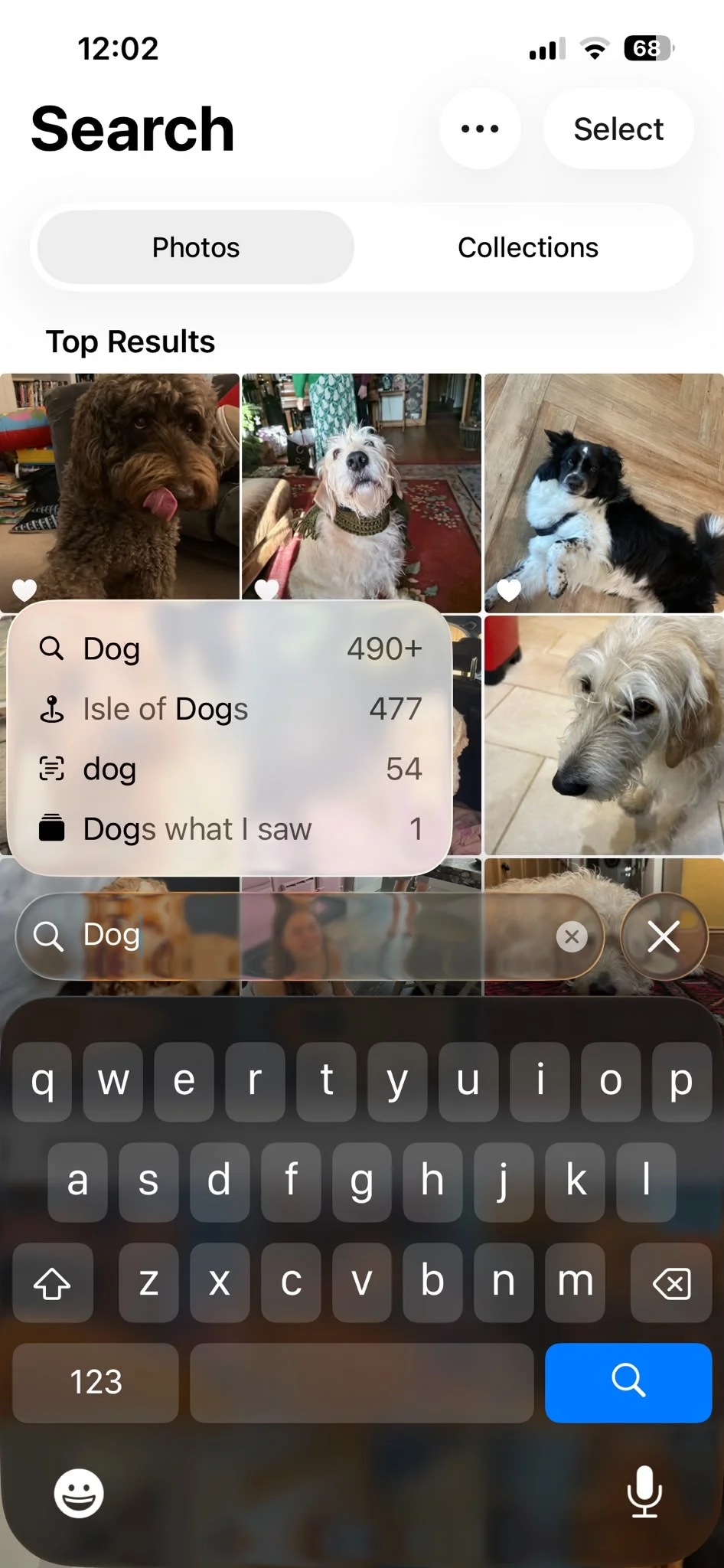
Many owners were shocked to learn that the Photos app can search for specific objects, animals, and even text inside images.
Looking for a passport photo from years ago? Simply searching ‘passport’ can often bring it up instantly.
Back Tap
Perhaps the most surprising discovery is Back Tap.
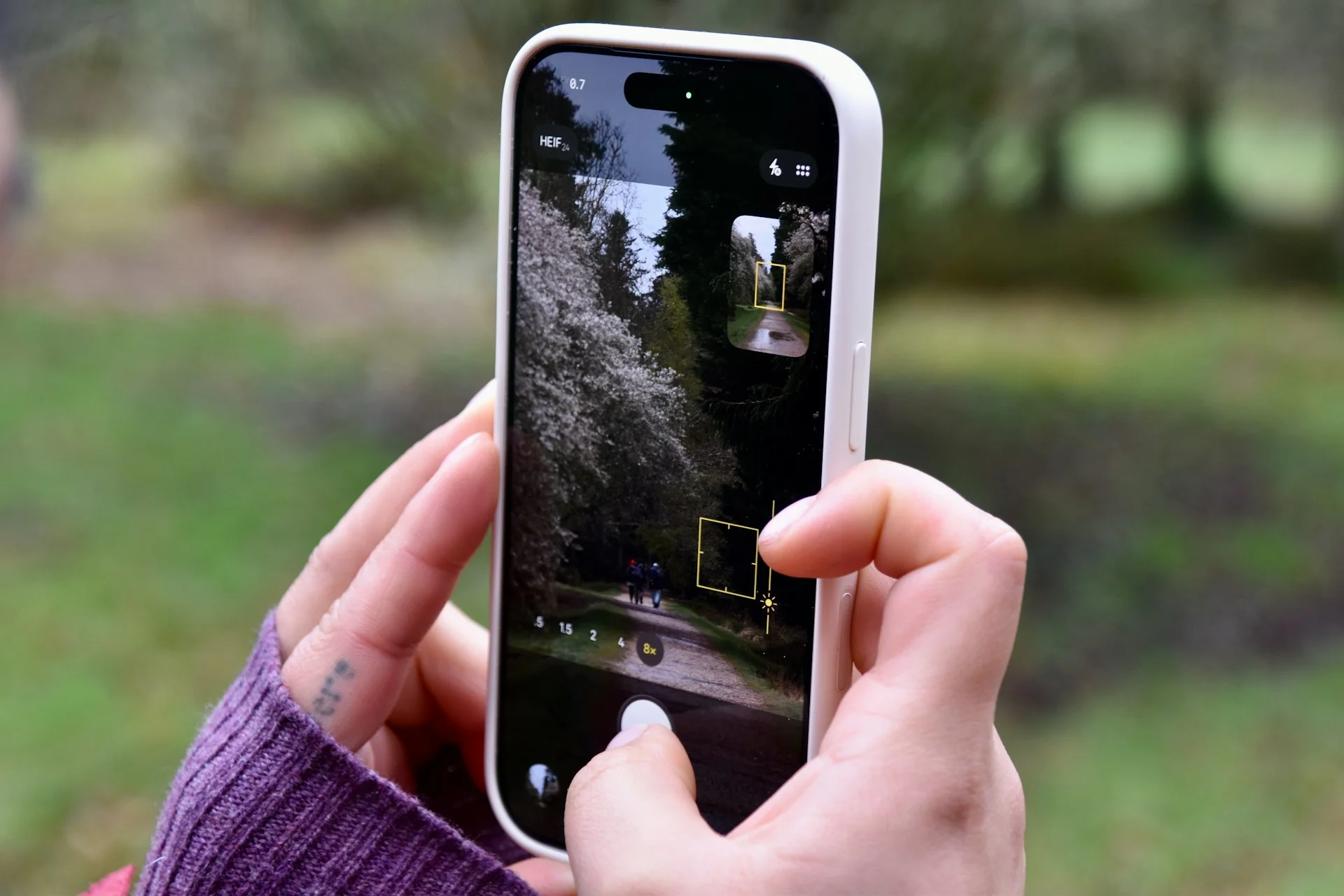
Available on modern iPhones, the feature lets users double-tap or triple-tap the back of their device to trigger actions such as taking screenshots, launching the camera, muting the phone, or turning on the flashlight.
Many people don’t even realize the feature exists until someone shows it to them.
Guided Access
Other lesser-known features include Live Listen, which allows AirPods to act almost like remote hearing devices.
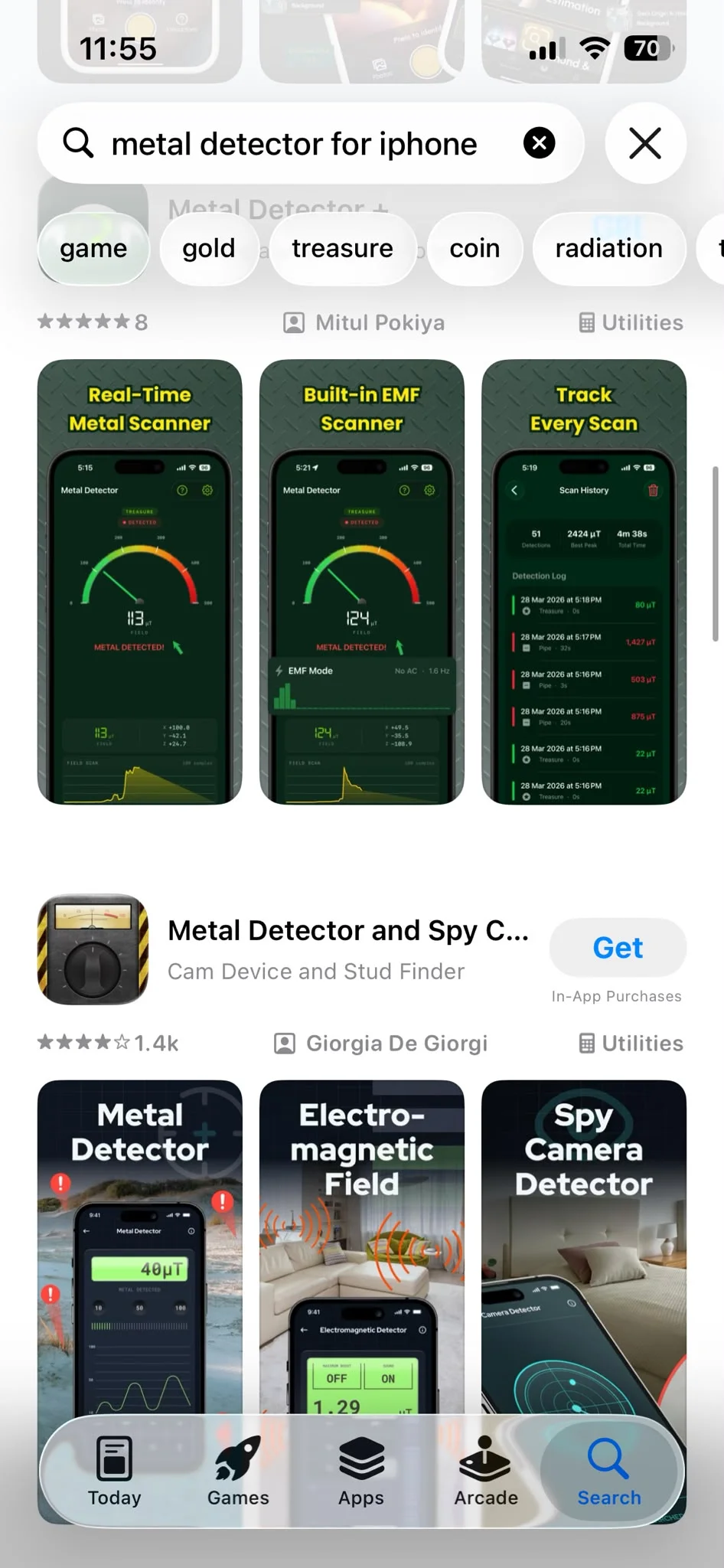
There’s also Guided Access that locks a phone into a single app, Vehicle Motion Cues, a feature designed to reduce motion sickness when reading in a moving car, and even the ability to use the iPhone as a makeshift metal detector with the help of compatible apps.
Metal detection
Many users were surprised to learn their smartphone could help locate lost metal objects, a task normally associated with specialist equipment.
For many people, it was yet another reminder that Apple’s smartphones are packed with hidden tools that often go unnoticed.
Other handy iPhone features
Users also highlighted practical tools such as turning documents into PDFs through the Print menu, creating text shortcuts for frequently typed phrases, and using the iPhone’s built-in hotspot feature to provide internet access to laptops and other devices.
The discussion has become so popular that entire communities are now dedicated to sharing hidden iPhone tips and tricks, proving that even people who use their devices every day are still discovering features they never knew existed.