If you've installed iOS 26.5.1 there's a hidden setting you need to change straight away

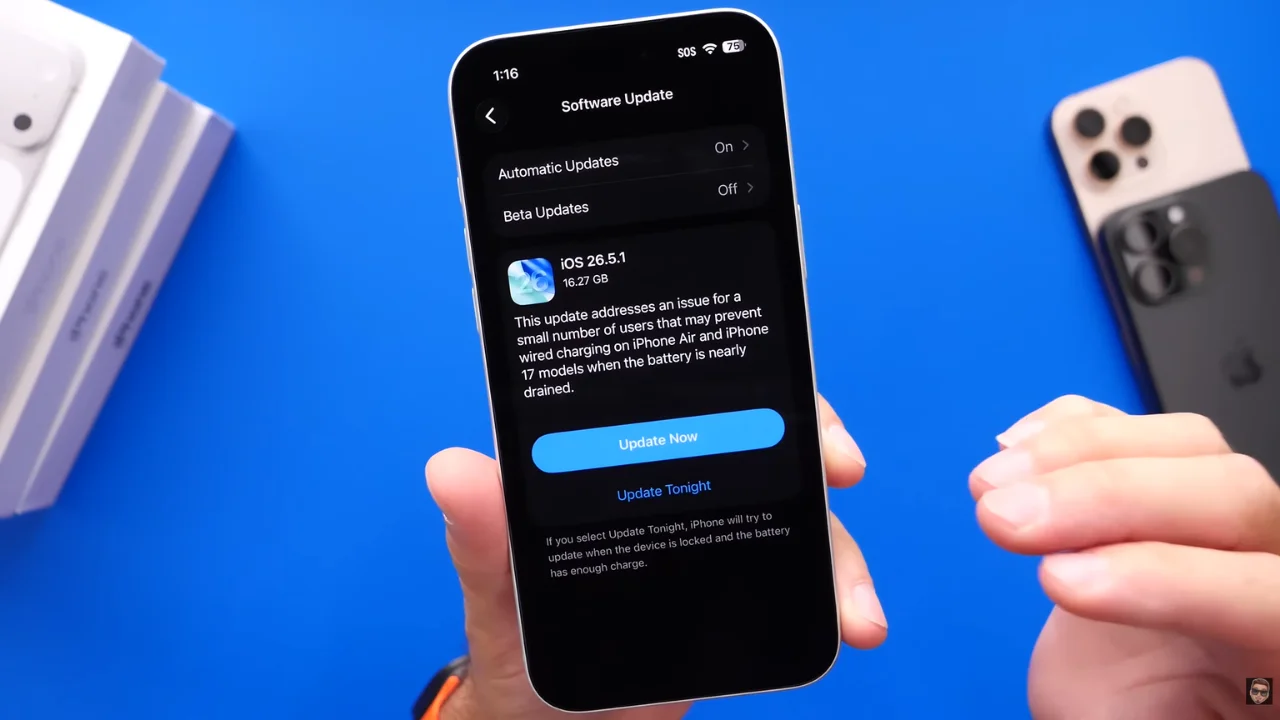

You should ensure that you never miss an important iPhone update again by changing a hidden setting after you’ve installed iOS 26.5.1.
Apple recently rolled out iOS 26.5.1 to the iPhone Air and iPhone 17 lineup, fixing a bug that could prevent wired charging when the battery was nearly drained.
But according to experts, updating your software isn’t quite the end of the process.
There are a few things people should check after installing the update, including one setting that many iPhone owners never think to look at.
The hidden setting iOS 26.5.1 users should check immediately
Apple released iOS 26.5.1 specifically for the iPhone Air and the iPhone 17 gadget lineup, including the Pro and Pro Max models.
The update addresses a bug that could stop wired charging from working when the battery was almost completely drained.
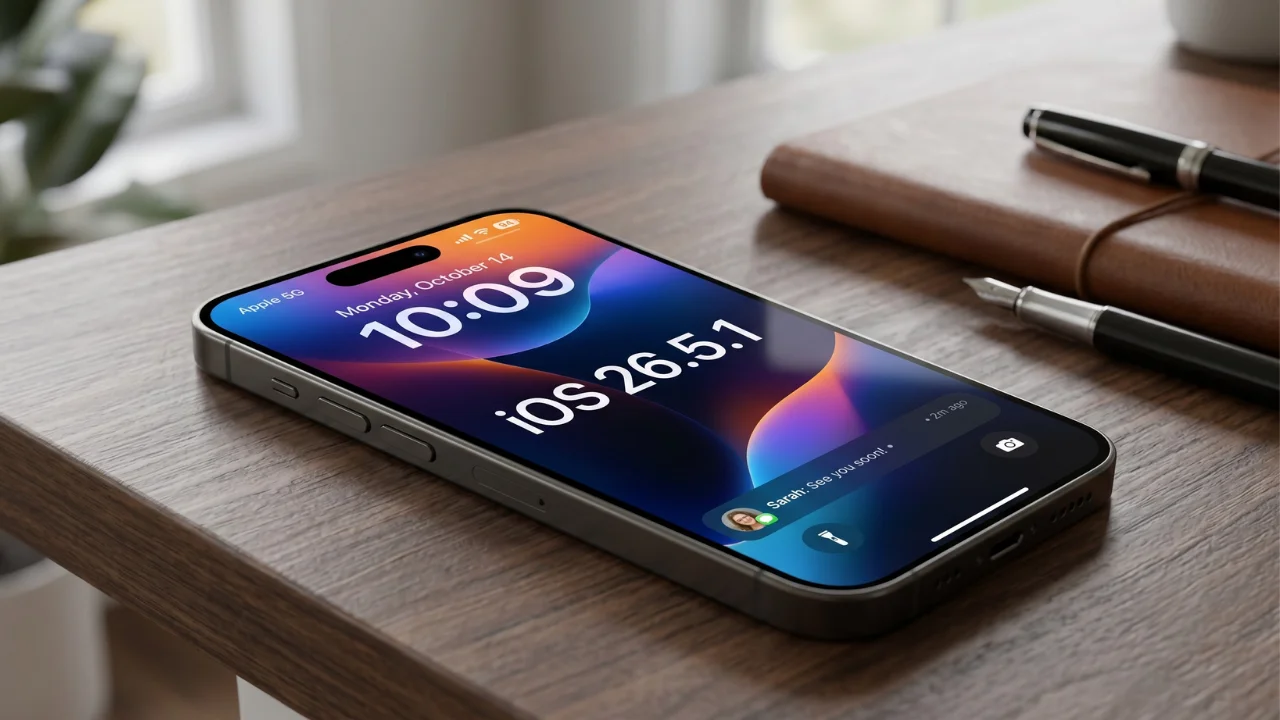
While that’s the headline fix, the YouTuber iDeviceHelp says users should also make sure Automatic Updates are enabled after installing the software.
It’s an easy setting to overlook, but turning it on ensures your iPhone automatically receives future security patches, bug fixes, and feature updates without you having to manually install them.
To find it, head to:
Settings > General > Software Update > Automatic Updates
Once there, make sure all available update options are switched on and it only takes a few seconds, but it could save you from missing important updates in the future.

There are a few other things you should do after updating
The Automatic Updates setting isn’t the only thing worth checking after installing iOS 26.5.1.
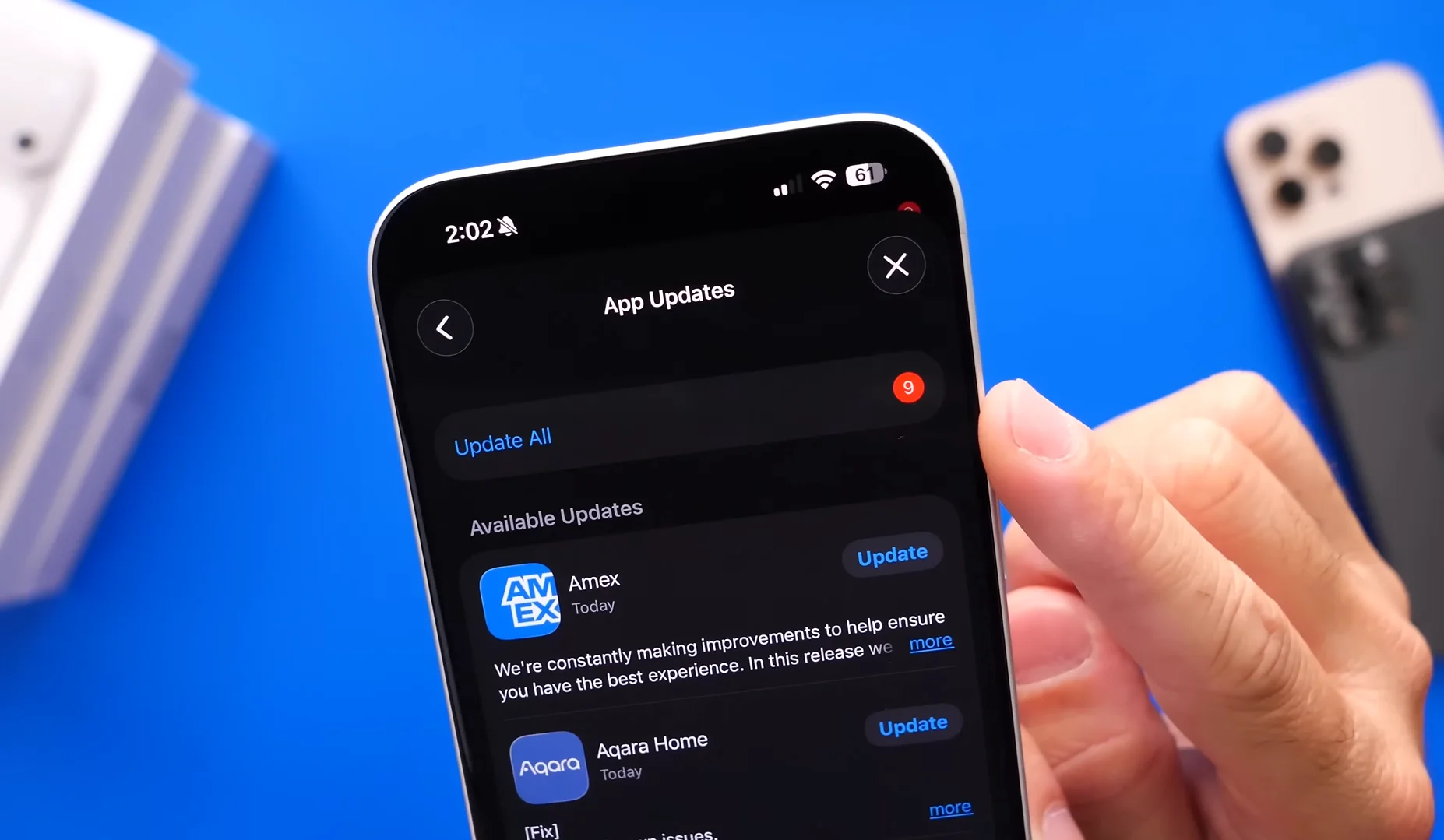
The YouTuber also recommended updating all of your apps through the App Store.
Developers frequently release updates to ensure their apps work correctly with the latest version of iOS, and outdated apps can sometimes cause crashes or unexpected issues.
Another useful step is checking for a carrier settings update. You can do this by heading to:
Settings > General > About
If a pop-up appears, install the update to improve network performance and compatibility with your mobile provider.

Anyone who downloaded iOS 26.5.1 because of the charging bug should also test their device with a wired charger to confirm everything is working as expected.
The update arrives just days before Apple’s Worldwide Developers Conference, where the company is expected to unveil iOS 27 and showcase the next generation of iPhone software.
So while iOS 26.5.1 may be a relatively tiny point one of an update, taking a few minutes to check this hidden setting could help keep your iPhone running smoothly until Apple’s next big release is here.