iOS 27 added a very low-key new feature to iPhones that you'll start using all the time when messaging without realizing

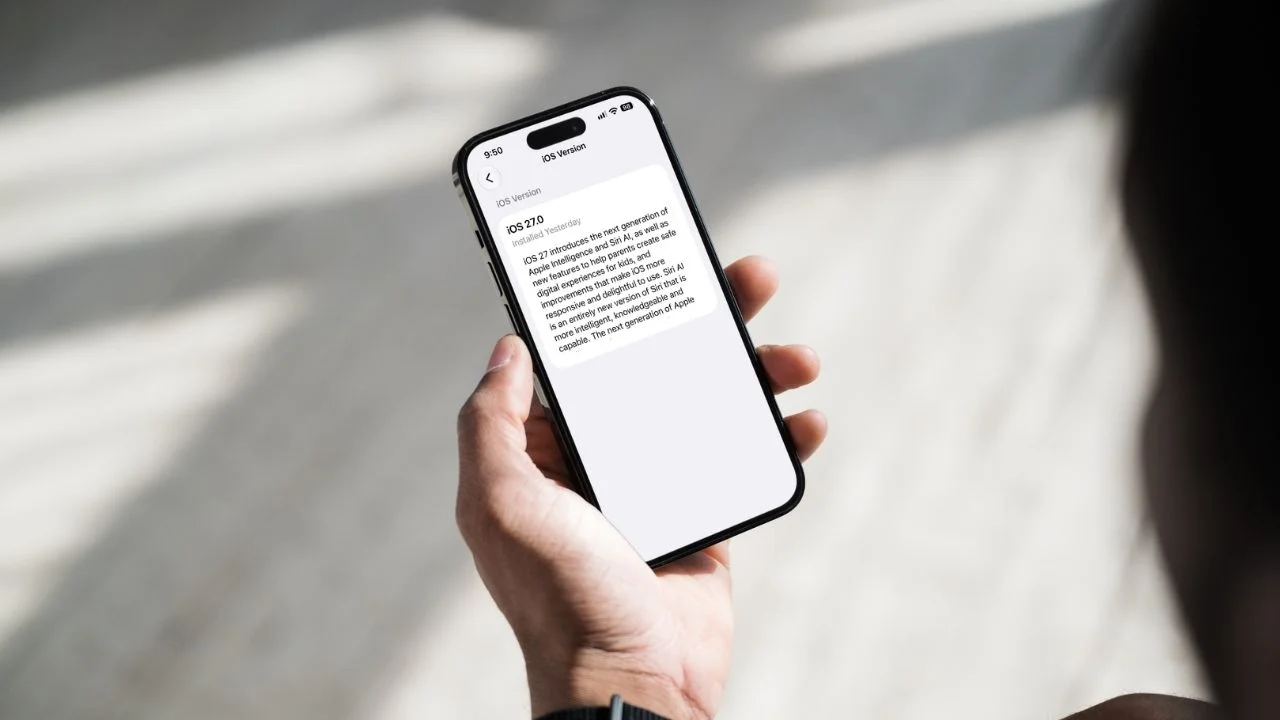

Apple packed iOS 27 with headline-grabbing changes like its new Siri AI, but some of the most useful additions are much easier to miss, but will make our lives with our iPhones easier.
One tiny change to the iPhone keyboard makes copying and pasting things into messages much quicker.
Once you start using it, you might wonder why Apple didn’t add it years ago.
Suddenly, long-pressing to paste feels so 2025.
Your iPhone now makes pasting much quicker because of iOS 27
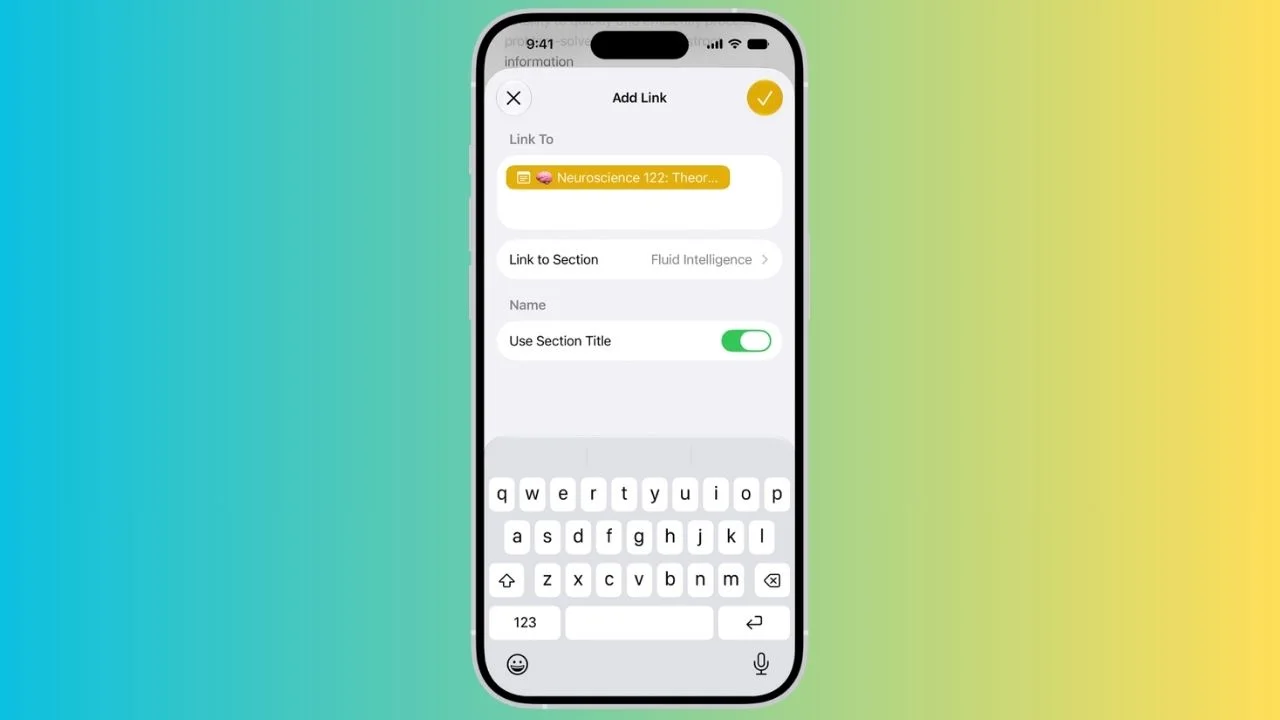
If you copy some text, a link, or a photo on your Apple gadget and then switch to another app, iOS 27 can now automatically put a paste shortcut above the keyboard.
So, for example, you could copy a restaurant’s website from Safari before opening Messages to send it to a friend.
Instead of pressing and holding in the iMessage box, waiting for the menu to appear, and then tapping ‘paste’, you’ll see an option above the keyboard that lets you paste it with one tap.

Related
Sending pictures has never been easier thanks to iOS 27
The shortcut also gives you a preview of what’s sitting on your clipboard, so you can see what you’re about to paste before tapping it.
For text, you’ll see a preview of the copied content, while copied images appear as a small thumbnail.
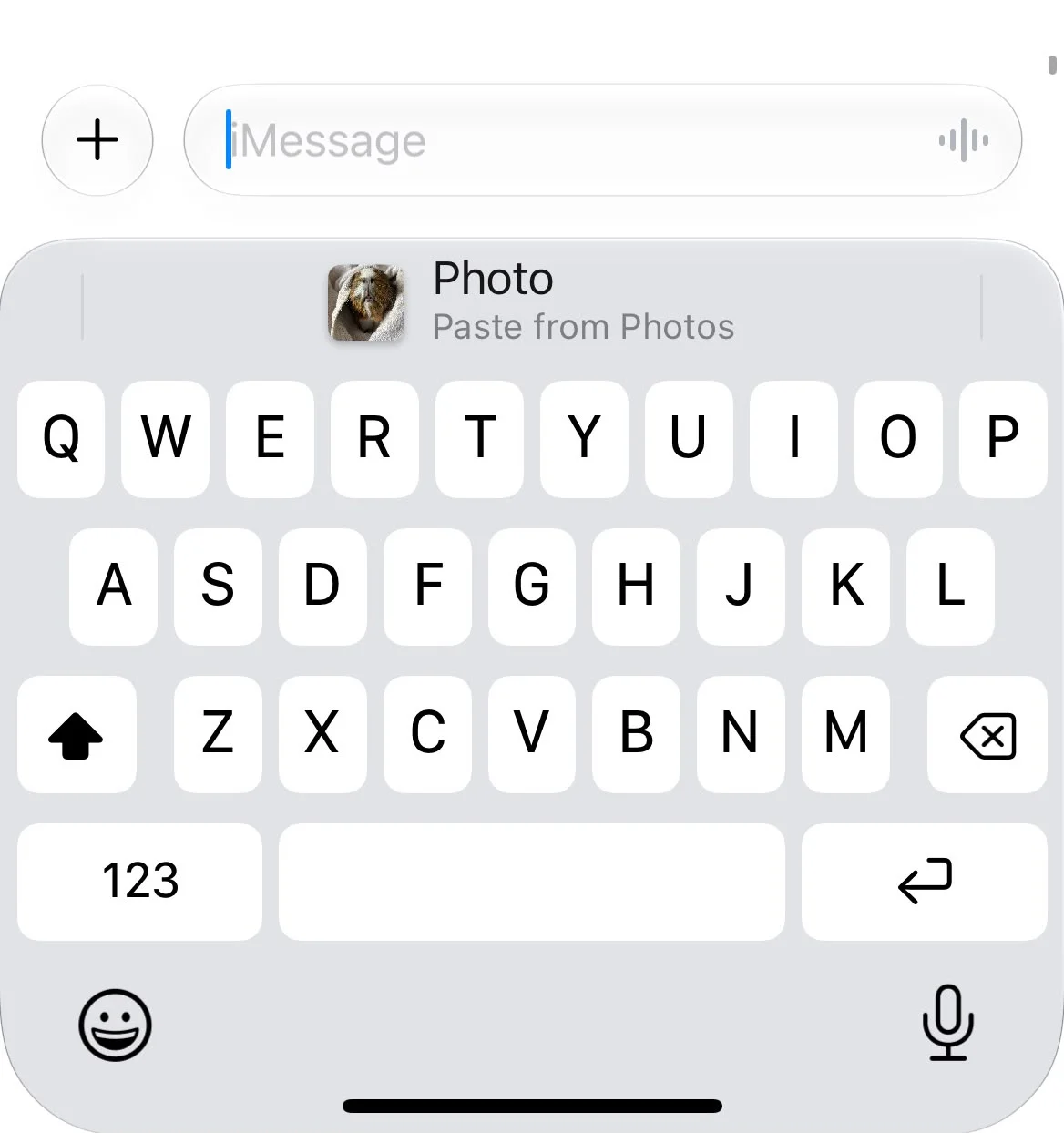
It’s the kind of feature you’ll probably stop noticing
The clever part is that you don’t have to do anything special to make the shortcut appear.
iOS 27 essentially recognizes that if you’ve just copied something and opened another text field, there’s a good chance you’re about to paste it, the keyboard then puts the relevant shortcut right where you need it.
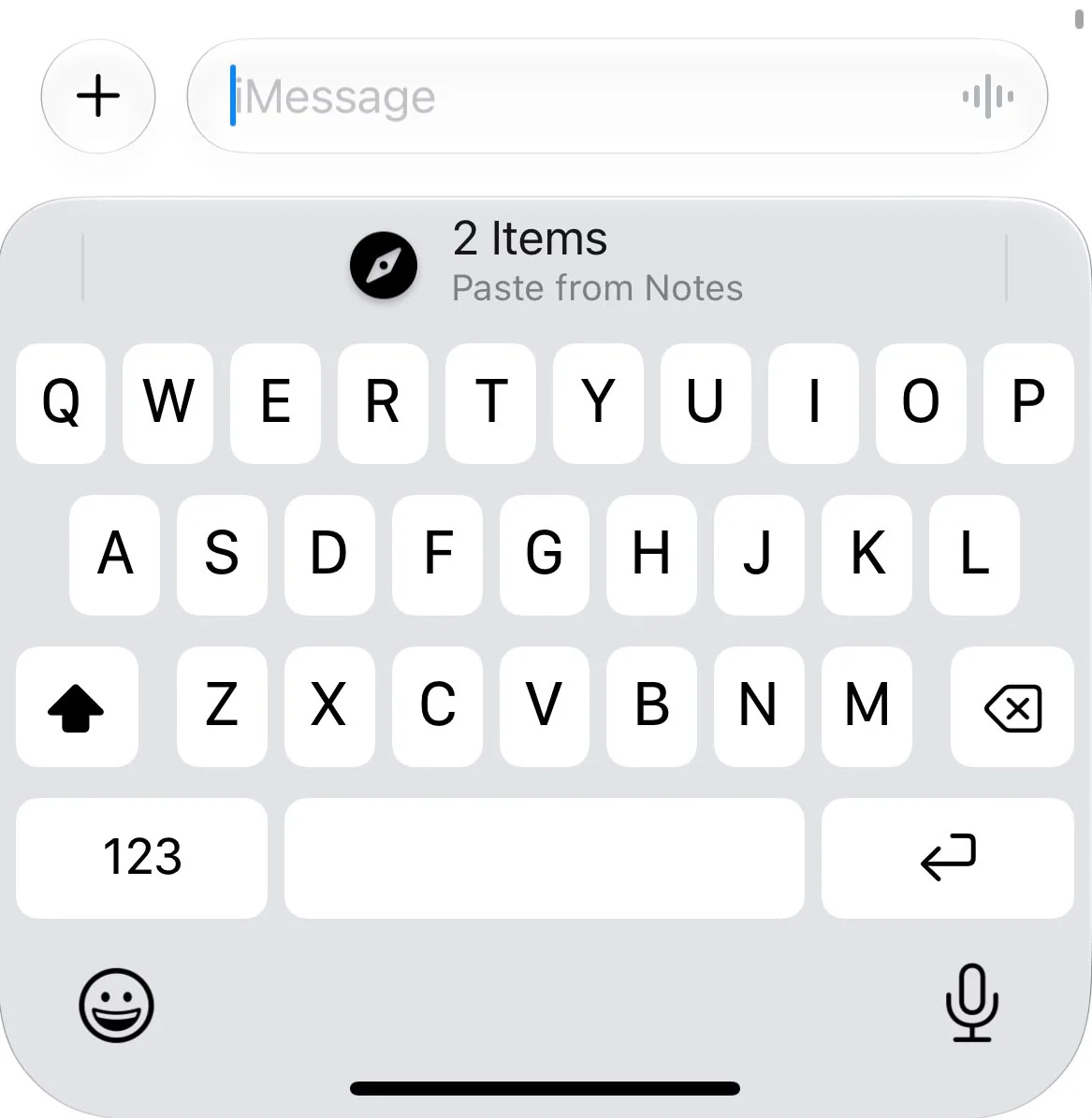

That makes it especially handy when messaging, whether you’re sending someone a link, sharing a photo or copying a piece of information from another app.
And because the feature is built into the iPhone keyboard, it isn’t limited to Messages, it can appear when you’re entering text in other apps too, making it useful for everything from Notes to search boxes.
It’s not exactly the sort of feature that gets people excited during an iOS launch, especially next to something as big as Apple’s redesigned Siri.
But these are often the changes that make the biggest difference to how we actually use our iPhones every day.
Once you’ve used the one-tap paste option a few times on your iPhones, going back to the old copy-and-paste routine could suddenly feel like a lot more work.