These are the 5 iPhone hacks that have genuinely made my day-to-day life easier


I blame my iPhone for a lot of things, but every now and then the world’s most infamous gadget surprises me by being genuinely helpful in ways that I couldn’t appreciate at the time.
There are a lot of articles out there with life hacks that show you how to maximize your iPhone’s potential, but sometimes setting them up and remembering to actually use them is another story.
Your phone should be making your life easier, and there are a few responsibilities that you can shift onto Apple’s sturdy shoulders without feeling out of control of your own life.
So, here is my non-exhaustive list of ways I’ve used my iPhone to make my life genuinely easier.
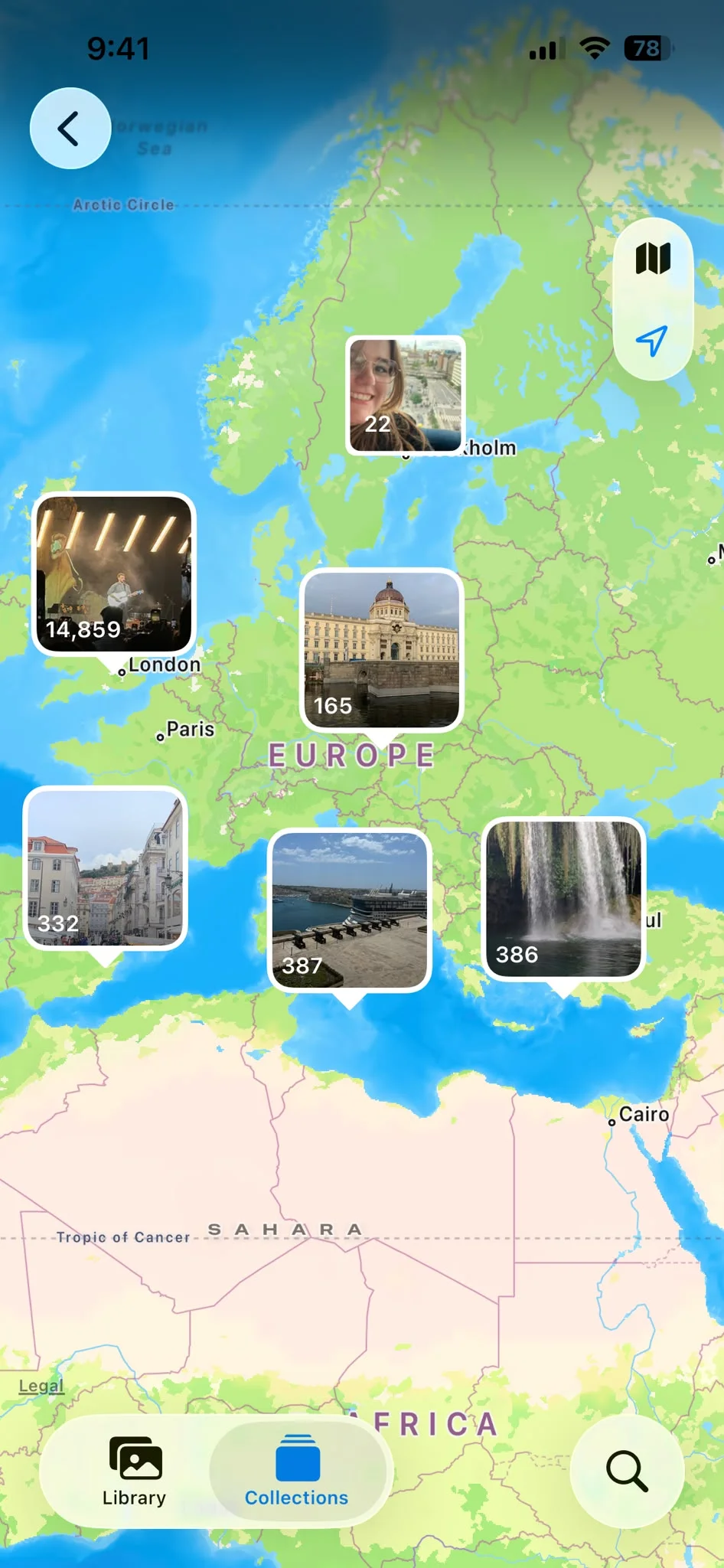
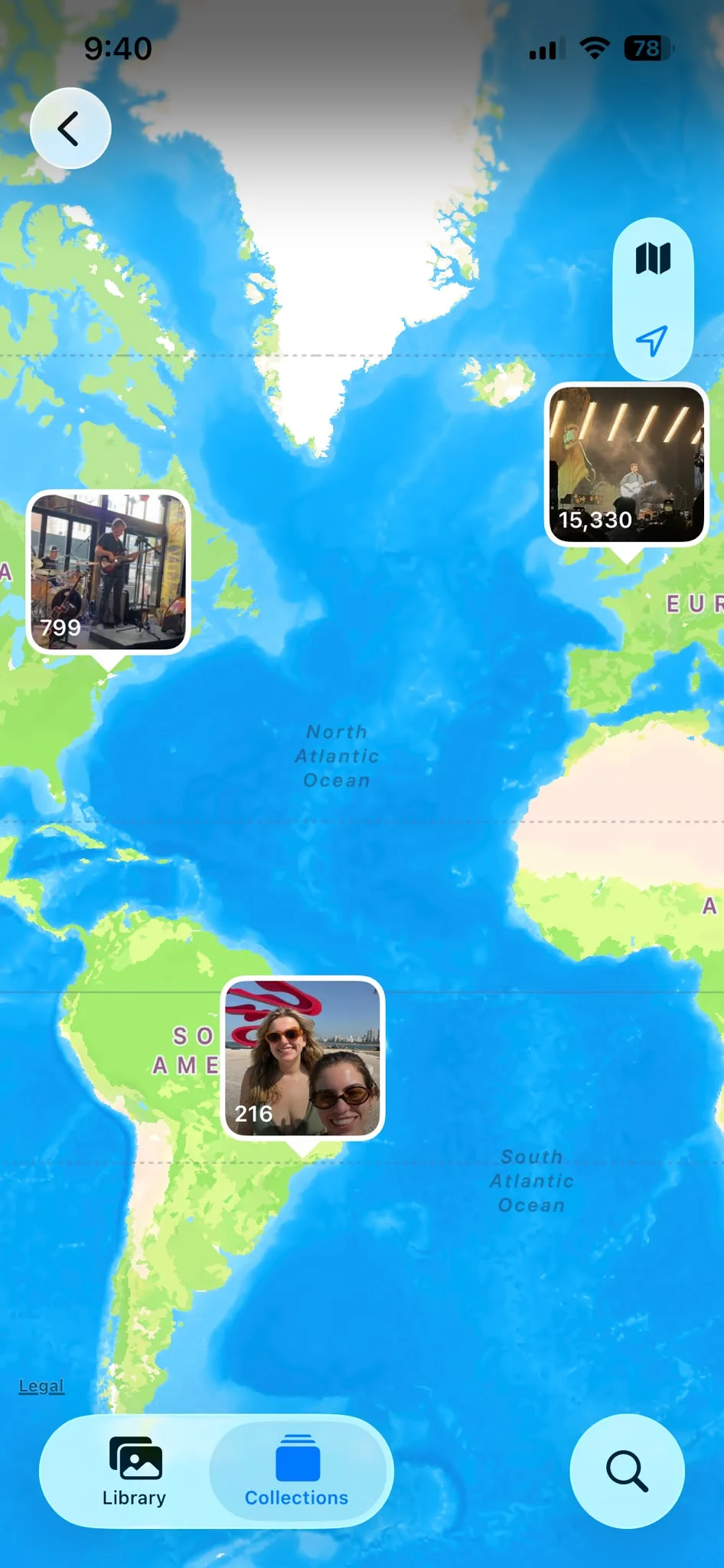
Hack 1: Apple Photos World Map
I find that it sometimes takes a few weeks (months) to get around to scrapbooking my travel memories, and sometimes when people ask you about your trips, you don’t have your scrapbook on hand to dazzle people.
Instead, I head to my Photos app and click on the world map, and it means I can quickly and easily head to my travel pictures based on location.
You can also flex on people about how worldly and well-travelled you are if you use this feature.
Hack 2: Search by object, species or even sound
You probably knew that in your photo library, you’re able to search by objects like ‘drink’ or even events like ‘wedding’.
I use this feature to search up the many, many pictures of different species of animals I have hidden away in my library.
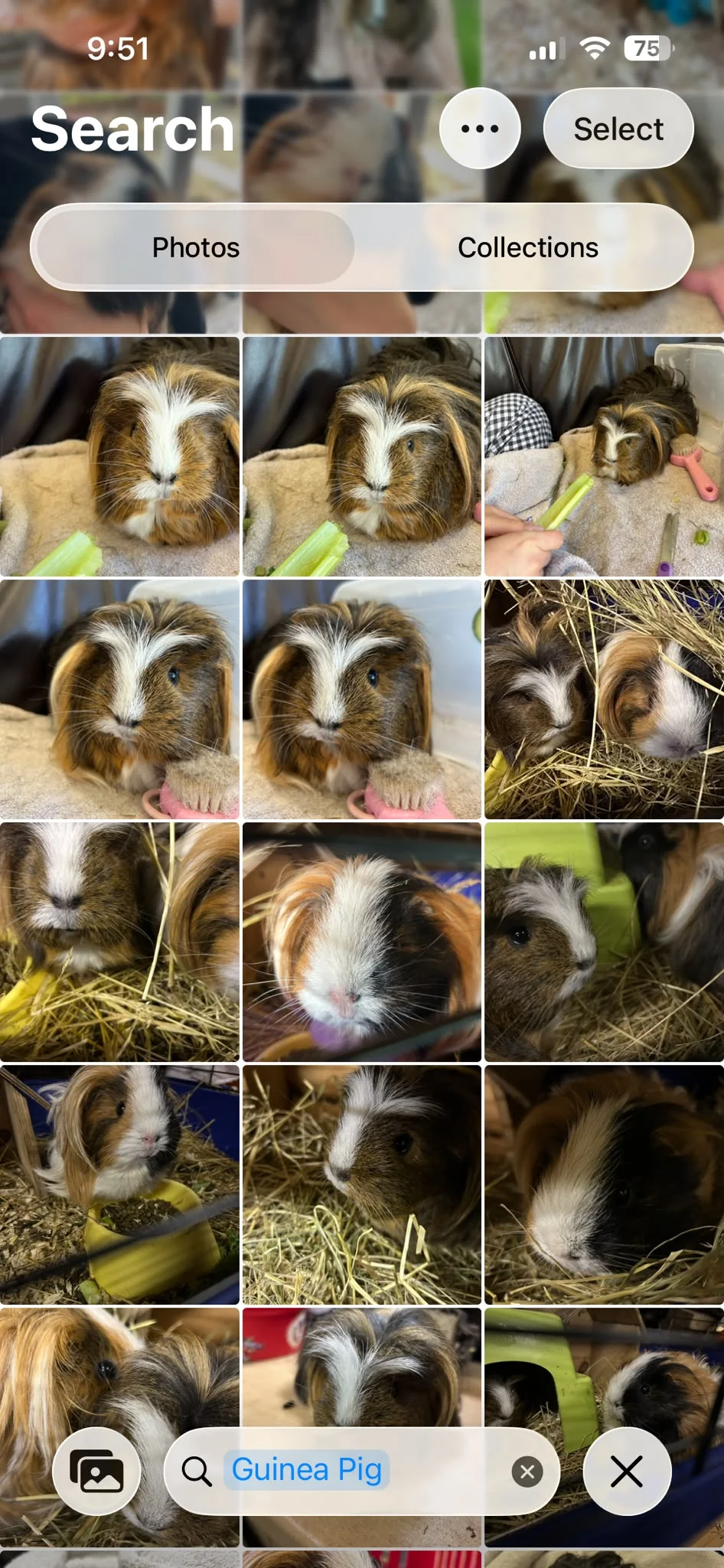
Apple Intelligence is pretty spot on with this, but did you know you can search for things like ‘laughing’ and Apple Intelligence will pull up all the videos with even the sound of laughing in the background?
It’s quite handy, and it can save you a lot of time – mostly.

Hack 3: Catch flights not feelings
If you’ve made the noble decision to go and pick someone up from the airport, it’s often hard to keep track of their flight without using multiple extra apps and swiping around a very busy Skyscanner homepage.
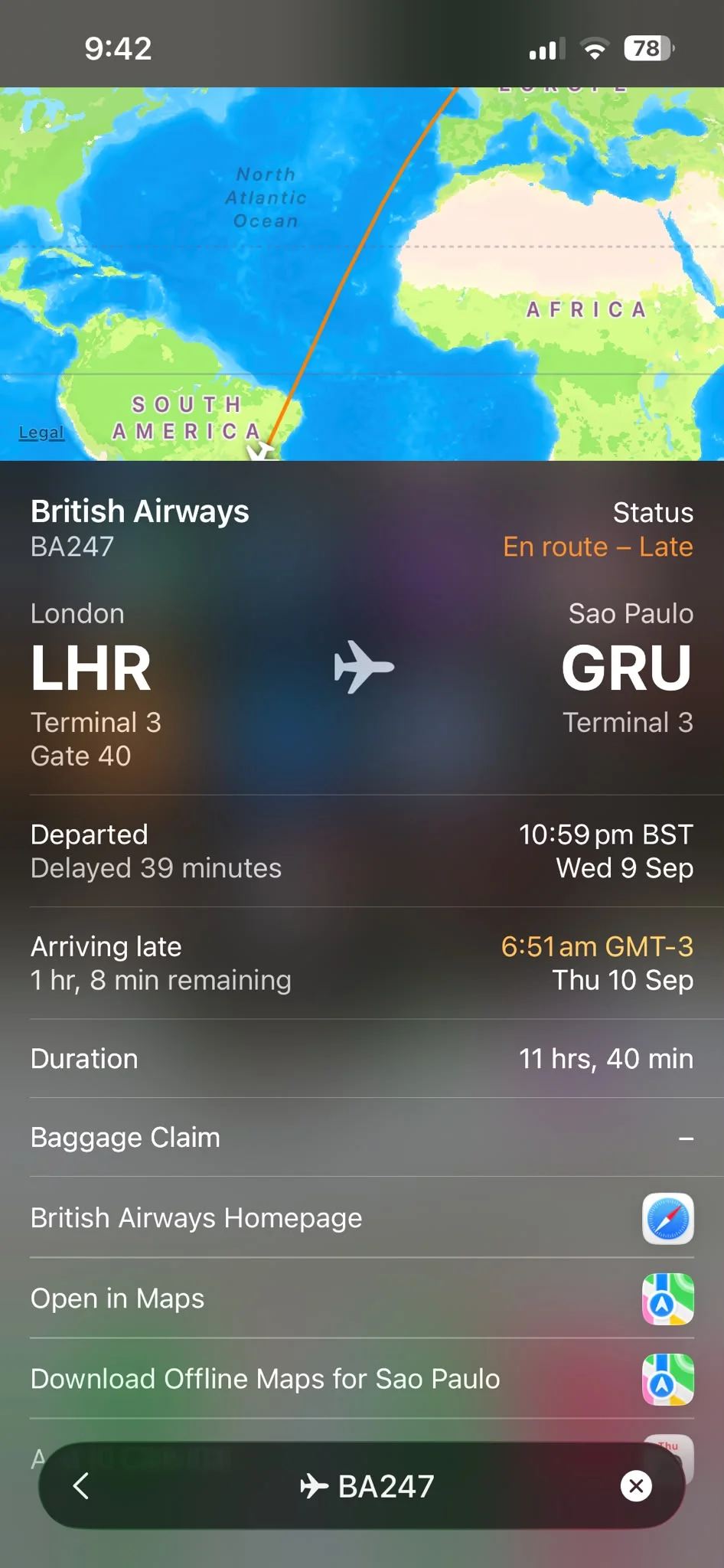
You can track your friend’s flight simply by asking for their flight number before they fly and then typing the simple 4-5 number code into Spotlight search.
It gives you live updates about their flights and even shows you on a map where they currently are in the sky, and it’s great because it requires a swipe and a type into a built-in feature on your phone, literally causing zero extra faff.
You can smugly turn up right on time and proudly wear the badge of best child/partner/sibling/friend for the whole day.
Hack 4: Become an iPhone champion
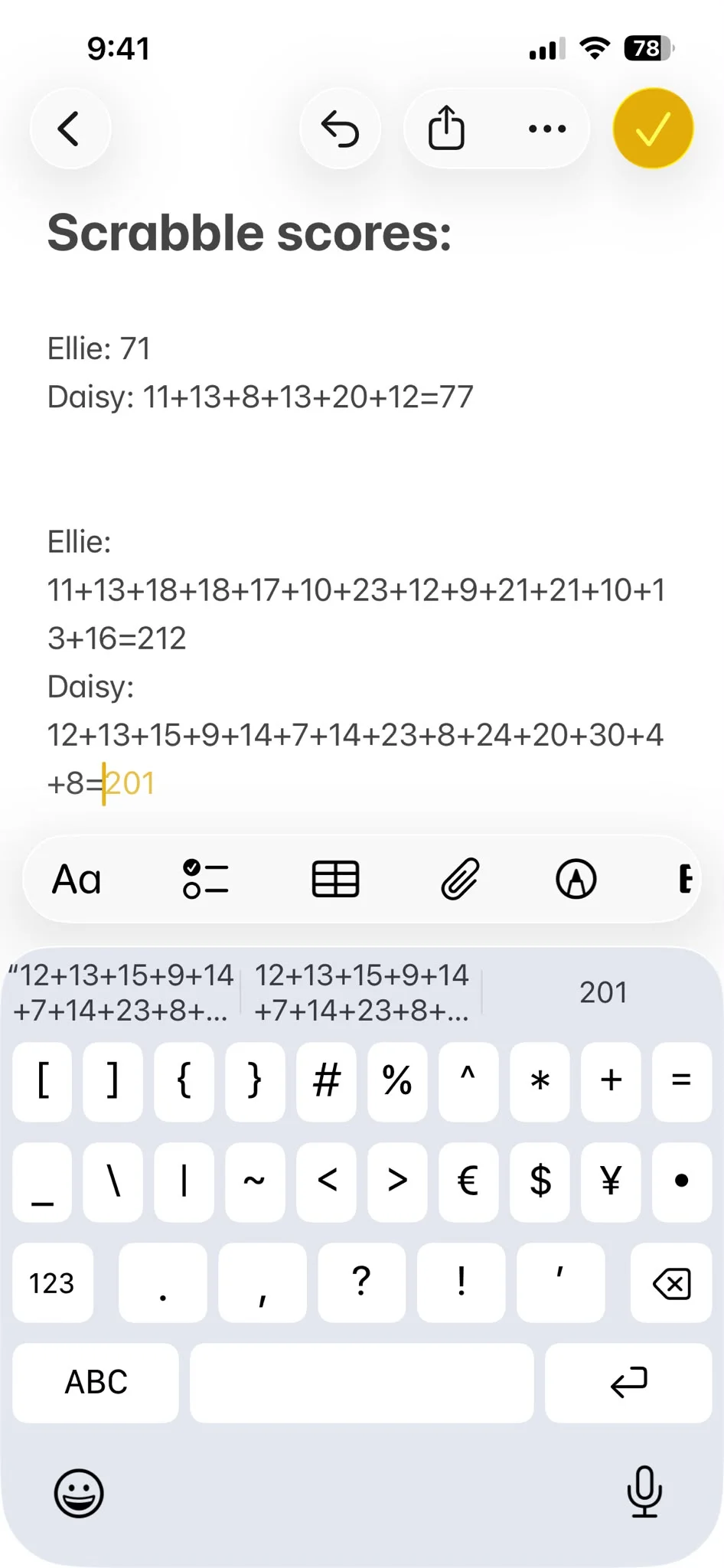
When I was taking part in a very dubiously policed game of Scrabble at the weekend against my best friend Ellie, we used my Notes App to make a note of our scores as we went along.
To my delight, the Notes App added all of our scores together after I wrote the ‘=’ sign without me needing to head to my (heavily used) calculator app.
This is very handy for the less mathematically inclined amongst us.
However, while it adds up your scores for you, it does not make you better at Scrabble.

Hack 5: An iPhone hack that doesn’t make you sick to your stomach
I have previously waxed lyrical about how much I love Apple’s Vehicle Motion Cues feature and how it’s the best solution by far to car sickness.
So many people don’t know that you have a built-in solution to one of the most annoying road-trip obstacles and it’s been sitting in your pocket this whole time.
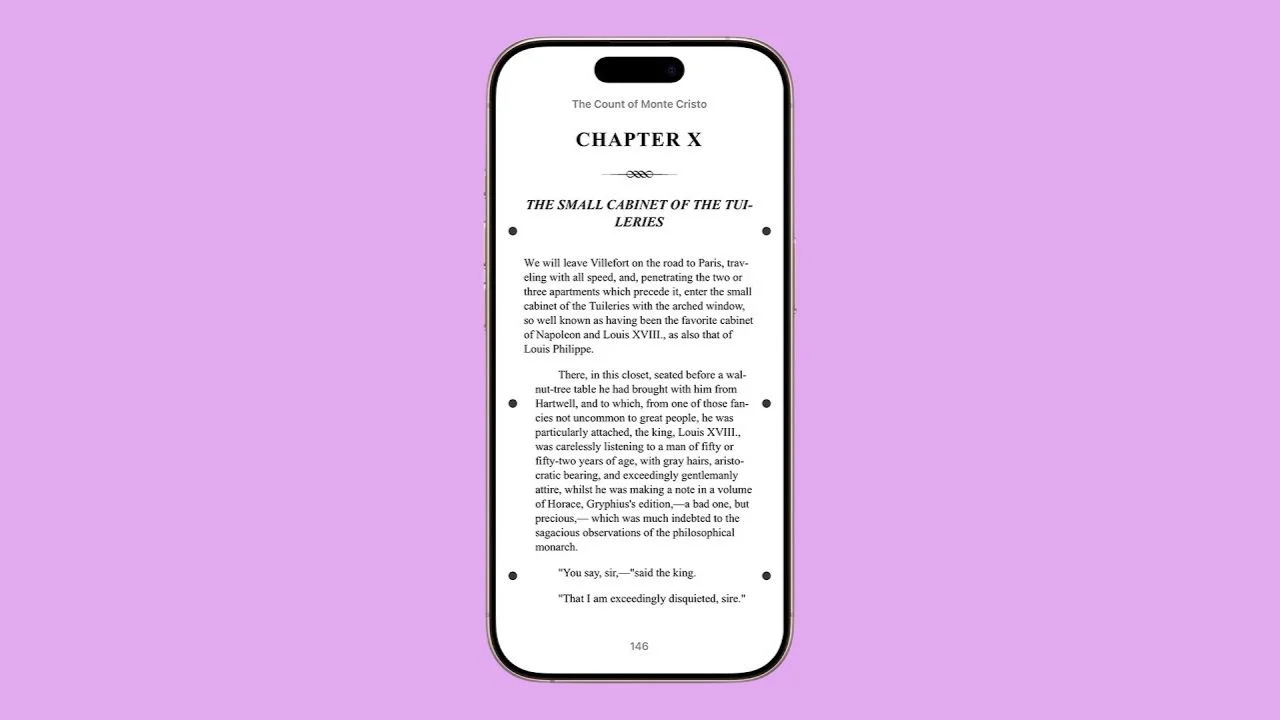
If you’re sick of looking out the window at fields and cows, pop on Apple’s Vehicle Motion Cues and you’ll be able to doomscroll with the normal amount of nausea, rather than any travel sickness-induced incidents.
Honorable mention: Stop losing your keys
This hack is only an honorable mention because you have to purchase separate hardware for it to work.
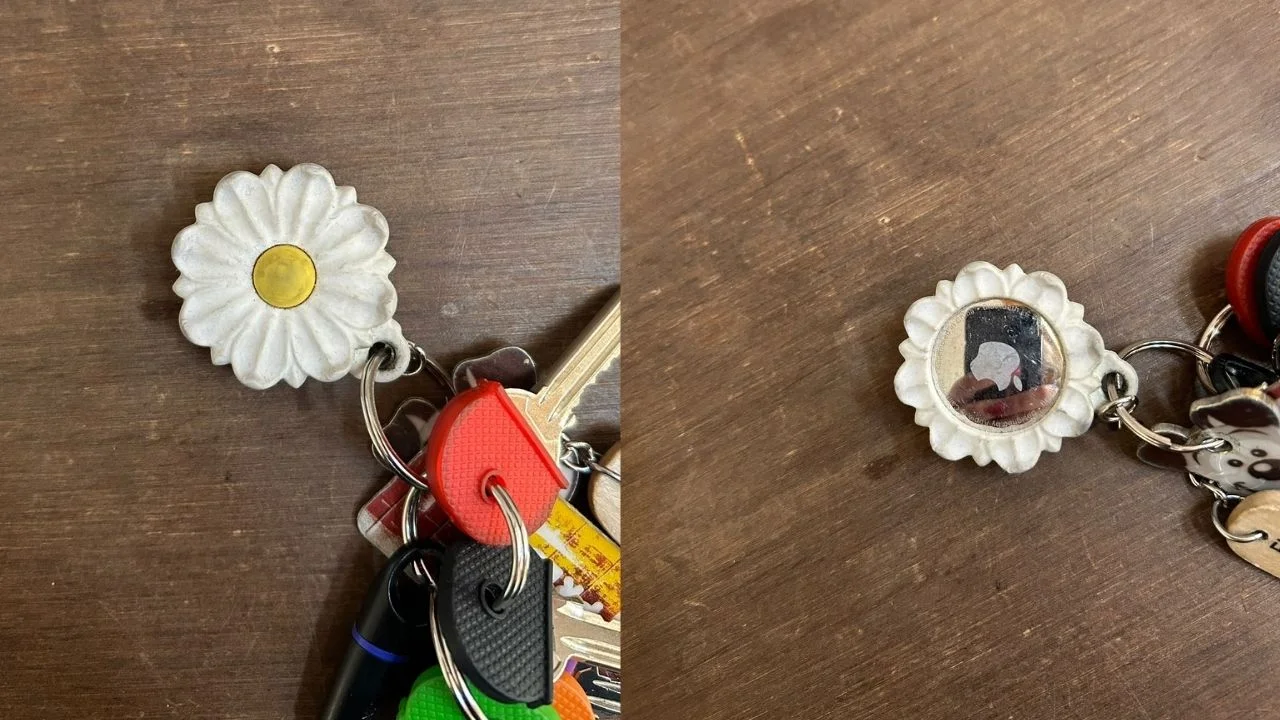
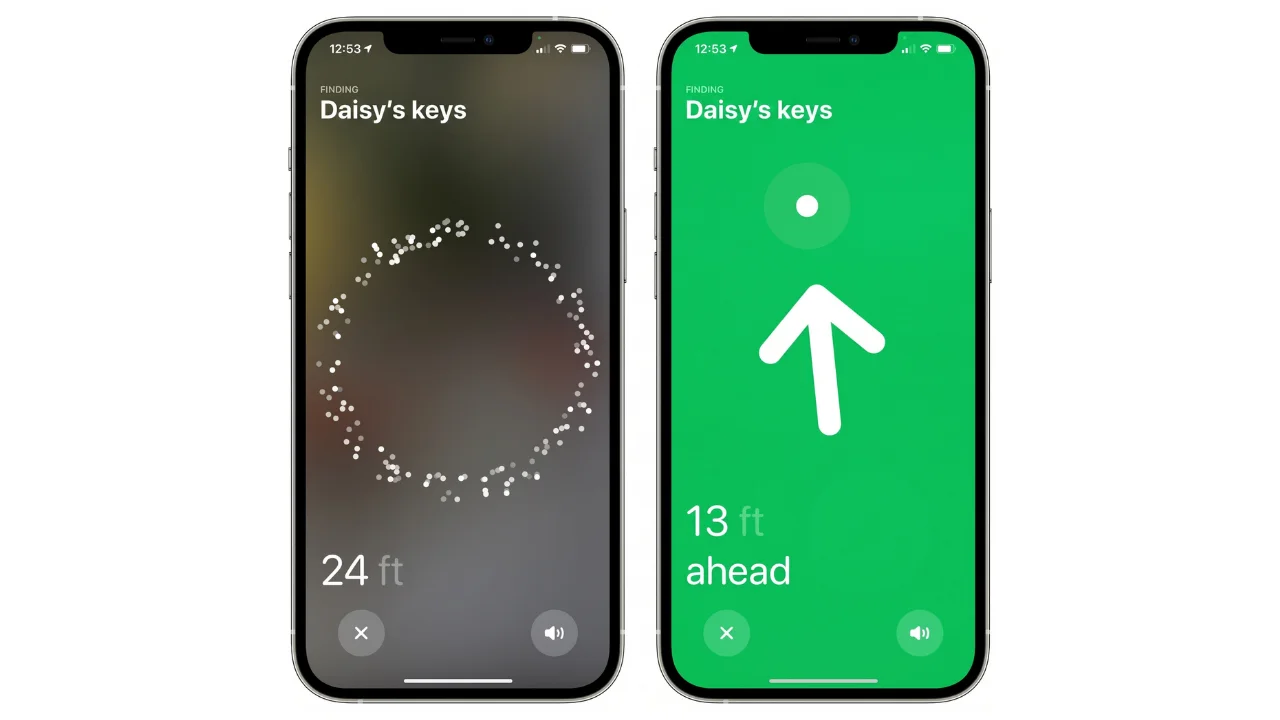
If you’re in the habit of ‘misplacing’ your keys as consistently as I am, then it might be time to consider an Apple AirTag; not only are they incredibly robust, but you can attach them to your keys in fetching daisy-shaped holders.
Lots of people know that you can locate your keys on the Find My iPhone Map, along with your MacBook, iPad, AirPods, and iPhone, but did you know that your iPhone can point you in the direction of where they’re hiding in your house?
You can also ‘ring your keys’ which is very helpful considering all the times I’ve frustratedly declared I wish I could do that.
While your keys are often exactly where you left them, it’s nice to know that Auntie Apple has your back.
So, there you have it, some of the life hacks that make my life easier.
If you already knew them, congratulations on being far more efficient than me.